Google Learn About

Google's conversational tutor for curious minds

Beginner
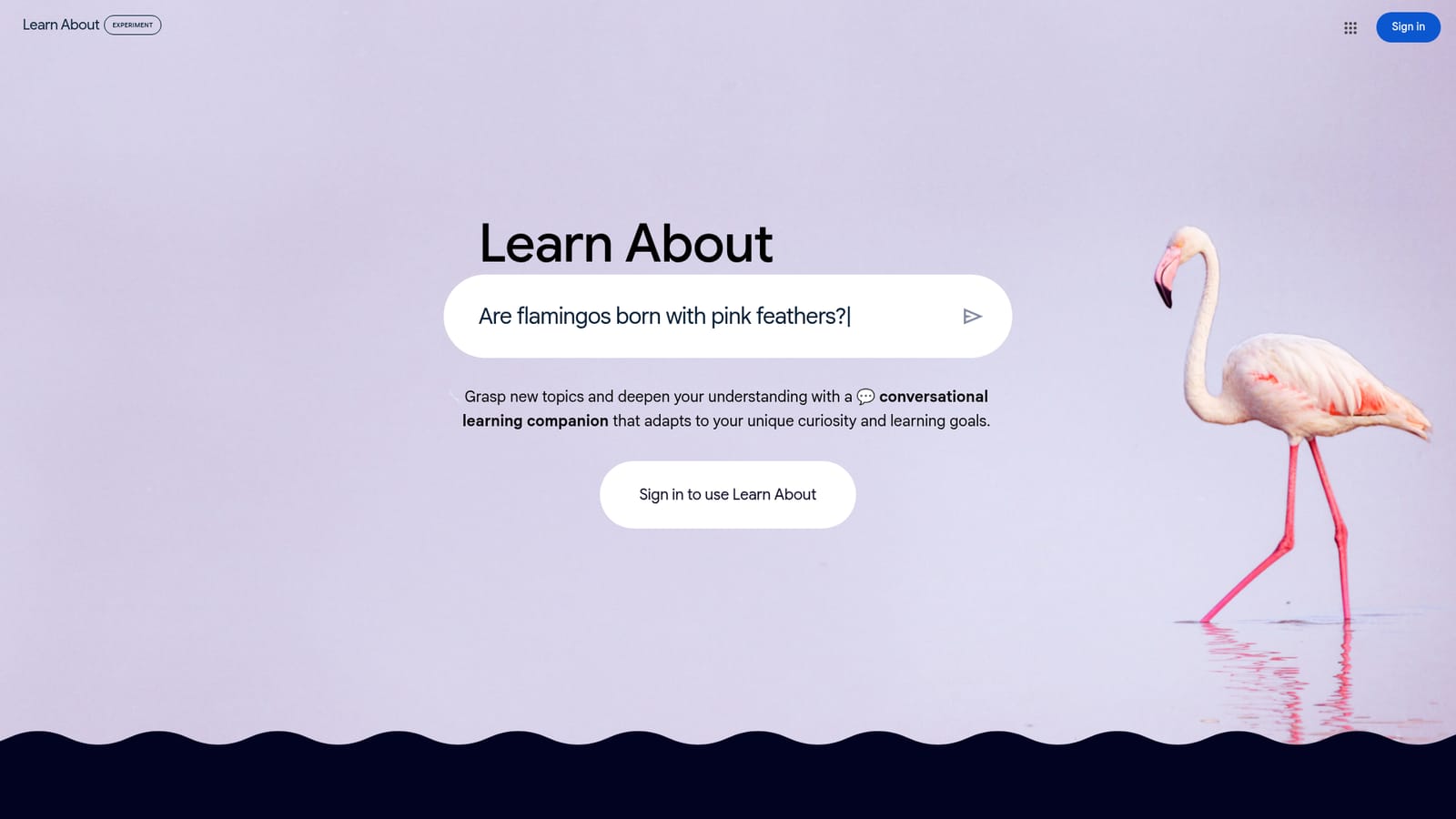
Screenshot of Google Learn About, Google's conversational tutor for curious minds

What is Google Learn About?

Google Learn About is a language learning tool. A Google experiment that turns questions, uploaded material and curated topics into guided, interactive explanations with quizzes, misconception checks and source material from around the web.

Learn About is a Google experiment built around a conversational learning companion. Rather than acting as a general purpose chatbot, it is tuned for study: you ask a question, and the tool responds with explanations, interactive guides and supplementary material aimed at building real comprehension. The scope is deliberately wide. The signup page shows sample prompts spanning history (how long people have cultivated bonsai), biology (why some sea creatures glow), astronomy (what causes the northern lights), home and life skills (which flowers attract pollinators) and sports (the biggest wave ever surfed). The pitch is that any topic, large or small, is fair game. In practice there are three ways in. You can type a question, upload your own material, or browse curated topics the tool surfaces. Answers are structured rather than dumped as a wall of text: the product builds interactive guides that walk through complex concepts step by step, and offers learning aids such as multiple choice questions and fact boxes that clear up common misconceptions. Inline controls let you simplify an explanation, go deeper on a subtopic, or pull in images. Results are grounded with context from the open web, so explanations arrive alongside images, videos and articles from relevant sources, including material from research organisations. The tool suits self directed learners, students working outside a syllabus, and anyone who wants a topic explained at whatever depth they choose. Because it runs entirely in a browser behind a Google sign in, there is nothing to install and no setup beyond authentication. The obvious comparison is a general assistant like ChatGPT or Gemini, which can answer questions but is not organised around pedagogical structure. Learn About trades breadth of tasks for a narrower focus on explanation, comprehension checks and curated source material. It is the kind of tool to reach for when the goal is understanding a subject rather than producing an output.

How do you use Google Learn About?

  1. 1Sign in with your Google account
    Learn About is gated behind Google authentication. Open the signup page, sign in, and the conversational interface loads.
    Google Learn About — Sign in with your Google account
  2. 2Pick a starting point
    Choose one of three entry routes: type a question of any size, upload material you want explained, or browse the curated topics shown on the landing page.
  3. 3Read the interactive guide
    Responses arrive as step by step guides rather than plain paragraphs. Work through the sections to follow how a complex concept is broken down.
  4. 4Use the learning aids
    Test yourself with the multiple choice questions and read the fact boxes that correct common misconceptions about the topic.
  5. 5Adjust depth and add media
    Use the inline options to simplify the explanation, go deeper into a subtopic, or pull in images and other media relevant to the subject.
  6. 6Follow the sources
    Each topic is supplemented with images, videos and articles from relevant sources. Open them to verify claims and extend the reading beyond the conversation.

Pros and cons

Pros

  • Explanations come as structured interactive guides rather than a single block of textAI
  • Built in learning aids such as multiple choice questions and misconception fact boxesAI
  • Supports uploads of your own material as well as free form questionsAI
  • Backs explanations with images, videos and articles from relevant external sourcesAI
  • Inline controls let you simplify a topic or go deeper without rewriting the promptAI

Cons

  • Requires a Google account sign in, so it cannot be used anonymouslyAI
  • Presented as a Google experiment, which usually means no guarantee of long term availabilityAI
  • The signup page gives no detail on limits, data handling or model behind the answersAI
  • Focused on explanation and study, so it is a poor fit for producing documents or creative outputAI
  • No stated pricing, export options or classroom management tooling on the source pageAI

How much does Google Learn About cost?

Features

Conversational learning companion that answers questions on any topic, accepts uploaded material and offers curated topics to explore. Responses take the form of interactive guides, supported by learning aids such as multiple choice questions and misconception fact boxes. Inline controls simplify an explanation, dig deeper, or add images, and explanations are enriched with images, videos and articles from relevant sources.

Frequently asked questions about Google Learn About

  • How do you use Google Learn About?
    The walkthrough on this page covers 6 steps: 1. Sign in with your Google account 2. Pick a starting point 3. Read the interactive guide 4. Use the learning aids 5. Adjust depth and add media 6. Follow the sources.
  • What platforms does Google Learn About support?
    Google Learn About is available on Web App.
  • What are the limitations of Google Learn About?
    Requires a Google account sign in, so it cannot be used anonymously. Presented as a Google experiment, which usually means no guarantee of long term availability. The signup page gives no detail on limits, data handling or model behind the answers.

Status

StatusActive
Views0
Outbound clicks0
Added10/21/2026

Platforms

Web App

Pricing

Free