Pricing
The GPT4All desktop application is presented as a free download for macOS, Windows and Ubuntu. The only paid pricing on the homepage is for separate Nomic products (Individual Plans start at $20/month), not for GPT4All itself.
Learn moreRun open-source language models locally, with no cloud in the loop

GPT4All is an AI chat bot tool. A free desktop chatbot from Nomic that runs open-source language models and local document chat entirely on macOS, Windows or Linux, with no cloud dependency and access to thousands of models.
GPT4All is a desktop chatbot from Nomic that runs open-source language models directly on your own hardware. Download the installer for macOS, Windows (including ARM builds) or Ubuntu, pick a model, and start a conversation. Because inference happens on the machine rather than a remote server, prompts and documents do not leave the device. That single design choice is the product's whole pitch: private, high-performance AI with no cloud required. The stated audience is developers, teams and AI power-users rather than casual chat users. The homepage promises full customization, access to thousands of models, and LocalDocs, a feature for chatting with your own documents stored locally. That combination puts GPT4All closer to a local model workbench than to a hosted assistant: you supply the compute, choose the weights, and control how the assistant behaves. Anyone who has struggled with rate limits, per-token bills or data policies on hosted chat services is the obvious fit. In practice the workflow is a download and a model selection. The installer targets the three desktop operating systems, and once running, the app serves as the interface for chatting, loading documents into LocalDocs, and adjusting the setup around the chosen model. Hardware matters: performance depends on the machine, not on a vendor's datacenter, so older laptops will feel the limits of larger models. GPT4All sits in the local-first corner of the chat market, next to tools such as Ollama and LM Studio. Its differentiator is the packaged desktop experience plus document chat from a single installer. The trade-off is that it is a desktop application only, with no web app or mobile client mentioned, and the surrounding Nomic platform is a separate commercial product aimed at enterprise knowledge workflows. Buyers who need team administration or managed hosting should look at that platform rather than the free desktop client.
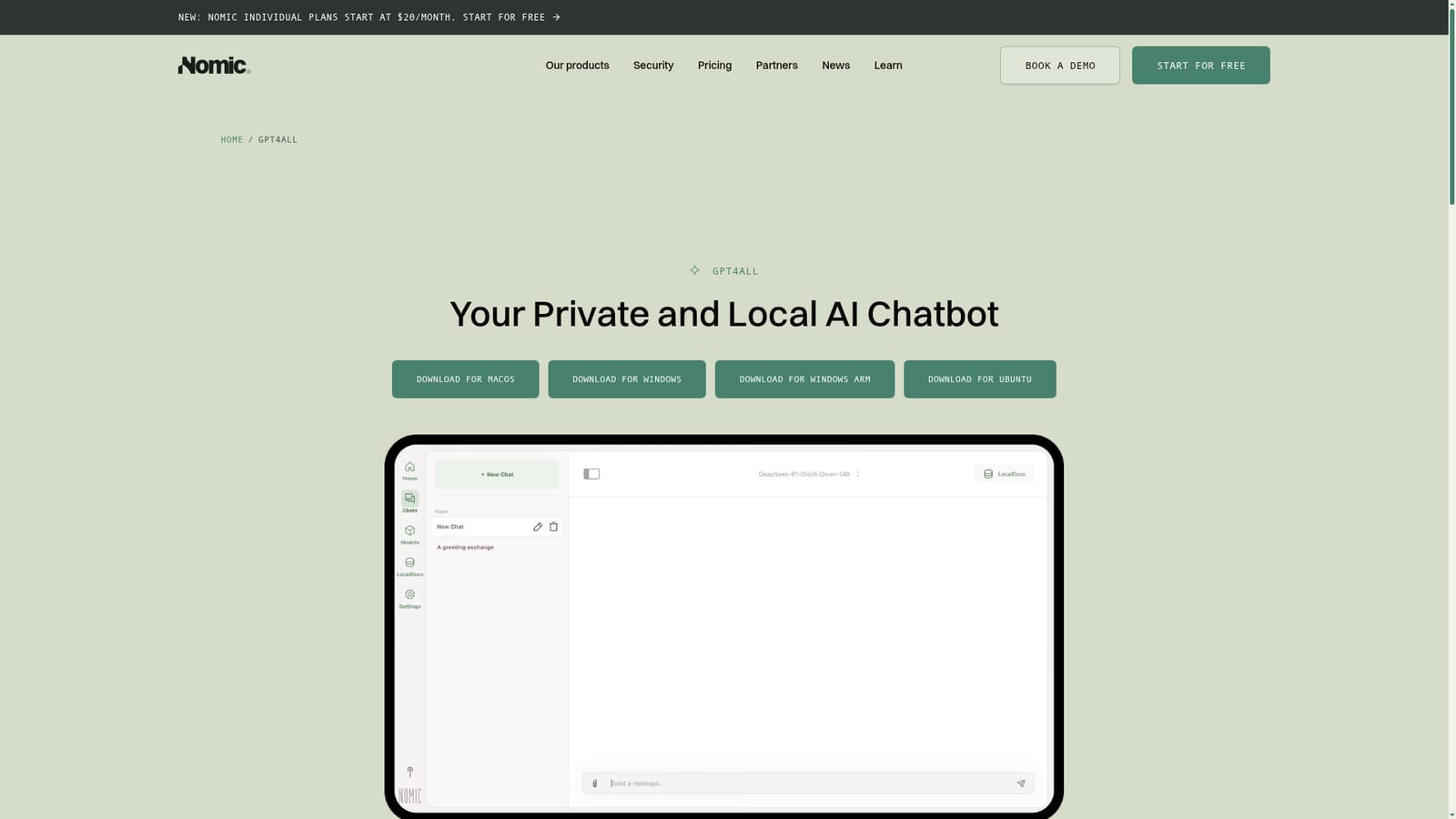
The GPT4All desktop application is presented as a free download for macOS, Windows and Ubuntu. The only paid pricing on the homepage is for separate Nomic products (Individual Plans start at $20/month), not for GPT4All itself.
Learn moreNomic offers documentation, recorded tutorials through Nomic University and monthly live Office Hours, though these resources are described around the Nomic platform rather than the GPT4All desktop client.
Learn moreLocal chat with open-source language models on Windows, macOS and Linux, with no cloud requirement. LocalDocs adds chat over your own documents, and the app supports thousands of models with full customization for power-users.
 AI Angels400+ customizable AI girlfriends for NSFW chat, voice calls, and roleplay
 Candy AIExperience the future of companionship with AI friends who chat, role-play, and connect with you on a human level.
 ourdream.aiA vast AI roleplay platform with millions of characters for chat, images, video and voiceAI Angels400+ customizable AI girlfriends for NSFW chat, voice calls, and roleplayCandy AIExperience the future of companionship with AI friends who chat, role-play, and connect with you on a human level.ourdream.aiA vast AI roleplay platform with millions of characters for chat, images, video and voice


