Free trial
A free start is advertised with no credit card details mentioned, and cancellation is allowed at any time.
Learn moreAI support chatbot trained on your website content in minutes.

GPTHelp builds a website support chatbot by crawling your site and training on its content, with design, behaviour and conversation monitoring controls. Best for teams that want fast first-line support answers without hand-writing FAQs.
GPTHelp is a chatbot builder aimed at businesses that want automated customer support on their website without writing FAQ entries by hand. The core promise is simple: point the tool at a website address and it crawls the pages, trains a chatbot on that content, and starts answering visitor questions. The homepage positions this as an alternative to manually assembling knowledge bases, which is the usual bottleneck for small teams setting up self-service support. Setup runs in three stated phases: enter the site address, let the crawler fetch the pages, then let training complete. From there the product splits into three configuration areas. Design controls cover the widget itself (colors, size, icons). Behaviour settings let you name the bot, assign it a role, pick an attitude, and define when a conversation should be handed to a human along with what details to collect from the visitor. Conversations are the third area: a dashboard shows chat history, allows an agent to take over a live thread, and lets you edit the AI's answers after the fact. The natural audience is small and mid-sized companies, SaaS sites, and support teams that already have decent public documentation and want a first-line bot to deflect repetitive questions. Because training is grounded in site content, the tool is only as good as that content: thin or outdated pages will produce thin or outdated answers. The human handoff and answer editing features suggest the product expects supervision rather than full autonomy, even though the marketing leans on full automation. Among website chatbot tools, GPTHelp competes on speed of setup and low configuration effort rather than deep integrations or workflow building. There is no mention of connecting helpdesk software, CRMs, or messaging channels beyond the website widget, so teams needing ticket creation or multi-channel deployment should check that before committing. Pricing tiers are not spelled out on the homepage beyond a free start and the ability to cancel anytime.
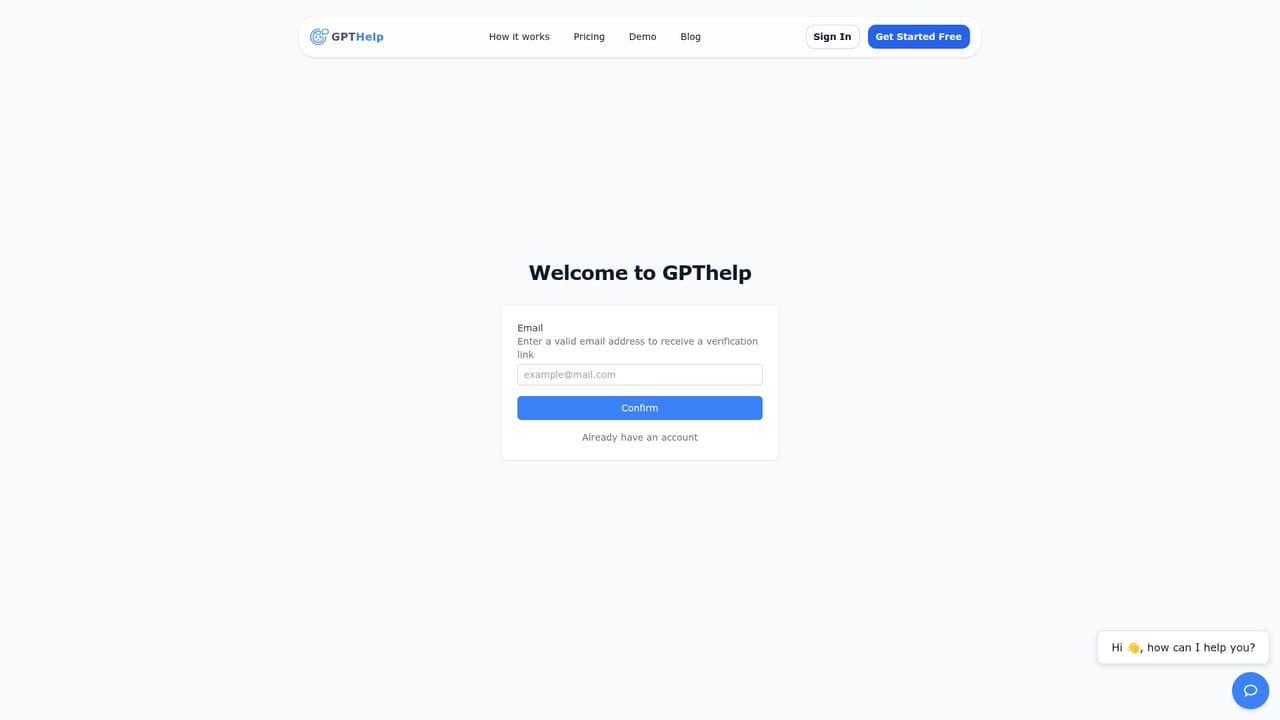
A free start is advertised with no credit card details mentioned, and cancellation is allowed at any time.
Learn moreThe homepage offers a free start and states that you can cancel anytime, but it does not publish tier names, prices or usage limits.
Learn moreAutomatic crawling and training on your website content, widget design controls (colors, size, icons), AI behaviour settings (name, role, attitude, human escalation rules, data collection), and a conversation dashboard with chat history, live takeover and answer editing.
 AI Angels400+ customizable AI girlfriends for NSFW chat, voice calls, and roleplay
 Candy AIExperience the future of companionship with AI friends who chat, role-play, and connect with you on a human level.
 ourdream.aiA vast AI roleplay platform with millions of characters for chat, images, video and voiceAI Angels400+ customizable AI girlfriends for NSFW chat, voice calls, and roleplayCandy AIExperience the future of companionship with AI friends who chat, role-play, and connect with you on a human level.ourdream.aiA vast AI roleplay platform with millions of characters for chat, images, video and voice


