Free trial
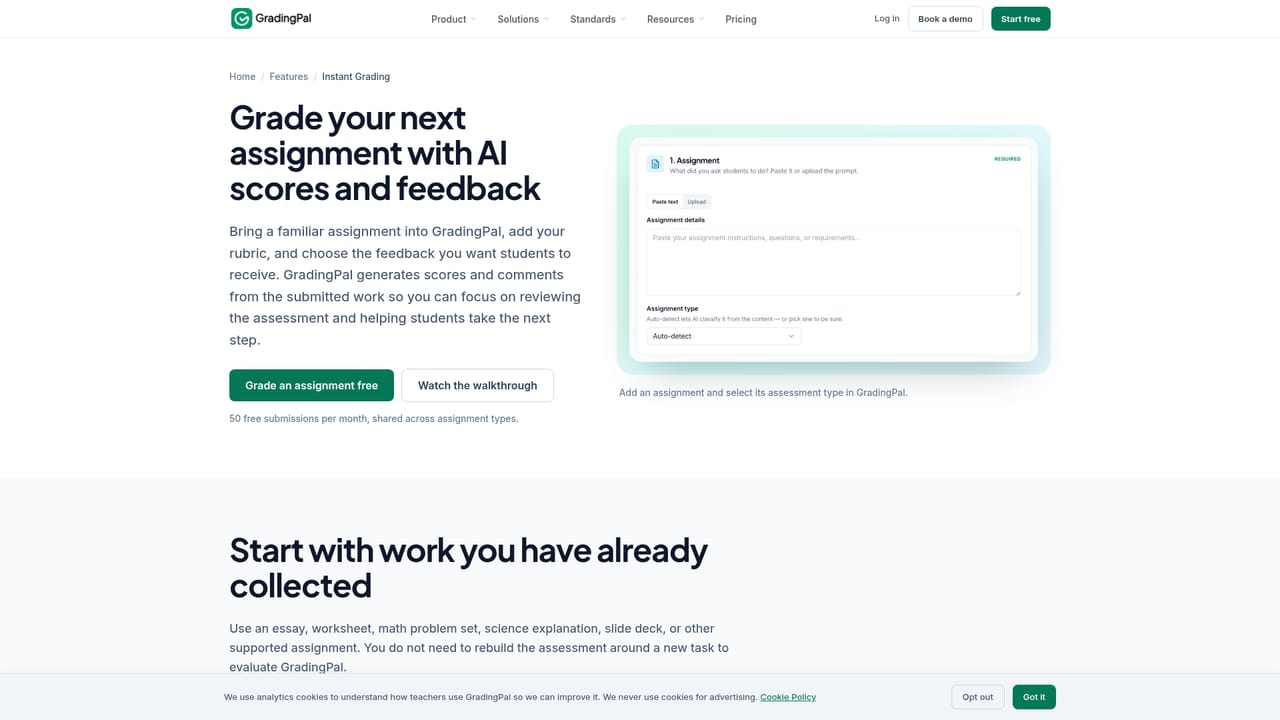
A free tier is offered with 50 submissions per month and no credit card required, which is enough to grade real assignments before deciding on a paid plan.
Learn moreAI grading that reads handwritten work and explains every score

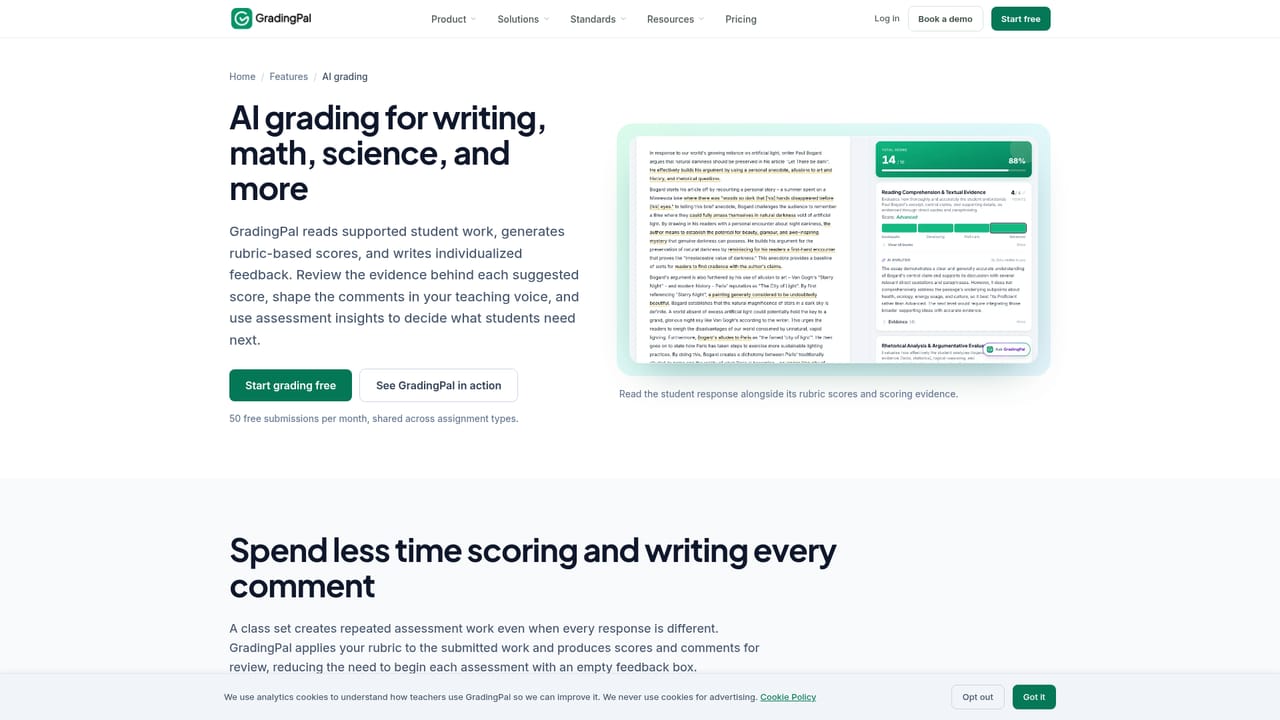
GradingPal is an AP history grader tool. GradingPal grades essays, handwritten math, science work, slides, and recorded presentations against teacher rubrics, returns reviewable scores and individual feedback, and tracks standards mastery to show what to reteach.
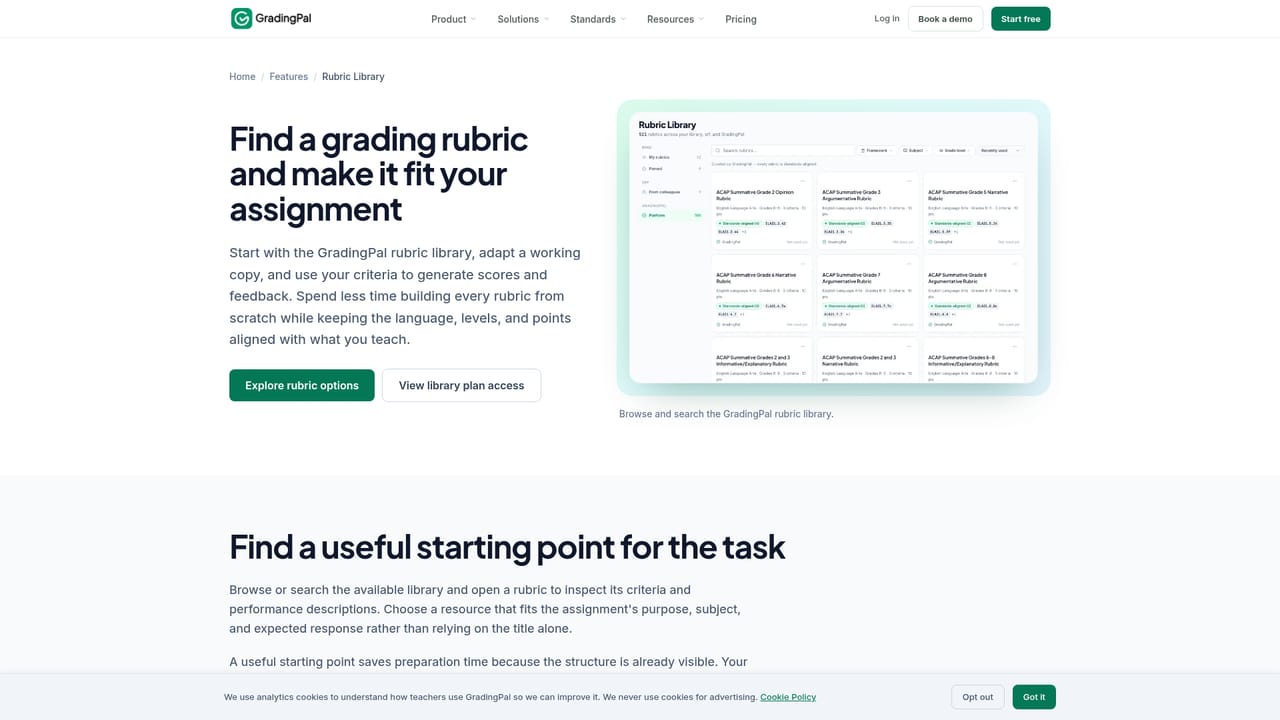
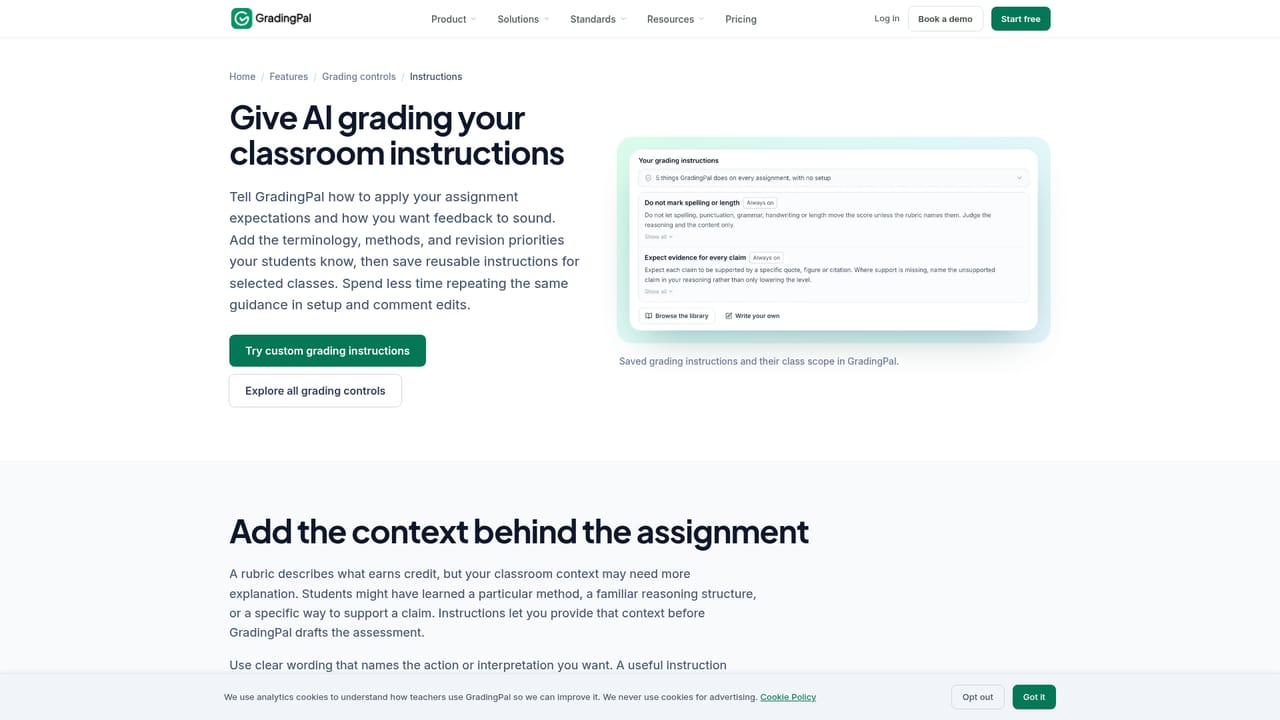
GradingPal is an AI grading workspace built for teachers who need to move through class sets of student work without writing every comment from scratch. It reads essays, worksheets, exams, problem sets, lab reports, slide decks, and recorded presentations, then assesses each submission against a rubric the teacher supplies or adapts from a built-in library. Scores arrive with explanations, and the teacher reviews the evidence beside the student's original response before anything is returned. Handwritten work is a particular focus. Teachers can scan a stack of paper, upload one PDF containing the whole class set, and GradingPal separates the pages into individual submissions, matching each page to a student. Mathematical notation is read directly, so method and accuracy can be scored separately and partial credit rules can be spelled out in the grading instructions. Science grading covers calculations, evidence, explanations, and conclusions, which means a chemistry worksheet and a biology lab report can be handled in the same place. The workflow runs in a defined sequence: attach the assignment and rubric, bring in submissions by upload, Google Drive, or Google Classroom, set feedback preferences (including tone, length, and supported feedback languages), then review suggested scores. Anything can be adjusted, and sharing controls stay with the teacher. Results feed a standards mastery gradebook aligned to frameworks such as Common Core, NGSS, TEKS, AP, and IB, and analytics surface shared strengths and recurring errors so the next lesson can target what the class actually missed. The tool sits between generic chat assistants, which lack rubric structure and classroom oversight, and full LMS platforms, which handle distribution but not the marking itself. Teachers working solo can start on the individual plan, while Canvas and Schoology connections require a school plan. Higher education and K-12 both have dedicated pathways. It is best suited to schools already grading to rubrics that want consistency across a department, not to instructors looking for fully automated grades with no review step.
A free tier is offered with 50 submissions per month and no credit card required, which is enough to grade real assignments before deciding on a paid plan.
Learn moreThe homepage only states that new users get 50 free submissions a month with no credit card required. Paid tiers, per-seat rates, and what each plan includes are not listed there; the pricing page holds the actual figures. Canvas and Schoology integrations are noted as available on a school plan.
Learn moreGoogle Classroom is live for importing classes, assignments, rubrics, and submissions and for returning reviewed feedback. Canvas and Schoology connections are offered on school plans. Google Drive uploads work without any LMS connection.
Learn moreRubric-based grading for essays, worksheets, exams, problem sets, lab reports, slide decks, and recorded presentations. Handwritten pages are read directly, including mathematical notation, with partial-credit rules set by the teacher. Feedback tone, length, and language are configurable, scores can be reviewed and adjusted, and a standards mastery gradebook tracks progress against Common Core, NGSS, TEKS, AP, IB, and state frameworks.
Learn more AI Angels400+ customizable AI girlfriends for NSFW chat, voice calls, and roleplay
 Candy AIExperience the future of companionship with AI friends who chat, role-play, and connect with you on a human level.
 ourdream.aiA vast AI roleplay platform with millions of characters for chat, images, video and voiceAI Angels400+ customizable AI girlfriends for NSFW chat, voice calls, and roleplayCandy AIExperience the future of companionship with AI friends who chat, role-play, and connect with you on a human level.ourdream.aiA vast AI roleplay platform with millions of characters for chat, images, video and voice