Free trial
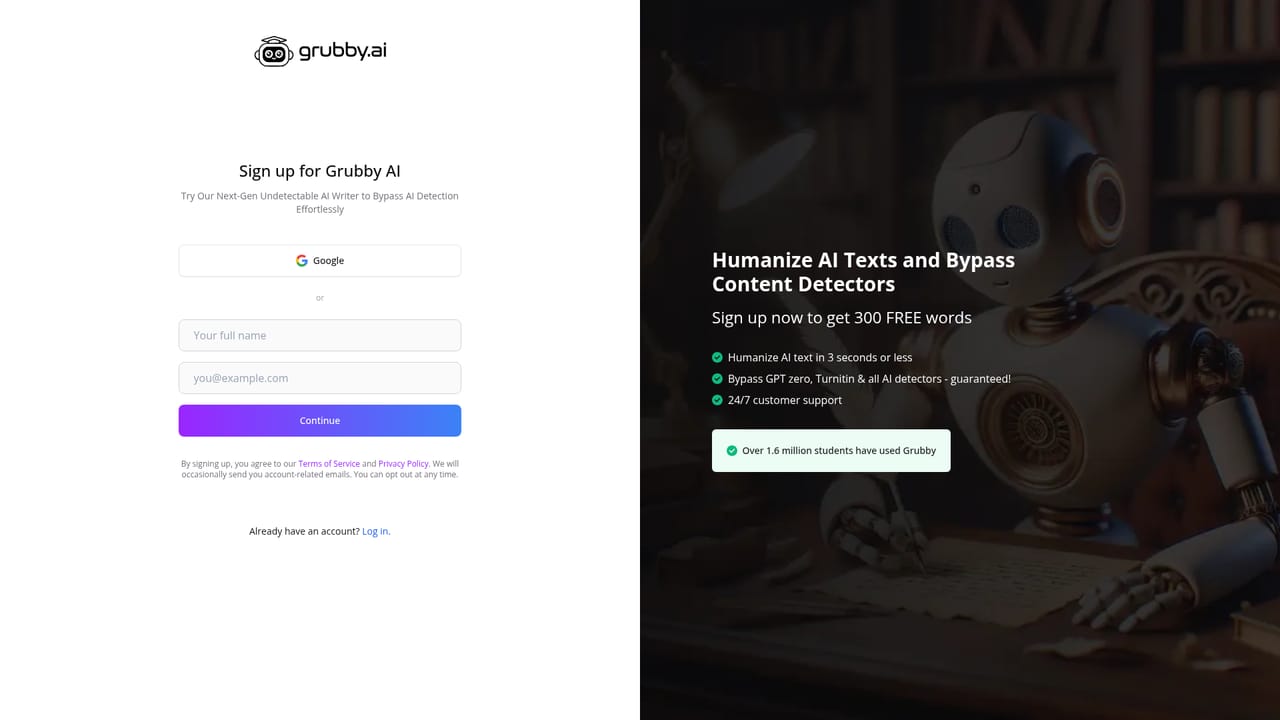
Every new user receives free words to humanize AI text, and the homepage tool includes a sample option for testing output. Beyond that allowance, a paid subscription is required.
Learn moreRewrites AI text so it reads human and clears major detectors

Grubby AI is an AI detection remover tool that rewrites AI text so it reads human and clears major detectors. An AI humanizer that rewrites machine-generated text to clear detectors such as GPTZero, ZeroGPT, Turnitin, Copyleaks and Originality.ai, with detector-specific modes, PDF upload, plagiarism-safe output and a free word allowance for new users.
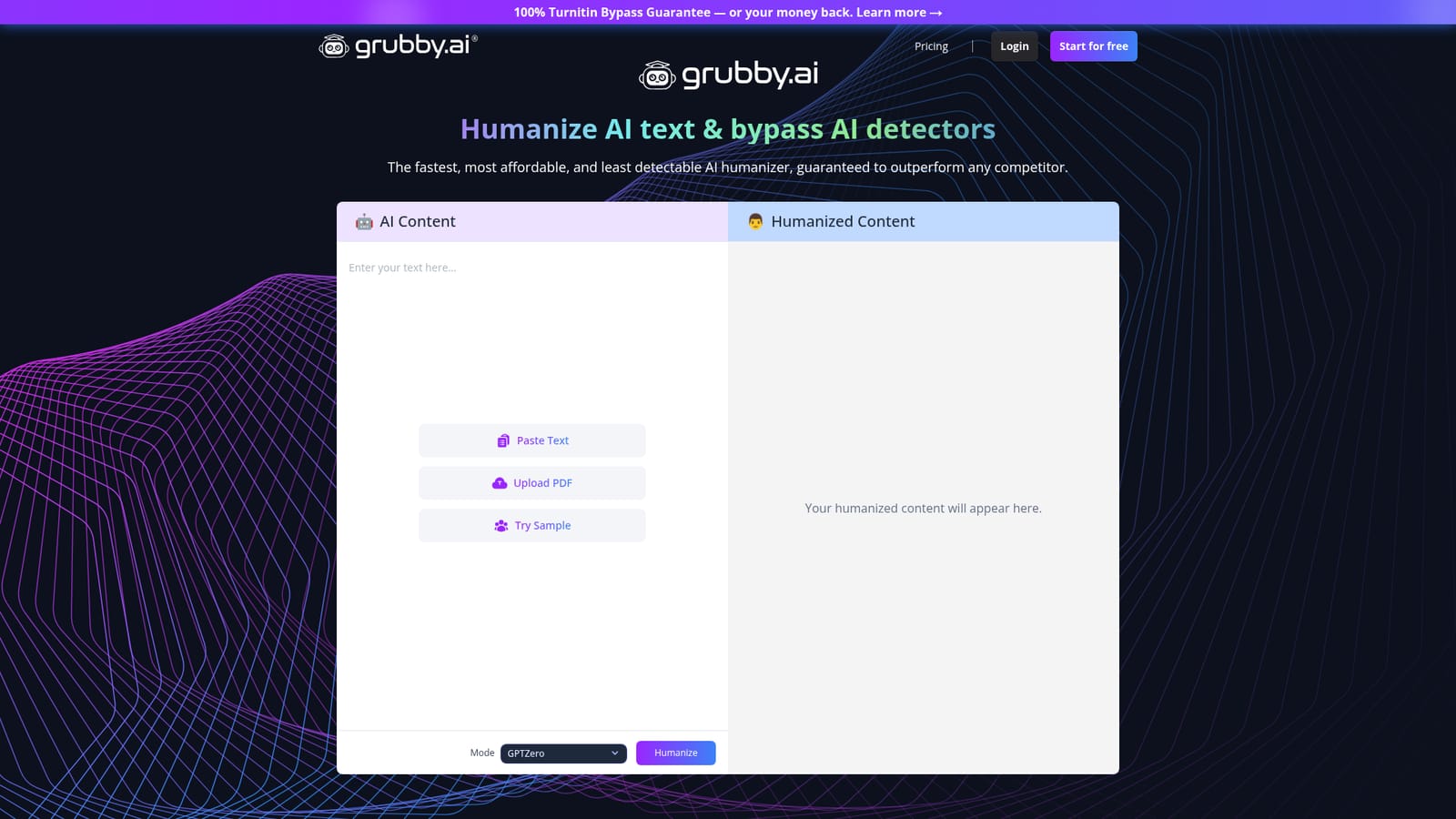
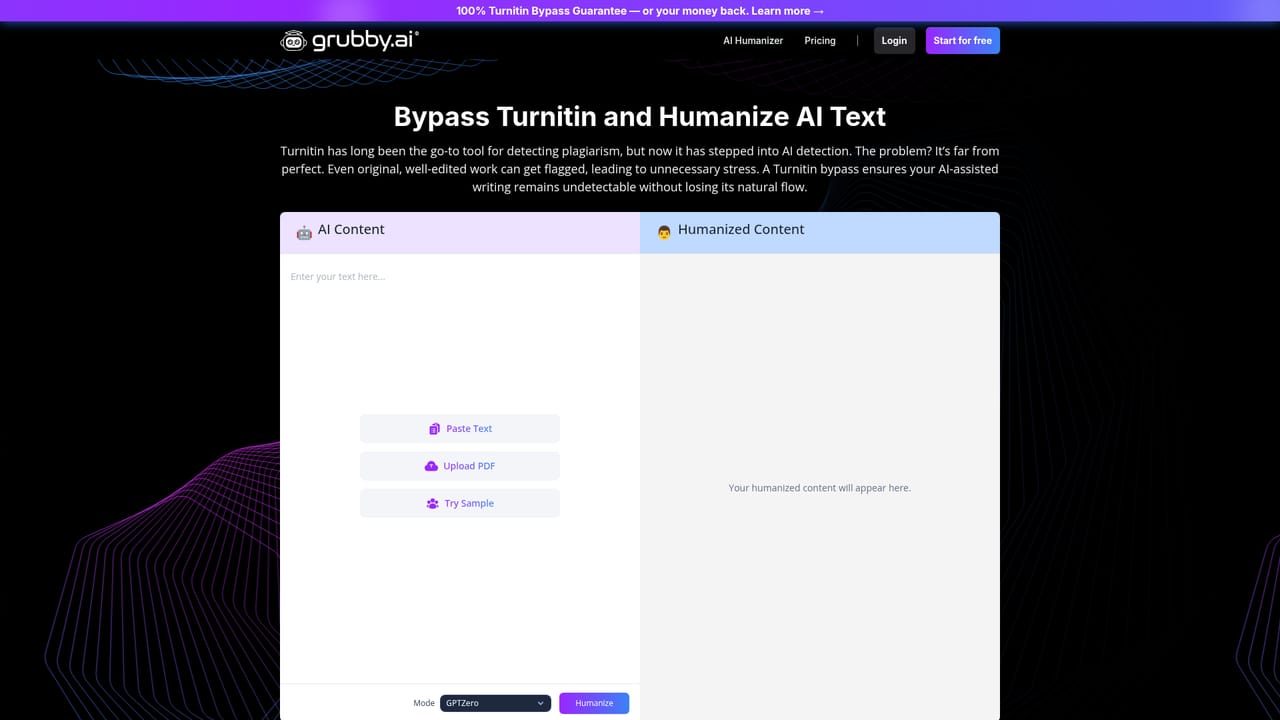
Grubby AI is an AI text humanizer built around a single promise: take copy produced by a language model and rewrite it so detector tools score it as human. The workflow sits on the homepage. Text is pasted into a box (capped at 5,000 characters on the free surface) or a PDF is uploaded, a mode is selected, and the tool returns a rewritten version in the output pane. A sample button lets a visitor test the engine before creating an account. The distinguishing feature is mode selection. Rather than one generic rewrite, users pick a target detector family: GPTZero, ZeroGPT, or an Academic mode aimed at Turnitin, which the interface marks as a recommended option. The company publishes side-by-side results against a long list of detectors, including Originality.ai, Copyleaks, Winston AI and Content at Scale, and claims 99 percent or better human scores. Text also has to clear plagiarism checkers, which the site presents as a separate priority alongside detection. The audience is explicit. Grubby AI is marketed to students first, with the homepage noting that more than 1.6 million students have used the tool, plus side audiences of bloggers, SEO marketers and advertisers who want copy that reads naturally. The student framing rests on three arguments: detectors such as GPTZero generate false positives on genuinely human writing, ChatGPT output carries watermark-style patterns that the rewriter strips out, and hand-editing AI drafts takes two to three hours while a single click finishes the job. Compared with general-purpose paraphrasing tools, Grubby AI is narrower and more target-driven, since the rewrite is tuned to specific detector behavior rather than to readability or style alone. The trade-offs are visible on the site itself: humanization works only in English, and word volume beyond the free allowance requires a paid subscription. It fits best as a last step in a drafting pipeline, after the content is written and before submission or publishing.
Every new user receives free words to humanize AI text, and the homepage tool includes a sample option for testing output. Beyond that allowance, a paid subscription is required.
Learn moreThe homepage does not list plan names or prices. It states that new users get free words to humanize text and that a paid subscription is required to unlock more words and features, pointing to a pricing page for details.
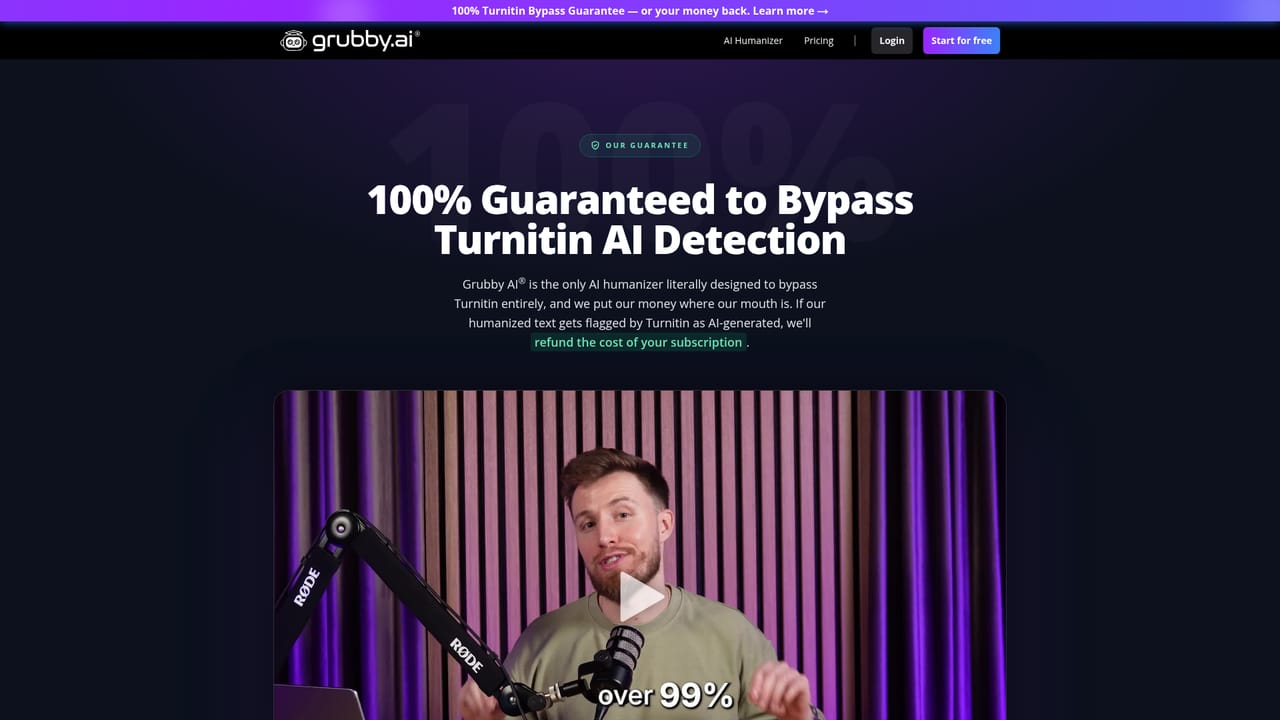
Learn moreA contact page is available for reaching the team, alongside an about page, published reviews, a blog and a dedicated Turnitin guarantee page.
Learn moreText humanization with selectable detector modes (GPTZero, ZeroGPT, Academic for Turnitin), paste or PDF input up to 5,000 characters per pass, sample text for testing, output aimed at passing plagiarism checks as well as AI detection, and published detector test results. English only.
 AI Angels400+ customizable AI girlfriends for NSFW chat, voice calls, and roleplay
 Candy AIExperience the future of companionship with AI friends who chat, role-play, and connect with you on a human level.
 ourdream.aiA vast AI roleplay platform with millions of characters for chat, images, video and voiceAI Angels400+ customizable AI girlfriends for NSFW chat, voice calls, and roleplayCandy AIExperience the future of companionship with AI friends who chat, role-play, and connect with you on a human level.ourdream.aiA vast AI roleplay platform with millions of characters for chat, images, video and voice


