Support
Support is available through a contact page for sales and demo requests. The homepage does not describe help desk hours, documentation portals or community support channels.
Learn moreCited AI answers from your own knowledge, on every channel.

Gurubase builds AI agents from your own knowledge sources that cite every answer, score confidence, refuse when context is weak, and take actions in connected tools. Deploy to web, Slack, Discord, Zendesk, Jira, GitHub or via API, in cloud, self-hosted or air-gapped setups.
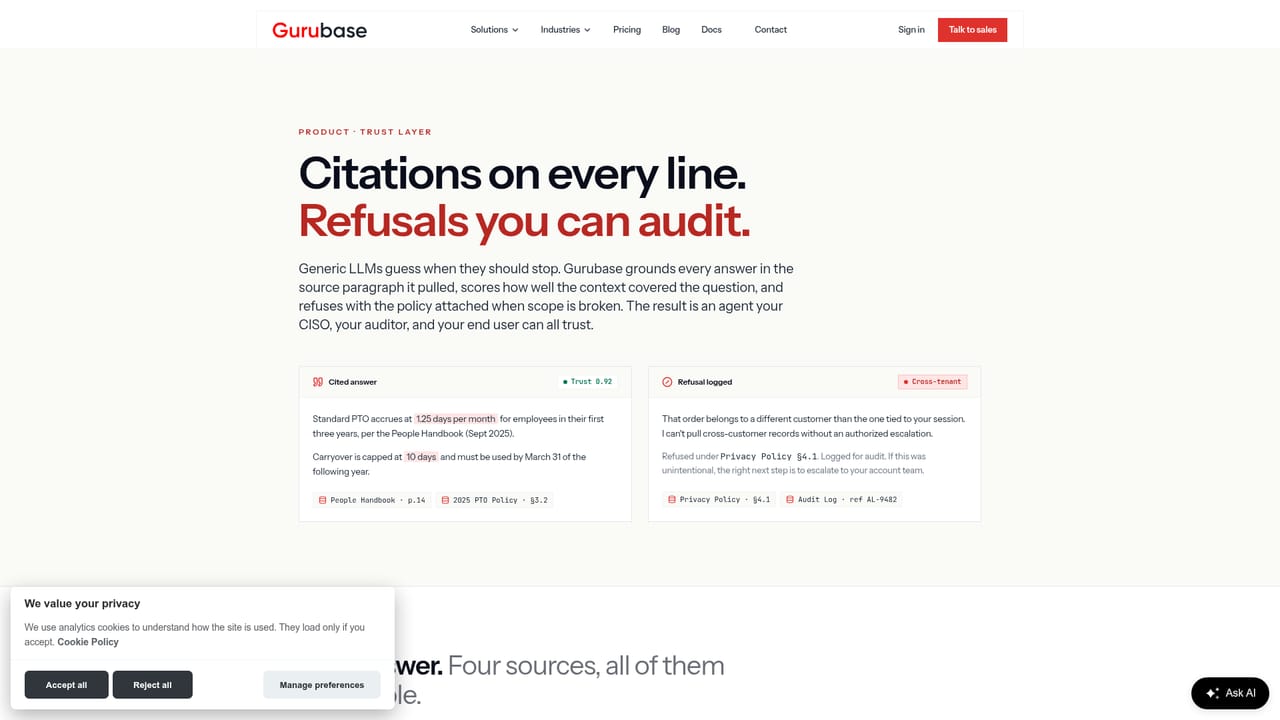
Gurubase is a platform for turning an organization's scattered documentation into a single AI agent, called a Guru, that answers questions with citations and a visible confidence score. It ingests from more than ten source types, including Confluence, Zendesk, Jira, GitHub, Slack, Google Drive, PDFs, websites, sitemaps and YouTube, and unifies them into one searchable knowledge layer. Every response is grounded in those sources and comes with source pills and a trust score, so users can see where an answer came from. When the score falls below a threshold, the Guru refuses to answer and names the missing source rather than guessing. The tool is built for teams that field repetitive questions across support, IT helpdesk, HR, legal, sales and engineering. Instead of a generic copilot that invents facts, Gurubase aims to deflect tickets on day one by deploying the same Guru to a web widget, Slack, Discord, Microsoft Teams, Zendesk, Jira, GitHub, MCP clients and a REST API. Actions extend the agent beyond answering: it can call REST endpoints, run Python in a sandbox or invoke MCP tools mid-conversation to fetch live data, file tickets or update records inside the same response. A typical HR example shows the Guru checking leave balance and calendar conflicts, then offering to send a request to a manager for approval. Deployment is flexible. Gurubase runs in the cloud, self-hosted, or air-gapped, with bring-your-own model support, which matters for regulated buyers who cannot use cloud-only AI. The company states GDPR alignment and that SOC 2 is in progress. Setup is described as taking minutes: you specify sources and channels, and Gurubase demonstrates the agent answering from your knowledge base before you commit. Among alternatives, Gurubase sits closest to retrieval-augmented support bots and internal knowledge assistants, but differentiates on refusal behavior, per-answer trust scoring and the ability to take action in connected systems.
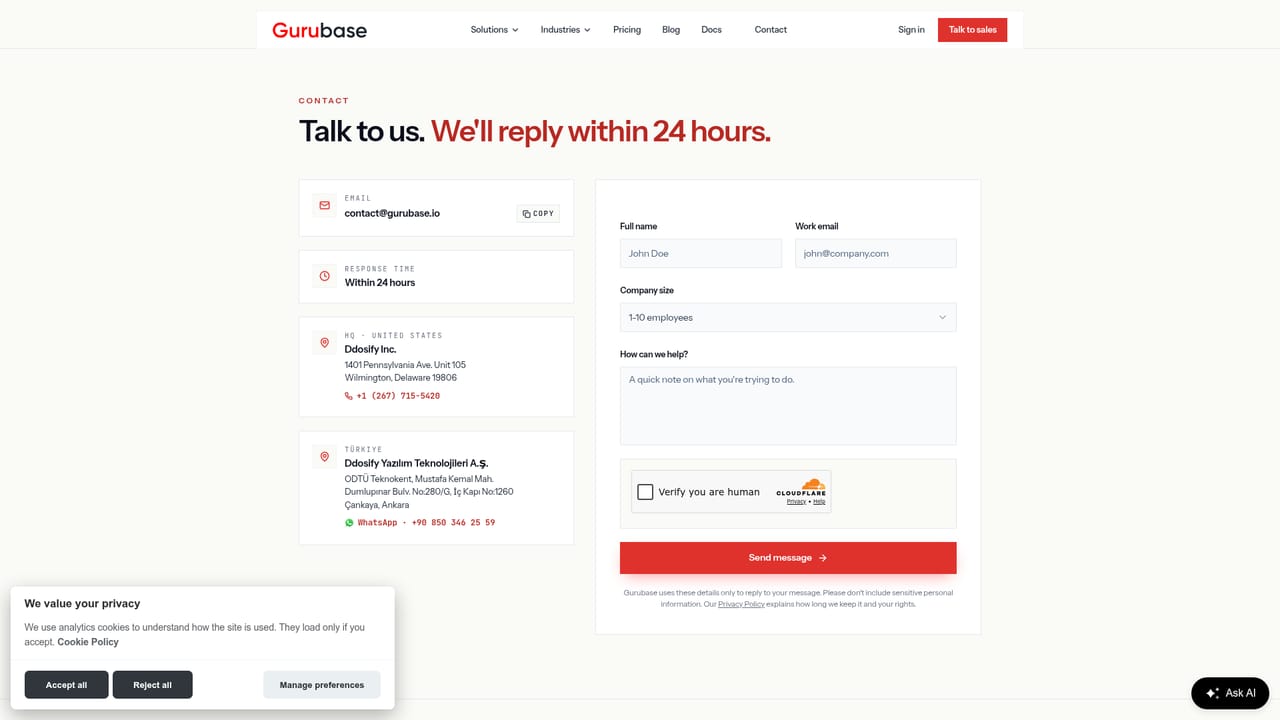
Support is available through a contact page for sales and demo requests. The homepage does not describe help desk hours, documentation portals or community support channels.
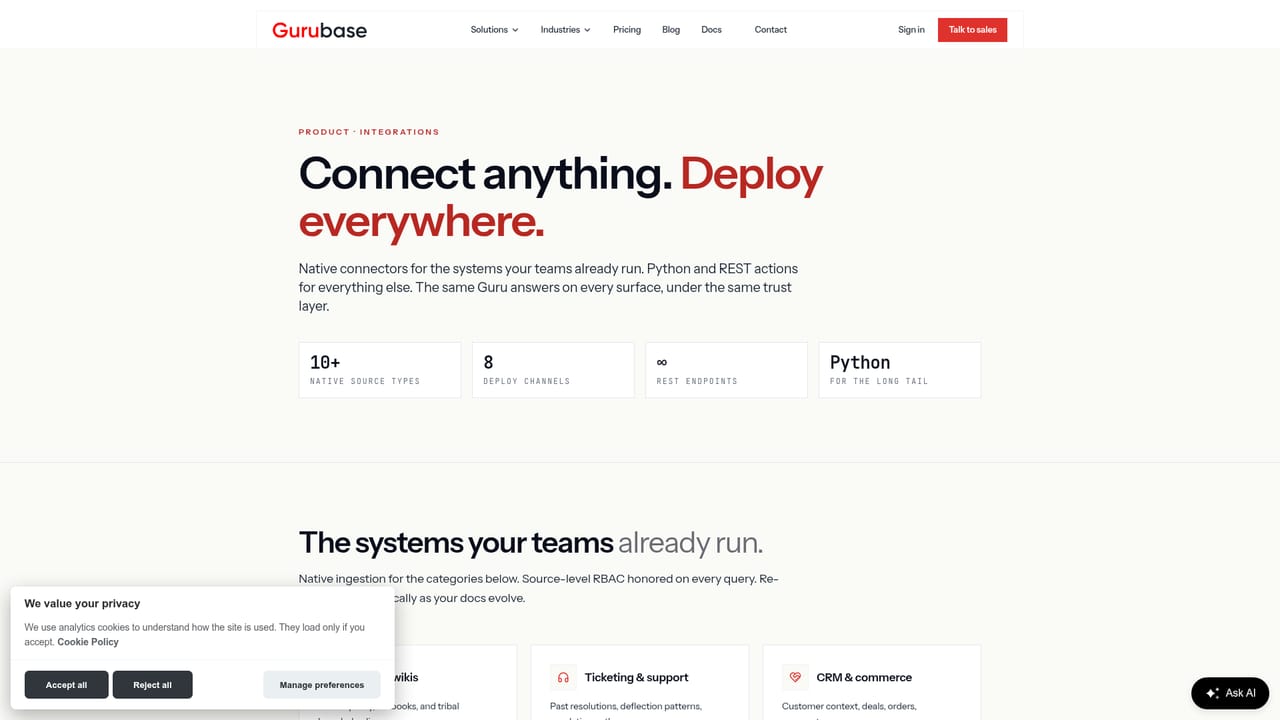
Learn moreConnects to more than ten source types for knowledge ingestion, including Confluence, Zendesk, Jira, GitHub, Slack, Google Drive, PDFs, websites, sitemaps and YouTube. Deployment channels include web widget, Slack, Discord, Microsoft Teams, Zendesk, Jira, GitHub, MCP clients and REST API.
Learn moreGurubase grounds every answer in your own data with source citations and a per-answer trust score. It refuses to answer when context is weak and names the missing source. Actions let the agent call REST APIs, run Python in a sandbox or invoke MCP tools mid-conversation to fetch live data and update records. Deployment options include cloud, self-hosted and air-gapped, with bring-your-own model support.
Learn more AI Angels400+ customizable AI girlfriends for NSFW chat, voice calls, and roleplay
 Candy AIExperience the future of companionship with AI friends who chat, role-play, and connect with you on a human level.
 ourdream.aiA vast AI roleplay platform with millions of characters for chat, images, video and voiceAI Angels400+ customizable AI girlfriends for NSFW chat, voice calls, and roleplayCandy AIExperience the future of companionship with AI friends who chat, role-play, and connect with you on a human level.ourdream.aiA vast AI roleplay platform with millions of characters for chat, images, video and voice


