Free trial
The homepage offers a Start for Free entry point but does not state what the free tier includes or whether paid plans carry a trial period.
Learn moreAn agent-led studio for images, video and 3D assets.

Haimeta is an agent driven creative suite that generates images, video and 3D from a single chat style workspace, bundling top generation models with editing utilities like background removal, object erase, sharpen and colorize.
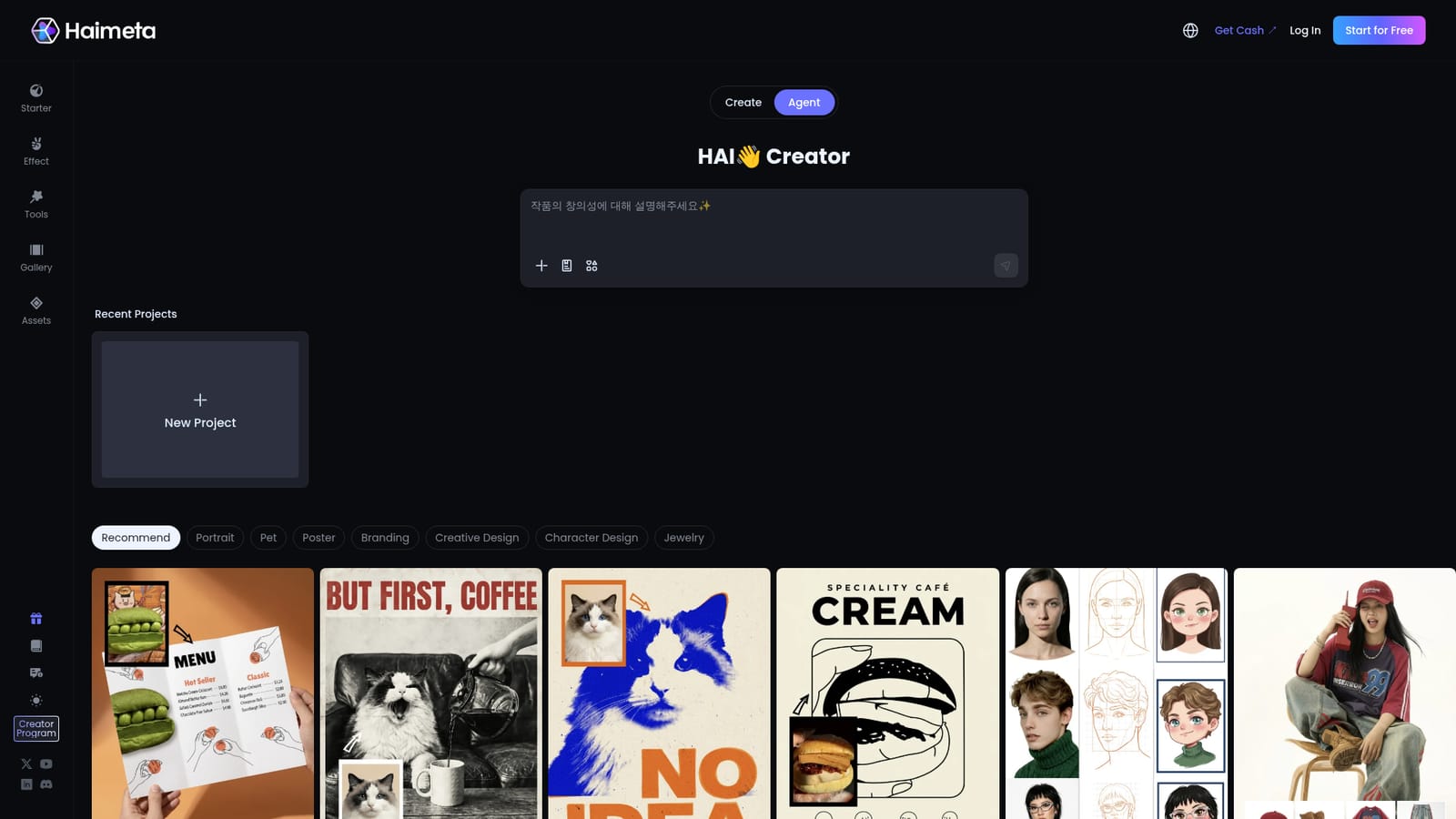
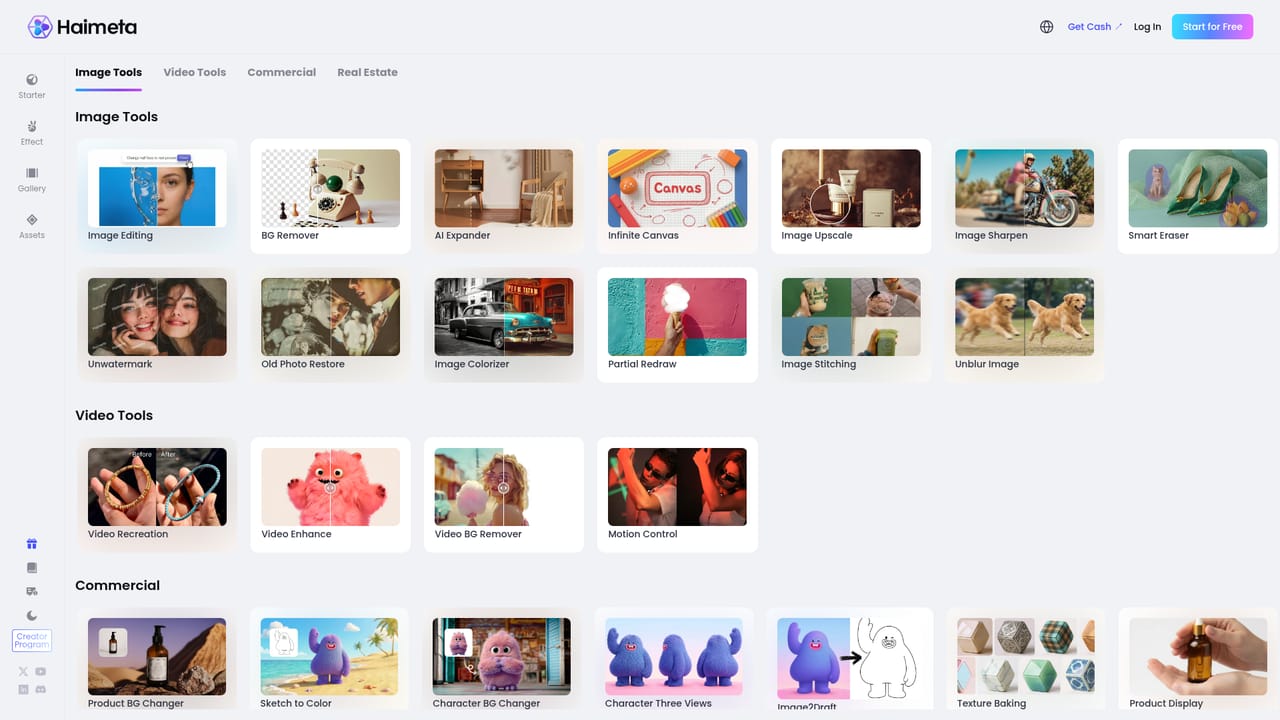
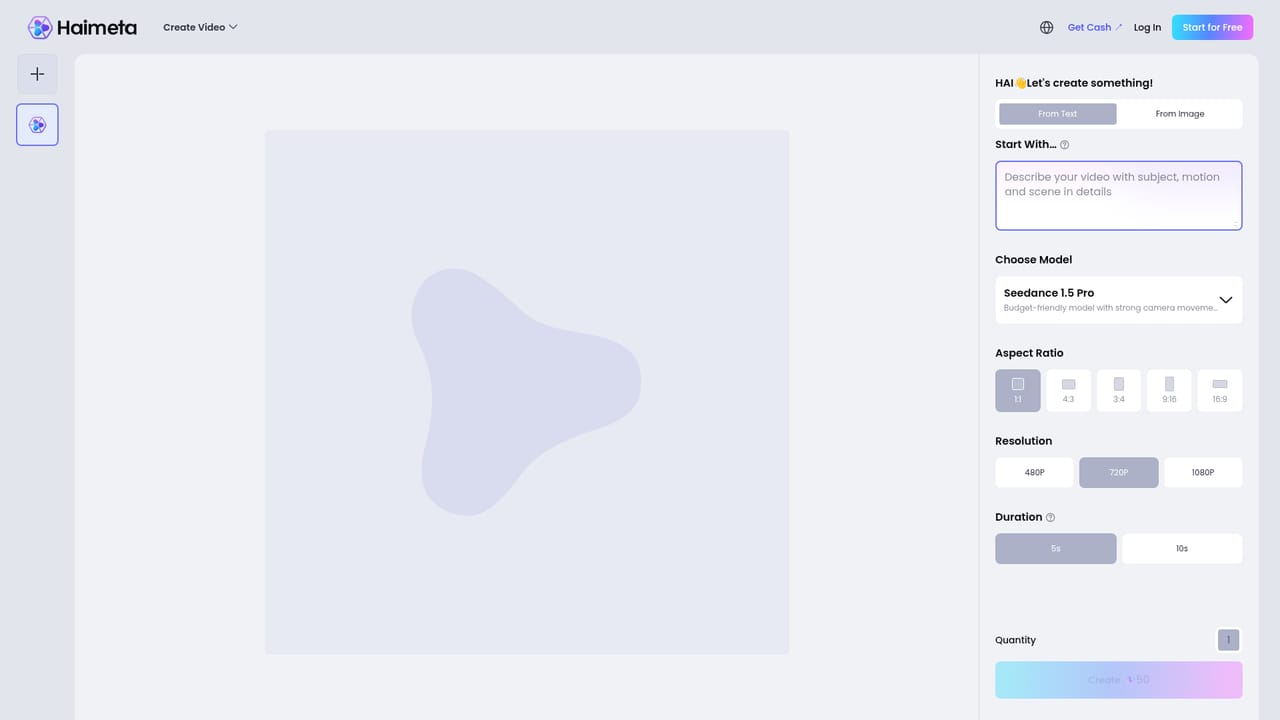
Haimeta is a web based creative platform built around an AI agent that turns a written brief into finished visual assets. Instead of juggling separate generators for stills, clips and 3D objects, users describe what they need inside a chat style workspace and the agent selects models and produces the output. The homepage positions the product as an all in one agent platform spanning images, video and immersive 3D, with a stated goal of automating content generation and streamlining creative workflows for both individual creators and businesses. The model roster is broad and clearly signposted. GPT Images 2.5 is pitched as faster and sharper, GPT Image 2 handles intelligent editing of complex visual tasks, and Nano Banana 2 and Nano Banana Pro cover image generation with a current promotional discount on the Pro tier. On the motion side, Seedance 2.0 is presented as a leading video generation model, joined by Seedance 2.0 4K, Seedance 2.5 with long shots and reference elements, and MiniMax H3 for omni modal audiovisual output with controllable stereo. A separate tools area collects single purpose utilities: image editing, background removal, AI expand, smart erase, sharpen, texture baking, unwatermarking, colorizing, character three view sheets, sketch to color and old photo restoration. In practice the workflow is prompt first. The agent panel invites a description of the creation requirement, suggests starting points such as portrait, pet, poster, branding, character design and jewelry, and keeps recent projects alongside. Preset effect galleries (forced perspective, cartoon, seasonal portrait, pet styling) let people skip prompting entirely and apply a template to their own photos. The result suits social media creators, small marketing teams, illustrators prototyping characters and anyone needing quick asset variants without a full production pipeline. Where it fits: Haimeta competes less with single model wrappers and more with suites that bundle generation and cleanup. The trade off is that heavy volume work is tied to paid model tiers and credit consumption, and the catalog of trending effects shifts quickly.
The homepage offers a Start for Free entry point but does not state what the free tier includes or whether paid plans carry a trial period.
Learn moreAgent led generation across image, video and 3D, with named models such as GPT Images 2.5, GPT Image 2, Nano Banana 2 and Pro, Seedance 2.0 and 2.0 4K, Seedance 2.5 and MiniMax H3. Supporting tools include image editing, background removal, AI expand, smart eraser, sharpen, texture baking, unwatermark, colorizer, character three views, sketch to color and old photo restore.
Learn more AI Angels400+ customizable AI girlfriends for NSFW chat, voice calls, and roleplay
 Candy AIExperience the future of companionship with AI friends who chat, role-play, and connect with you on a human level.
 ourdream.aiA vast AI roleplay platform with millions of characters for chat, images, video and voiceAI Angels400+ customizable AI girlfriends for NSFW chat, voice calls, and roleplayCandy AIExperience the future of companionship with AI friends who chat, role-play, and connect with you on a human level.ourdream.aiA vast AI roleplay platform with millions of characters for chat, images, video and voice


