Free trial
The free plan provides headline scoring and analysis at no cost, and signup takes an email address or a Google, Facebook or Apple account. No card details are mentioned for the free tier.
Learn moreScore, generate and sharpen headlines before you publish them
Own Headline Studio by CoSchedule? Verify ownership to get a dofollow link

Headline Studio by CoSchedule is a content writing tool. CoSchedule's headline analyzer and generator: score blog titles, email subjects, YouTube titles, captions and ad headlines against platform-specific best practices, then improve them with AI suggestions, SEO scoring and keyword data on Premium plans.
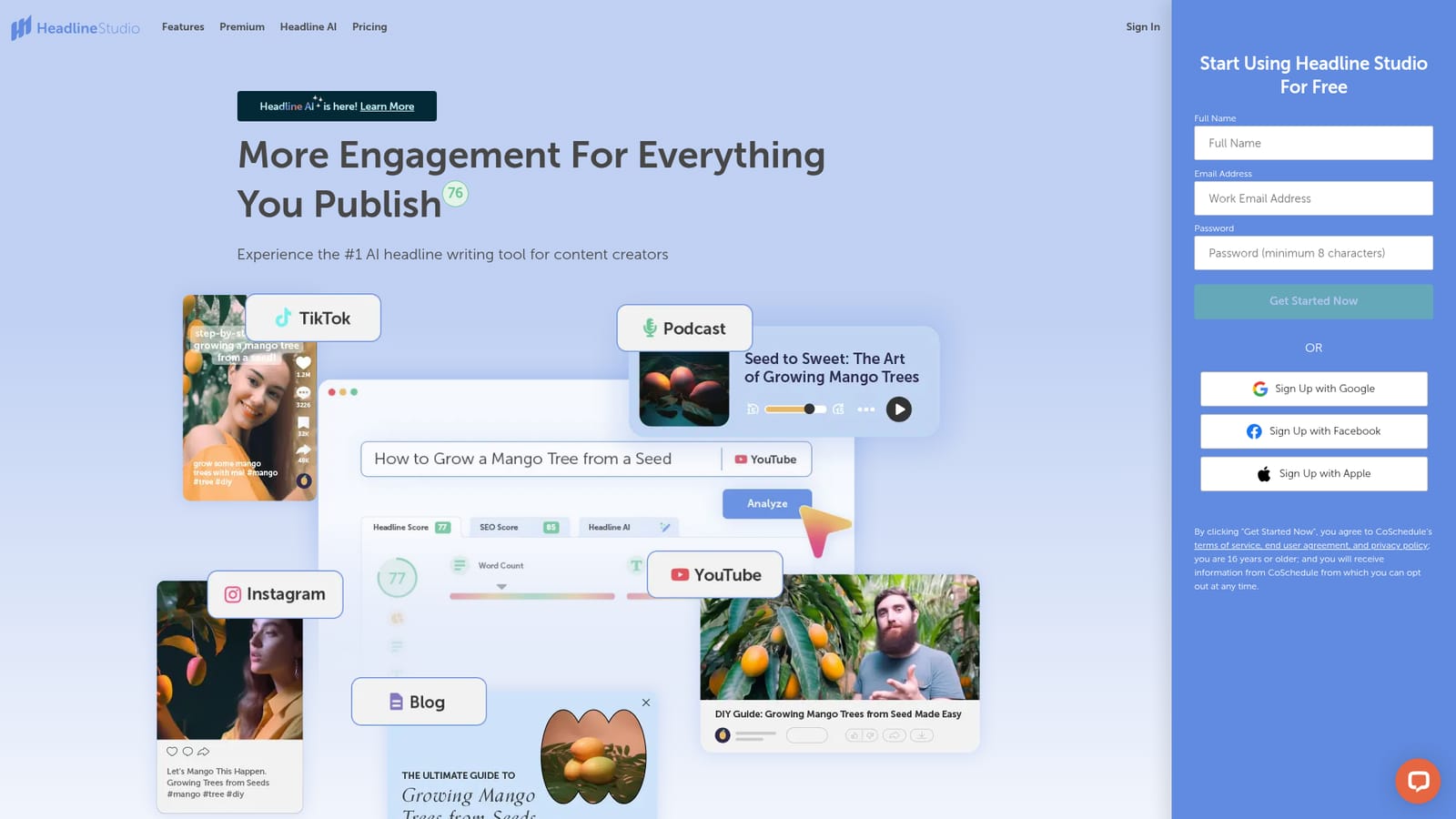
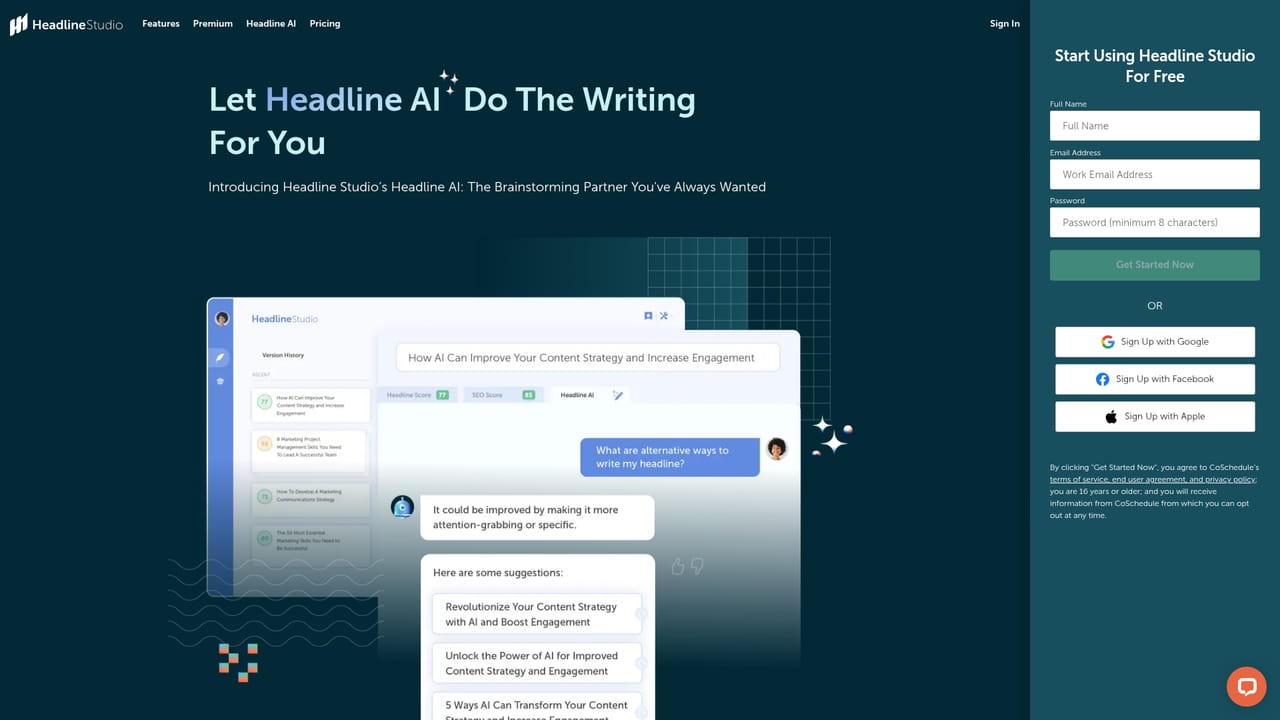
Headline Studio is a headline writing and analysis tool from CoSchedule. The core idea is simple: you draft a title, subject line or caption, and the tool returns a numeric score plus a breakdown of what is helping or hurting that headline. Feedback is tailored to the platform you are writing for rather than applied generically, with separate modes for blog posts, email subject lines, YouTube titles, TikTok captions, Instagram captions, podcast titles, LinkedIn headlines and paid ads on Google, Facebook and LinkedIn. The analysis rests on several signals: word balance (the mix of common, uncommon, emotional and power words), word count, character balance and how the headline previews in context. Blog headlines are checked against search engine results pages, email subjects get a pre-send preview, YouTube titles are compared with other videos in the same category, and podcast titles are shown as they would appear in directories. A detailed results panel explains the score so the writer can see which specific edits would move it. Headline Studio is aimed at content marketers, bloggers, copywriters, social media managers and small editorial teams who write many titles a week and want a consistent quality check before publishing. Day to day it works as a web app where you draft and compare variants, as a browser extension that analyzes headlines on sites such as WordPress, Google Docs, HubSpot, Shopify, Medium, Gmail and Outlook, and as a WordPress plugin that scores headlines inside the post editor. The free tier covers headline scoring and analysis. Paid Premium adds Headline AI, which produces dozens of headline options from a topic, audience and tone, along with data-driven suggestions, an SEO score, a keyword explorer, saved favorites and thesaurus-style word banks for power and emotional terms. Compared with general writing assistants, Headline Studio is narrow by design: it does one job, the title, and goes deeper on that job than broader tools typically do.

The free plan provides headline scoring and analysis at no cost, and signup takes an email address or a Google, Facebook or Apple account. No card details are mentioned for the free tier.
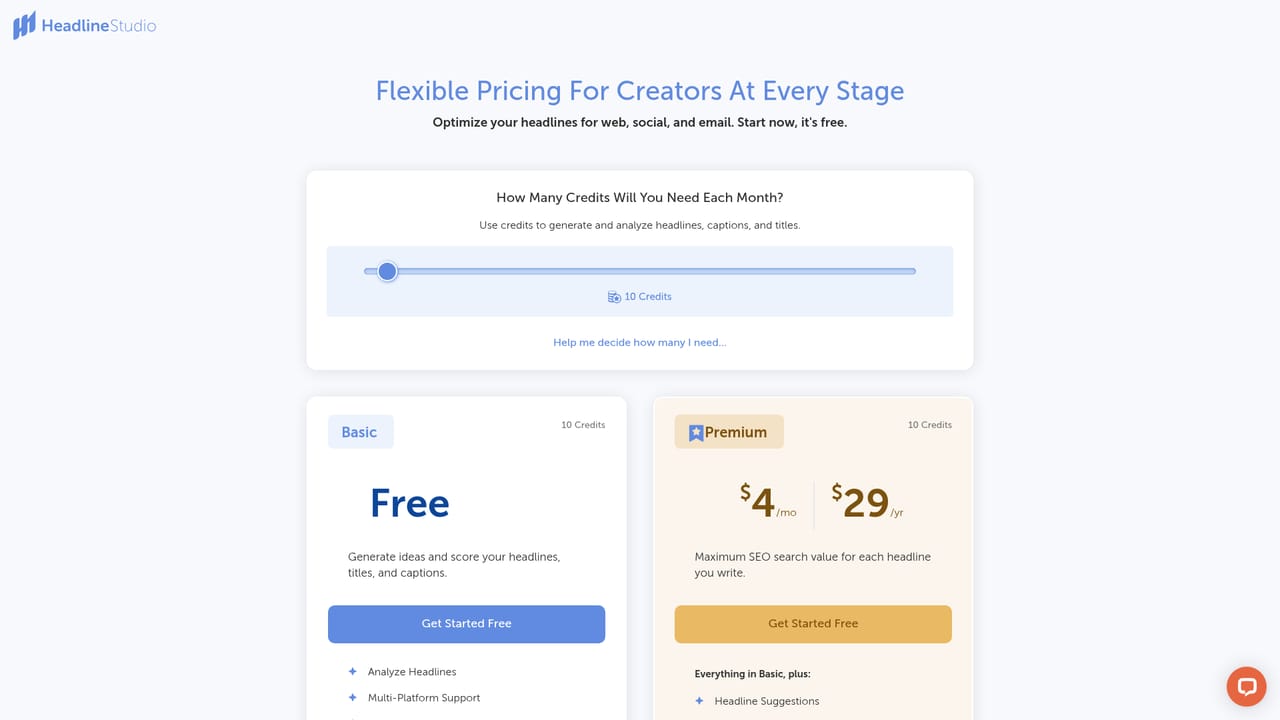
Learn moreHeadline Studio has a free plan covering headline scoring and analysis, and Premium plans that unlock Headline AI, data-driven suggestions, SEO score, keyword explorer, favorites and word banks. Exact plan prices are listed on the pricing page rather than the homepage.
Learn moreA browser extension scores headlines on sites including WordPress, Blogger, Medium, Drupal, Google Docs, HubSpot, Shopify, Squarespace, Wix, YouTube, TikTok, Instagram, Gmail, iCloud Mail and Outlook. A WordPress plugin connects the account for scoring inside the post editor.
Headline scoring across blogs, email subjects, YouTube titles, TikTok and Instagram captions, podcast titles, LinkedIn and paid ads. Feedback covers word balance, word count, character balance and platform previews. Premium adds Headline AI generation, data-driven suggestions, SEO score, keyword explorer, saved favorites and thesaurus word banks for power and emotional words.
Learn more AI Angels400+ customizable AI girlfriends for NSFW chat, voice calls, and roleplay
 Candy AIExperience the future of companionship with AI friends who chat, role-play, and connect with you on a human level.
 ourdream.aiA vast AI roleplay platform with millions of characters for chat, images, video and voiceAI Angels400+ customizable AI girlfriends for NSFW chat, voice calls, and roleplayCandy AIExperience the future of companionship with AI friends who chat, role-play, and connect with you on a human level.ourdream.aiA vast AI roleplay platform with millions of characters for chat, images, video and voice


