Hedra

Visual model research lab with an inference and training stack behind it

Advanced API
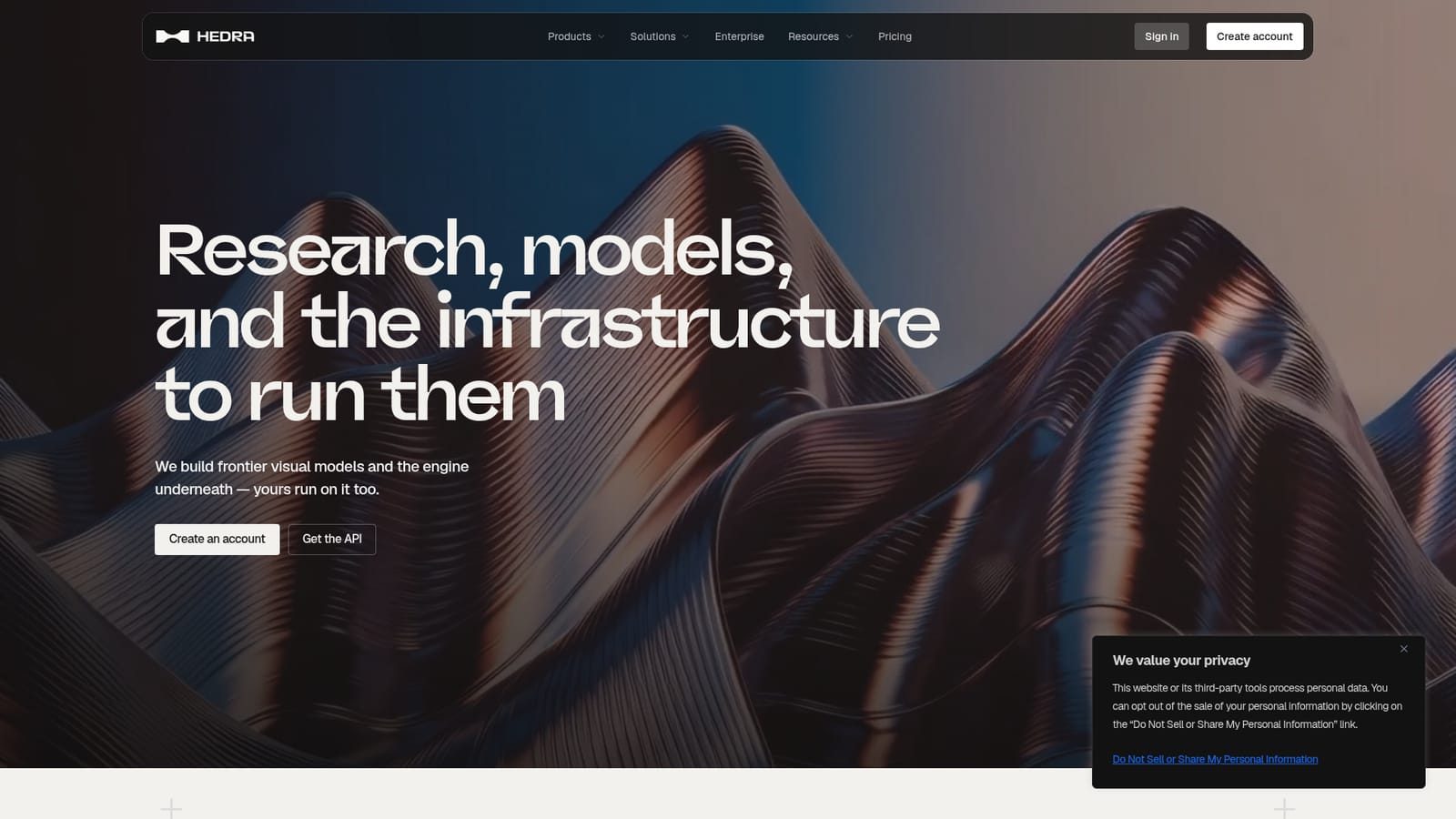
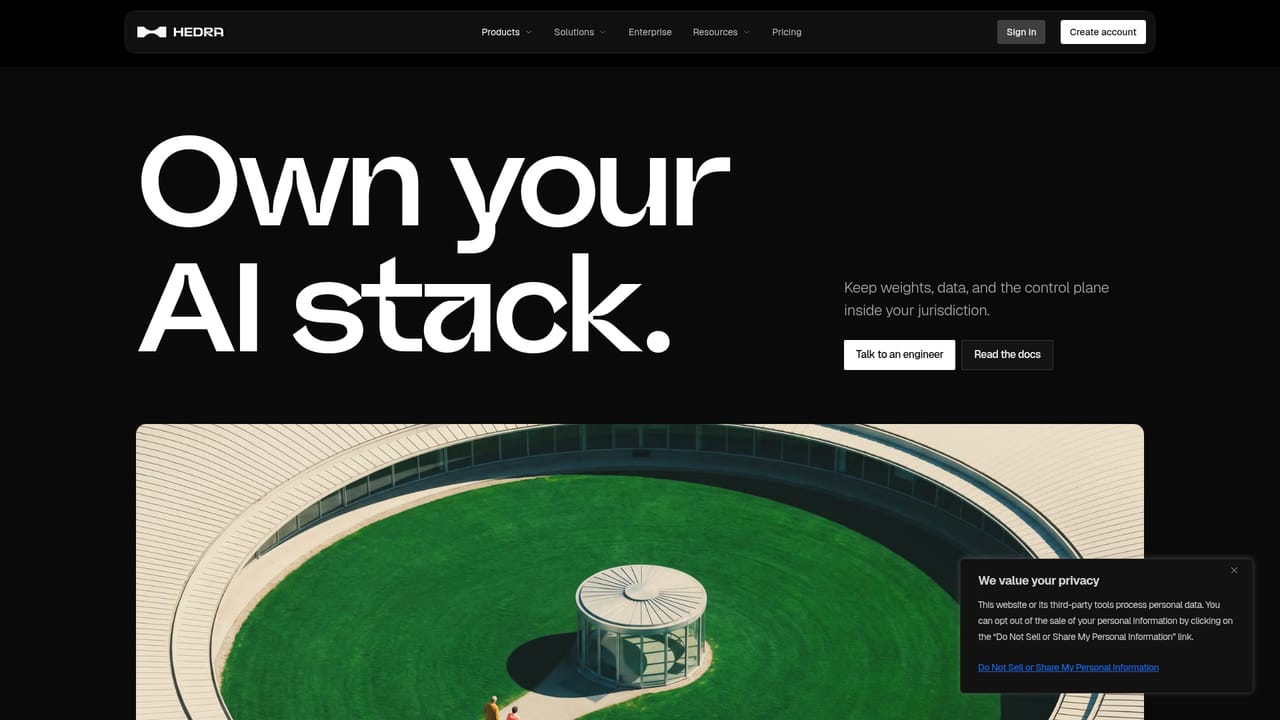
Screenshot of Hedra, Visual model research lab with an inference and training stack behind it

What is Hedra?

Hedra is a visual AI research lab that sells access to its model catalogue, fine-tuning recipes, GPU sandboxes, and the WMR inference engine, deployable as managed cloud, hybrid, or sovereign on-prem infrastructure for teams working with diffusion, video, and world action models.

Hedra is a research and infrastructure company rather than a single consumer app. The lab builds frontier visual models, publishes work on video clip generation and simulation, and packages the same engine it uses internally as a platform for outside teams. That engine, WMR (World Model Runtime), is described as purpose built for diffusion, video, and world action models. The premise is straightforward: the compute machinery that serves Hedra's own multimodal workloads is available to customers who bring their own models or data. The product breaks into three layers. Managed Inference gives access to a catalogue of more than 100 models over an API, with Hedra handling hosting and scale. Pre and Post-Training lets teams fine-tune supported models on their own data using Hedra's training recipes, evaluate the results, and deploy on the same stack, including reinforcement learning for task-specific goals. GPU Sandboxes provide isolated environments created through the Hedra SDK, where custom model code, video pipelines, and simulations run with self-managed dependencies while Hedra handles GPU scheduling and scaling. Technical differentiation sits in how the runtime treats visual workloads: vision-native kernels that optimize attention across frames and image encoding and decoding, quality-aware quantization that trades numerical precision while watching image and video quality, and step-aware scheduling that arranges batching and caching around generation steps to improve latency and throughput. Deployment comes in three shapes: Hedra Cloud with the infrastructure operated for you, hybrid setups that place WMR and Hedra building blocks inside your own environment, and sovereign on-prem clusters under customer or in-country control. This is aimed at machine learning engineers, research teams, and media or robotics organizations with visual model workloads and enough technical depth to work from an SDK and API. Anyone looking for a point-and-click creative studio will find the site oriented toward developers and procurement conversations instead.

How do you use Hedra?

  1. 1Create a Hedra account
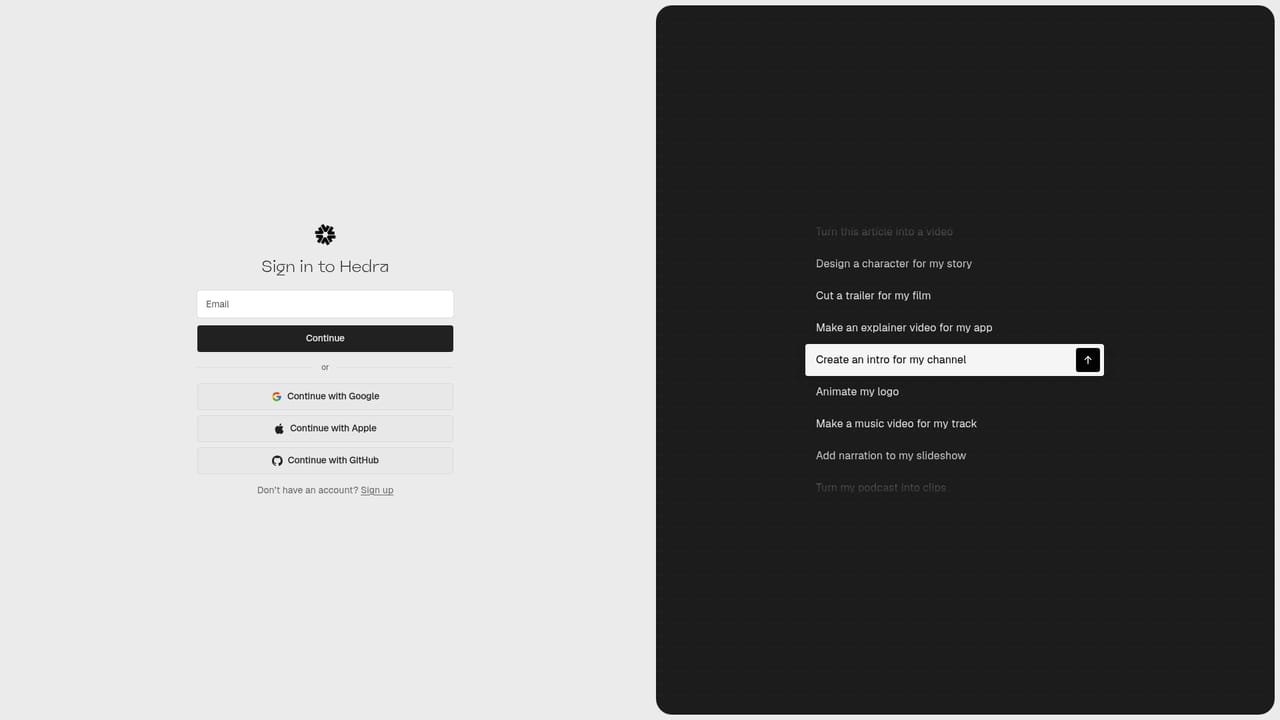
    Sign up from the homepage to open an account. Credentials are the gate to the developer console where API access is managed.
    Hedra — Create a Hedra account
  2. 2Request an API key
    Visit the developer page and generate an API key for your project. Keys are the mechanism for authenticating calls to the model catalogue.
    Hedra — Request an API key
  3. 3Work through the v3 quickstart
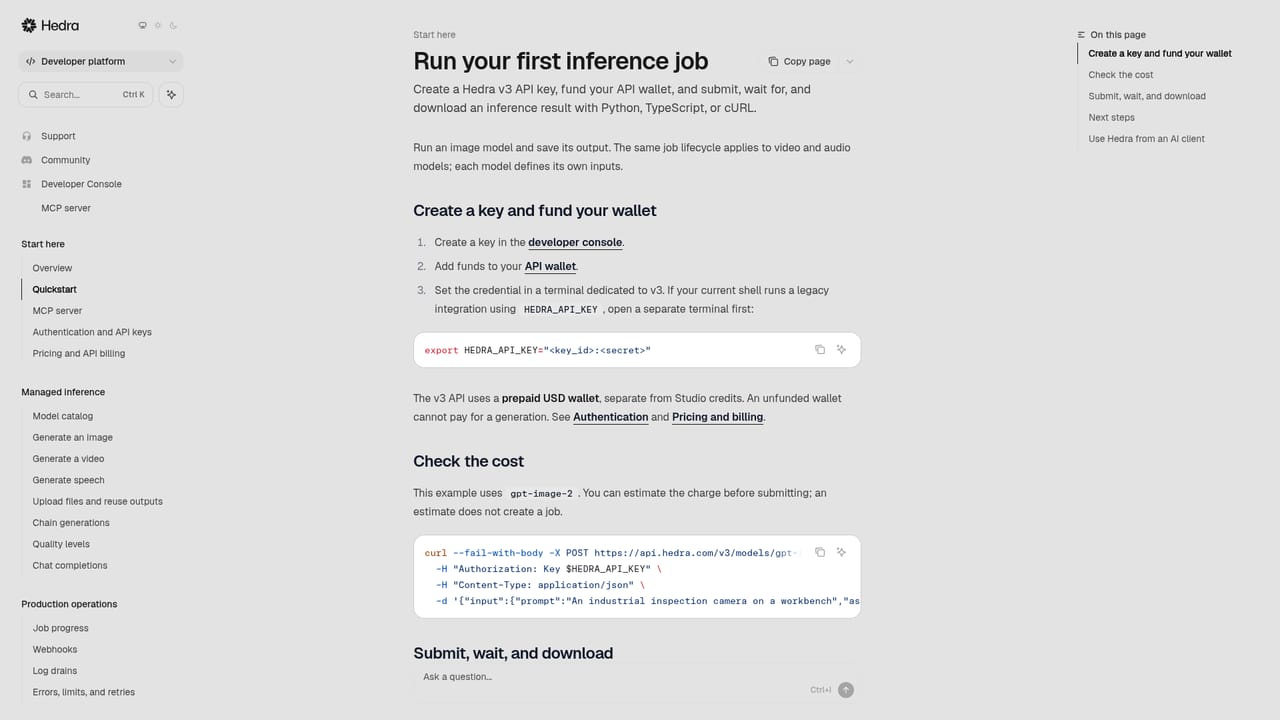
    The quickstart documentation walks through the v3 API, showing how requests are structured and how responses come back from managed inference.
    Hedra — Work through the v3 quickstart
  4. 4Read the platform research
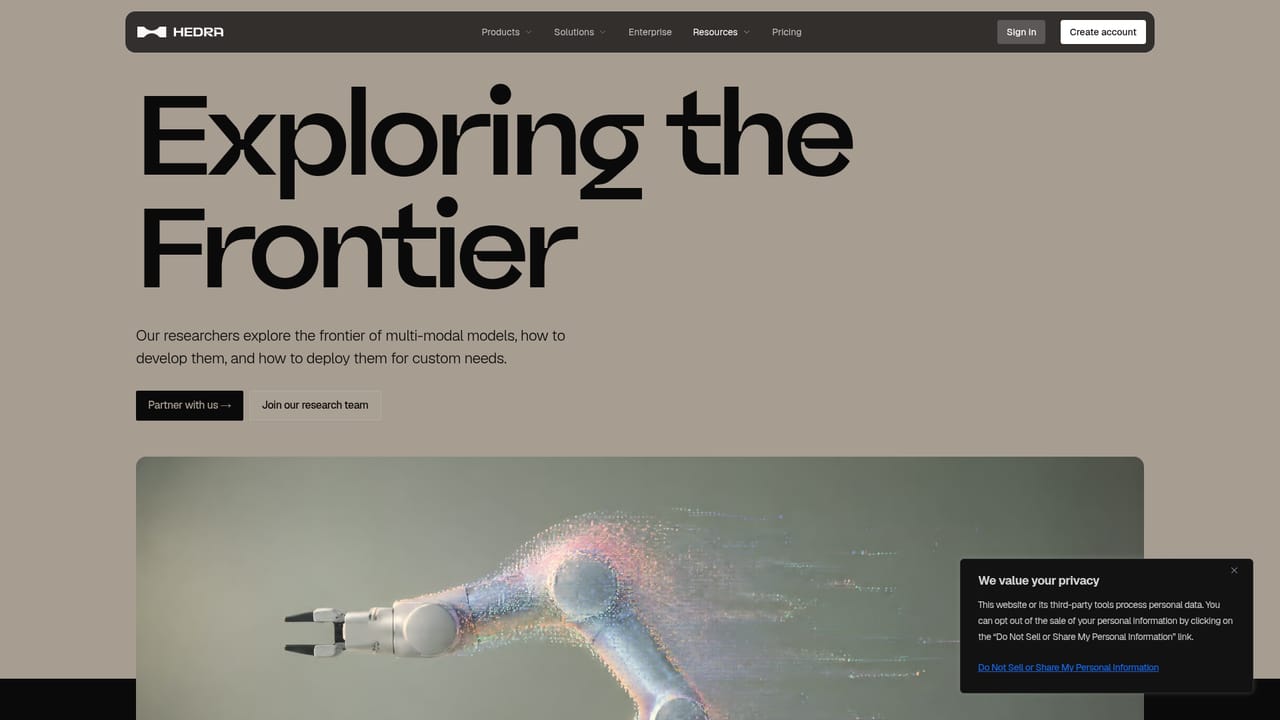
    Review the published papers to understand the model methods behind the runtime before committing heavier workloads to it.
    Hedra — Read the platform research
  5. 5Decide on a deployment model
    Compare managed cloud against hybrid and sovereign options on the sovereign page, then arrange a conversation with the engineering team for anything beyond standard cloud use.
    Hedra — Decide on a deployment model

Pros and cons

Pros

  • Runs managed inference, fine-tuning, and GPU sandboxes on one connected stackAI
  • WMR runtime is tuned specifically for diffusion and video workloads with frame-level optimizationsAI
  • Three deployment paths cover hosted cloud, hybrid, and in-country sovereign clustersAI
  • Published research record gives a concrete basis for judging the lab's model workAI
  • API key issuance and developer quickstart documentation are available up frontAI

Cons

  • No public pricing figures on the homepage, so budgeting requires a sales conversationAI
  • Fine-tuning, sandboxes, and training are marked as research preview rather than settled productsAI
  • Aimed squarely at developers and ML teams, with no visual editor for non-technical usersAI
  • Sovereign and hybrid deployments imply procurement and setup overhead that small teams may not absorbAI
  • Homepage lists no integration partners or model names, making fit hard to assess before signupAI

How much does Hedra cost?

Features

Managed inference across a catalogue of 100 or more models with hosting handled by Hedra, fine-tuning of supported models on your own data with evaluation and reinforcement learning for task-specific objectives, isolated GPU sandboxes provisioned through the Hedra SDK, and the WMR runtime with vision-native kernels, quality-aware quantization, and step-aware scheduling built for diffusion, video, and world action models.

Learn more

Frequently asked questions about Hedra

  • Does Hedra have an API?
    Yes, Hedra offers an API.
  • How do you use Hedra?
    The walkthrough on this page covers 5 steps: 1. Create a Hedra account 2. Request an API key 3. Work through the v3 quickstart 4. Read the platform research 5. Decide on a deployment model.
  • What platforms does Hedra support?
    Hedra is available on Web App.
  • What are the limitations of Hedra?
    No public pricing figures on the homepage, so budgeting requires a sales conversation. Fine-tuning, sandboxes, and training are marked as research preview rather than settled products. Aimed squarely at developers and ML teams, with no visual editor for non-technical users.

Status

StatusActive
Views0
Outbound clicks0
Added10/21/2026

Platforms

Web App

Pricing

Paid