Free trial
HelpBar offers a free sign-up option, allowing you to set up and use the tool without immediate payment. The homepage states it is 'easy and free to set up'.
Learn moreUniversal search for SaaS apps with AI answers

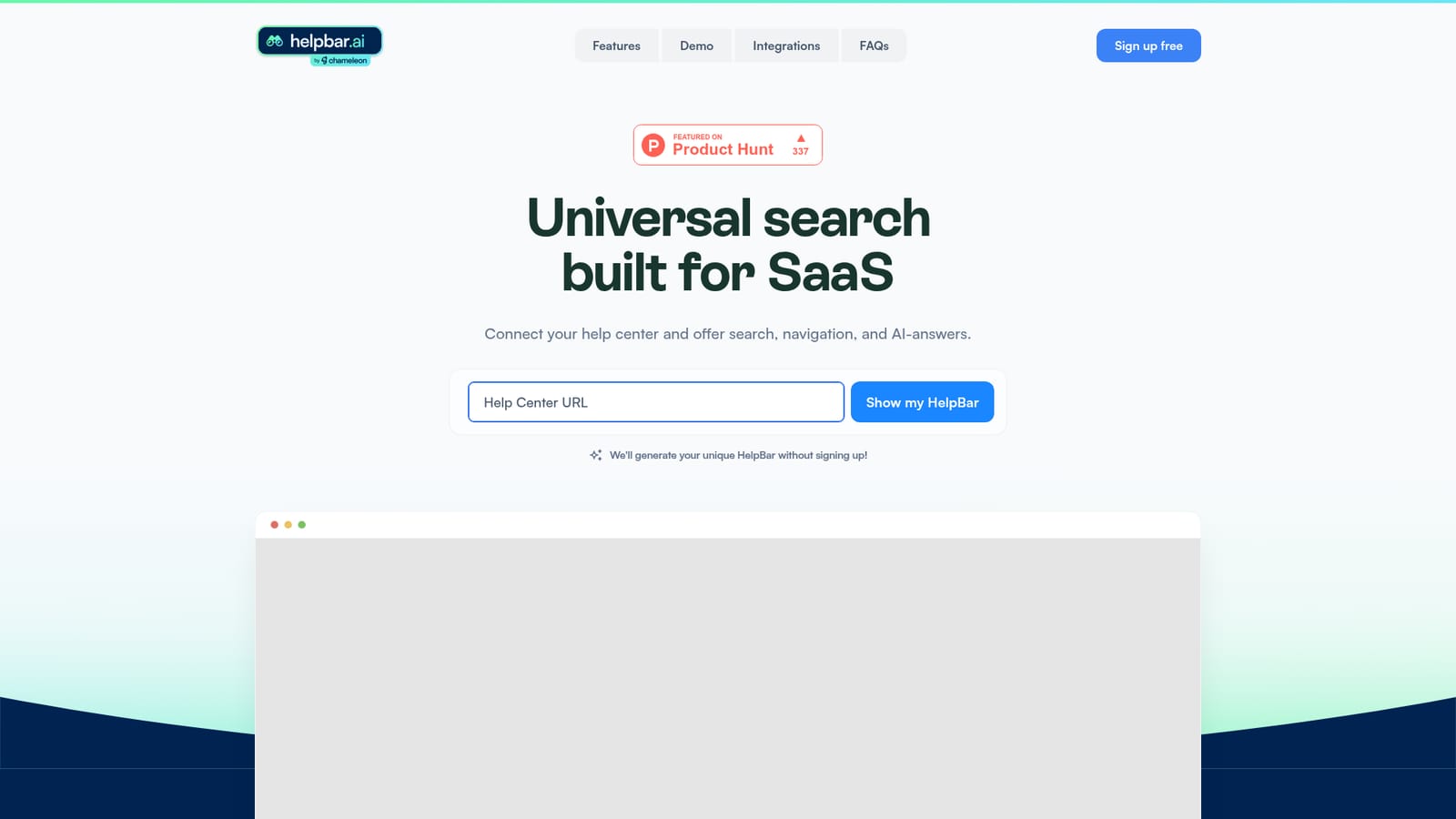
HelpBar is a universal search tool for SaaS apps that connects your help center to provide in-app search, navigation, and AI answers via a keyboard shortcut, helping users self-serve and reducing support costs.
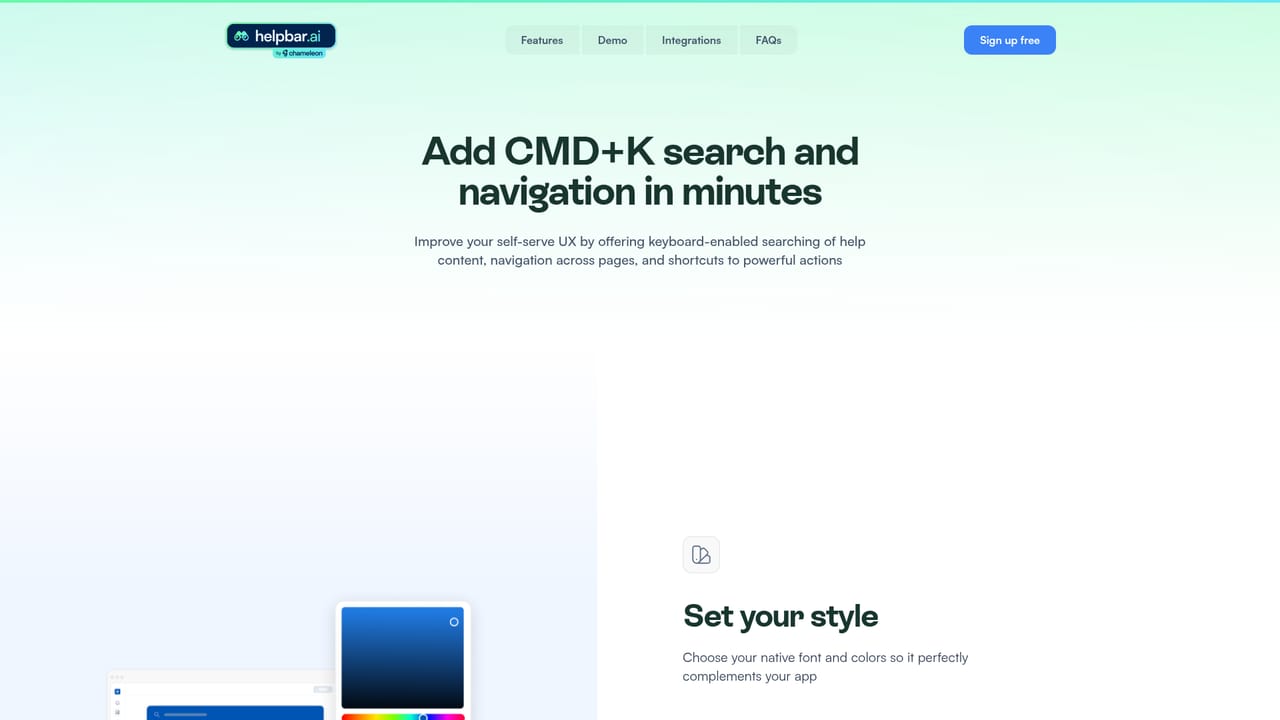
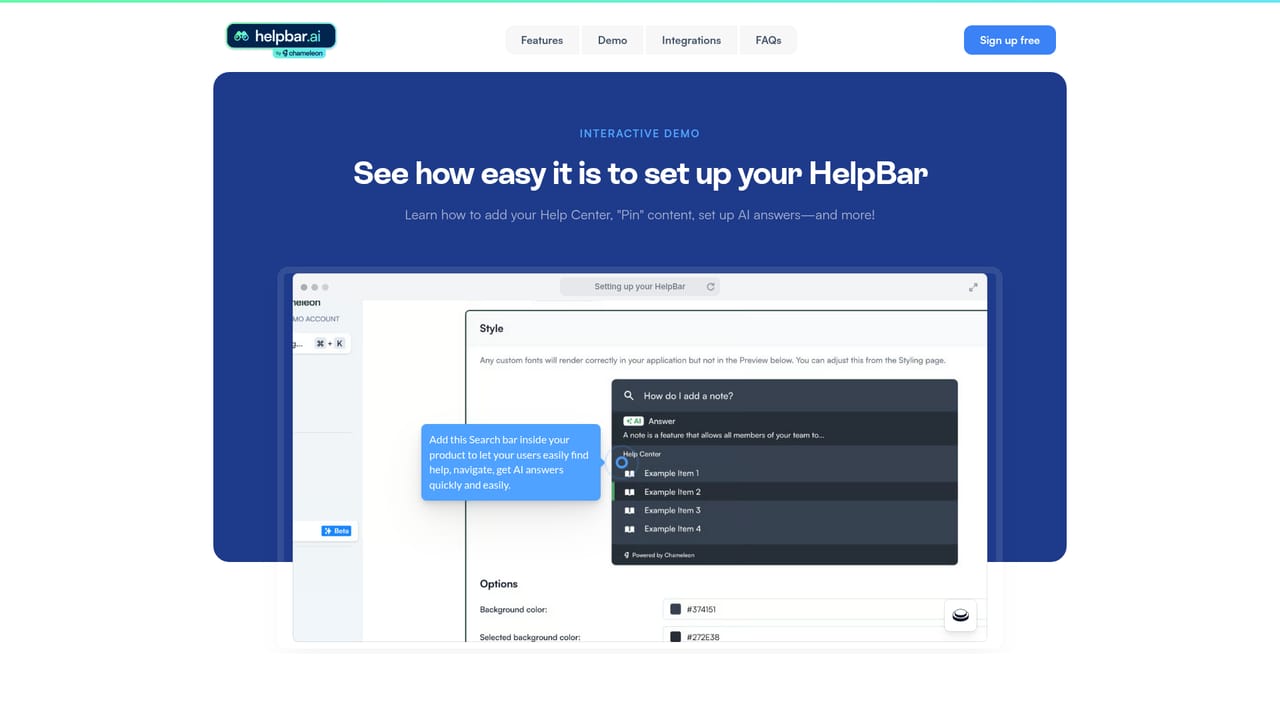
HelpBar is a universal search tool designed specifically for SaaS applications. It connects to your help center and other content sources to provide in-app search, navigation, and AI-generated answers, all accessible through a keyboard shortcut like Command + K. The goal is to help users find information without leaving the application, reducing the need to switch tabs or contact support. The tool is aimed at SaaS companies that want to improve user self-serve success and reduce support costs. By indexing your help center content, HelpBar enables users to search across all your resources, including help articles, videos, interactive demos, and even Figma prototypes. This means users can quickly access the information they need, speeding up time to value and creating power users who can navigate your app more efficiently. Setting up HelpBar involves connecting your help center, customizing the widget to match your brand, and choosing pinned items that are always visible. You can also set a keyboard shortcut for quick access. The AI answers draw from the content you provide, so the quality of responses depends on the completeness of your help center. HelpBar also allows you to surface other tools in your stack, such as Loom videos or interactive demos, keeping users within your app. Compared to traditional help desk widgets or standalone search tools, HelpBar is built for SaaS and focuses on in-app search and navigation. It differentiates itself by offering AI answers and the ability to launch external content like videos and demos. However, it may not be a full-fledged help desk solution and relies on existing content. Pricing details are not explicitly stated on the homepage, but there is a free sign-up option.
HelpBar offers a free sign-up option, allowing you to set up and use the tool without immediate payment. The homepage states it is 'easy and free to set up'.
Learn moreHelpBar connects with your help center and can surface content from tools like Loom, Figma, and interactive demos, keeping users within your app while accessing external resources.
HelpBar provides universal search across your help center and other content, AI-generated answers, in-app navigation, a customizable trigger widget or keyboard shortcut, pinned items, and the ability to surface external tools like Loom videos, interactive demos, and Figma prototypes.
Learn more AI Angels400+ customizable AI girlfriends for NSFW chat, voice calls, and roleplay
 Candy AIExperience the future of companionship with AI friends who chat, role-play, and connect with you on a human level.
 ourdream.aiA vast AI roleplay platform with millions of characters for chat, images, video and voiceAI Angels400+ customizable AI girlfriends for NSFW chat, voice calls, and roleplayCandy AIExperience the future of companionship with AI friends who chat, role-play, and connect with you on a human level.ourdream.aiA vast AI roleplay platform with millions of characters for chat, images, video and voice


