Free trial
Full access free for 14 days, with no credit card and no setup required. The trial can be cancelled at any time.
Learn moreKnowledge base software built so the docs actually get read and reused

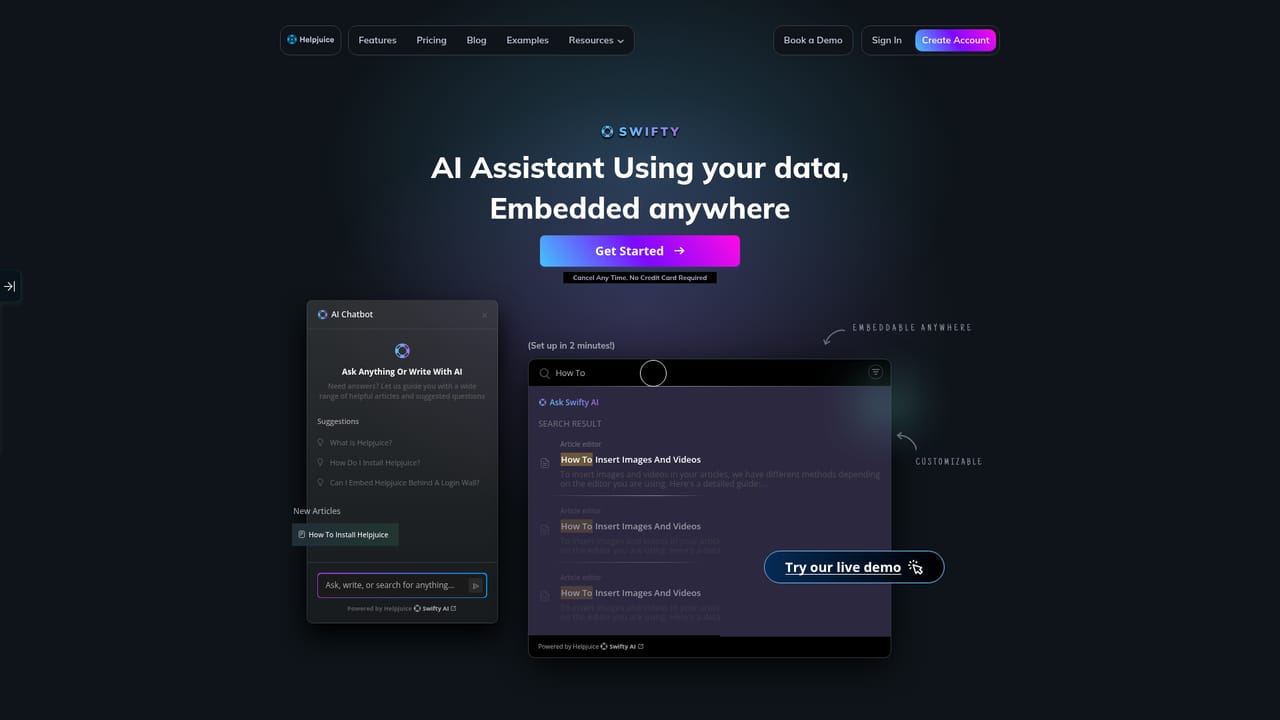
Helpjuice is an AI chat bot tool. Hosted knowledge base software with AI search and a Swifty assistant, built for support docs, SOPs and employee onboarding. Includes a visual editor, kanban planner, 50+ language translations, access restrictions and content analytics.
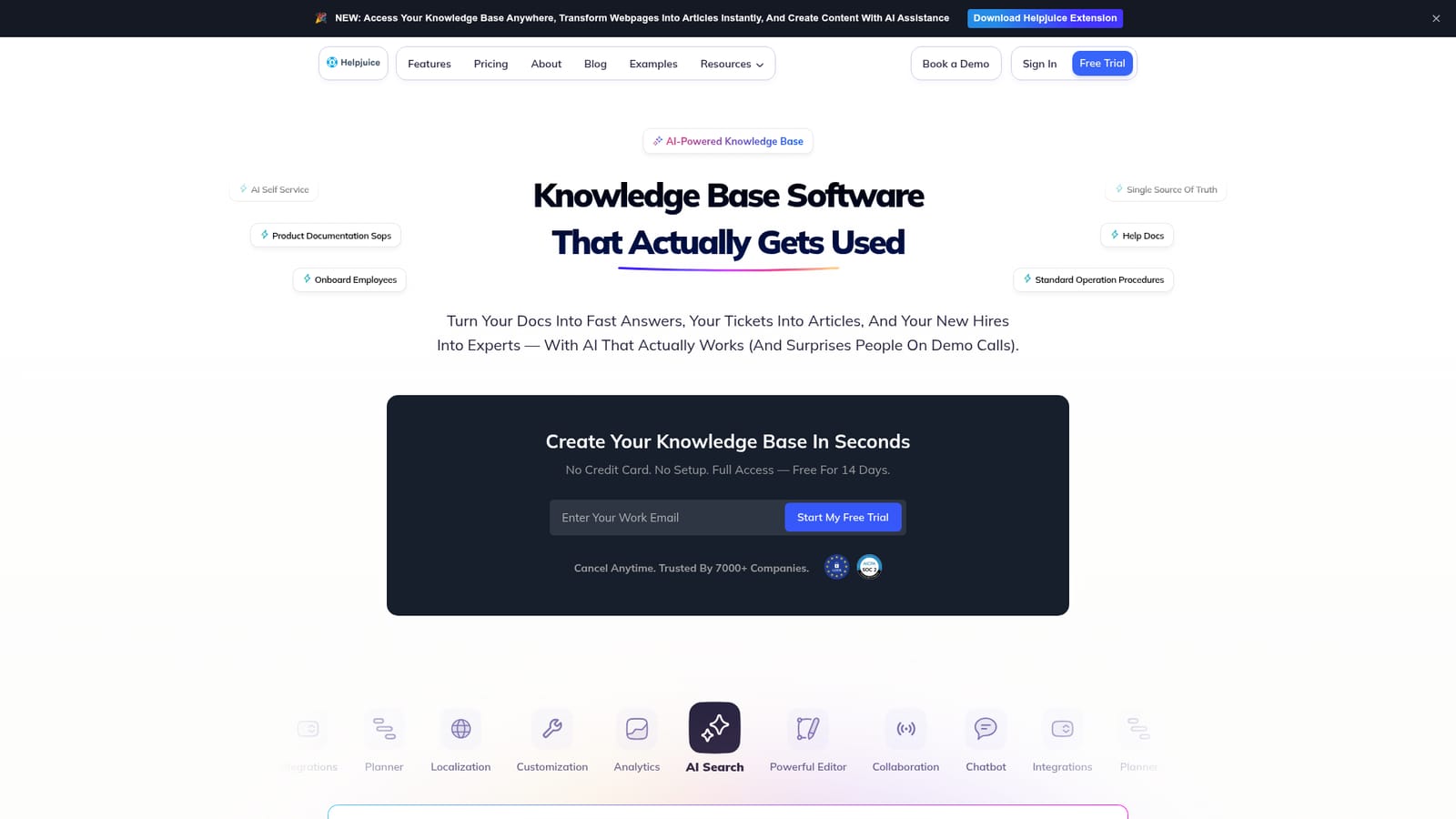
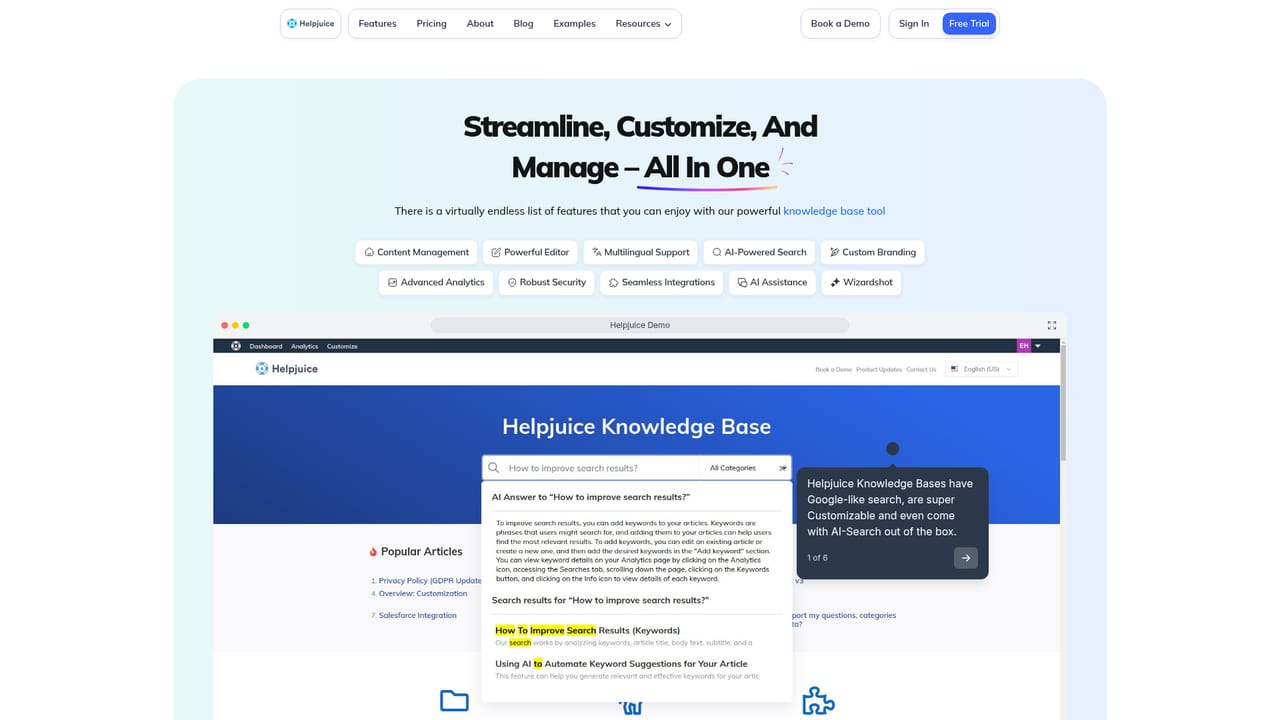
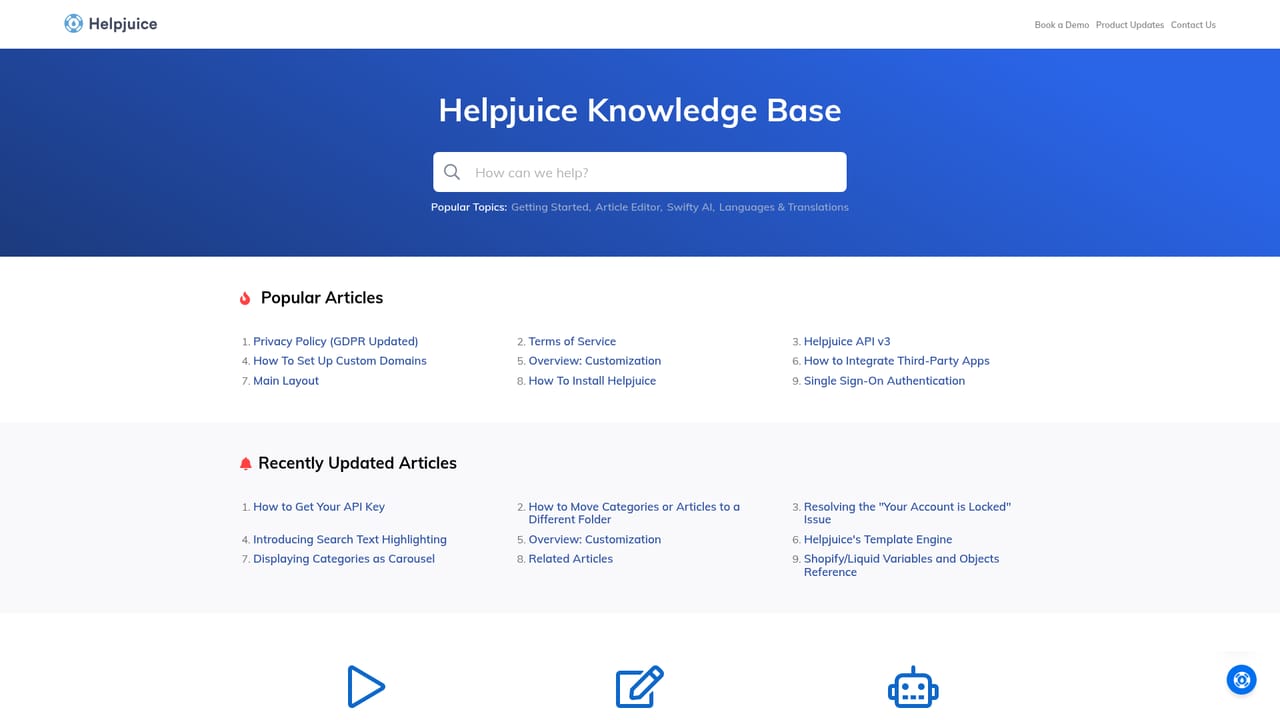
Helpjuice is a knowledge base platform for companies that need one place to hold support articles, standard operating procedures and internal documentation. The homepage frames the problem it targets directly: repeat tickets, slow onboarding and critical answers buried in Slack threads or scattered Notion pages. Helpjuice answers that with a hosted knowledge base, a fast search layer and an AI assistant called Swifty that returns answers rather than a list of links. In practice the product is organized around three use cases the homepage names explicitly: AI self service for customers, product documentation and SOPs, and employee onboarding. Content lives in a visual editor, can be grouped through a kanban style planner, and can be restricted by user or group or published publicly. Articles support translations across more than 50 languages, and analytics report on which topics people consume, which articles have impact, and what visitors search for inside the knowledge base. A Chrome extension lets teams reach the knowledge base from anywhere and convert webpages into articles. The audience is mainly support and customer care leaders, documentation teams, and operations or HR groups running onboarding. Named customers on the homepage include TCL, Paya, ZoomInfo, Shipt, Virgin Mobile, Upstart and Uberall, with case studies claiming outcomes such as a 40 percent lift in self service at Virgin Mobile, a 30 percent drop in simple support tickets at Obbi, and onboarding time cut by roughly 40 percent at Beeper. Those figures are vendor reported, not independently verified, and should be treated as claims rather than guarantees. Where it fits: Helpjuice sits in the same conversation as Zendesk Guide, Intercom, Document360 and Notion, and the homepage positions itself against Notion in particular for internal knowledge. Its pitch is a purpose built KB with AI search and chatbot on top, rather than a general workspace bent into documentation. Teams already deep in a helpdesk ecosystem should compare native help center options before switching.
Full access free for 14 days, with no credit card and no setup required. The trial can be cancelled at any time.
Learn moreSetup and usage guidance is documented in the public Helpjuice help center.
Learn moreThe homepage references integrations and an API but does not list specific third party tools.
Visual editor, AI search with the Swifty assistant and chatbot, a kanban style knowledge base planner, access restrictions by user or group, public or private content, translations in 50+ languages, content and search analytics, and a Chrome extension for reaching the KB anywhere.
Learn more AI Angels400+ customizable AI girlfriends for NSFW chat, voice calls, and roleplay
 Candy AIExperience the future of companionship with AI friends who chat, role-play, and connect with you on a human level.
 ourdream.aiA vast AI roleplay platform with millions of characters for chat, images, video and voiceAI Angels400+ customizable AI girlfriends for NSFW chat, voice calls, and roleplayCandy AIExperience the future of companionship with AI friends who chat, role-play, and connect with you on a human level.ourdream.aiA vast AI roleplay platform with millions of characters for chat, images, video and voice


