Integrations
Connects to eBay and Facebook Marketplace seller accounts, plus Shopify and WooCommerce for catalog import into the listing workflow.
Learn moreSnap a photo, get a priced eBay and Facebook Marketplace listing in seconds.

Hero is an AI listing app for eBay and Facebook Marketplace resellers. A photo becomes an identified item with a suggested price, generated title and description, then cross-posts to both marketplaces. Bulk scanning, studio photo cleanup, sold price comparison, audio and video enrichment, and Shopify catalog import round out the feature set.
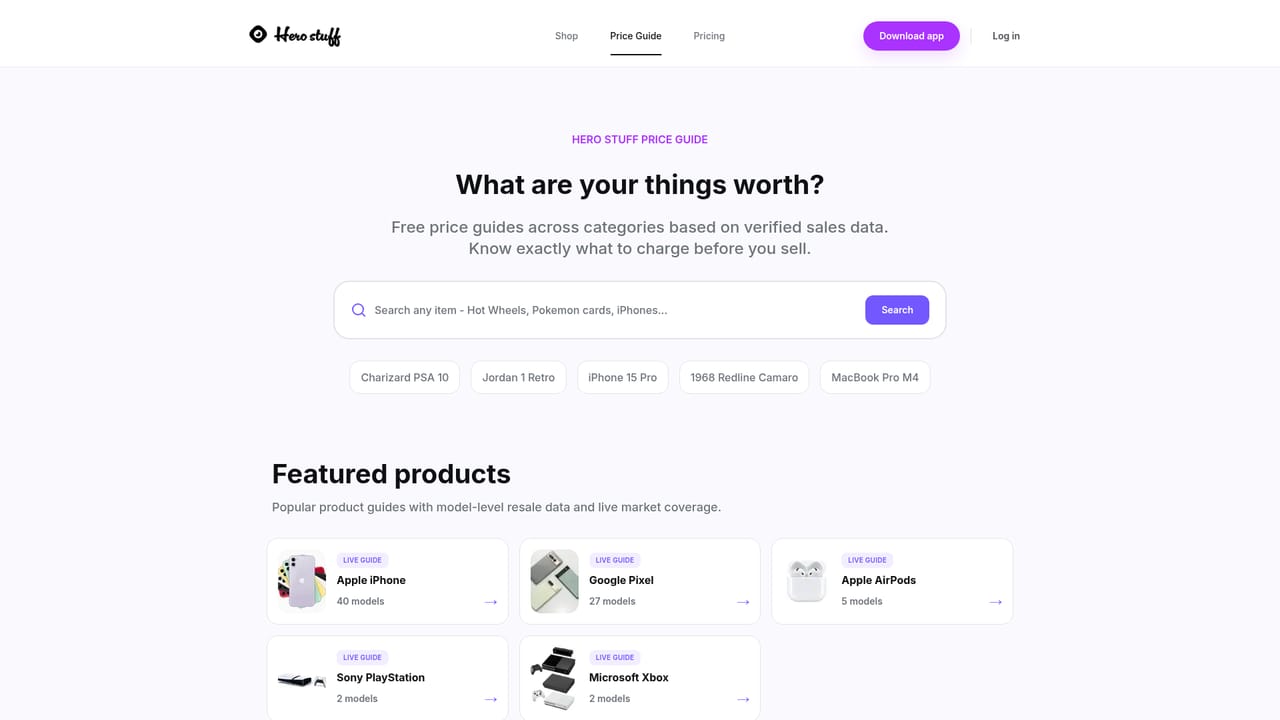
Hero is a mobile listing app built for people who sell secondhand goods on eBay and Facebook Marketplace. The core loop is simple: point the phone camera at an item, and the app's AI identifies the product, suggests a price, and drafts a title and description. Instead of typing out condition notes and measurements by hand, the seller reviews what the AI produced, adjusts if needed, and publishes to both marketplaces from the same screen. The company reports 85,000+ sellers using the product and points to five star ratings on the Apple and Google app stores. The feature set goes well beyond the initial scan. Bulk scanning lets high volume thrifters process several items in one session. Studio Photos cleans up lighting and backgrounds so listings look presentable without a dedicated photo setup. Price Comparison pulls real time sold data for similar items, and the separate Price Guides section on the website publishes category level value references for electronics, phones, women's clothing, furniture, kids toys and video games. Audio AI Enrichment and Video Listings let sellers speak or record their way through item details rather than filling in fields manually, which matters for anyone listing dozens of items a week. The tool fits resellers first and casual declutterers second. Someone clearing a house after a move gets the obvious benefit of speed, while a part time reseller treating eBay as a side income gets bulk workflows and Shopify or WooCommerce catalog import through the web dashboard. Against general purpose AI writers, Hero's advantage is that it is wired into the marketplace posting flow rather than stopping at generated copy. The limitation is scope: it is built around eBay and Facebook Marketplace, so sellers who depend on other channels should check coverage before committing. There is a blog with reselling guides and app comparisons for users who want to learn the craft alongside the tool.
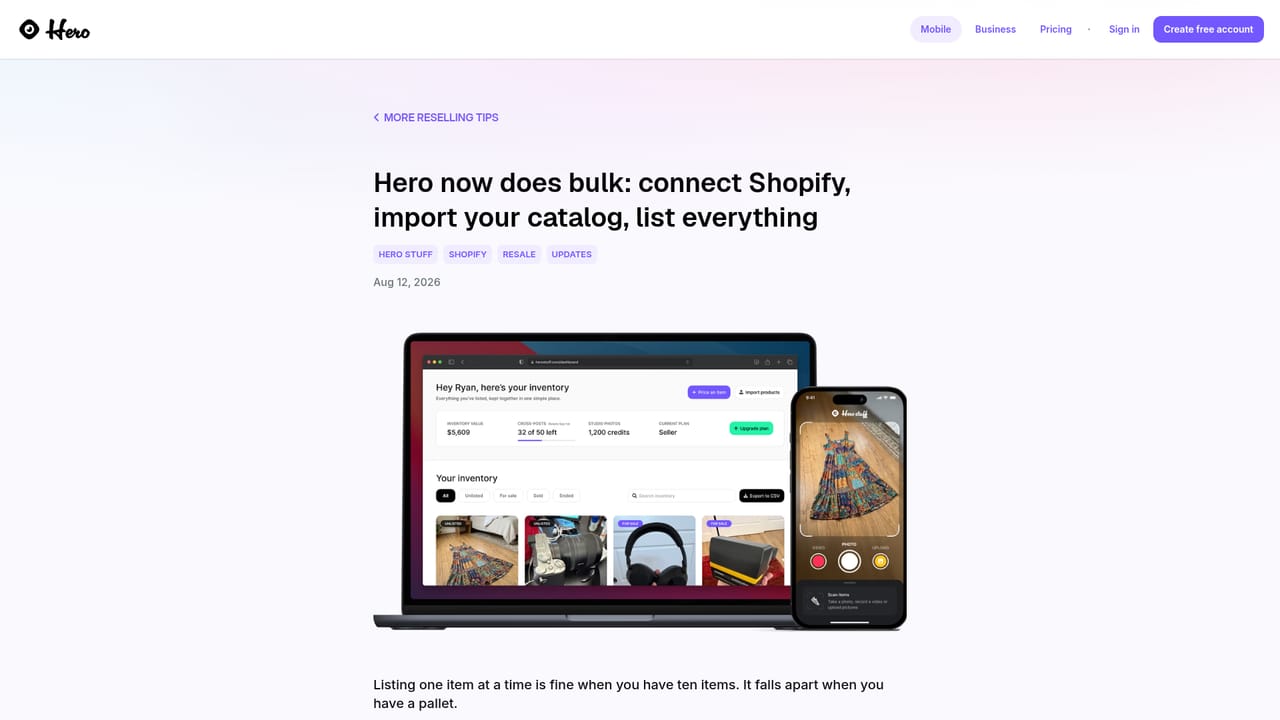
Connects to eBay and Facebook Marketplace seller accounts, plus Shopify and WooCommerce for catalog import into the listing workflow.
Learn moreAI item identification and pricing from a photo, automatic title and description writing, single tap cross-posting to eBay and Facebook Marketplace, bulk scanning for high volume inventory, Studio Photos background and lighting cleanup, real time sold price comparison, audio based listing enrichment by voice, video listings, and Shopify or WooCommerce catalog import through a web dashboard.
 AI Angels400+ customizable AI girlfriends for NSFW chat, voice calls, and roleplay
 Candy AIExperience the future of companionship with AI friends who chat, role-play, and connect with you on a human level.
 ourdream.aiA vast AI roleplay platform with millions of characters for chat, images, video and voiceAI Angels400+ customizable AI girlfriends for NSFW chat, voice calls, and roleplayCandy AIExperience the future of companionship with AI friends who chat, role-play, and connect with you on a human level.ourdream.aiA vast AI roleplay platform with millions of characters for chat, images, video and voice