Free trial
The first month of the Explorer plan is free. A browser demo also allows testing without the desktop app, though it uses different AI providers.
Learn moreVoice dictation and text refactoring in any Mac or Windows app.
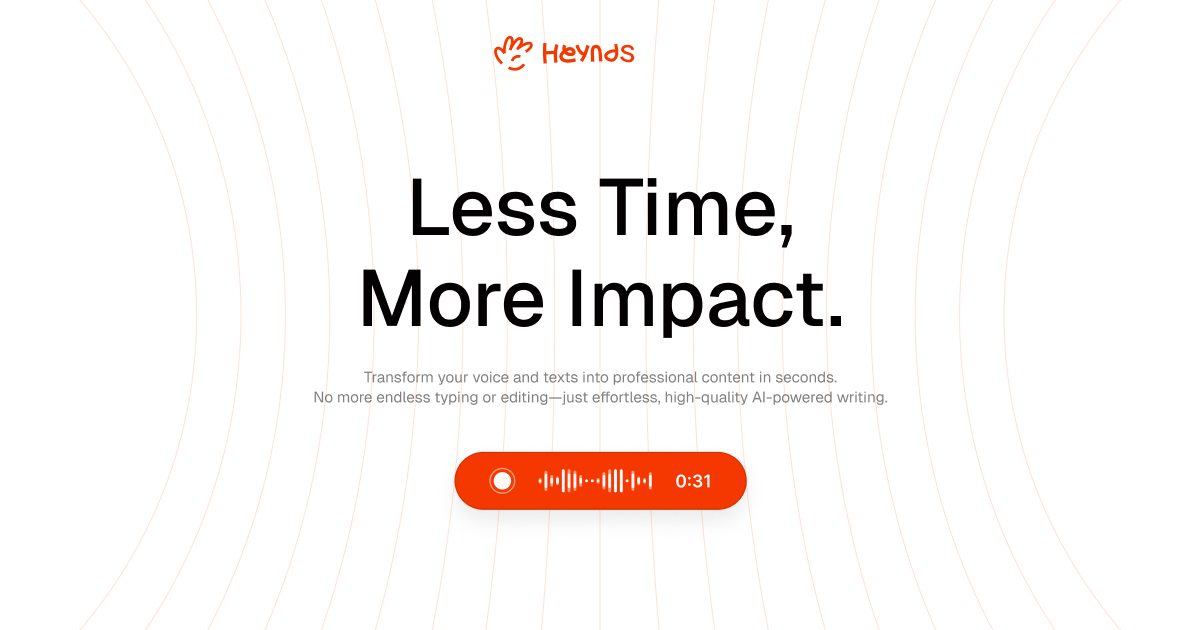
Heynds is a Mac and Windows utility that adds voice dictation and one-command text transformation to any application through a keyboard shortcut. Local processing on Apple Silicon and an online dictation mode on Windows are the core privacy trade-offs.
Heynds is a desktop utility that puts a compact AI layer behind a keyboard shortcut on Mac and Windows. Rather than opening a chat window, you highlight text in whatever application you are already using, press the shortcut, and apply a quick transformation or dictate new text by voice. The product positions itself as a faster way to draft emails, notes and messages without breaking your workflow or switching tabs. The tool has two main modes. Voice dictation turns speech into polished text, aiming to eliminate the cleanup step that normally follows transcription. Text refactoring handles rewrite, summarization, translation and formatting jobs on selected text. A custom instruction box lets you type one-off prompts for a specific selection, though saved custom commands are not yet available according to the FAQ. Built-in translation targets French and English, and the interface itself is aimed at a multilingual audience. Heynds is a native Mac application first. On Apple Silicon with macOS 26, text transformations run through Apple Intelligence, and local dictation processes audio on the device after an approximately 483 MB model download, so both paths work offline once configured. A Windows x64 preview exists but only supports Online dictation, which routes audio through the Heynds service and OpenRouter. The same online path is used on Mac when you choose online dictation. The privacy story is more nuanced than the marketing headline suggests. Local processing is genuinely local, but online dictation sends audio to external services. Heynds says those requests require Zero Data Retention endpoints and disable provider data collection. A free browser demo uses Google Gemini for text and Groq for voice, which is a different processing path from the desktop app. History stays on the machine and can be deleted per result or cleared entirely. Pricing is a single Explorer plan at $3.99 per month, with the first month free. Support runs through email at support@heynds.com. Compared with browser-based assistants, Heynds trades breadth of features for speed and context awareness inside native apps; it is a focused writing tool rather than a general chatbot.
The first month of the Explorer plan is free. A browser demo also allows testing without the desktop app, though it uses different AI providers.
Learn moreA single Explorer plan costs $3.99 per month, with the first month free under the site offer. The browser demo is free. Cancellation is available at any time and access continues until the end of the paid period.
Learn moreSupport is handled by email at support@heynds.com for bugs, feature requests and questions. A 24/7 support line is listed on the pricing tier.
Voice dictation turns speech into clean text, and text refactoring rewrites, improves, summarizes, translates or reformats selected text. A custom instruction field handles one-off prompts. Local processing via Apple Intelligence and offline dictation are available on Mac, while online dictation serves Windows and connected Mac use. History is stored locally and can be deleted.
 AI Angels400+ customizable AI girlfriends for NSFW chat, voice calls, and roleplay
 Candy AIExperience the future of companionship with AI friends who chat, role-play, and connect with you on a human level.
 ourdream.aiA vast AI roleplay platform with millions of characters for chat, images, video and voiceAI Angels400+ customizable AI girlfriends for NSFW chat, voice calls, and roleplayCandy AIExperience the future of companionship with AI friends who chat, role-play, and connect with you on a human level.ourdream.aiA vast AI roleplay platform with millions of characters for chat, images, video and voice