Support
Contact is handled through a demo booking form; the public site lists FAQs about course creation, LMS compatibility and content privacy but no help centre or documentation portal.
Learn moreTurn your own documents into full AI-built courses, then teach and measure them.

Honen is a content tool that turns your own documents into full AI-built courses, then teach and measure them. Honen builds complete courses from your documents, videos and notes using AI, then delivers them inside its own platform or through an existing LMS via LTI, SCORM or cmi5.
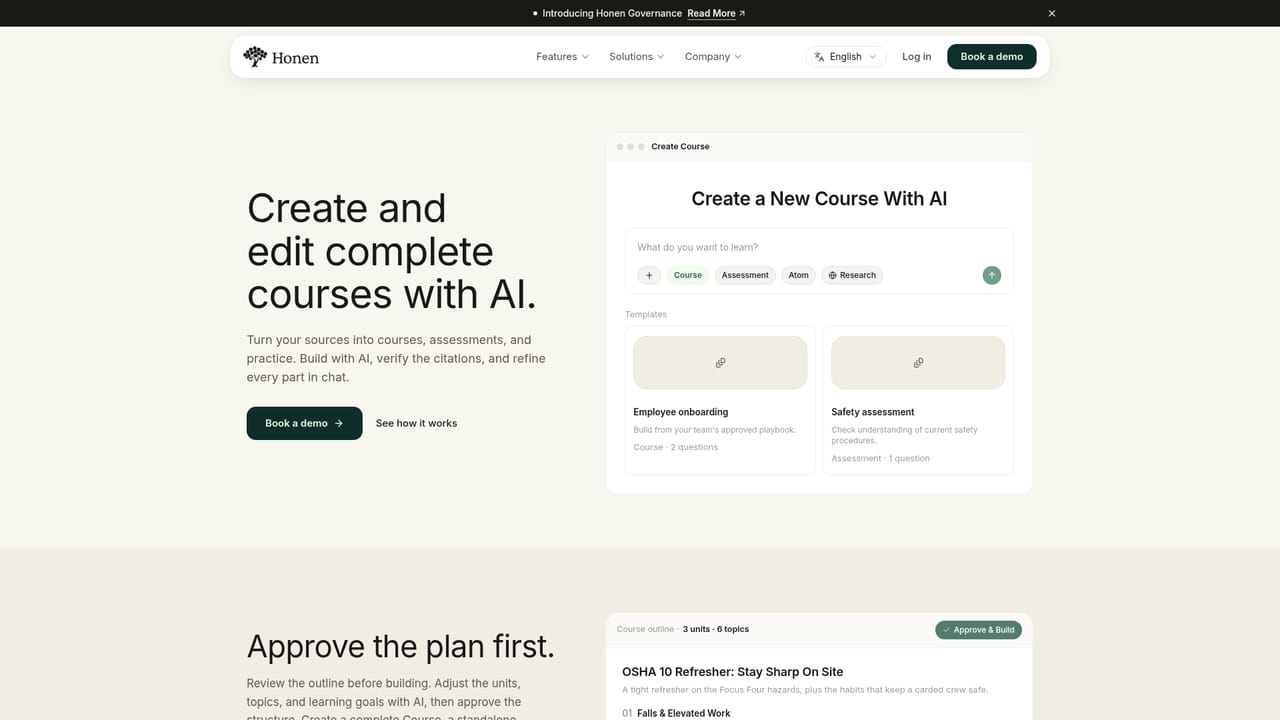
Honen is a learning platform built around a simple premise: most organizations already own the material their training should be made from, and the bottleneck is turning that material into structured teaching. The product connects five stages (Knowledge, Authoring, Learning, Delivery, Measurement) so source documents, recordings, videos and notes can become courses, assessments and short learning units without a separate instructional design pipeline. In practice the workflow starts with a Knowledge Base where files such as PDFs, DOCX documents, markdown notes, video and audio sit in a shared source of truth. From there a creator describes what should be taught, and the AI drafts an outline, lessons, activities and assessments. Every part stays editable through chat, and a learner preview lets the author check the result before publishing. Learners then read, watch or listen, drill with flashcards and quizzes, and work through scenario based projects such as a simulated customer support conversation. A tutor answers questions by voice or text, grounded in the course itself. Delivery is flexible by design. Teams can run everything inside Honen, publish a standalone Site for sharing or selling access, or push content into an existing LMS through LTI, SCORM or cmi5, which covers systems like Moodle, Canvas, Docebo and Workday Learning. Analytics track completion, scores, cohort progress and project results. Templates, a review queue and governance controls keep output consistent across many authors. The tool targets a wide span of users: individual creators packaging expertise, educators assigning practice from their own materials, small teams converting SOPs and onboarding decks, schools managing cohorts across departments, and enterprises connecting a Knowledge Base to training. The stated lineup also includes interactive 3D simulations and funder reporting formats such as PIRL and RAPIDS. Compared with general course authoring tools or standalone LMS platforms, Honen leans harder on generating the instructional content itself, while still respecting the LMS many buyers already run.
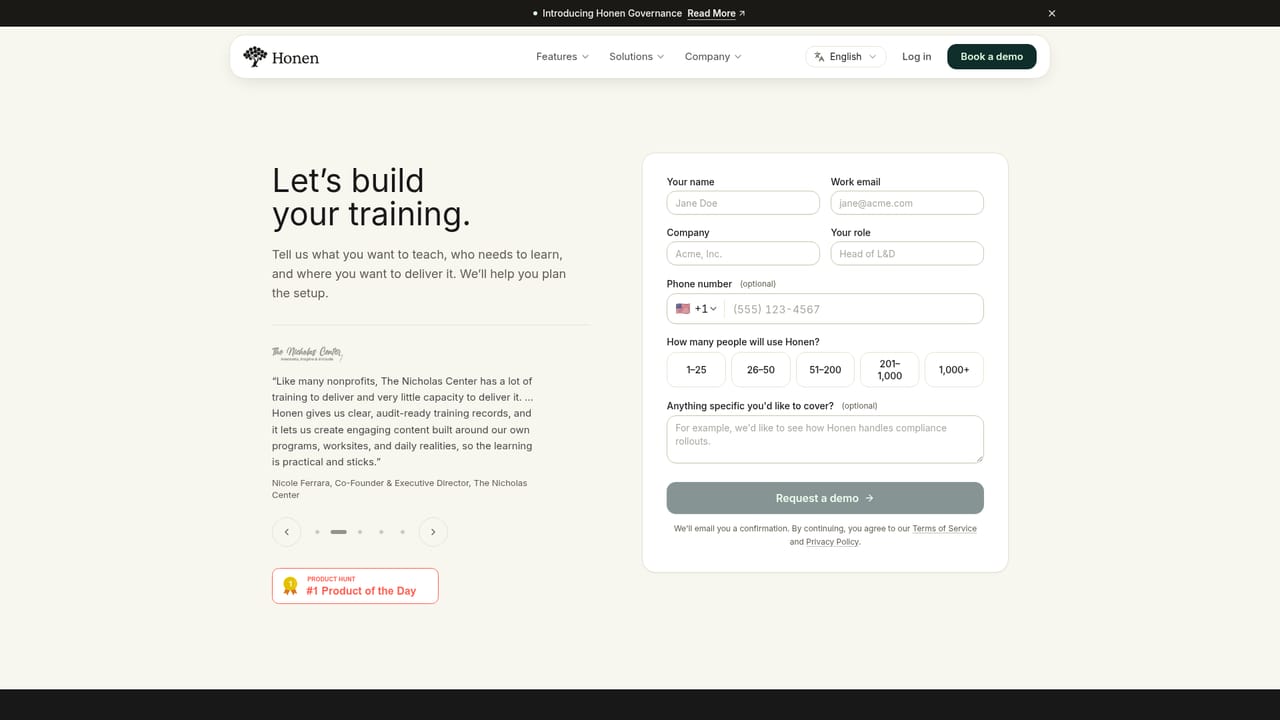
Contact is handled through a demo booking form; the public site lists FAQs about course creation, LMS compatibility and content privacy but no help centre or documentation portal.
Learn moreContent can be delivered into existing learning management systems through LTI, SCORM or cmi5; the site names Moodle, Canvas, Docebo and Workday Learning as compatible targets for SCORM packages.
Learn moreKnowledge Base for documents, recordings and video; AI course creation with chat based editing of outlines, lessons, activities and assessments; learner formats including podcast, flashcards, quizzes, comics and scenario projects; a built in tutor answering by voice or text; delivery via Honen hosting, published Sites, or LTI, SCORM and cmi5 export; analytics on completion, scores and cohort progress; shared templates, review queue, agents and governance controls.
Learn more AI Angels400+ customizable AI girlfriends for NSFW chat, voice calls, and roleplay
 Candy AIExperience the future of companionship with AI friends who chat, role-play, and connect with you on a human level.
 ourdream.aiA vast AI roleplay platform with millions of characters for chat, images, video and voiceAI Angels400+ customizable AI girlfriends for NSFW chat, voice calls, and roleplayCandy AIExperience the future of companionship with AI friends who chat, role-play, and connect with you on a human level.ourdream.aiA vast AI roleplay platform with millions of characters for chat, images, video and voice


