Horseman

Configurable web crawler with JavaScript snippets and GPT integration.

Intermediate
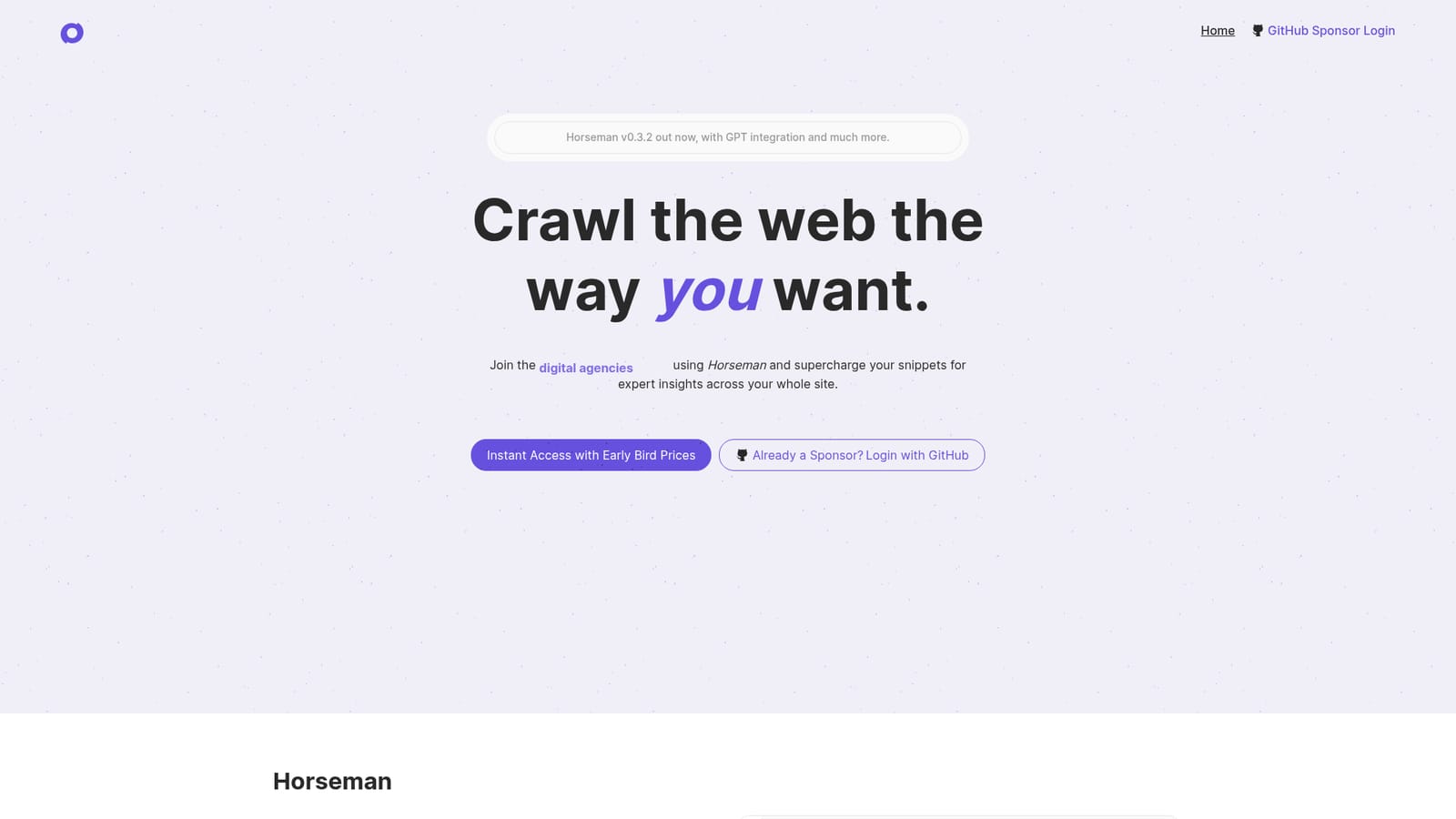
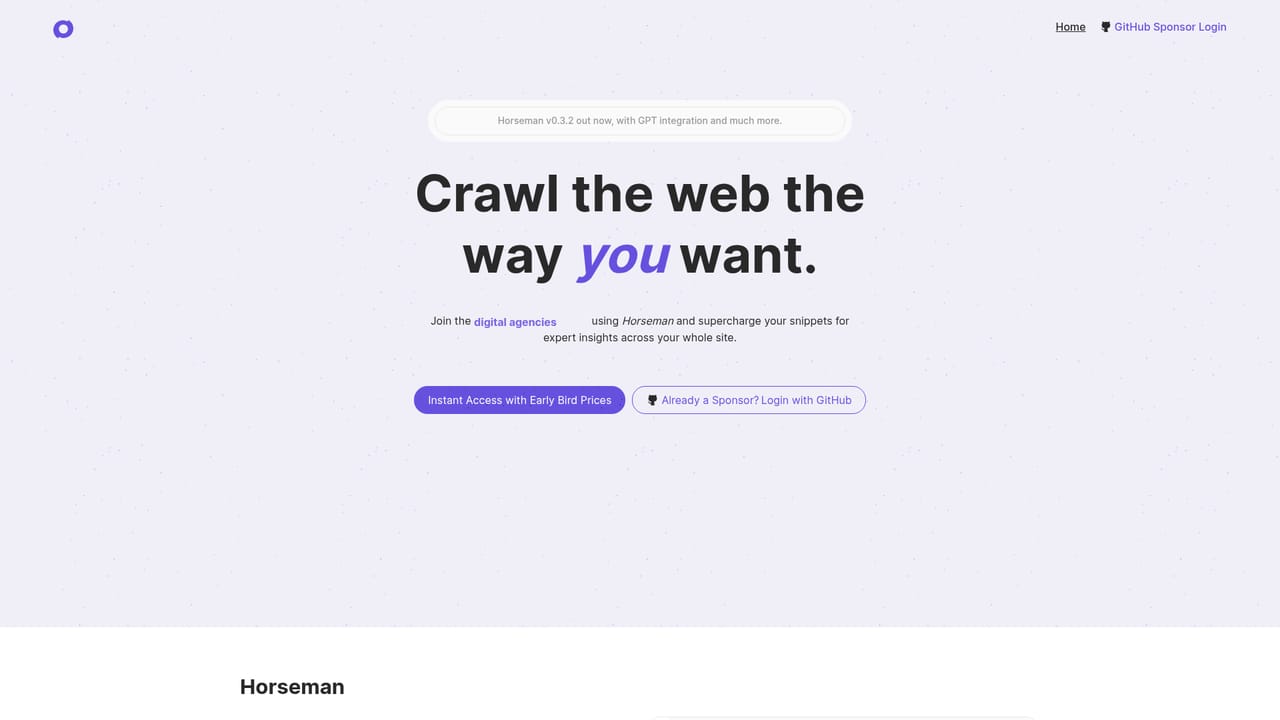
Screenshot of Horseman, Configurable web crawler with JavaScript snippets and GPT integration

What is Horseman?

Horseman is a configurable desktop web crawler that runs JavaScript snippets across an entire site to extract custom data. It includes over 120 built in snippets, GPT3.5 integration for page analysis, an AI helper that writes snippets from plain language, and an Insights view for drilling into issues.

Horseman is a desktop web crawler for Windows, macOS (including Apple Silicon), and Linux that lets you define exactly what data to pull from every page of a site. At its core are snippets: small pieces of JavaScript that run in the context of each crawled page, manipulate it, and return structured results. If you can run something in Chrome's DevTools console, you can automate it across an entire site with Horseman. More than 120 built in snippets cover common technical audits such as detecting a Largest Contentful Image that loads at low priority, flagging elements that overflow the viewport, extracting readable content with Mozilla's readability.js, and scoring H1 sentiment. Version 0.3 adds GPT integration and an AI helper for people who do not write JavaScript. You can describe the information you want to extract in plain language and let the tool draft the snippet, or send page data to GPT3.5 with a prompt to summarize content, generate meta descriptions, or analyze a page. Results land in a table, and the Insights feature provides a deeper view that groups issues and lets you drill down into the pages that need attention. The tool is built for frontend developers, performance analysts, digital agencies, accessibility experts, SEO specialists, and JavaScript engineers who need repeatable, custom extraction rather than a fixed audit report. In practice you install the desktop app, log in with GitHub, choose or write snippets, start a crawl, and review the output. Compared with hosted crawlers that offer a fixed set of checks, Horseman trades setup time for flexibility: the snippet library covers many standard audits, but the real value appears when you write or generate snippets for site specific questions. The project is distributed directly by its developer through GitHub Sponsors rather than a conventional software subscription. That keeps the pricing low and the development independent, but it also means payment is tied to a GitHub account, device limits apply per tier, and the software is a small, evolving product rather than a large platform with a support organization behind it.

How do you use Horseman?

  1. 1Get access through GitHub Sponsors
    Choose an Early Bird sponsorship tier on the homepage. Sponsorship uses GitHub as the payment gateway and unlocks the desktop app.
    Horseman — Get access through GitHub Sponsors
  2. 2Install Horseman on your desktop
    Download the build for Windows, macOS (Intel or M1/M2), or Linux. Version 0.3 is the release covered in the homepage notes.
  3. 3Sign in with your GitHub account
    Use the GitHub login option to authenticate. Your account page then shows your sponsorship status and device limit.
    Horseman — Sign in with your GitHub account
  4. 4Pick or generate snippets
    Browse the built in snippet library, or describe the information you want and let the AI helper draft a snippet for you.
  5. 5Run a crawl and read the results
    Start the crawl against your target site. Review the results table, then open Insights to drill down into pages with issues.
  6. 6Add GPT analysis where useful
    Use GPT3.5 integration to send page data or whole pages with a prompt, for example to summarize content or draft meta descriptions.

Pros and cons

Pros

  • Snippet based architecture lets you extract almost any data from a page, not just fixed audit checks.AI
  • Over 120 built in snippets cover performance, accessibility, content, and SEO checks out of the box.AI
  • AI helper lowers the barrier for users who do not write JavaScript.AI
  • Desktop app runs on Windows, Mac (Intel and M1/M2), and Linux.AI
  • Results table and Insights view make it easy to review and drill into crawl output.AI

Cons

  • Payment is handled through GitHub Sponsors, so a GitHub account is required and there is no conventional checkout.AI
  • Device limits apply per sponsorship tier, which can constrain teams on lower plans.AI
  • No mobile, browser based, or cloud option; crawling requires installing and running the desktop app.AI
  • Learning curve remains for users who want to write custom snippets beyond the built in library.AI
  • Support is a direct email contact rather than a documented help center or community forum.AI

How much does Horseman cost?

Pricing

Early Bird pricing is sold as GitHub Sponsorships: Sponsor at $5 per month (1 device), Sponsor++ at $10 per month (3 devices), and a contact only tier with a custom device limit. All tiers include bonus extras such as early access to other tools.

Learn more

Support

Support is available by email at support@gethorseman.app; the site does not describe a help center or community forum.

Integrations

Integrates with GPT3.5 for page content analysis and with GitHub for login and sponsorship payments.

Features

Snippet powered crawling with over 120 built in JavaScript snippets, a snippet editor, AI assisted snippet creation, GPT3.5 integration for page analysis and summarization, an Insights view for drilling into crawl issues, and support for Windows, macOS (Intel and M1/M2), and Linux.

Frequently asked questions about Horseman

  • How much does Horseman cost?
    Early Bird pricing is sold as GitHub Sponsorships: Sponsor at $5 per month (1 device), Sponsor++ at $10 per month (3 devices), and a contact only tier with a custom device limit. All tiers include bonus extras such as early access to other tools.
  • How do you use Horseman?
    The walkthrough on this page covers 6 steps: 1. Get access through GitHub Sponsors 2. Install Horseman on your desktop 3. Sign in with your GitHub account 4. Pick or generate snippets 5. Run a crawl and read the results 6. Add GPT analysis where useful.
  • What platforms does Horseman support?
    Horseman is available on MacOS, Windows and Linux.
  • What does Horseman integrate with?
    Integrates with GPT3.5 for page content analysis and with GitHub for login and sponsorship payments.
  • What are the limitations of Horseman?
    Payment is handled through GitHub Sponsors, so a GitHub account is required and there is no conventional checkout. Device limits apply per sponsorship tier, which can constrain teams on lower plans. No mobile, browser based, or cloud option; crawling requires installing and running the desktop app.

Status

StatusActive
Views0
Outbound clicks0
Added10/21/2026

Platforms

MacOSWindowsLinux

Pricing

PaidSubscription