Support
Customer reviews on the homepage single out responsive support during setup and ongoing operation, and the site offers a direct line to the team plus built-in help documentation. No separate support page is published.
Client portal and workflow automation for service firms

Hubflo turns client work into automated, step-by-step flows delivered through a branded portal: file requests, e-signatures, approvals, forms and messaging, with AI document checks and automatic reminders running in the background. Built for agencies, accountants, advisors, insurers and legal teams.
Hubflo is a client portal platform built for service businesses that want to stop running engagements through email threads, spreadsheets and copy-paste. The core idea is the flow: a step-by-step process that clients follow inside their own portal, uploading files, signing agreements, approving work, filling in forms and messaging the team. Behind each flow, internal tasks, automations and integrations keep the work moving without someone manually chasing every item. The platform leans on automation to absorb the routine parts of delivery. Document requests go out on a schedule, reminders follow automatically if a client has not responded, and AI reads incoming files to pull out data such as tax figures and save it to the client record. It also checks submissions before a human looks at them, flagging things like a bank statement that only covers two months or a lease page left unsigned. E-signature, file collection, approval requests and to-do assignment all live in the same place, so an engagement runs as one connected sequence rather than a set of disconnected tools. The portal itself is white-label: firms apply their own logo, colors and domain, and there is an option for a branded mobile app. Hubflo reports 256-bit encryption for client data. It is aimed squarely at consultants, agencies, accountants, financial advisors, insurers, law firms and construction or real estate businesses, and it ships with prebuilt flows for those trades, including tax return preparation, KYC onboarding, client kickoff and claims intake. Firms that already have their processes documented can start from a template and adjust rather than build from nothing. Against generic CRMs, Hubflo is narrower and more delivery-focused: it manages the client-facing work rather than the sales pipeline, and it connects to the sales and accounting tools a firm already runs through native integrations and an open API. Teams weighing it against project management suites should note that the client experience, not internal task boards, is the centre of the product. The site reports more than 2,261 service firms using it.
Customer reviews on the homepage single out responsive support during setup and ongoing operation, and the site offers a direct line to the team plus built-in help documentation. No separate support page is published.
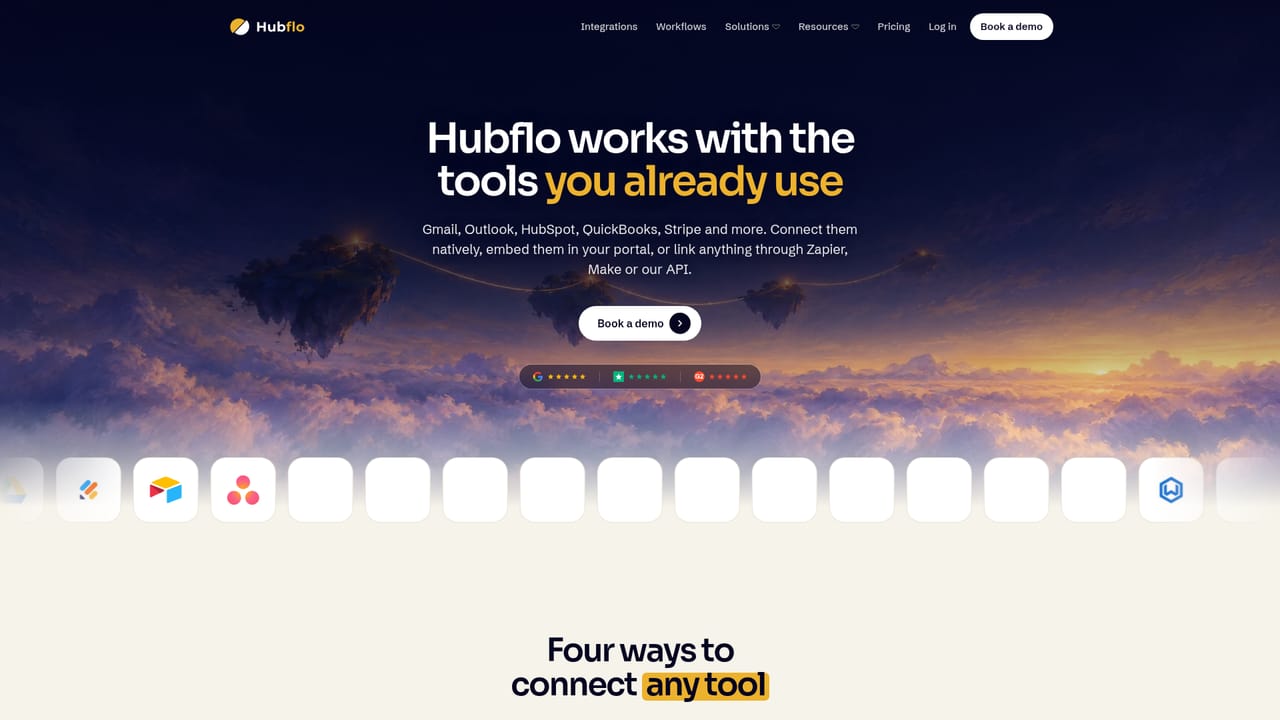
The site cites 18+ native integrations spanning CRM, accounting, calendars, file storage and payments, with named tools including Google Drive, Gmail, HubSpot, QuickBooks, Xero, Dropbox, Calendly, ClickUp, Notion, Airtable, Stripe and Zapier. An open API covers anything not on the list.
Learn moreFlows combine client-facing steps (file uploads, e-signature, approvals, forms, messaging) with internal tasks, automations and integrations. AI extracts data from uploaded documents, checks files for gaps and unsigned pages, and logs results to the client record. Scheduled reminders chase outstanding items automatically, and the portal carries the firm's own logo, colors and domain.
 AI Angels400+ customizable AI girlfriends for NSFW chat, voice calls, and roleplay
 Candy AIExperience the future of companionship with AI friends who chat, role-play, and connect with you on a human level.
 ourdream.aiA vast AI roleplay platform with millions of characters for chat, images, video and voiceAI Angels400+ customizable AI girlfriends for NSFW chat, voice calls, and roleplayCandy AIExperience the future of companionship with AI friends who chat, role-play, and connect with you on a human level.ourdream.aiA vast AI roleplay platform with millions of characters for chat, images, video and voice


