Humaans AI

An AI teammate for HR questions, policies, and people data.

Beginner
Screenshot of Humaans AI, An AI teammate for HR questions, policies, and people data

What is Humaans AI?

Humaans AI is an AI chat bot tool. Humaans AI answers employee questions about policies, time off, and people data using documents stored in Humaans. It respects user permissions, cites sources, and builds data tables from natural language prompts. Best suited to HR teams already on the Humaans platform.

Humaans AI is a conversational layer added to the Humaans HR information system. It answers routine people questions on behalf of the HR team, drawing on company policies, handbooks, culture decks, and other documents that already live in the platform. The homepage positions it as a team companion: employees ask about time off, values, working from home rules, or performance review cycles, and the assistant responds with sourced answers rather than sending another ticket to an overloaded HR inbox. In day to day use, the assistant works inside the same context as the rest of Humaans. It respects the permissions configured for each user, so answers only surface what that person is allowed to see. Responses cite the document they came from, and the platform analyzes documents in real time so a policy edit is reflected in answers without a manual reindex. Humaans also states that no customer data is used to train AI models or sold to third parties, which addresses the most common procurement objection to HR chatbots. Beyond question answering, the assistant can build data views on request. Asking in natural language produces tables across areas such as policies, handbooks, contracts, and integrations, which shortens the path from a question to a usable report. The homepage frames the value in headcount terms, citing a survey of roughly 1,000 companies that found 10 to 15 hours per week of one HR full time employee go to repetitive policy questions, and estimating cost savings that rise with company size. The tool fits HR teams that already run on Humaans and want to cut the volume of repeat questions without adding headcount. It is not a standalone product: the value depends on documents being loaded into the platform and permissions being set up correctly. Buyers comparing it with general purpose chatbots should weigh that grounding in internal documents against the coupling to one HRIS.

How do you use Humaans AI?

  1. 1Book a demo with the Humaans team
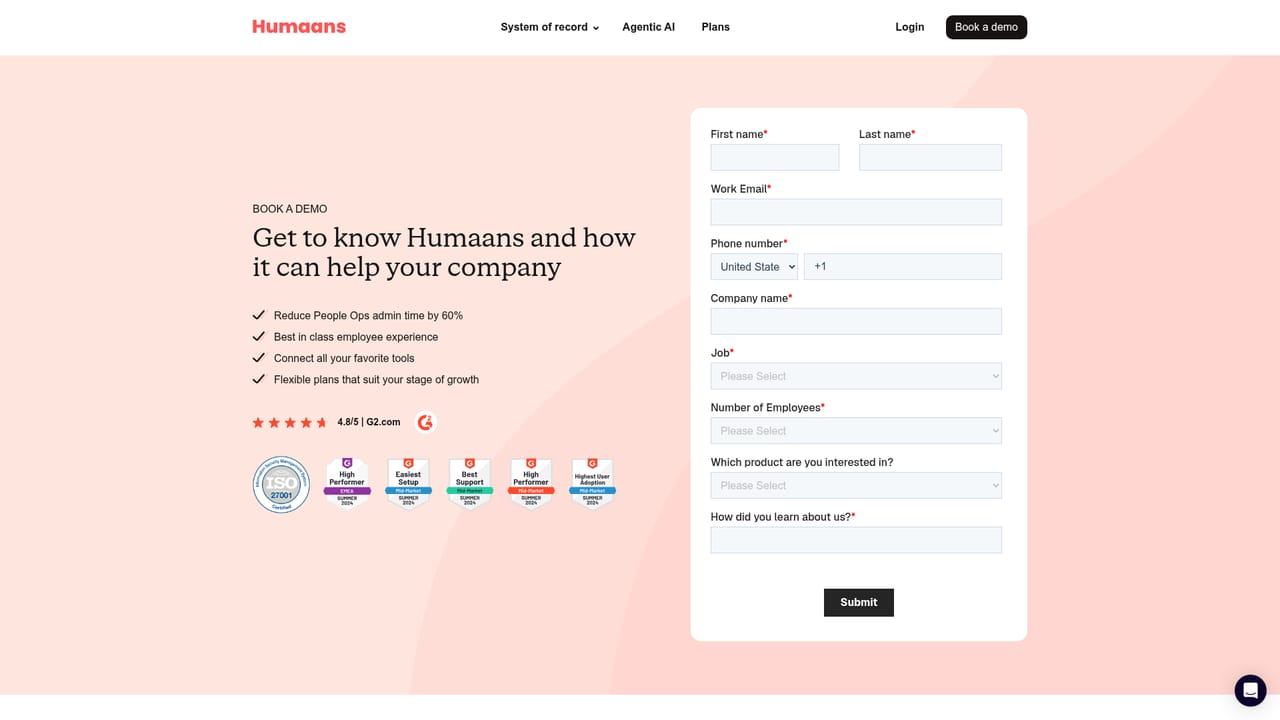
    Start by requesting a walkthrough. The sales team can confirm how Humaans AI fits your current HR setup and what data you would need to load first.
    Humaans AI — Book a demo with the Humaans team
  2. 2Load your policy and handbook documents
    Add the documents the assistant should learn from, such as time off policies, culture decks, and working from home rules. Humaans analyzes them in real time once they are in place.
  3. 3Review user permissions
    Check the permissions already configured for each role. The assistant only answers from data a given user is allowed to see, so gaps here directly shape what it can return.
  4. 4Ask a test question in the chat window
    Open the AI chat and ask something practical, like what the company values are. Confirm the answer is correct and open the sources panel to verify which document it came from.
  5. 5Generate a data table with a prompt
    Describe the view you need in plain language, for example a table of current policies or contracts. The assistant returns the data as a table inside the relevant section.
  6. 6Roll it out to employees
    Once answers look reliable, point staff to the assistant for routine policy questions. Keep an eye on which questions it cannot answer so documents can be filled in.

Pros and cons

Pros

  • Answers are permission driven, so employees only see data they are already allowed to access.AI
  • Every response can show its document source, which makes answers auditable.AI
  • Real time document analysis means policy updates flow into answers without manual reindexing.AI
  • Natural language prompts generate data tables across policies, handbooks, and contracts.AI
  • The homepage states customer data is not used to train models or sold to third parties.AI

Cons

  • No standalone pricing or plan details are published on the homepage, so buyers must book a demo to learn cost.AI
  • Value depends on how much policy and handbook content is already loaded into Humaans.AI
  • It is tied to the Humaans HRIS, so teams on another system cannot adopt it in isolation.AI
  • The cost savings table is based on a company survey, not measured results from individual customers.AI

How much does Humaans AI cost?

Features

Humaans AI answers employee questions about policies, time away, and people data using documents stored in Humaans. Responses follow user permissions, cite their document source, and reflect document changes in real time. Users can also create data tables by describing them in natural language across areas like policies, handbooks, contracts, and integrations.

Frequently asked questions about Humaans AI

  • How do you use Humaans AI?
    The walkthrough on this page covers 6 steps: 1. Book a demo with the Humaans team 2. Load your policy and handbook documents 3. Review user permissions 4. Ask a test question in the chat window 5. Generate a data table with a prompt 6. Roll it out to employees.
  • What platforms does Humaans AI support?
    Humaans AI is available on Web App.
  • What are the limitations of Humaans AI?
    No standalone pricing or plan details are published on the homepage, so buyers must book a demo to learn cost. Value depends on how much policy and handbook content is already loaded into Humaans. It is tied to the Humaans HRIS, so teams on another system cannot adopt it in isolation.

Status

StatusActive
Views0
Outbound clicks0
Added10/21/2026

Platforms

Web App

Pricing

Paid