
Humai.in

Content, image, voice and chat generation in one AI dashboard.

Beginner
Screenshot of Humai.in, Content, image, voice and chat generation in one AI dashboard

What is Humai.in?

Humai.in is an AI humanizer tool. Humai.in bundles AI text templates, Stable Diffusion and Dall-E image generation, chatbots, speech to text, voiceover and script to video in one web platform aimed at marketers, agencies and solo creators.

Humai.in is an all-in-one AI workspace that bundles text generation, image creation, chat, speech tools and video scripting into a single web platform. The text side is built around OpenAI models and offers more than fifty auto prompts, so a user can pick a template such as Article Generator, Product Description, Meta Description or Instagram Captions instead of writing a prompt from scratch. Every template sits inside a broader library that spans blog writing, ecommerce copy, SEO, email, social media, academic essays, resumes, cover letters and legal boilerplate like privacy policies. The image and media tools round out the package. Text to image runs on Stable Diffusion, Dall-E powers a separate image generator, and an AI image editor handles enhancement and transformation. Speech to text transcribes recordings, AI Voiceover turns written text into narrated audio with selectable voices, languages and pacing, and a voice isolator strips background noise from recordings. A script to video feature turns written scripts into generated clips. Chat is handled by a set of assistants advertised as a 24/7 bot army with support for more than fifteen languages. The workflow suits marketers, copywriters, digital agencies, product designers, developers and small business owners who would otherwise juggle several single purpose tools. A typical session starts by choosing a template or a custom generator, supplying a topic or keyword, and then editing and exporting the output. The platform also includes a file analyzer for PDFs, CSV and Word documents, an AI YouTube tool that converts videos into blog posts, and an RSS driven content generator, which points to lighter automation for repurposing existing material. Positioning is squarely on breadth and price rather than depth. Competing products tend to specialise: one for long form SEO writing, another for image generation, a third for voice. Humai.in competes by putting those functions behind one login, with the homepage promising an affordable model and quick setup for people who want to start creating and monetising content fast.

How do you use Humai.in?

  1. 1Create an account
    Sign up with an email address on the registration page to open the dashboard. Access to the generators and chat bots requires a logged in session.
    Humai.in — Create an account
  2. 2Pick a template from the library
    Open the template library and filter by category such as blog, ecommerce, social media or academic. Choose Article Generator, Product Description or another preset that matches the task.
  3. 3Generate and refine the draft
    Enter a topic, keywords or description in the template fields, run the generator, then edit the result in the built in editor before exporting or publishing.
  4. 4Produce images or audio
    Switch to the image generator for Stable Diffusion or Dall-E output, or use AI Voiceover and speech to text for audio work, all from the same dashboard.
  5. 5Explore the blog for usage ideas
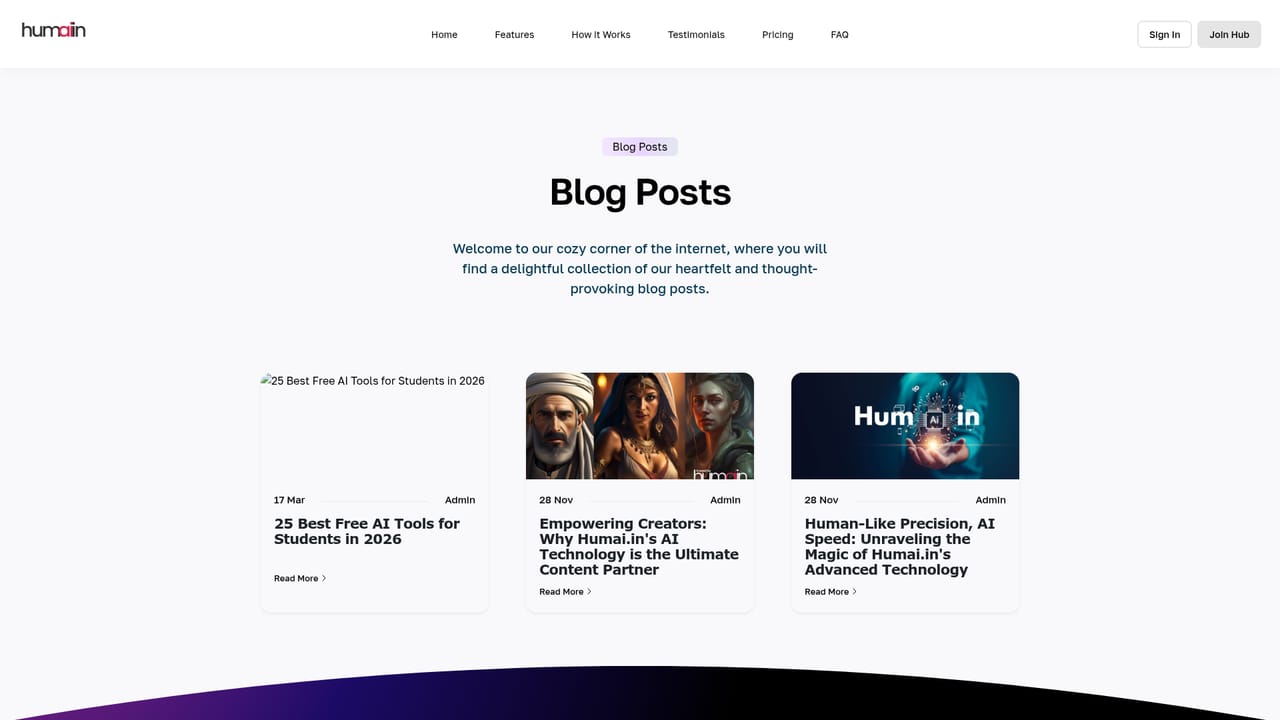
    The blog covers how the AI technology works and how creators use it as a content partner, which helps frame realistic expectations before committing to a plan.
    Humai.in — Explore the blog for usage ideas

Pros and cons

Pros

  • More than fifty writing templates cover blog, ecommerce, SEO, email, social and academic tasks without prompt engineering.AI
  • Image, voice, transcription and chat tools live in the same account as the text generator, reducing tool switching.AI
  • File analyzer accepts PDF, CSV and Word documents for summarising and insight extraction.AI
  • AI YouTube and RSS tools help repurpose existing video and feed content into new written material.AI
  • Interface supports more than fifteen languages for non English output.AI

Cons

  • Pricing, plan limits and credit allowances are not stated on the homepage, so cost cannot be assessed before signing up.AI
  • Output quality depends on OpenAI and Dall-E models behind the scenes, and no published benchmarks or model versions are given.AI
  • The very large template catalogue overlaps heavily, with multiple near duplicate generators for blogs and social captions.AI
  • No public documentation for API access, exports or integrations is linked from the homepage.AI
  • Video generation is described as script based only, without detail on length, resolution or rendering time.AI

How much does Humai.in cost?

Features

Text generation with 50+ auto prompt templates (blog, ecommerce, SEO, email, social, academic, resume, legal), Stable Diffusion and Dall-E image generation, AI image editor, 20+ chatbot assistants, speech to text, AI voiceover, voice isolator, script to video, file analyzer for PDF, CSV and Word, AI YouTube to blog, RSS content generation and custom generator builder.

Frequently asked questions about Humai.in

  • How do you use Humai.in?
    The walkthrough on this page covers 5 steps: 1. Create an account 2. Pick a template from the library 3. Generate and refine the draft 4. Produce images or audio 5. Explore the blog for usage ideas.
  • What platforms does Humai.in support?
    Humai.in is available on Web App.
  • What are the limitations of Humai.in?
    Pricing, plan limits and credit allowances are not stated on the homepage, so cost cannot be assessed before signing up. Output quality depends on OpenAI and Dall-E models behind the scenes, and no published benchmarks or model versions are given. The very large template catalogue overlaps heavily, with multiple near duplicate generators for blogs and social captions.

Status

StatusActive
Views0
Outbound clicks0
Added10/21/2026

Platforms

Web App

Pricing

Freemium