Humanize AI Text

Rewrites AI drafts into natural prose that reads human

Beginner
Screenshot of Humanize AI Text, Rewrites AI drafts into natural prose that reads human

What is Humanize AI Text?

Humanize AI Text is an AI detection remover tool that rewrites AI drafts into natural prose that reads human. A single screen rewriting tool that restructures AI generated drafts into smoother, more natural prose.

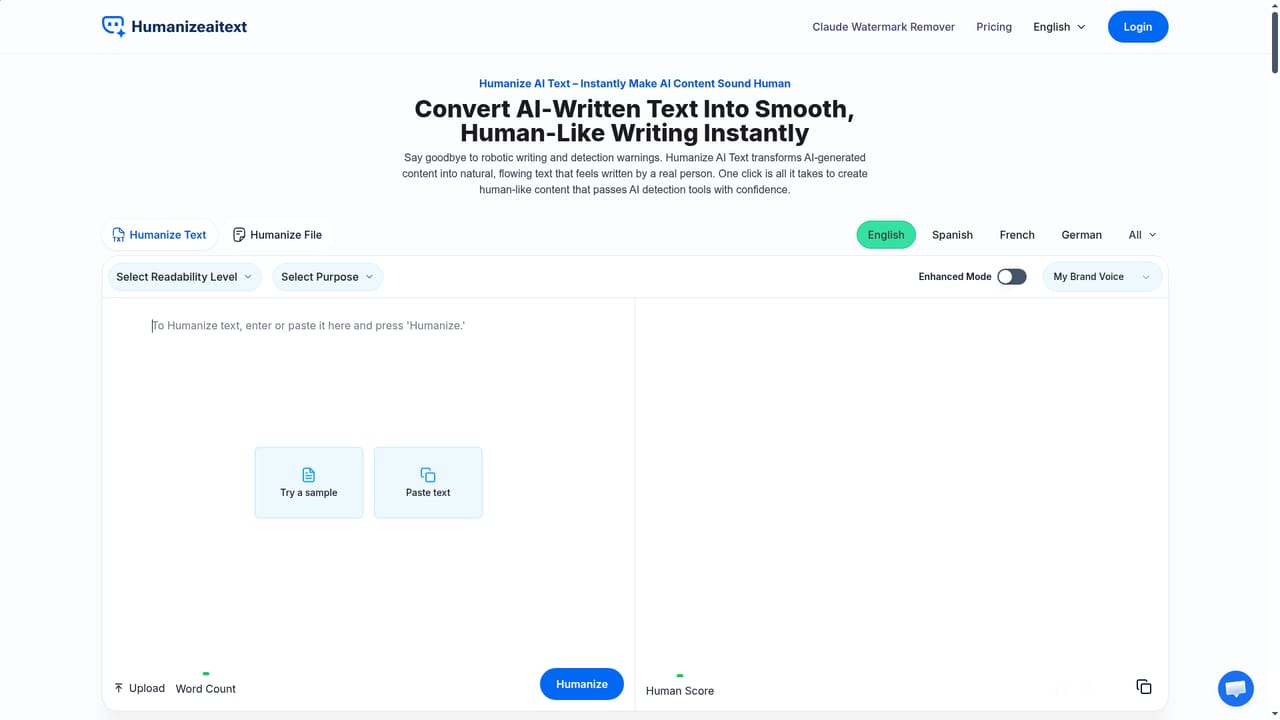
Humanize AI Text is a rewriting tool built for one job: taking text that was produced by a language model and reshaping it so the result reads like ordinary human writing. The homepage frames the problem plainly. Detectors such as GPTZero, Turnitin and Originality AI look for predictable patterns, and this tool attacks those patterns at the structural level rather than swapping a handful of synonyms. Sentences get restructured, transitions get smoothed, and phrasing gets varied while the original argument is supposed to survive intact. The workflow is a single screen. You paste text or upload a file, pick a readability level, optionally set a purpose and toggle enhanced mode or a brand voice, then press Humanize. Readability levels run from High School and University through Doctorate, Journalist and Marketing, and purpose presets cover academic writing, general writing, essays, articles, marketing material, cover letters, business material and legal material. Some of those presets and levels are marked PRO, which signals a paid tier. A human score is shown alongside the output, and finished text can be copied or downloaded, or run again under different settings if the tone misses. The stated audiences are students polishing essays and research drafts, business owners writing site copy and proposals, marketing teams turning rough drafts into campaign copy, bloggers chasing natural readability for SEO, and non native English writers who want fluent phrasing without a heavy edit. The interface ships in nineteen languages, so non native users can work in their own tongue or target English output. Where it fits: this belongs to the growing cluster of AI humanizers and paraphrasers, competing with general purpose rewriting tools on detection resistance and tone control rather than on research or generation. It does not write content for you, and the homepage makes no claims about API access or third party integrations. Treat it as a final pass between a draft and publication, not as a drafting assistant. The homepage advertises unlimited free words, and a separate pricing page and refund policy exist, which suggests a freemium split. No specific plan prices appear on the homepage, so none are quoted here.

How do you use Humanize AI Text?

  1. 1Open the humanizer and choose your language
    Load the homepage and set the interface language if English is not your preference. The language menu sits in the top bar and covers nineteen locales.
    Humanize AI Text — Open the humanizer and choose your language
  2. 2Paste text or upload a file
    Drop your AI generated draft into the text box or upload a document. No prep or formatting is required, and the field accepts both short snippets and long form writing.
  3. 3Pick a readability level and purpose
    Select the register that matches your audience, such as High School for general blogs or University for academic work, then set a purpose like essay, marketing material or cover letter.
  4. 4Enable enhanced mode or brand voice if needed
    For more control, toggle enhanced mode or attach your brand voice so the rewrite follows your established tone. These settings fine tune flow and style before you run the tool.
  5. 5Press Humanize and review the human score
    Click Humanize to get the rewritten text. Check the displayed human score, then copy the result or download it, or rerun with a different level if the tone is off.
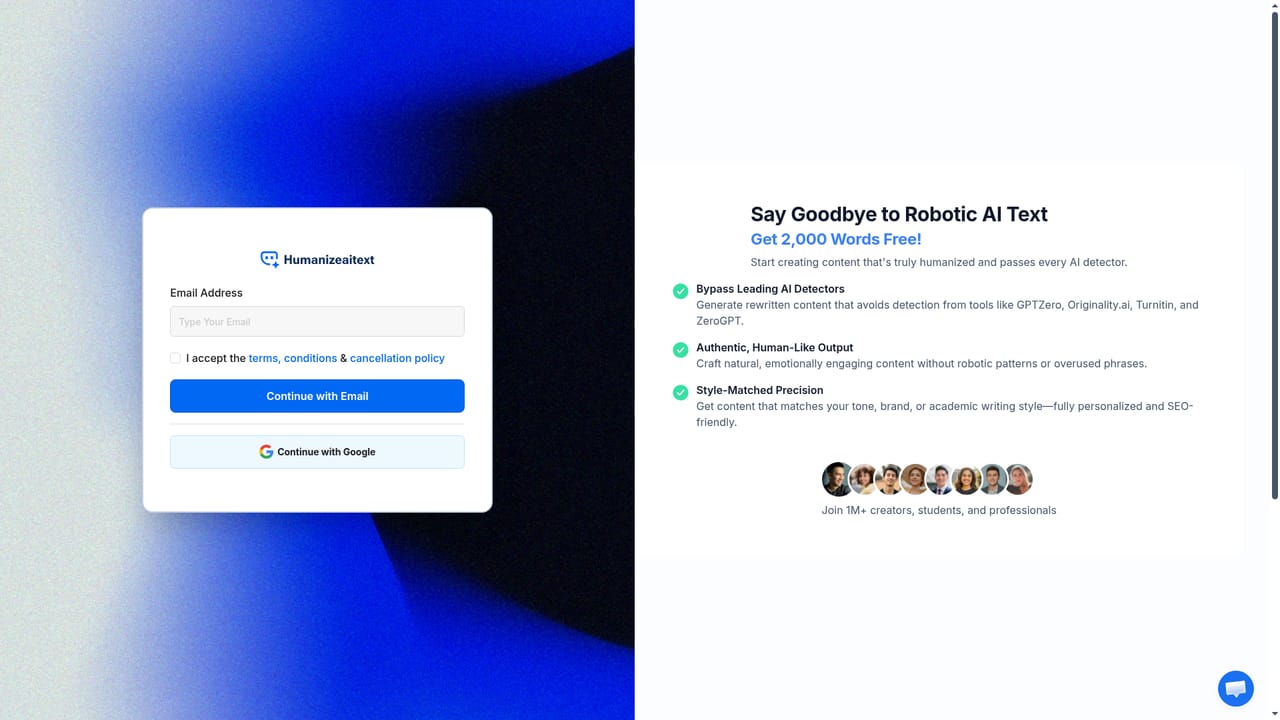
  6. 6Create an account for the PRO presets
    Sign up or log in to unlock the presets marked PRO, and check the pricing page before committing to a paid plan.
    Humanize AI Text — Create an account for the PRO presets

Pros and cons

Pros

  • One screen flow: paste or upload, choose a readability level, click once and copy the resultAI
  • Readability presets cover distinct registers, from High School simplicity to Doctorate depth and Marketing persuasionAI
  • Purpose settings (academic, essay, cover letter, legal, marketing) reduce manual tone fixing after the rewriteAI
  • Interface localized into nineteen languages, which helps non native English writers work in their own languageAI
  • Homepage advertises unlimited free words, so testing the output costs nothingAI

Cons

  • Detection resistance is claimed rather than verifiable: no independent pass rate is published for GPTZero, Turnitin or Originality AIAI
  • Several readability levels and purpose presets carry a PRO tag, so the free tier is narrower than the headline suggestsAI
  • Rewriting at the structural level can drift from the original argument on dense or technical text, and meaning preservation is asserted without a comparison viewAI
  • No stated API, browser extension or document editor plugin, so humanizing stays a manual copy and paste step in a separate tabAI
  • Output quality depends heavily on the chosen level and purpose, which puts the burden of picking correctly on the userAI

How much does Humanize AI Text cost?

Pricing

The homepage advertises unlimited free words and marks several readability levels and purpose presets as PRO, so a free tier and a paid tier exist. Specific plan prices are not listed on the homepage; see the pricing page for current figures.

Learn more

Features

Structural rewriting aimed at removing the patterns AI detectors flag, five readability levels (High School, University, Doctorate, Journalist, Marketing), purpose presets for academic, essay, article, marketing, cover letter, business and legal writing, enhanced mode and brand voice controls, a human score on output, text paste or file upload, and copy or download of results.

Frequently asked questions about Humanize AI Text

  • How much does Humanize AI Text cost?
    The homepage advertises unlimited free words and marks several readability levels and purpose presets as PRO, so a free tier and a paid tier exist. Specific plan prices are not listed on the homepage; see the pricing page for current figures.
  • How do you use Humanize AI Text?
    The walkthrough on this page covers 6 steps: 1. Open the humanizer and choose your language 2. Paste text or upload a file 3. Pick a readability level and purpose 4. Enable enhanced mode or brand voice if needed 5. Press Humanize and review the human score 6. Create an account for the PRO presets.
  • What platforms does Humanize AI Text support?
    Humanize AI Text is available on Web App.
  • What are the limitations of Humanize AI Text?
    Detection resistance is claimed rather than verifiable: no independent pass rate is published for GPTZero, Turnitin or Originality AI. Several readability levels and purpose presets carry a PRO tag, so the free tier is narrower than the headline suggests. Rewriting at the structural level can drift from the original argument on dense or technical text, and meaning preservation is asserted without a comparison view.

Status

StatusActive
Views0
Outbound clicks0
Added11/3/2026

Platforms

Web App

Pricing

FreePaid