Support
Support runs through a contact page linked from the site header and footer, and the homepage carries an FAQ covering how the tool works, plagiarism and detector bypass questions.
Learn moreAI essay writing built around passing AI detectors

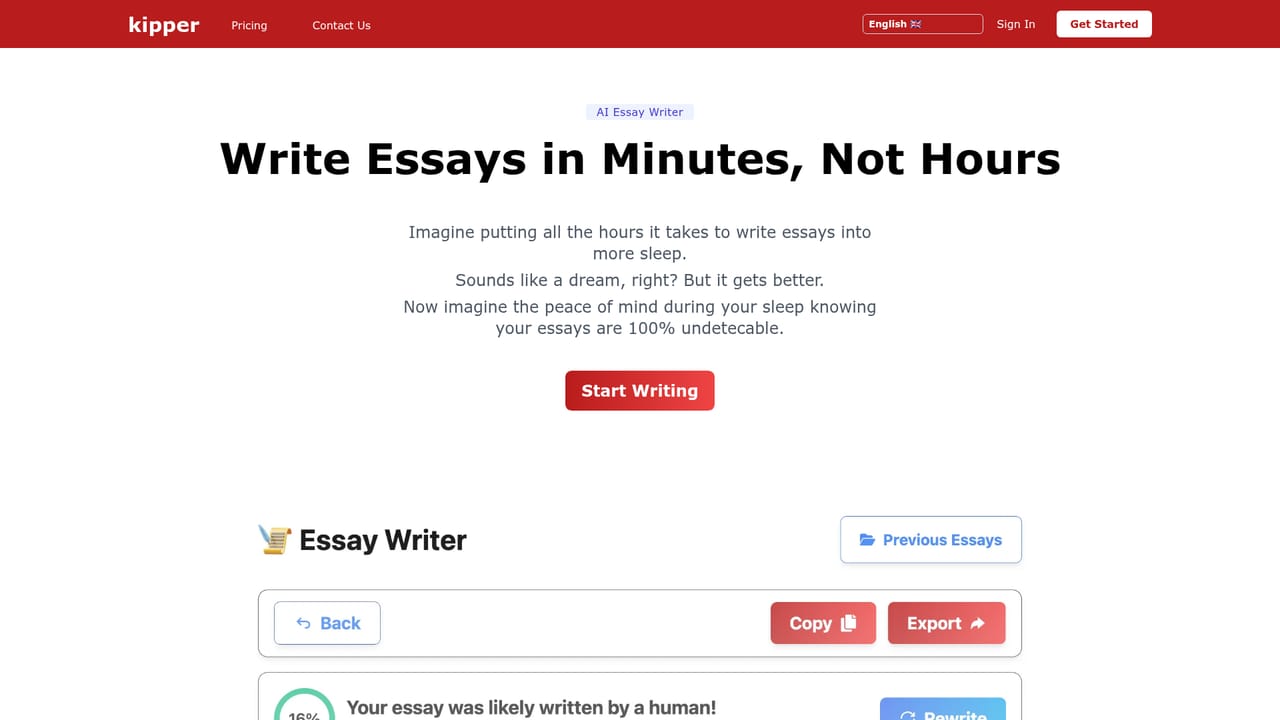
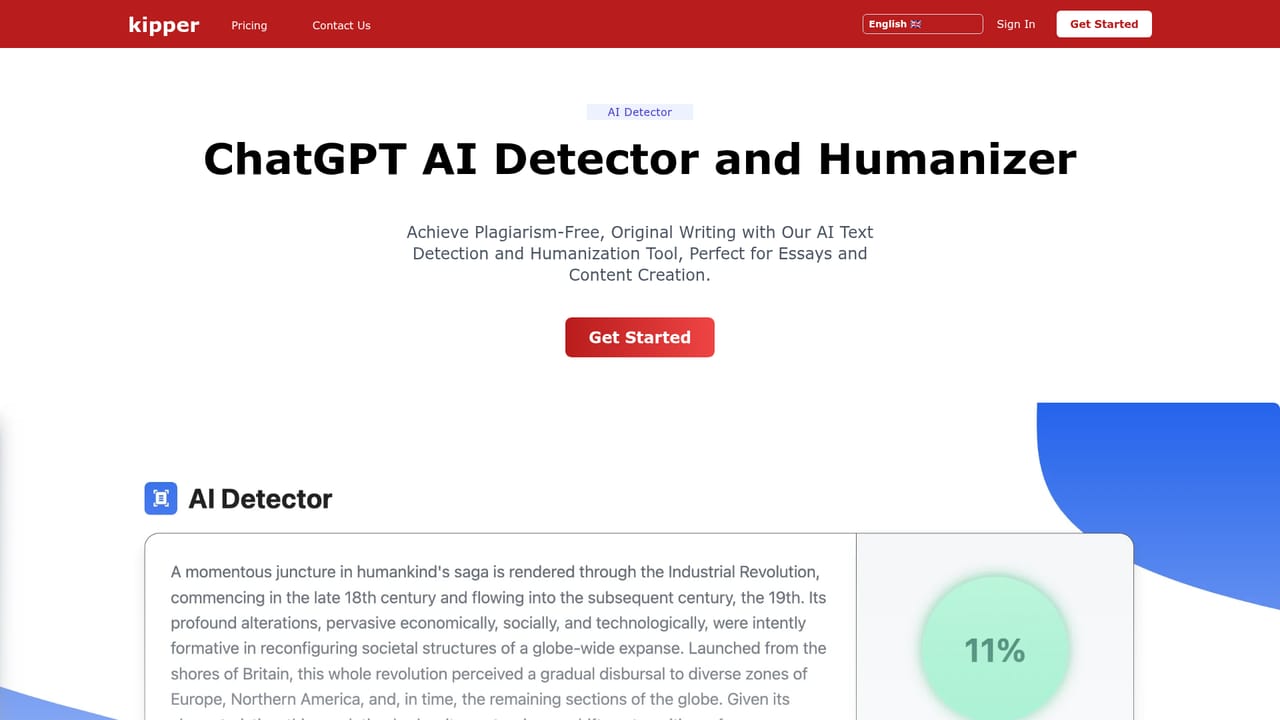
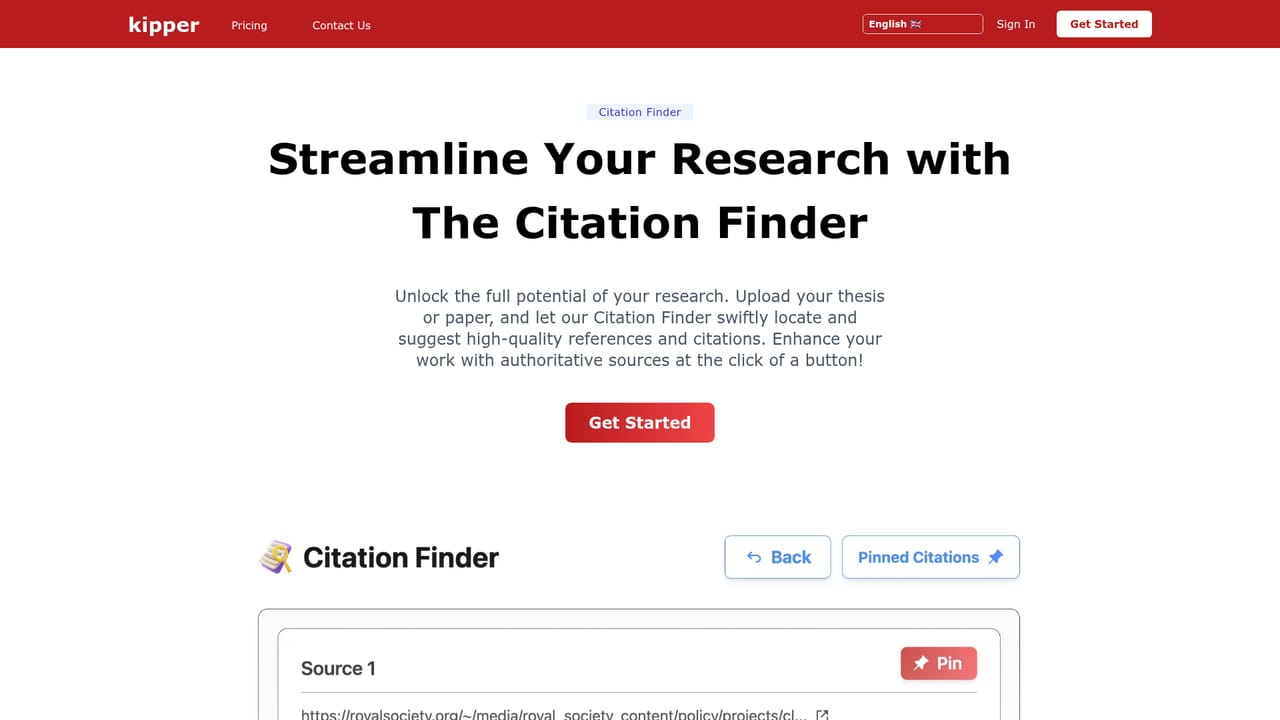
Kipper is an AI checker tool. Kipper bundles an undetectable AI essay writer, an AI text detector, a summarizer, a text enhancer, a citation finder and study tools such as flashcards and exam practice. It targets students who want AI drafting and a pre-submission detection check in one web app.
Kipper is a browser-based study toolkit that sits at the intersection of AI writing and AI detection. Its flagship product is an essay writer that promises to generate plagiarism-free drafts in one click, with an anti-detection layer built in so the output is meant to slip past tools like GPTZero, Turnitin and Originality.ai. Alongside it sits a detector that lets a student check a text before submitting it. The pitch is aimed squarely at people who already use AI for coursework and want to reduce the risk of being flagged. The product set reaches beyond essays. A summarizer condenses webpages, YouTube videos and documents into a short TLDR. A text enhancer cleans up grammar and corrects mistakes in existing writing. A citation finder handles referencing, and there are separate modules for AI teaching, exam practice and flashcards. Together these cover the loop many students actually run: draft the assignment, tidy the prose, fix citations, then revise with practice questions before an assessment. In practice the workflow is straightforward. You sign in (email or Google), pick the relevant product from the dashboard, paste or describe what you need and let the tool produce a result. The detector is meant to be the safety net, letting you test a draft against known detectors before it goes in. The site says it is trusted by more than a million students and displays university logos, though individual results depend heavily on which detector the institution uses and how that detector is configured. Kipper competes with general assistants like ChatGPT or Claude plus a separate humanizer or bypass tool, and with dedicated essay services. Its advantage is consolidation: writing, checking, citing and revision in one subscription. The trade-off is that bypass claims age quickly as detectors update, and the academic integrity question is unavoidable. Kipper is a practical fit for students who want an all-in-one study workspace, not for institutions or professional writers needing citable sourcing.

Support runs through a contact page linked from the site header and footer, and the homepage carries an FAQ covering how the tool works, plagiarism and detector bypass questions.
Learn moreCore modules are an AI essay writer with built-in anti-detection, an AI text detector, a summarizer for webpages, YouTube videos and documents, and a grammar and text enhancer. Additional products cover citation finding, AI teaching, exam practice and flashcards. A dashboard ties the tools together after sign-in, and the interface is available in several languages.
Learn more AI Angels400+ customizable AI girlfriends for NSFW chat, voice calls, and roleplay
 Candy AIExperience the future of companionship with AI friends who chat, role-play, and connect with you on a human level.
 ourdream.aiA vast AI roleplay platform with millions of characters for chat, images, video and voiceAI Angels400+ customizable AI girlfriends for NSFW chat, voice calls, and roleplayCandy AIExperience the future of companionship with AI friends who chat, role-play, and connect with you on a human level.ourdream.aiA vast AI roleplay platform with millions of characters for chat, images, video and voice


