Support
Hyperhuman handles app store submission, QA, screenshots and launch support as part of setup, with customization scoped separately. Contact options are listed on the site.
Learn moreWhite-label fitness app with an AI coach, built on proven infrastructure

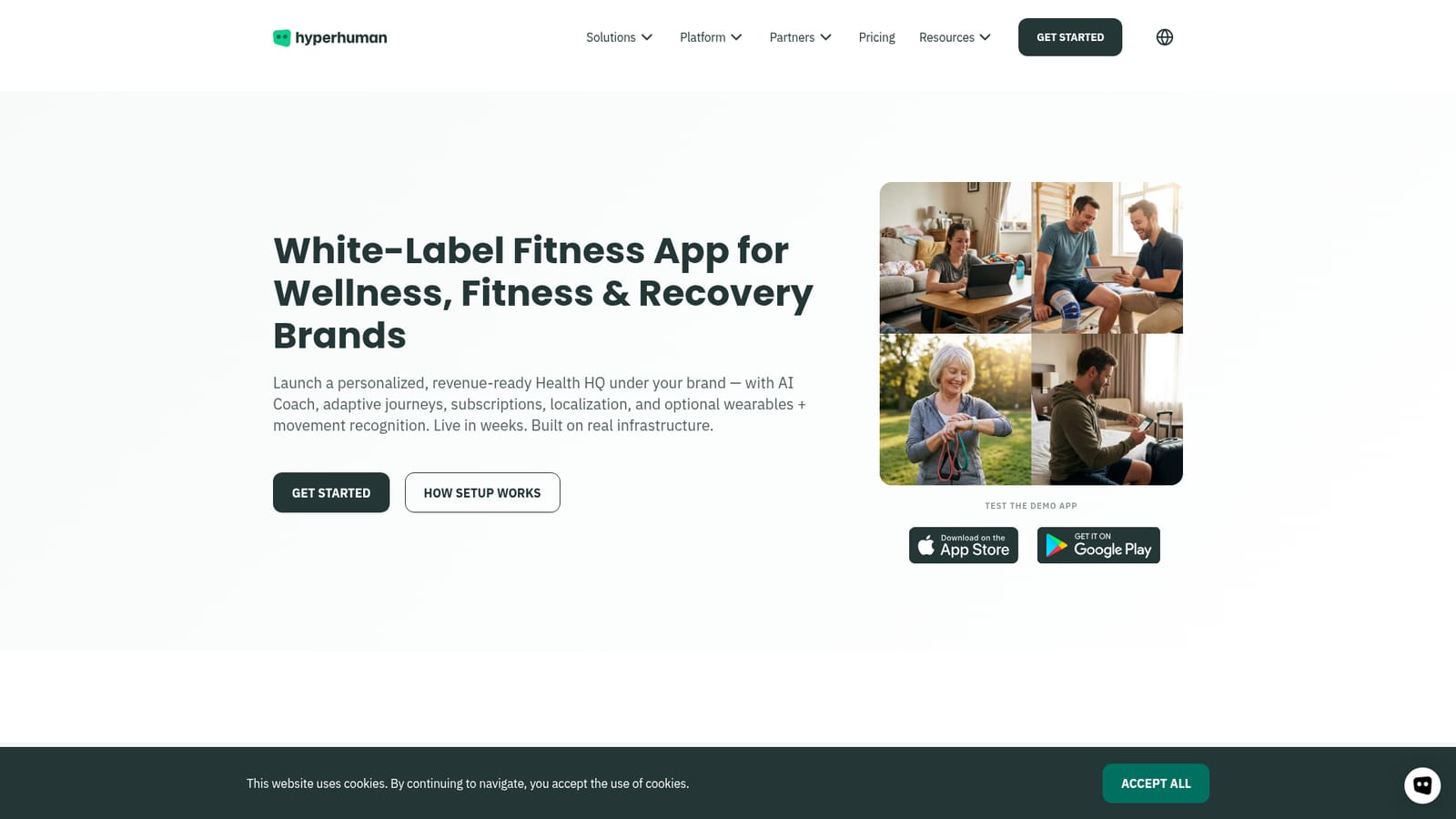
Hyperhuman is a fitness tool. Hyperhuman Club is a white-label fitness and wellness app platform. Brands supply their assets and get a published iOS and Android app with an AI Coach, adaptive workout journeys, a Health HQ dashboard and subscription controls, plus optional movement recognition and wearable data modules.
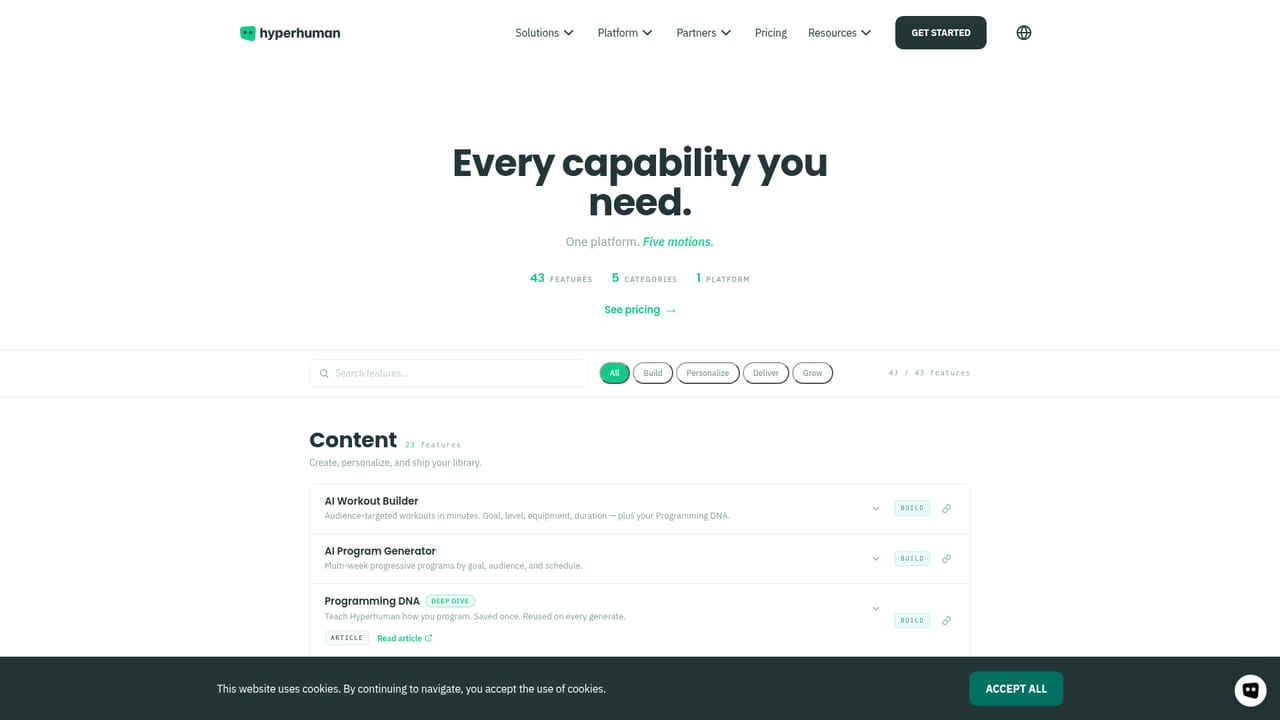
Hyperhuman Club is a white-label fitness and wellness app platform. A brand supplies its name, logo, colors and store assets, and Hyperhuman builds a branded iOS and Android app on top of an existing member experience: an AI Coach, adaptive workout journeys, a health dashboard called Health HQ, and subscription access control. Publishing to the App Store and Google Play is handled as part of the setup, and the company positions launch in weeks rather than months. The product targets organizations that want a member-facing app without building the core product themselves. The site names GLP-1 and weight management programs, digital health and wellness providers, digital physio, fitness apps and platforms, connected fitness hardware makers, gyms and studio chains, and agencies or content creators. For those teams the value is in skipping the engineering work behind personalization, progress tracking and billing, while retaining their own brand in front of members. In day-to-day use, members set goals, preferences, equipment and optional wearable connections during onboarding. The app proposes a starting program, then reshapes workouts as constraints change; a feature called Adapt blends wearable data, feedback and history to adjust sessions on the spot. Members choose video, gym mode or audio-only depending on where they train, can ask the AI Coach for next steps, and see trends and readiness in Health HQ. When a workspace sets a team default Programming DNA, the Club app and AI Coach follow that methodology rather than an individual coach's personal approach. Two optional modules extend the baseline. ASENSEI adds camera-based movement recognition with rep counting and technique cues, and ROOK connects more than 400 wearables and health apps through a single normalized data feed. Custom navigation, screens and onboarding flows are scoped separately from the standard setup. Against generic no-code app builders, Hyperhuman is narrower but ships domain logic for training and recovery out of the box; against building in-house, it trades some flexibility for speed.
Hyperhuman handles app store submission, QA, screenshots and launch support as part of setup, with customization scoped separately. Contact options are listed on the site.
Learn moreThe ROOK wearables layer connects 400+ devices and health apps, including Apple Health, Google Health Connect, Garmin and Oura, through one normalized data feed. ASENSEI supplies on-device movement recognition, and a content API plus Wix app are also offered.
Learn moreStandard setup covers branding and app identity, a branded iOS and Android app, the AI Coach, personalized recommendations, Adapt-powered journeys, Health HQ and subscriptions with access control. Publishing and QA are included. Optional add-ons bring ASENSEI camera-based movement recognition with rep counting and technique cues, and ROOK wearable data covering 400+ devices.
Learn more AI Angels400+ customizable AI girlfriends for NSFW chat, voice calls, and roleplay
 Candy AIExperience the future of companionship with AI friends who chat, role-play, and connect with you on a human level.
 ourdream.aiA vast AI roleplay platform with millions of characters for chat, images, video and voiceAI Angels400+ customizable AI girlfriends for NSFW chat, voice calls, and roleplayCandy AIExperience the future of companionship with AI friends who chat, role-play, and connect with you on a human level.ourdream.aiA vast AI roleplay platform with millions of characters for chat, images, video and voice


