Free trial
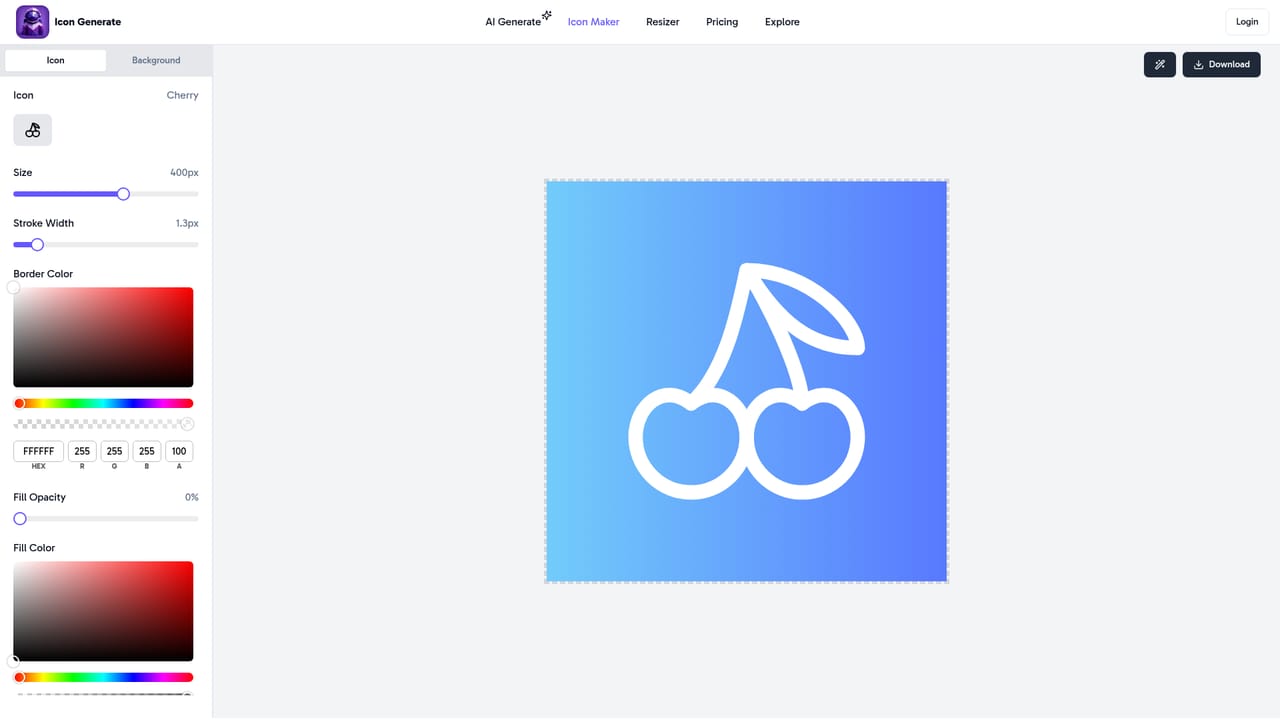
A free icon maker with templates is available; no trial period or free credit allowance for the AI generator is stated on the homepage.
Learn moreAI icon generator for custom brand and app icons.
Own Icon Generate? Verify ownership to get a dofollow link

Icon Generate is an AI icon maker that turns text prompts and style choices into downloadable PNG icons. It offers thirteen visual styles (3D, neon, pixelated, line art, and more), a free template-based icon maker, and credit packs priced from $3.
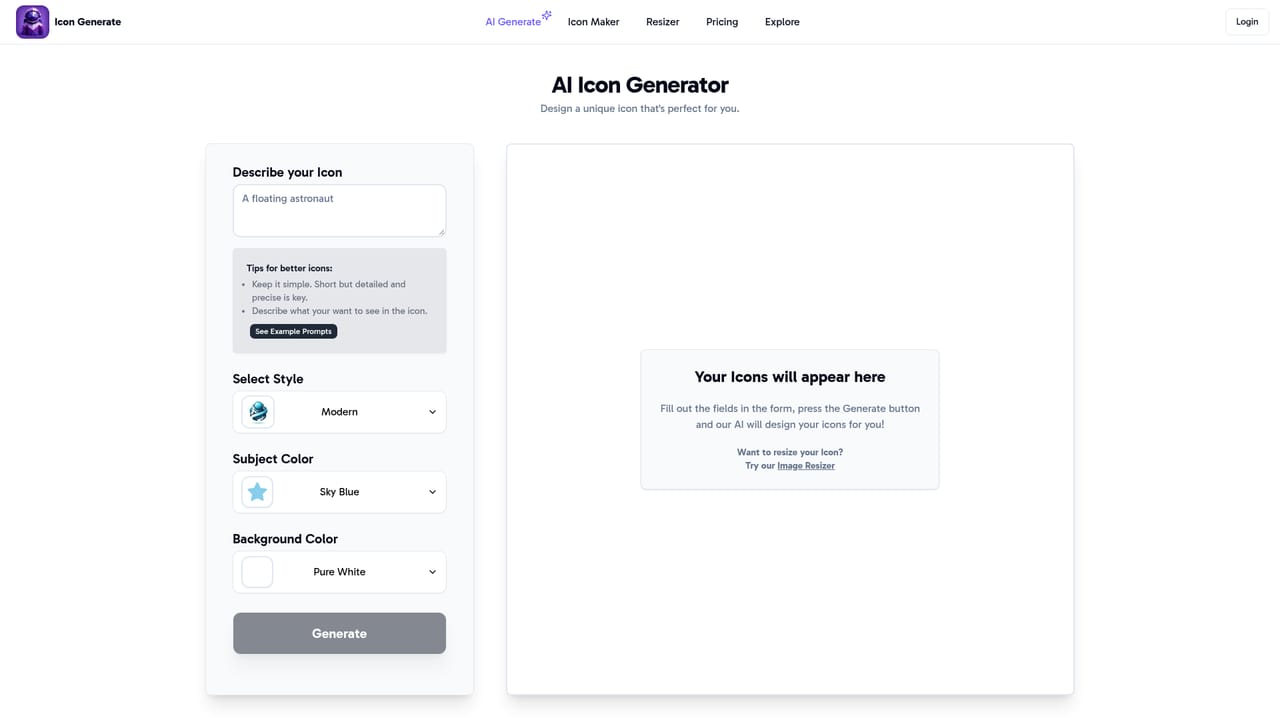
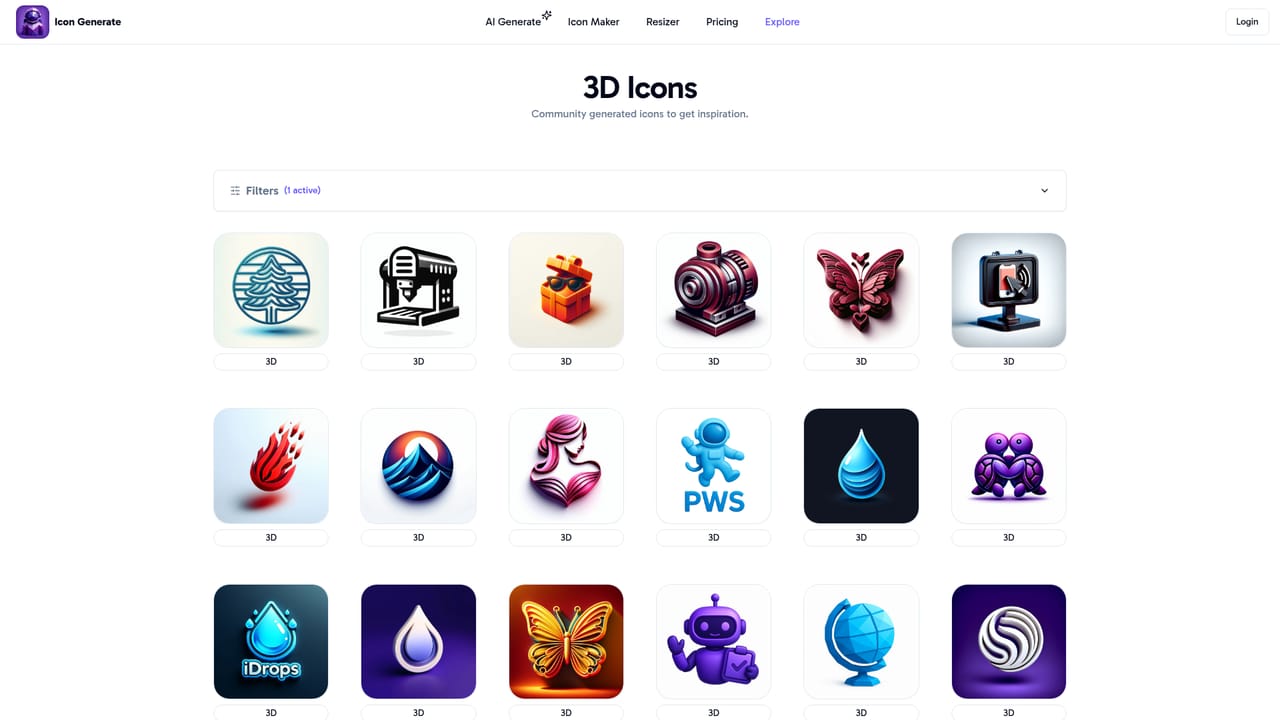
Icon Generate is an AI-powered icon generator that turns text descriptions and style choices into professional-looking icons for websites, applications, and brand projects. The tool is built for speed: instead of hunting through stock libraries or wrestling with vector software, you describe what you need, pick a visual style, and the system produces a finished icon in seconds. The homepage positions it as a way to streamline the creative process, and the interface supports both a generate-with-AI path and a free icon maker with templates. The style range is the most distinctive part of the offering. Thirteen presets are exposed, including modern, polygonal, pixelated, metallic, 3D, neon, clip art, hand drawn, abstract, isometric, origami, minimalistic, and line art. Each style has its own gallery so you can see sample output before committing. In practice, a session runs in three moves: draft a concept by describing the icon or selecting a theme, choose a style that fits the brand, and set a color scheme (monochrome for classic looks, full spectrum for louder palettes). The result is downloadable as a high-resolution PNG, which covers web favicons, app UI assets, and general branding mockups, though not native vector editing. Who it suits: solo creators, startup founders, indie developers, and marketing teams that need a steady stream of consistent icons without a designer on call. The tool advertises an intuitive experience for people with no design background, and the template browser supports that claim. Pricing is credit-based with one-time purchases: a Starter pack at $3 for 20 credits ($0.15 per icon), a Pro pack at $5 for 50 credits ($0.10 per icon), and an All-in pack at $10 for 150 credits ($0.07 per icon). Against general image generators, Icon Generate trades flexibility for a constrained, on-brand output format, and against icon libraries it trades curation for novelty.
A free icon maker with templates is available; no trial period or free credit allowance for the AI generator is stated on the homepage.
Learn moreCredit-based pricing with one-time purchases: Starter $3 for 20 credits ($0.15 per icon), Pro $5 for 50 credits ($0.10 per icon), All-in $10 for 150 credits ($0.07 per icon). All tiers include premium icons. No subscription or recurring plan is listed.
Learn moreSupport is handled by email at contact@patrickws.com; no help center, documentation, or live chat is listed on the homepage.
AI icon generation from text prompts or themes, thirteen style presets, color customization, a template-based free icon maker, high-resolution PNG downloads, and cloud storage for organizing generated icons.
 AI Angels400+ customizable AI girlfriends for NSFW chat, voice calls, and roleplay
 Candy AIExperience the future of companionship with AI friends who chat, role-play, and connect with you on a human level.
 ourdream.aiA vast AI roleplay platform with millions of characters for chat, images, video and voiceAI Angels400+ customizable AI girlfriends for NSFW chat, voice calls, and roleplayCandy AIExperience the future of companionship with AI friends who chat, role-play, and connect with you on a human level.ourdream.aiA vast AI roleplay platform with millions of characters for chat, images, video and voice


