What these tools do
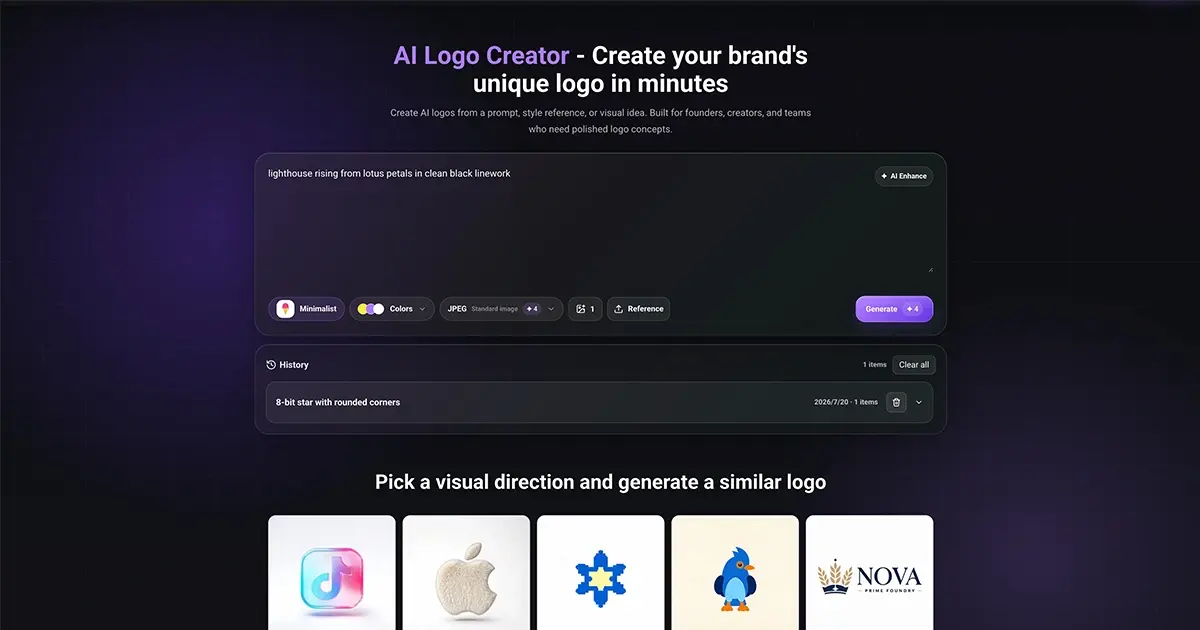
Image into logo tools take something you already have, a photo, a sketch, a rough PNG or a plain sentence about the brand, and return a logo file you can actually use. The useful ones go beyond a flat picture: they output vector path data or SVG, so the mark survives scaling, print and a favicon slot. Many bundle the logo with a palette, type pairing, social templates and a downloadable brand kit. That replaces the old chain of sketching, hiring an illustrator and manually rebuilding the artwork as vectors. The audience is mostly founders, solopreneurs and small design teams who need a credible identity quickly and can refine it later.
How to choose one
The first question is your starting point. If you have an existing image or sketch, pick a tool whose punchline mentions converting images into vector or SVG; if you only have words, a prompt-first generator is enough. Check the output format before anything else: SVG and vector path data keep a logo editable, while PNG-only exports lock you into a flat file with a fixed background. Pricing models differ sharply, from free with no watermark to one-time payments to subscriptions, so match the model to whether this is a single launch or ongoing brand work. Consider what ships alongside the mark: a palette and favicon set save real hours, and a PDF brand guide matters if other people will apply the logo. Finally, weigh how much editing control you get after generation, since every AI logo needs cleanup.
Notable tools
Brandmark generates colors, type and brand looks from a short brief, which suits people who want a coordinated identity rather than a lone mark. Looka produces logos plus a full brand kit aimed at entrepreneurs launching a business. LogoAi builds an AI logo and arranges a brand identity kit around it, useful when the logo must work across many assets. Logodiffusion accepts prompts, sketches or images and returns editable, vector-ready logos, so it fits the convert-my-image case well. SVGMaker.io is a vector workspace for generating, editing and converting SVG files, handy for cleaning up output. Namecheap Free Logo Maker exports PNG and SVG with no watermark at no cost, a reasonable starting point when budget is zero.
Common questions
Can I turn an existing image into a logo?
Yes, provided the tool accepts image input and outputs vector. Logodiffusion and SVGStud.io both take images or prompts and return editable SVG, and SVG Maker AI converts a PNG into clean path data. A photo needs simplifying first, because raster detail does not translate into a crisp mark.
Do I need design skills?
No, but some editing helps. These tools generate concepts from a short brief or one sentence, and Branda goes further by producing strategy, palette and kit together. Expect to adjust spacing and simplify shapes before the logo is ready for print.
Will the logo be unique?
Not automatically. Generators draw on shared models and libraries, and BrandCrowd pairs AI generation with a large existing design library. Two brands can land on similar shapes, so check the license and consider a light custom revision before trademark use.
When to look elsewhere
If you need many logo concepts side by side rather than a conversion or a full identity, the Logo Generator category is the closer fit. For experimental or loosely filtered picture output rather than brand marks, try Unfiltered Image Generator under the same hub.