Free trial
Free accounts exist with limited AI song generations, and paid credits are required for heavier use. The homepage does not describe a separate timed free trial.
Learn moreText prompts and lyrics in, finished songs and singer videos out.

iLoveSong AI is an AI song covers tool. A prompt-to-song studio that generates full tracks from text or lyrics, adds vocals or instrumental parts to uploaded audio, restyles existing vocal songs as covers, and exports audio plus short singer videos, with credit-based plans and commercial rights that vary by tier.
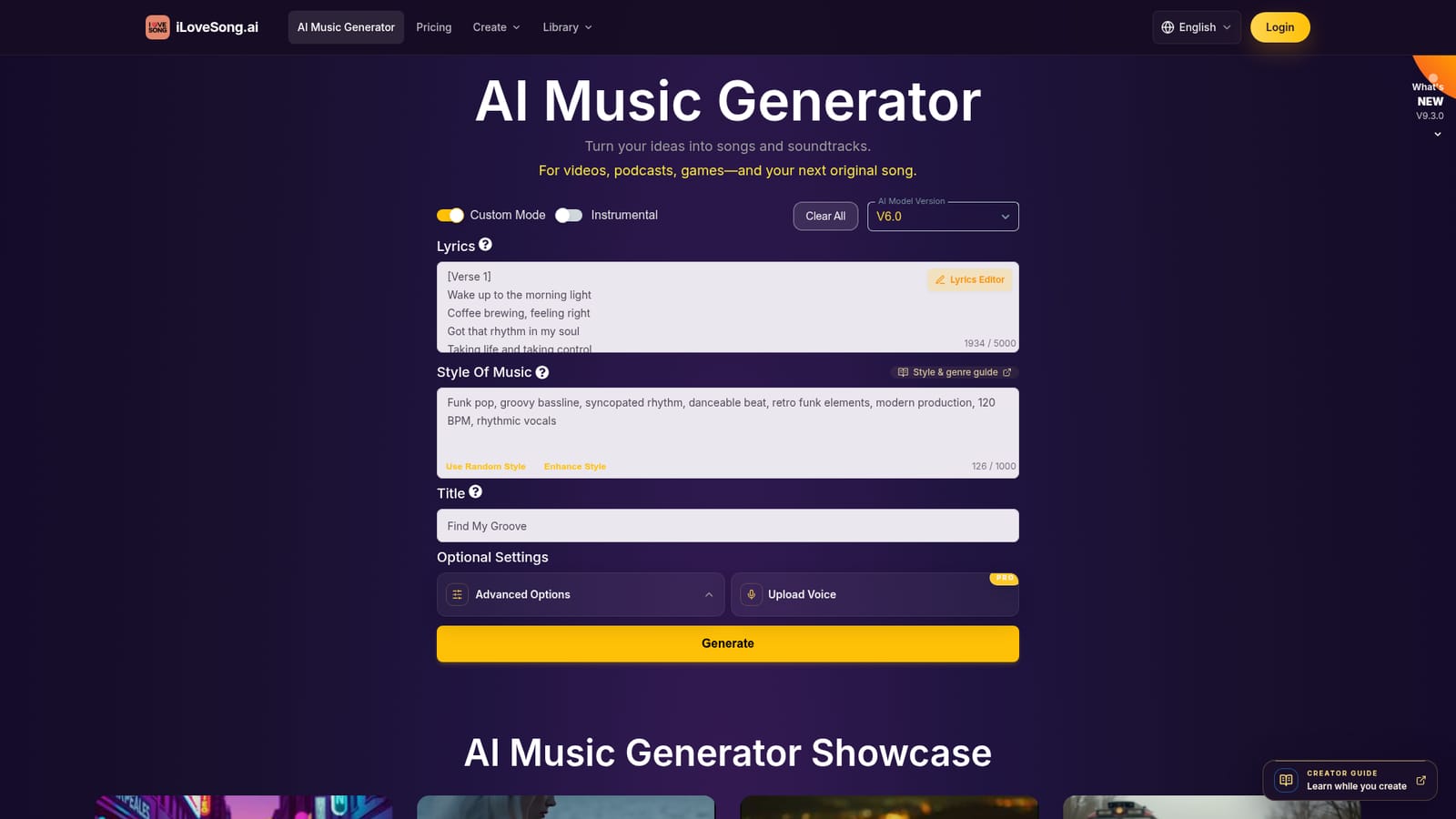
iLoveSong.ai is a browser-based AI music generator that turns written prompts or original lyrics into complete songs, instrumental backing tracks, and short singer videos. The generator form puts lyrics, style description, title, and vocal gender in one place, with an Instrumental switch for vocal-free output and a model selector that currently runs up to a V9.3.0 release. Two sliders, Weirdness and Style Influence, let users push results toward the familiar or the unconventional and control how strictly the model follows the style wording, while an exclude-styles field keeps unwanted instruments or moods out of the render. The workflow is iterative rather than one-shot. A typical session starts from a short, specific musical idea, then moves through listening, editing the lyrics or style terms, and regenerating until the arrangement fits. Instruments can be added in Custom Mode, vocal gender can be forced to male, female, or left automatic, and finished tracks land in a My Music library where they can be organized into albums and exported. A separate AI Singer Video feature pairs a portrait with audio to produce a short performance clip. The V9.3.0 release added uploads of MP3 and M4A files up to 50 MB, subject to a copyright review, plus tools for adding vocals to a selected song section, layering an AI instrumental under a chosen time range, restyling a vocal track as a cover, and describing revisions in plain language through Smart Refine. A paid Max mode spends extra credits for tighter consistency across melody, vocals, and arrangement. The tool suits songwriters sketching demos, content creators who need royalty-managed background music for video platforms, game developers building ambient and action cues, and educators demonstrating styles or generating practice tracks. It sits in the same field as prompt-to-song generators such as Suno and Udio, differentiating through vocal upload cloning, section-level editing of existing audio, and bundled music video export rather than through a distinct sound. Commercial rights are tied to the subscription tier, so the plan decides what can actually be published.
Free accounts exist with limited AI song generations, and paid credits are required for heavier use. The homepage does not describe a separate timed free trial.
Learn moreThree tiers: Basic at $14.80 per month with 100 credits, Advanced at $35 billed quarterly (300 credits), and Premium at $88 billed yearly (1,200 credits). Higher tiers add a lifetime commercial license, uploaded voice creation, longer singer videos, and AI lyric writing. All plans renew automatically.
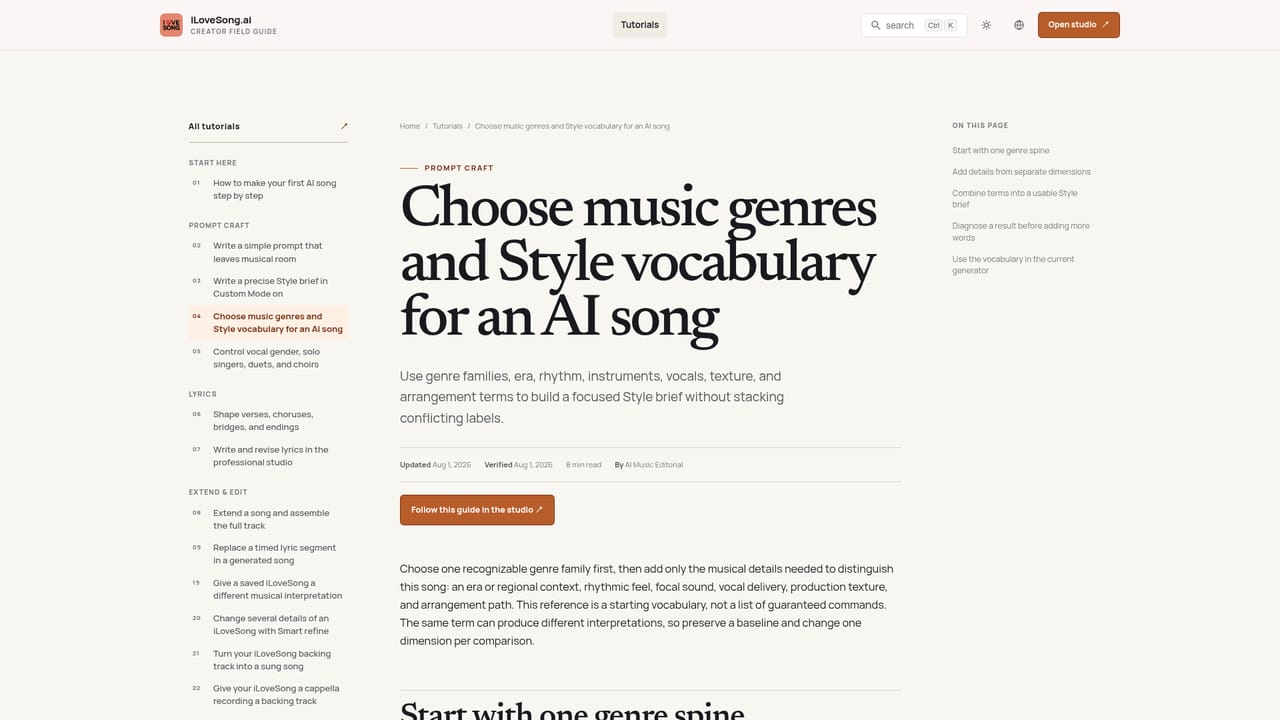
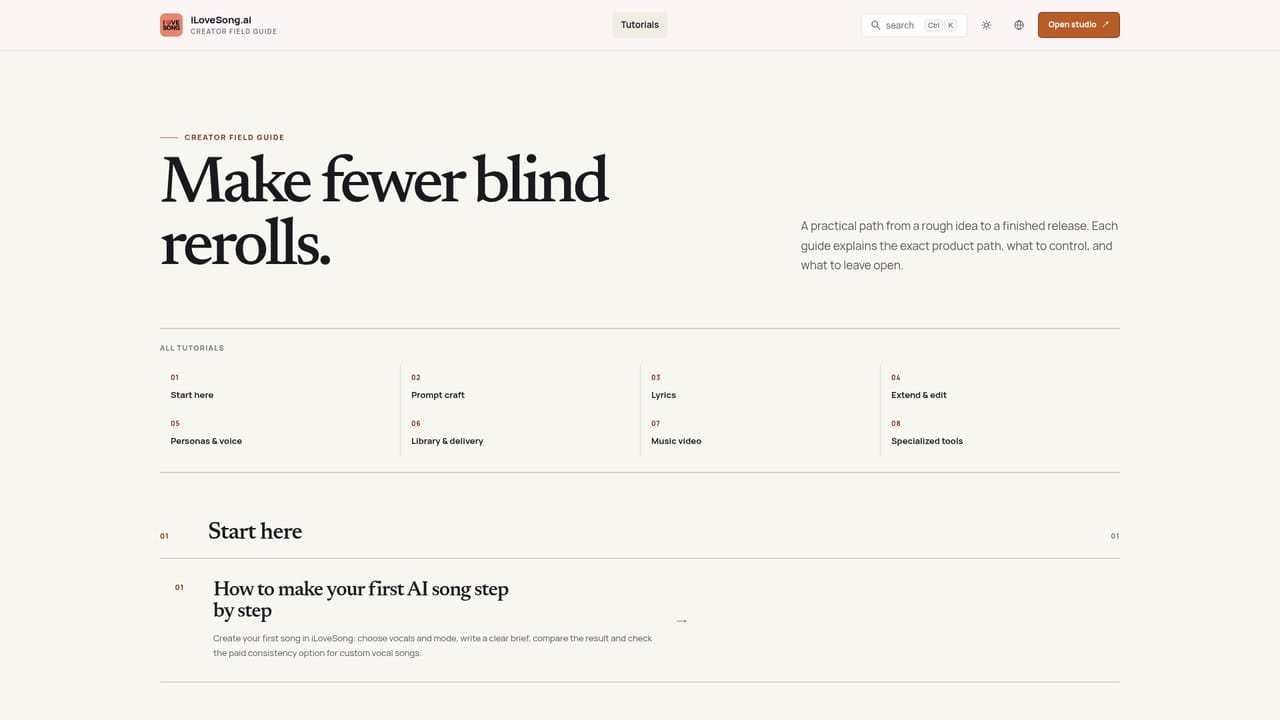
Learn moreThe site links to a documentation hub with tutorials and a genre and style guide, and the homepage includes a product FAQ. No live chat or direct support channel is described.
Learn moreLyrics editor with Custom Mode and an Instrumental switch, model selection up to V9.3.0, vocal gender control, Weirdness and Style Influence sliders, exclude styles, and song durations up to 8 minutes. Extras include voice upload cloning, music personas, albums, Smart Refine revisions, AI song covers, vocal and instrumental additions to uploaded tracks, and MP4 music video export.
Learn more AI Angels400+ customizable AI girlfriends for NSFW chat, voice calls, and roleplay
 Candy AIExperience the future of companionship with AI friends who chat, role-play, and connect with you on a human level.
 ourdream.aiA vast AI roleplay platform with millions of characters for chat, images, video and voiceAI Angels400+ customizable AI girlfriends for NSFW chat, voice calls, and roleplayCandy AIExperience the future of companionship with AI friends who chat, role-play, and connect with you on a human level.ourdream.aiA vast AI roleplay platform with millions of characters for chat, images, video and voice