Free trial
A 14 day free trial is offered with no credit card required. Sign-up starts from the login page, and the trial begins once the Gmail account is connected.
Learn moreAI SDR inside Gmail for lead capture and follow-ups

InboxPlus is an AI follow-up tool that runs inside Gmail: it captures inbound leads from a website, writes personalized first replies, then schedules automated sequences with manual tasks in between. Built for agencies, consultants, SMBs and sales teams that want faster follow-up without leaving the inbox.
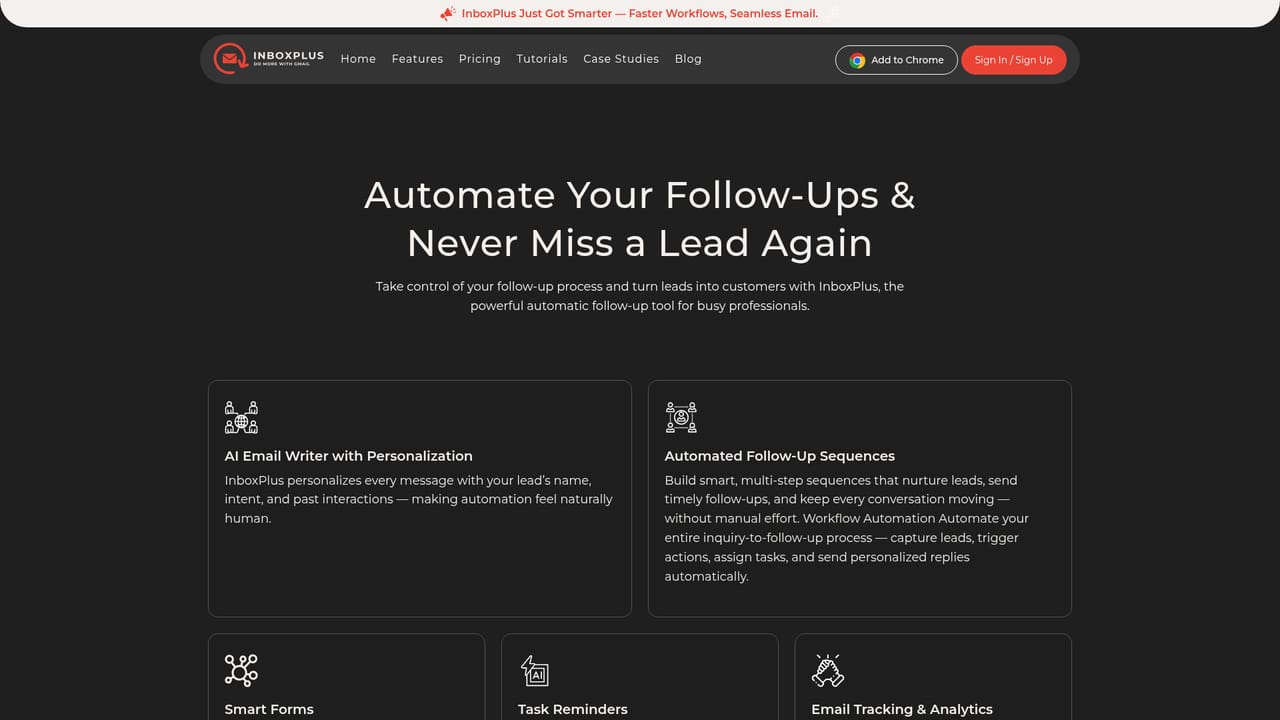
InboxPlus is an automated email follow-up tool positioned as an AI sales development representative that works inside Gmail. It captures leads from a website without requiring separate forms, drafts a personalized first response with AI, and then runs scheduled email sequences until a reply or a booked meeting. The stated premise is that data stays inside the Gmail account, so teams keep using the inbox they already know rather than exporting contacts into a separate CRM. The workflow is built around what the vendor calls hybrid sequences. Between automated emails, users can insert manual follow-ups, and the system turns those into tasks that are scheduled and assigned to team members. That mix matters for sales teams that want automation to handle the repetitive nudges while a person still writes the message that closes a deal. Supporting features include unlimited sequences, AI email templates, task reminders, email analytics and template management, with a dashboard that shows activity across campaigns. The product is aimed at founders, agencies, consultants, small and mid-sized businesses and sales or client success teams that live in their inbox and lose deals to slow follow-up. InboxPlus publishes case studies for agency owners, consultants and SMBs, and testimonials from sales, HR and SaaS product roles, which suggests the same mechanics are used for recruitment and trial onboarding as well as direct selling. Teams already committed to a dedicated CRM with pipelines, deal stages and reporting should compare carefully before switching, because InboxPlus is an inbox-centric follow-up layer rather than a full sales platform. The main trade-offs are platform and scope. The vendor states the tool is optimized for Gmail and does not currently support accounts other than Google, so Outlook and Microsoft 365 shops are out of scope. There is no public API listed, and pricing details are only summarized as starting at $0 per month with an upgrade path, so the cost of larger seats needs checking on the pricing page before a rollout. Support runs through a single email address rather than live chat or phone.
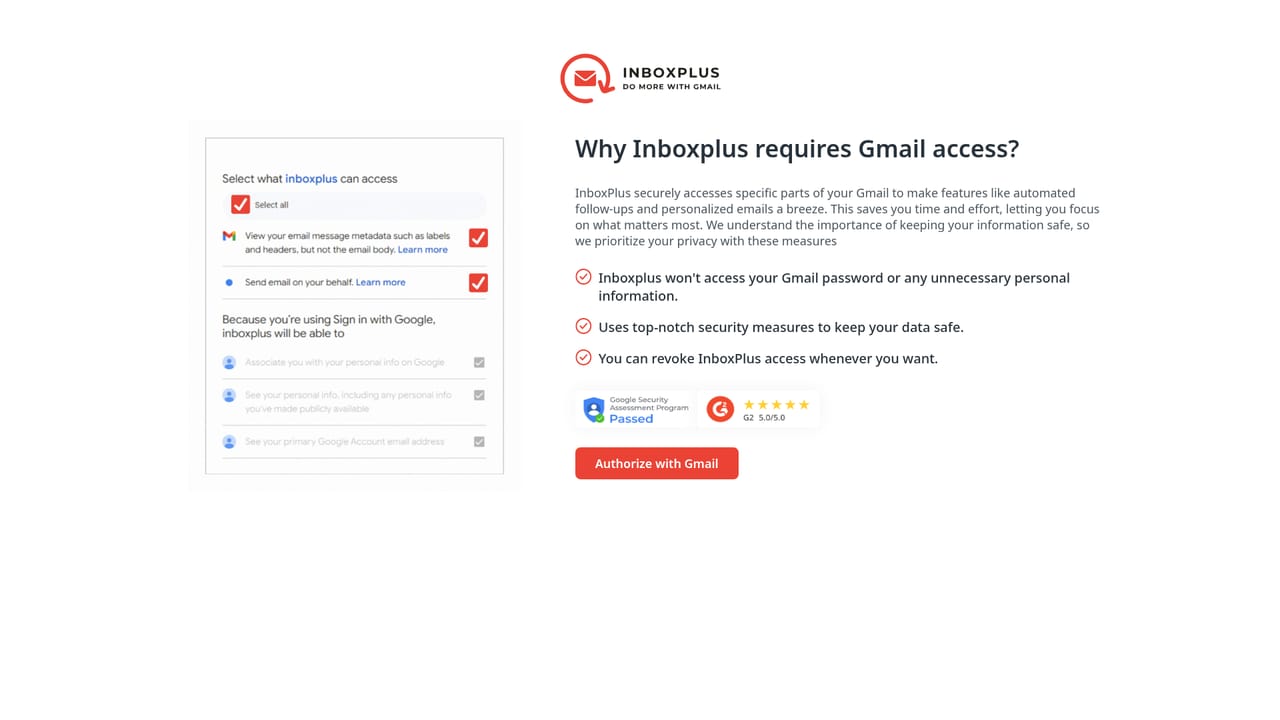
A 14 day free trial is offered with no credit card required. Sign-up starts from the login page, and the trial begins once the Gmail account is connected.
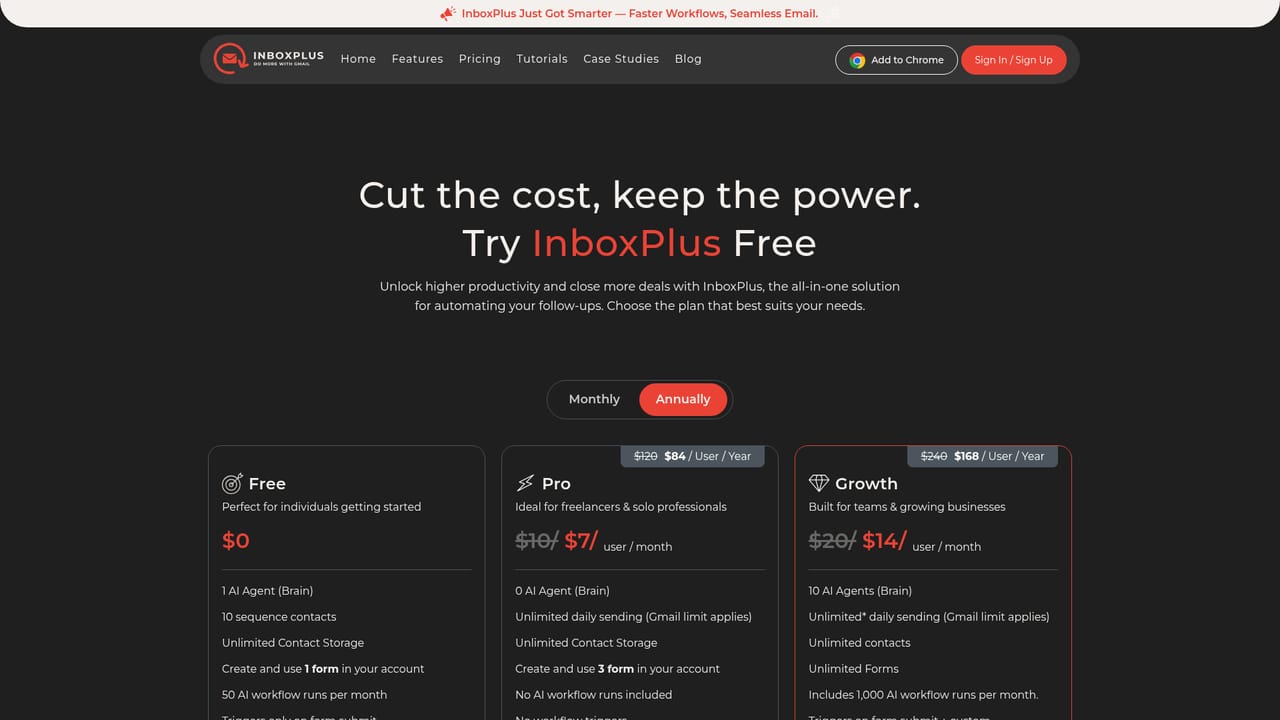
Learn morePlans are described as starting with $0 per month with an upgrade path later, and the homepage points to a comparison page for teams. Specific paid tier prices, seat limits and feature gates are not listed in the homepage content, so the pricing page is the place to confirm them.
Learn moreSupport is handled by email at hello@inboxpl.us, and the homepage also offers a contact form collecting name, email, phone number and message for pre-sales questions about features, pricing or getting started.
InboxPlus is designed to work inside Gmail with no extra setup, and the vendor states it is optimized for Gmail rather than other providers. No other third-party integrations or API are documented on the homepage.
Core features listed include unlimited email sequences, AI email templates, task reminders, email analytics and template management. The workflow covers website lead capture, AI-written personalized first responses, automated sequences and manual follow-ups that are scheduled and assigned to team members between automated sends.
Learn more AI Angels400+ customizable AI girlfriends for NSFW chat, voice calls, and roleplay
 Candy AIExperience the future of companionship with AI friends who chat, role-play, and connect with you on a human level.
 ourdream.aiA vast AI roleplay platform with millions of characters for chat, images, video and voiceAI Angels400+ customizable AI girlfriends for NSFW chat, voice calls, and roleplayCandy AIExperience the future of companionship with AI friends who chat, role-play, and connect with you on a human level.ourdream.aiA vast AI roleplay platform with millions of characters for chat, images, video and voice


