Free trial
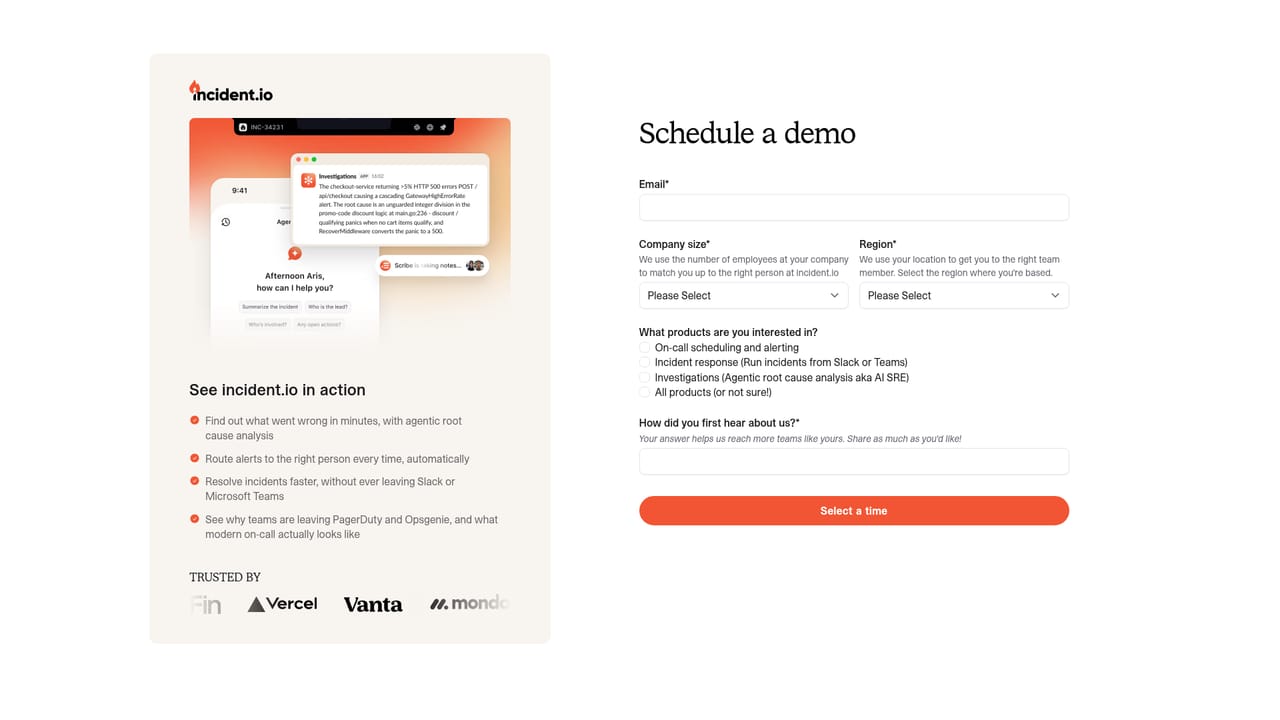
The homepage includes a Get started for free link pointing to a dedicated free trial page, suggesting self-serve evaluation is available before a paid contract.
Learn moreIncident response, on-call, and status pages in one reliability platform

incident.io is a pattern recognition tool. incident.io bundles on-call alerting, Slack and Teams incident response, AI-driven root cause investigation and public status pages into one reliability platform. It is aimed at engineering organizations that want paging, response orchestration and customer communication from a single vendor rather than three.
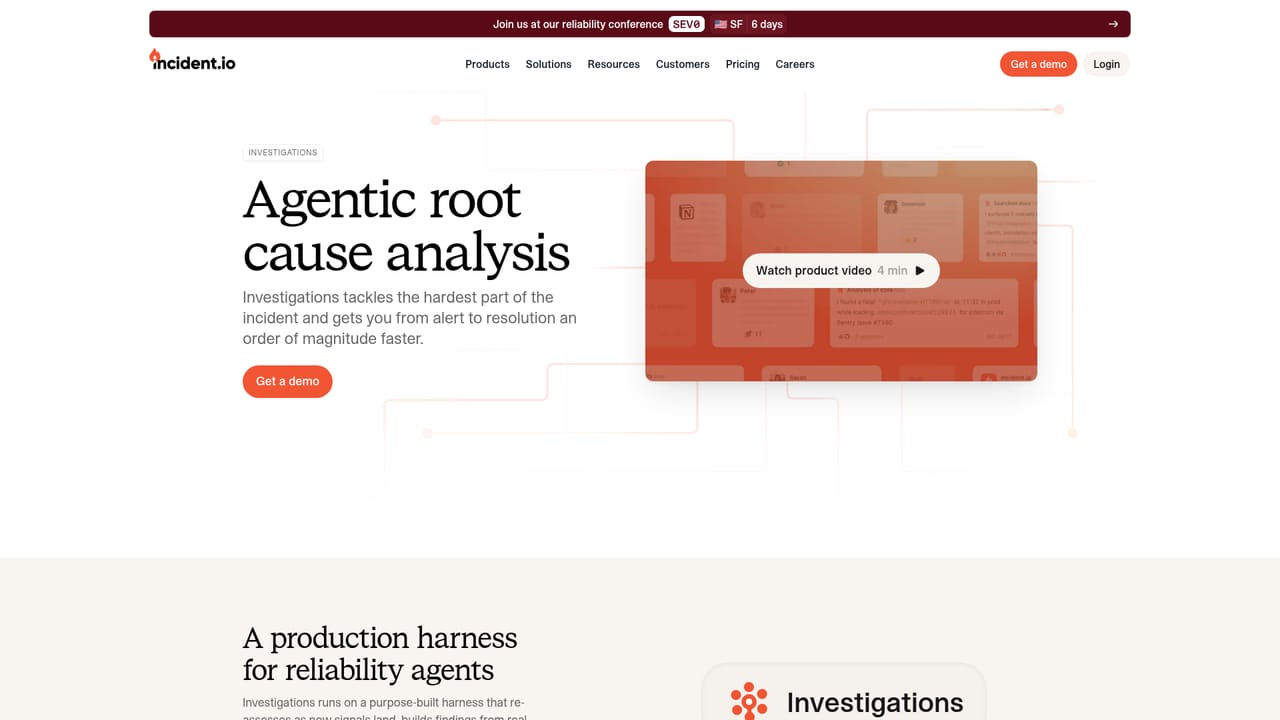
incident.io is a software reliability platform that combines on-call alerting, incident response, agentic root cause analysis and customer status pages in a single product. It is sold to engineering and platform teams at companies where an outage carries real cost, and the customer roster shown on the site (Netflix, Etsy, Zendesk, Skyscanner, Vanta, Fin) suggests the target buyer is an organization running hundreds or thousands of engineers rather than a small startup. The core of the product is an AI agent that reasons across telemetry, deployments, code and past incident history. When an incident is declared, a tool called Investigations scans incoming signals and returns a structured root cause hypothesis within seconds, complete with the failing code path and error rate evidence. An adversarial agent challenges its own conclusions before they are shared, and the model is described as learning which patterns repeat. On-call sits alongside it, routing alerts to the right person and filtering noise so rotations do not burn out. Response runs inside Slack and Microsoft Teams, where responders assign roles, trigger workflows and let AI transcribe calls and handle admin. Status Pages push updates to customers as the incident evolves. The platform is reachable from several surfaces, not just a browser tab. There is a Slack app, a Microsoft Teams app, a Mac desktop app, a mobile app, and remote MCP support so tools such as Claude Code, Codex and Cursor can query incidents directly. Insights, Policies, Workflows and an integrations catalog form the operational layer around the four core products. Compared with legacy on-call tools such as PagerDuty or standalone status page services like Atlassian Status Page, incident.io positions itself as a consolidation play: one vendor for paging, response orchestration, investigation and public communication. Teams already deep in one ecosystem should weigh that bundling carefully, since migrating paging and status pages is the kind of switch the customer stories here (Fin, Zendesk) frame as a multi-week project rather than an afternoon.
The homepage includes a Get started for free link pointing to a dedicated free trial page, suggesting self-serve evaluation is available before a paid contract.
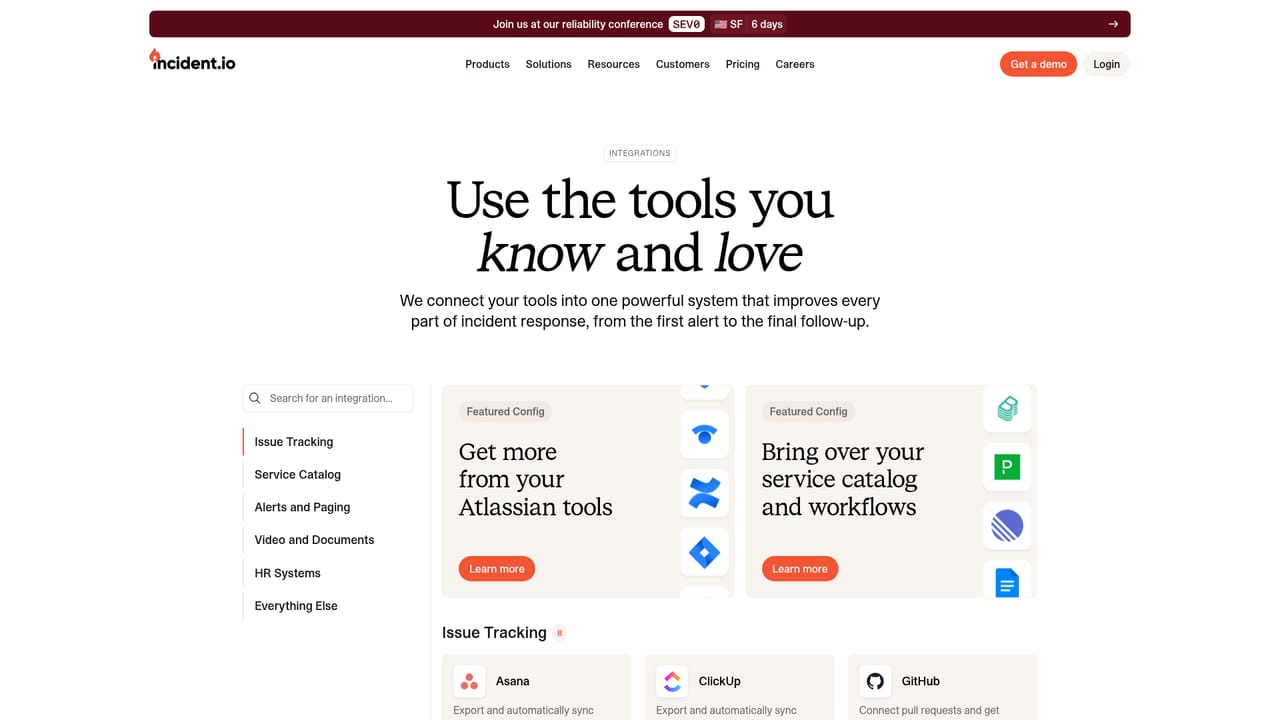
Learn moreA dedicated integrations page lists the connected tools, and response surfaces include Slack, Microsoft Teams, a Mac desktop app, mobile and remote MCP for Claude Code, Codex and Cursor.
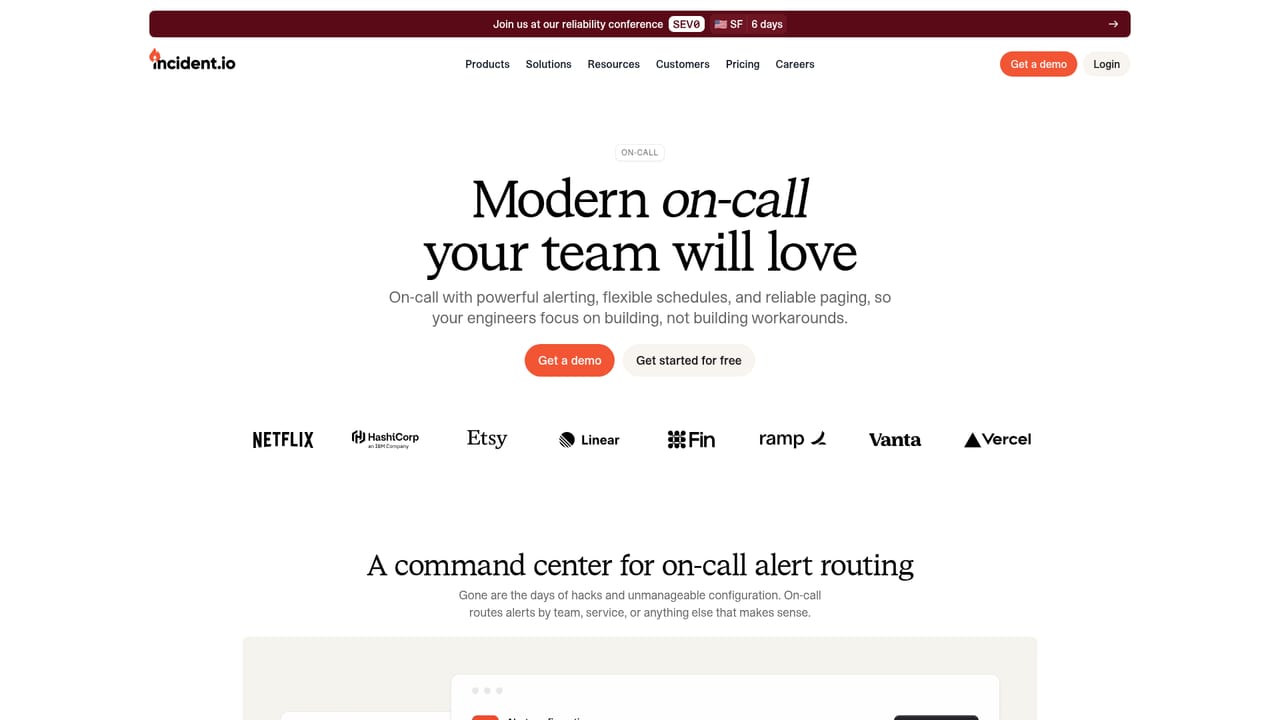
Learn moreFour core products: On-call (alerting, routing, schedules, mobile app), Investigations (agentic root cause analysis with an adversarial self-check), Response (Slack and Teams workflows, Scribe note taking, Catalog) and Status Pages. An operational layer of Integrations, Policies, Insights and Workflows sits around them, and the agent reasons across telemetry, deployments, code and incident history.
Learn more AI Angels400+ customizable AI girlfriends for NSFW chat, voice calls, and roleplay
 Candy AIExperience the future of companionship with AI friends who chat, role-play, and connect with you on a human level.
 ourdream.aiA vast AI roleplay platform with millions of characters for chat, images, video and voiceAI Angels400+ customizable AI girlfriends for NSFW chat, voice calls, and roleplayCandy AIExperience the future of companionship with AI friends who chat, role-play, and connect with you on a human level.ourdream.aiA vast AI roleplay platform with millions of characters for chat, images, video and voice


