Free trial
The free plan is the trial: 30 transformations at no cost, no credit card required, limited to personal use and carrying a small watermark.
Learn moreAI interior redesign renders from a single room photo

Indesignify converts photos of rooms into photorealistic interior renders in seconds. Users pick a style, colour palette and materials, then generate concepts for empty spaces, listings or client pitches. Free tier includes 30 transformations; pay as you go pricing removes the watermark and adds a commercial license.
Indesignify is a browser based interior design tool that turns a photograph of a room into a styled, photorealistic render within seconds. It is built for people who can see a space but cannot draw it: homeowners testing a renovation, estate agents dressing an empty listing, interior designers producing early concepts for a client, and architects who need furnishing ideas without a specialist on hand. The workflow starts with an image. A photo of an existing room, an empty room, a rough sketch or a plain design concept is uploaded, and the AI rebuilds the scene in a chosen style while keeping the architecture in place. Style is the main dial. The style library covers expected directions such as modern, bohemian, tropical, vintage glam and art deco, and pushes into less conventional territory with pop art and cyberpunk. On top of the style preset, users set their own palette from named colour schemes (soft neutrals, Nordic lights, forest retreat and others) and specify materials, with a long list ranging from wood, marble and leather to terrazzo, rattan, cork and acoustic panels. Room types are just as broad, covering living rooms, bedrooms, kitchens, bathrooms, dining rooms, home offices, kids rooms and media rooms. The homepage positions the output in practical terms: the tool is meant for building prototypes, furnishing empty spaces, and producing visuals that help sell property or win design work. A public gallery shows recent user creations, which is the quickest way to judge whether the render quality matches expectations before committing. Compared with full 3D modelling suites, Indesignify trades control and measurement accuracy for speed and a near zero learning curve. It will not produce buildable plans or dimensioned drawings, and it is a rendering aid rather than a substitute for a designer's judgement on layout, lighting and materials in the real world.
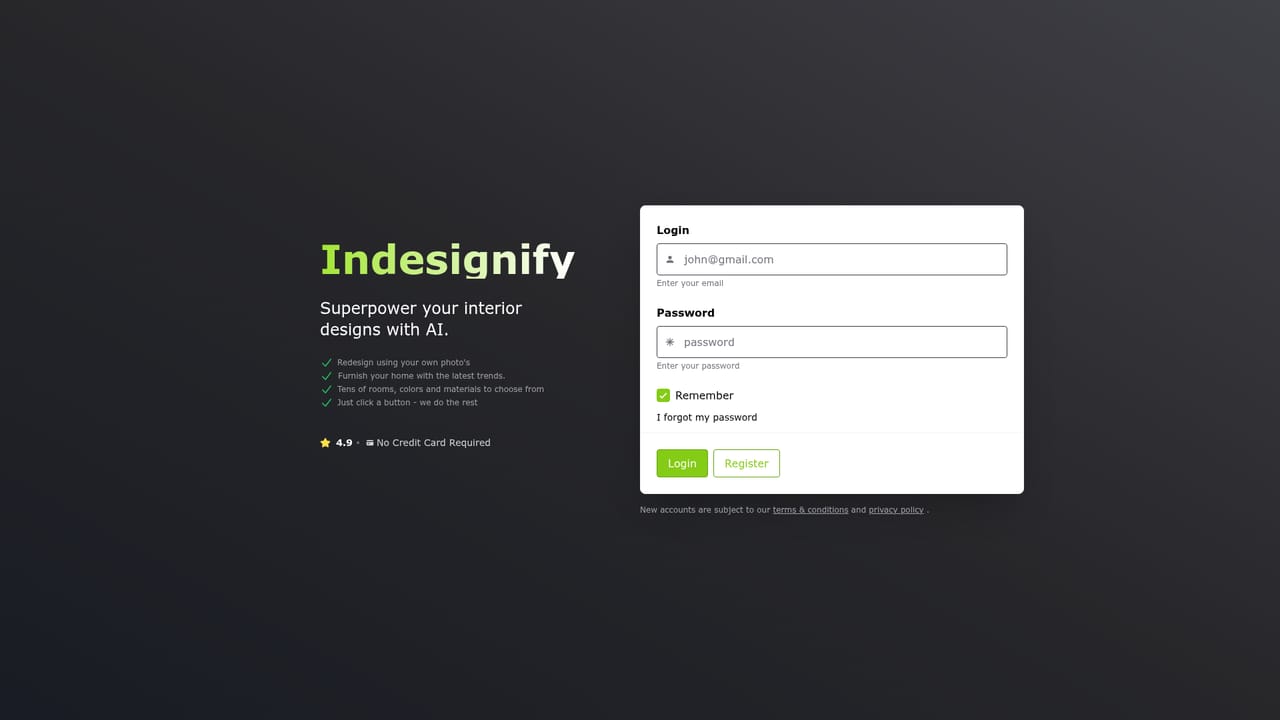
The free plan is the trial: 30 transformations at no cost, no credit card required, limited to personal use and carrying a small watermark.
Learn moreTwo tiers. The Forever free plan includes 30 transformations, high photorealism, high resolution, construction maintenance, a small watermark and personal use only. Pay as you go costs €0.070 per generation with no subscription, and adds watermark removal plus a commercial license.
Learn morePhoto, sketch and concept driven interior renders with preserved room construction. Users choose from styles including modern, bohemian, tropical, vintage glam, art deco, pop art and cyberpunk, set named colour palettes, and specify materials from wood and marble to terrazzo and acoustic panels across eight room types.
 AI Angels400+ customizable AI girlfriends for NSFW chat, voice calls, and roleplay
 Candy AIExperience the future of companionship with AI friends who chat, role-play, and connect with you on a human level.
 ourdream.aiA vast AI roleplay platform with millions of characters for chat, images, video and voiceAI Angels400+ customizable AI girlfriends for NSFW chat, voice calls, and roleplayCandy AIExperience the future of companionship with AI friends who chat, role-play, and connect with you on a human level.ourdream.aiA vast AI roleplay platform with millions of characters for chat, images, video and voice





