Free trial
The site invites users to start writing for free with no credit card required and mentions a free trial, but no trial length or usage cap is stated.
Learn moreAI writer that drafts SEO articles and publishes them to your CMS

instaBlog is an AI content platform that researches keywords, drafts SEO-oriented articles in over 25 languages and publishes directly to WordPress, Webflow or a custom CMS. It targets marketers and content teams that publish at volume and want research, writing and distribution in one place rather than separate tools.
instaBlog is an AI writing platform built around a single promise: produce publishable, search-optimized articles without stitching together a keyword tool, a drafting app and a CMS connector. The homepage presents it as a one-stop content engine, with an AI writer, built-in keyword research, reusable templates and direct publishing in the same workspace. The workflow described on the site starts with research. The tool is said to examine your niche, your competitors and your target keywords before it drafts anything, then moves from outline to finished copy. Smart templates supply structures tuned to different content types, so a comparison post and a how-to guide do not start from the same skeleton. A brand voice setting lets you pick a tone (professional, casual, witty and so on) or upload samples of existing writing for the model to imitate. Output can be produced in more than 25 languages, which suits teams running localized blogs or regional landing pages. Publishing is where it tries to differentiate itself from generic chat assistants. One-click connections to WordPress, Webflow and other major CMS platforms are advertised, so an approved draft can go live without a copy-paste pass. The site also claims all generated text is unique and passes standard plagiarism checks, though it offers no detail on how that is verified. The audience is clearly content marketers, SEO consultants and small in-house teams who publish at volume and feel the cost of slow drafting. Compared with a general-purpose chatbot, instaBlog bundles the research and distribution layers; compared with enterprise SEO suites, it leans lighter and more writing-centric. Buyers should note the pricing page lists boilerplate items (NextJS boilerplate, database, user oauth) that read like leftovers from a template, so confirm what is actually included before paying.
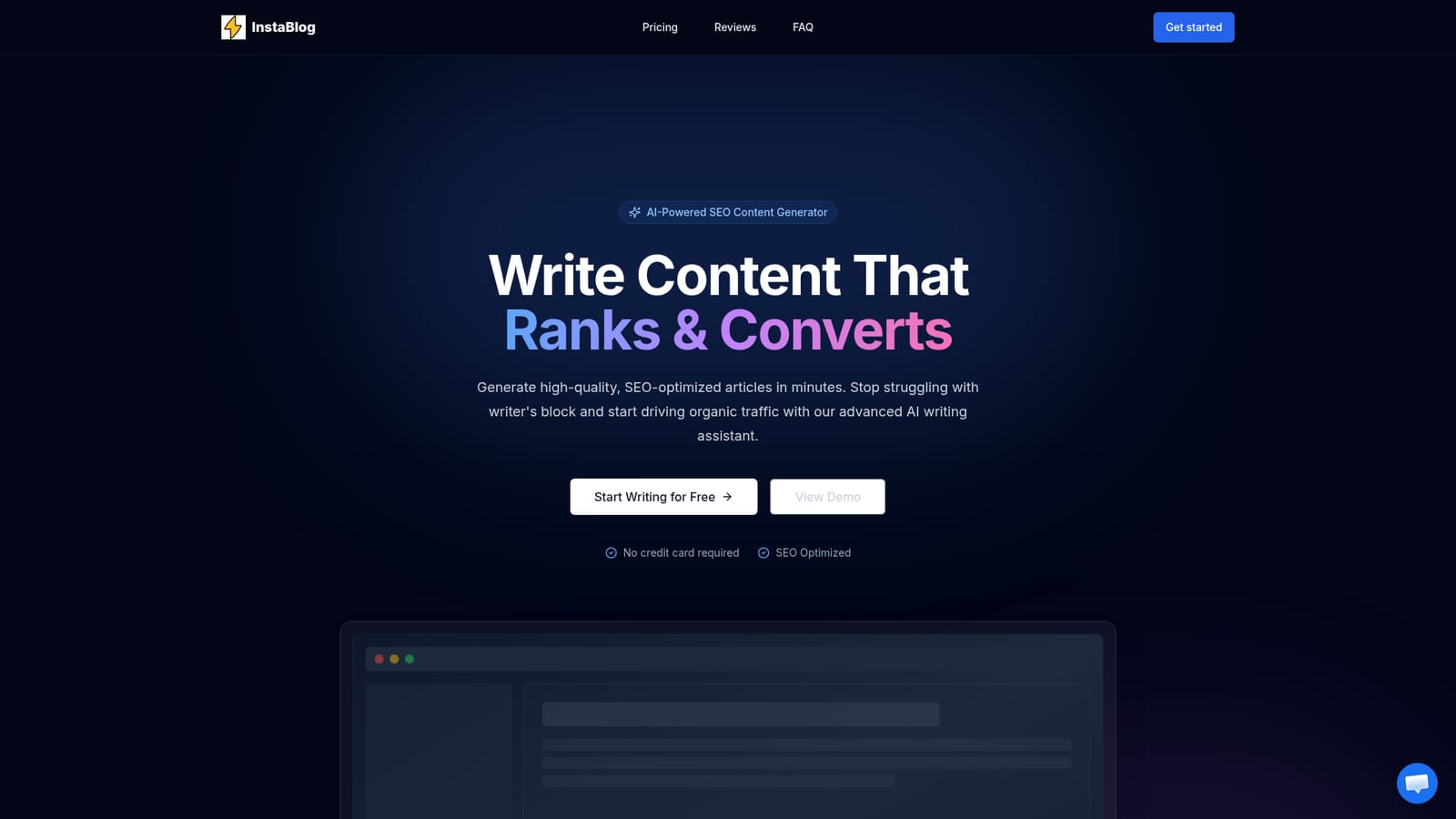
The site invites users to start writing for free with no credit card required and mentions a free trial, but no trial length or usage cap is stated.
Learn moreTwo monthly plans are listed: Starter at $99 per month discounted to $79, and Advanced at $149 per month discounted to $99. Both include a 7-day money-back guarantee. The listed features (NextJS boilerplate, user OAuth, database, emails) do not describe a content tool, so confirm inclusions before subscribing.
Learn moreSupport is described as 24/7 by email and chat, backed by a knowledge base and video tutorials. The Advanced plan explicitly lists 24/7 support.
The homepage names WordPress and Webflow as one-click publishing targets, alongside custom CMS connections. No other third-party integrations are listed.
Core features are an AI writer that generates complete articles, built-in keyword research and optimization, smart templates for different content types, brand voice and tone controls with sample uploads, output in over 25 languages, and one-click publishing to WordPress, Webflow and custom CMS platforms.
 AI Angels400+ customizable AI girlfriends for NSFW chat, voice calls, and roleplay
 Candy AIExperience the future of companionship with AI friends who chat, role-play, and connect with you on a human level.
 ourdream.aiA vast AI roleplay platform with millions of characters for chat, images, video and voiceAI Angels400+ customizable AI girlfriends for NSFW chat, voice calls, and roleplayCandy AIExperience the future of companionship with AI friends who chat, role-play, and connect with you on a human level.ourdream.aiA vast AI roleplay platform with millions of characters for chat, images, video and voice


