Free trial
The homepage invites users to start free with no credit card required, but does not state how long the free access lasts or what usage it includes.
Learn moreCold outreach platform with AI agents for leads, copy and follow-ups

Instantly is a lead generation tool. Cold email and sales engagement platform combining a B2B lead database, mailbox warmup, inbox placement testing, multichannel sequencing, an AI-powered CRM and autonomous agents for prospecting, replies and campaign automation.
Instantly is a sales engagement platform built around cold email at scale. The core of the product is a sequencer that runs outbound campaigns across many mailboxes at once, paired with a B2B lead database, email verification, inbox placement testing and automatic warmup for sending accounts. Sending infrastructure is treated as a first class concern here rather than an afterthought, which is why the vendor's own marketing leans heavily on deliverability and mailbox rotation instead of template design. The newer layer is agentic. Copilot and a family of AI agents (sales agent, reply agent, lead generation agent, automations) can prospect, draft personalized copy, respond to incoming replies and route leads based on behavior such as a site visit, a reply or a booked meeting. A ChatGPT connection lets teams trigger that same outbound work through conversation. Revenue reporting closes the loop with opportunities, pipeline and conversions, and campaigns that underperform can be paused while stronger ones scale. The audience is primarily agencies and outbound teams running cold email for multiple clients, alongside founders and sales development groups that want one system instead of a stack of point tools. Agencies can manage dozens of concurrent campaigns and hundreds of mailboxes from a single workspace, and there are dedicated tracks for freelancers, enterprise and solution partners. Among alternatives, Instantly competes with sequencers that emphasize simplicity and with data heavy sales engagement suites. Its pitch is the combination: sending reputation tooling, lead data and AI execution in one place. Buyers who only need occasional manual email or deep CRM customization should weigh whether the breadth is worth the setup effort.

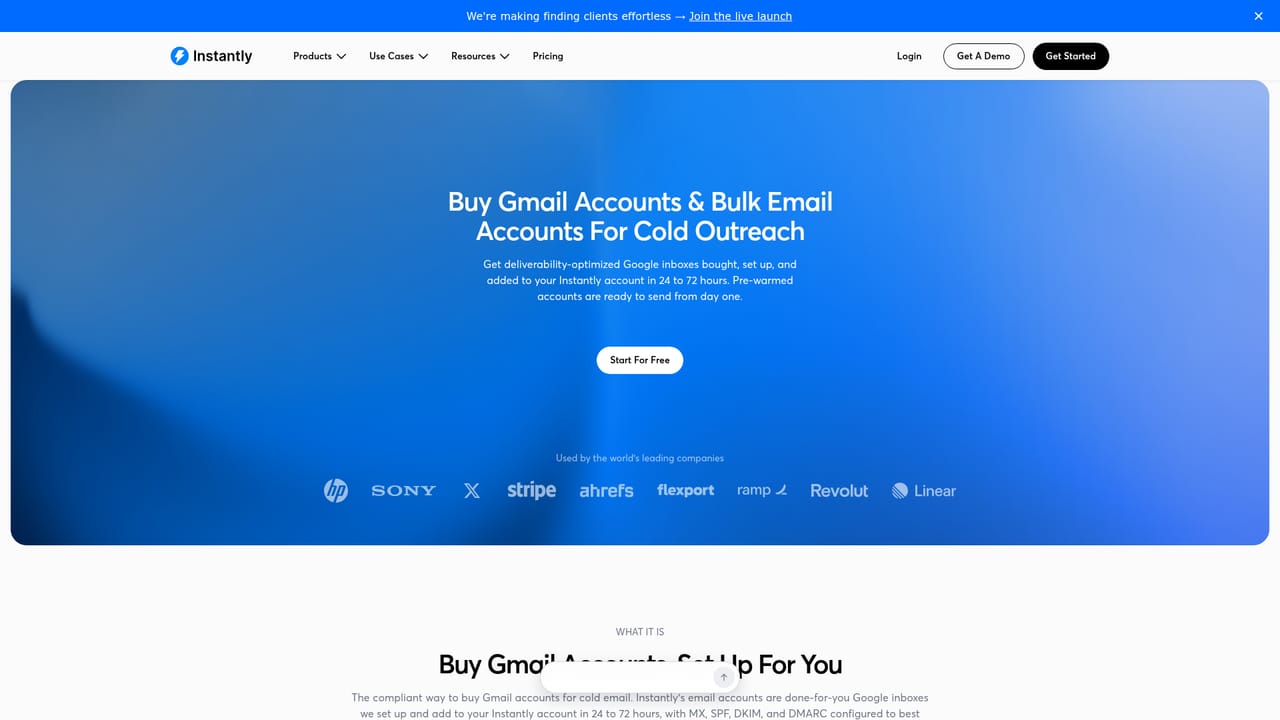
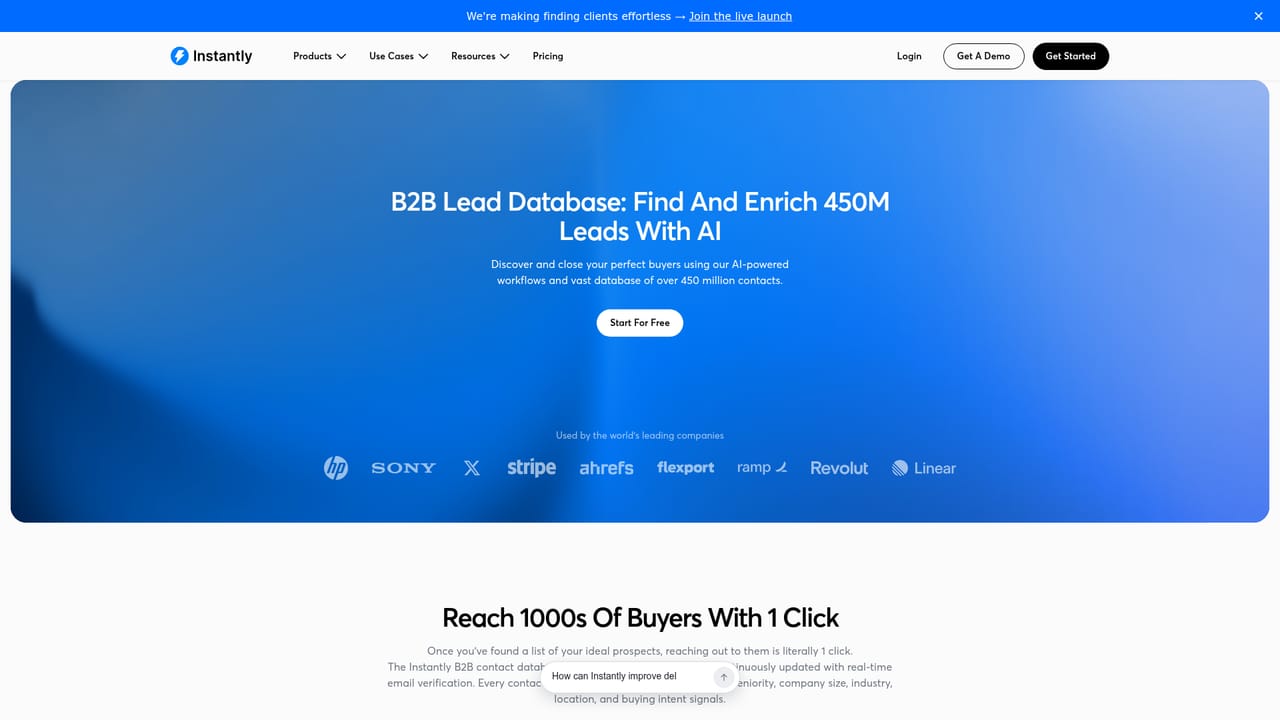
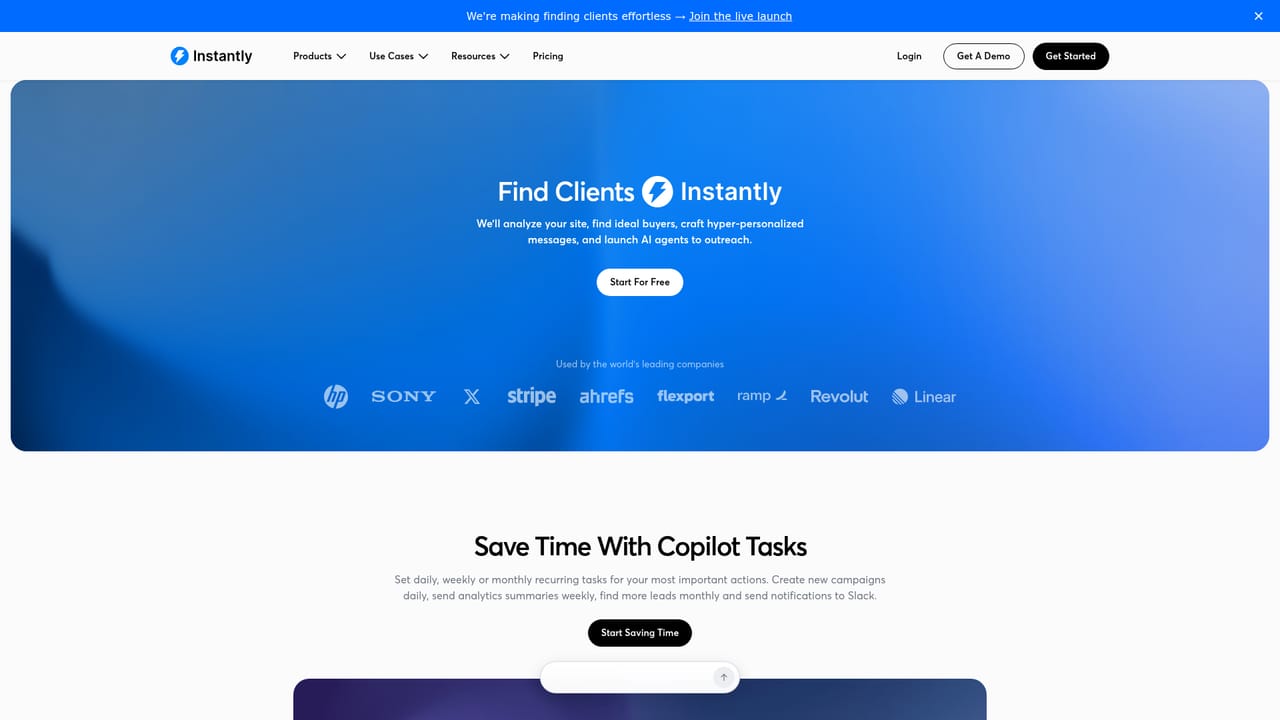
The homepage invites users to start free with no credit card required, but does not state how long the free access lasts or what usage it includes.
Learn moreThe homepage states that Instantly connects with the tools teams already use and shows a live ChatGPT connection for running outbound through conversation. Claude is listed as coming soon. Specific third-party integrations are not enumerated on the homepage.
Campaign sequencing with AI-written and personalized copy, a B2B lead database and email verification, mailbox warmup and inbox placement testing, an AI-powered CRM, behavior-triggered automations, AI agents for sales, replies and lead generation, Copilot for end-to-end campaign creation, and revenue reporting across opportunities, pipeline and conversions.
Learn more AI Angels400+ customizable AI girlfriends for NSFW chat, voice calls, and roleplay
 Candy AIExperience the future of companionship with AI friends who chat, role-play, and connect with you on a human level.
 ourdream.aiA vast AI roleplay platform with millions of characters for chat, images, video and voiceAI Angels400+ customizable AI girlfriends for NSFW chat, voice calls, and roleplayCandy AIExperience the future of companionship with AI friends who chat, role-play, and connect with you on a human level.ourdream.aiA vast AI roleplay platform with millions of characters for chat, images, video and voice


