Free trial
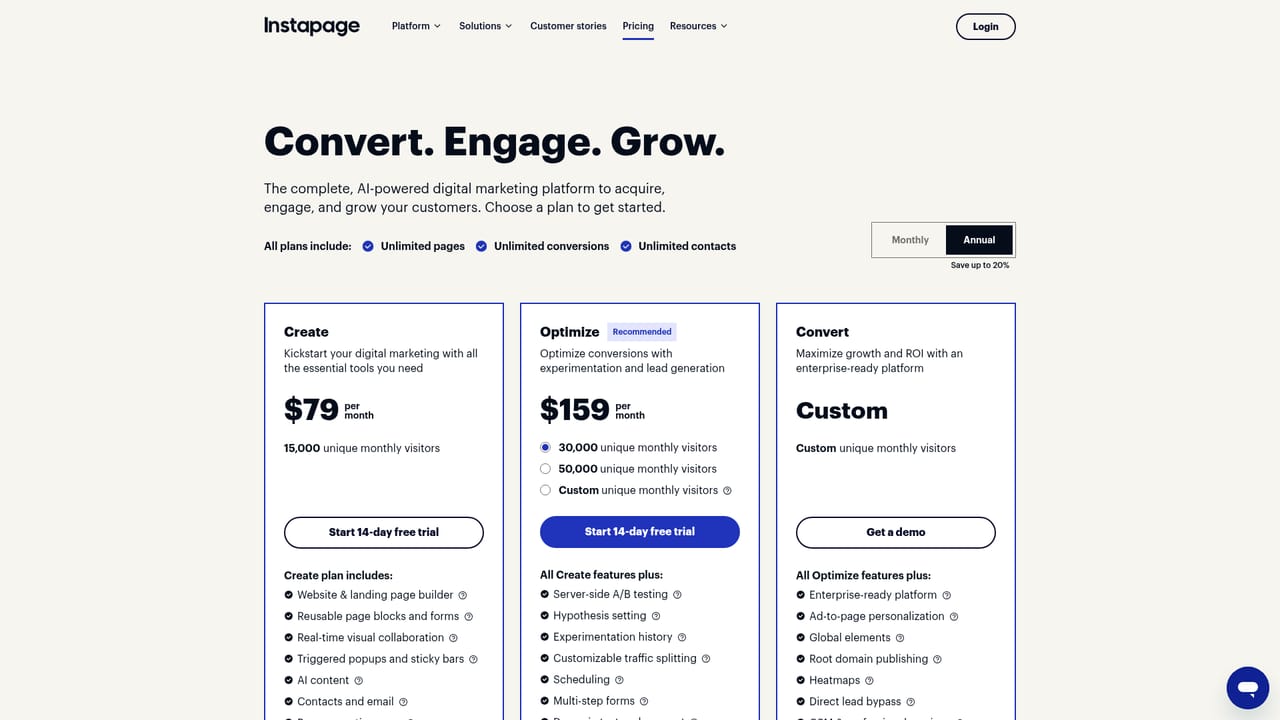
The homepage references a free Instapage account and links to the plans page for getting started, but it does not state a trial length, included features or card requirements.
Learn moreAI copy generation built directly into the Instapage landing page builder
Own Instapage Content Generator? Verify ownership to get a dofollow link

Instapage Content Generator is AI copywriting embedded in the Instapage landing page builder. It produces headlines, paragraphs and CTAs, lets teams test variants across audiences, and ties generated copy to AI-directed A/B/n experiments that send more ad traffic to better performers.
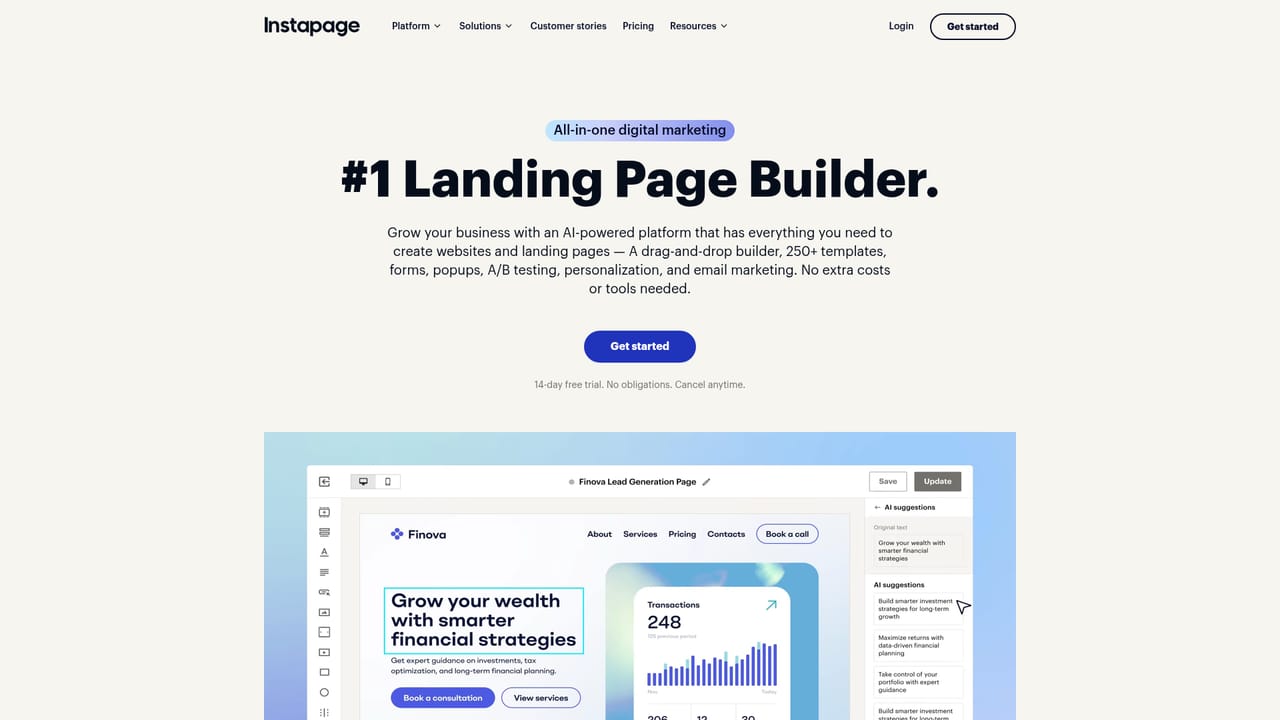
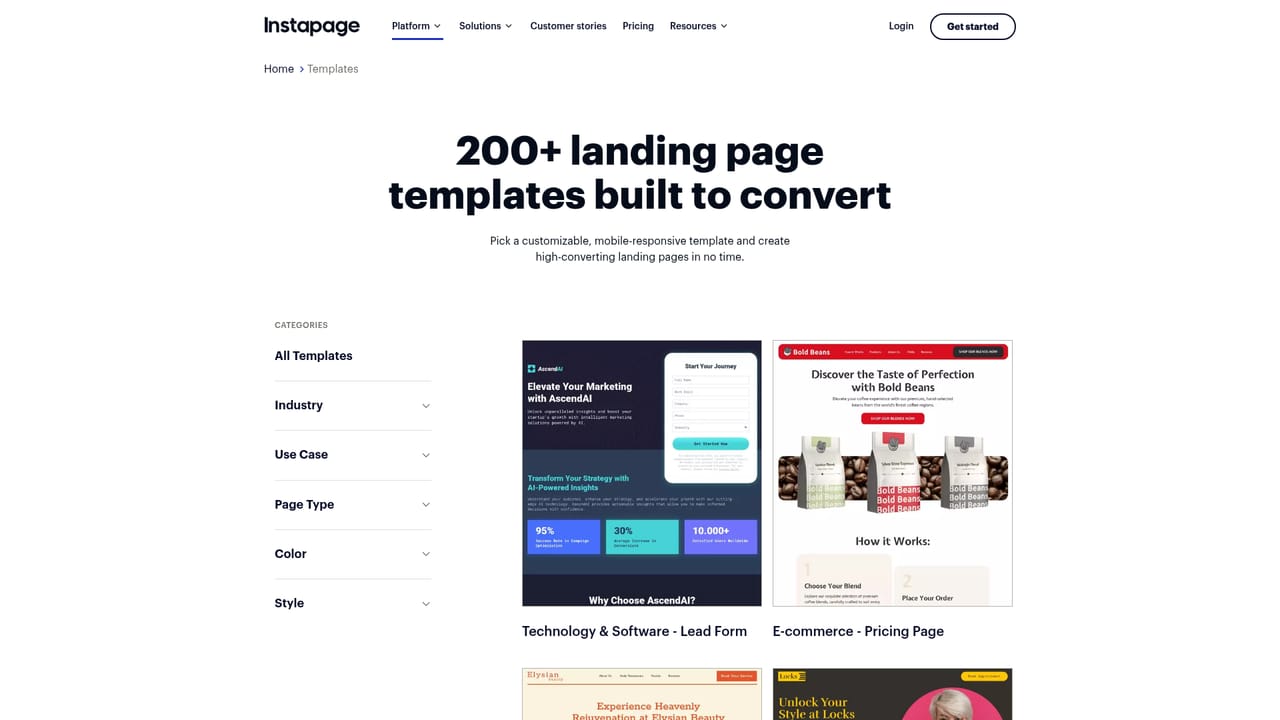
Instapage Content Generator is the AI copywriting layer inside the Instapage landing page platform. Rather than a standalone writing tool, it lives in the page builder itself, so marketers can produce headlines, paragraph copy, button labels and calls to action without leaving the canvas they are designing on. The generator draws on prompts and page context to return content variations, which can then be dropped into a page and tested against one another. The product is aimed squarely at paid marketing teams: performance marketers, PPC specialists and agencies who build many landing pages for many audiences and ad groups. The pitch is speed first. Instead of briefing a writer or rewriting by hand, a team can ask for several headline or CTA options and push them straight into a test. Instapage frames this as removing the rewrite bottleneck that slows experimentation, and it pairs the generator with AI Experiments, which shifts ad traffic toward the variants that perform better across AI-directed A/B/n tests. In practice the workflow is builder-centric. A user works inside the Instapage editor, requests AI-generated ideas for a specific element, reviews the suggestions, and keeps or discards them. Generated copy can be assigned to different audiences and ad groups, and the same variations can feed experimentation. Instapage also points to supporting pieces of the platform: Instablocks for reusable page sections, more than 500 layouts, and built-in team collaboration, which matter when several people touch the same page. Where it fits among alternatives: general purpose AI writers generate text in a separate document that someone must then paste and format. Instapage's value is the tight loop between generation, page design and testing, and the fact that copy variants connect to traffic allocation. The tradeoff is scope. This is not a general long-form writing assistant, and it assumes a commitment to the Instapage ecosystem. Teams that want AI copy for blogs, email or product documentation will need other tools alongside it.
The homepage references a free Instapage account and links to the plans page for getting started, but it does not state a trial length, included features or card requirements.
Learn moreCore capabilities include AI generation of headlines, paragraphs and CTAs inside the builder, quick content variations for different audiences and ad groups, A/B testing of AI-made copy, and AI Experiments that dynamically allocate ad traffic to higher-performing variants via AI-directed A/B/n tests. Supporting platform pieces include Instablocks reusable sections, 500+ layouts and built-in collaboration.
Learn more AI Angels400+ customizable AI girlfriends for NSFW chat, voice calls, and roleplay
 Candy AIExperience the future of companionship with AI friends who chat, role-play, and connect with you on a human level.
 ourdream.aiA vast AI roleplay platform with millions of characters for chat, images, video and voiceAI Angels400+ customizable AI girlfriends for NSFW chat, voice calls, and roleplayCandy AIExperience the future of companionship with AI friends who chat, role-play, and connect with you on a human level.ourdream.aiA vast AI roleplay platform with millions of characters for chat, images, video and voice


