Free trial
You can start for free and no credit card is required, according to the homepage. The page does not state how long a free account lasts or what limits apply to AI generation.
Learn moreAI quiz maker that turns your website into a lead magnet

Interact generates lead magnet quizzes from your website content, then hands them to a visual builder with branching logic, answer-level analytics and direct sync to email and CRM platforms such as HubSpot, Klaviyo, Mailchimp and Zapier.
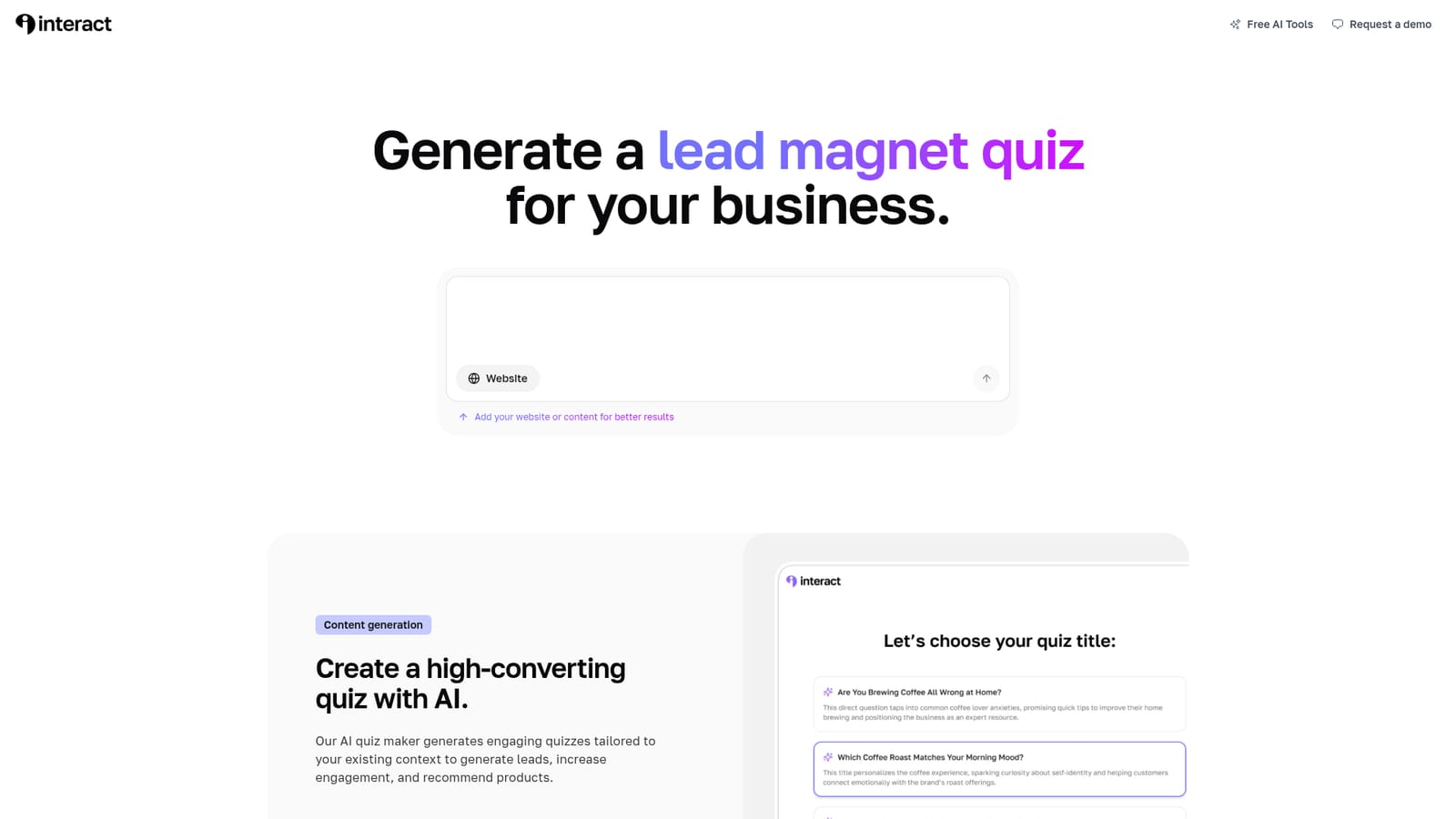
Interact is an AI quiz maker built for marketers who want a lead capture asset without writing prompts or learning prompt engineering. The tool takes a website address or existing content as context and produces a starter quiz: a title, a question set and result pages intended to bring in leads, lift engagement and point readers toward recommended products. The pitch is deliberately narrow. Instead of being a general purpose text generator, it is aimed at one deliverable that most businesses already understand, a quiz that collects contact details in exchange for a personalized answer. The homepage workflow runs in three parts. First, you supply your website so the AI has material to work from. Second, the tool drafts the quiz. Third, you move into a full-featured editor where questions, images and videos are added and answer logic is wired up visually. That last stage matters more than the generation step: branching logic is what makes a quiz feel personal, and Interact exposes it as a drag-and-connect canvas rather than a configuration screen. Result pages are treated as conversion surfaces, so the builder assumes each outcome is a chance to recommend a product or collect a signup. Reporting sits alongside the builder. Interact shows how many people land on each result, how each answer option is chosen across a question, and where respondents abandon the quiz. Drop-off data is the practical lever here: a question that quietly loses half the audience can be rewritten or removed. Contacts and results then sync outward to email and CRM tools, with the homepage naming ActiveCampaign, beehiiv, Kit, Drip, Flodesk, GoHighLevel, HubSpot, Klaviyo, Mailchimp, Mailerlite, Simplero and Zapier among the destinations. The tool suits small marketing teams, agencies and solo founders who need a working lead magnet fast and lack a design or development resource. Compared with general writing assistants it is more constrained but far quicker to a finished, logic-driven quiz. Compared with form builders it does more on the personalization side; the trade-off is that the output is still a quiz, so anyone wanting surveys, calculators or other interactive formats will need another product.
You can start for free and no credit card is required, according to the homepage. The page does not state how long a free account lasts or what limits apply to AI generation.
Learn moreDirect integrations listed on the homepage include ActiveCampaign, beehiiv, Kit, Drip, Flodesk, GoHighLevel, HubSpot, Klaviyo, Mailchimp, Mailerlite, Simplero and Zapier, with more referenced but not named.
Interact generates quizzes from your website content, then provides a full-featured editor for questions, images, videos and visually connected answer logic. Analytics cover result distribution, per-answer choice counts and drop-off rates. Result pages are built for product recommendations and lead capture, and data syncs to supported email and CRM platforms.
 AI Angels400+ customizable AI girlfriends for NSFW chat, voice calls, and roleplay
 Candy AIExperience the future of companionship with AI friends who chat, role-play, and connect with you on a human level.
 ourdream.aiA vast AI roleplay platform with millions of characters for chat, images, video and voiceAI Angels400+ customizable AI girlfriends for NSFW chat, voice calls, and roleplayCandy AIExperience the future of companionship with AI friends who chat, role-play, and connect with you on a human level.ourdream.aiA vast AI roleplay platform with millions of characters for chat, images, video and voice


