Support
A feedback form is available on the contact page, alongside FAQ, terms and privacy links in the site footer. No dedicated help center or live support channel is described on the homepage.
Learn moreAI interview practice and real-time question generation for candidates and hiring teams

InterviewAI is a career tool. A dual-purpose interview platform: candidates get tailored practice questions, AI follow-ups and scored feedback, while recruiters and schools generate role-specific questions, save candidate notes and screen applicants with automated scoring.
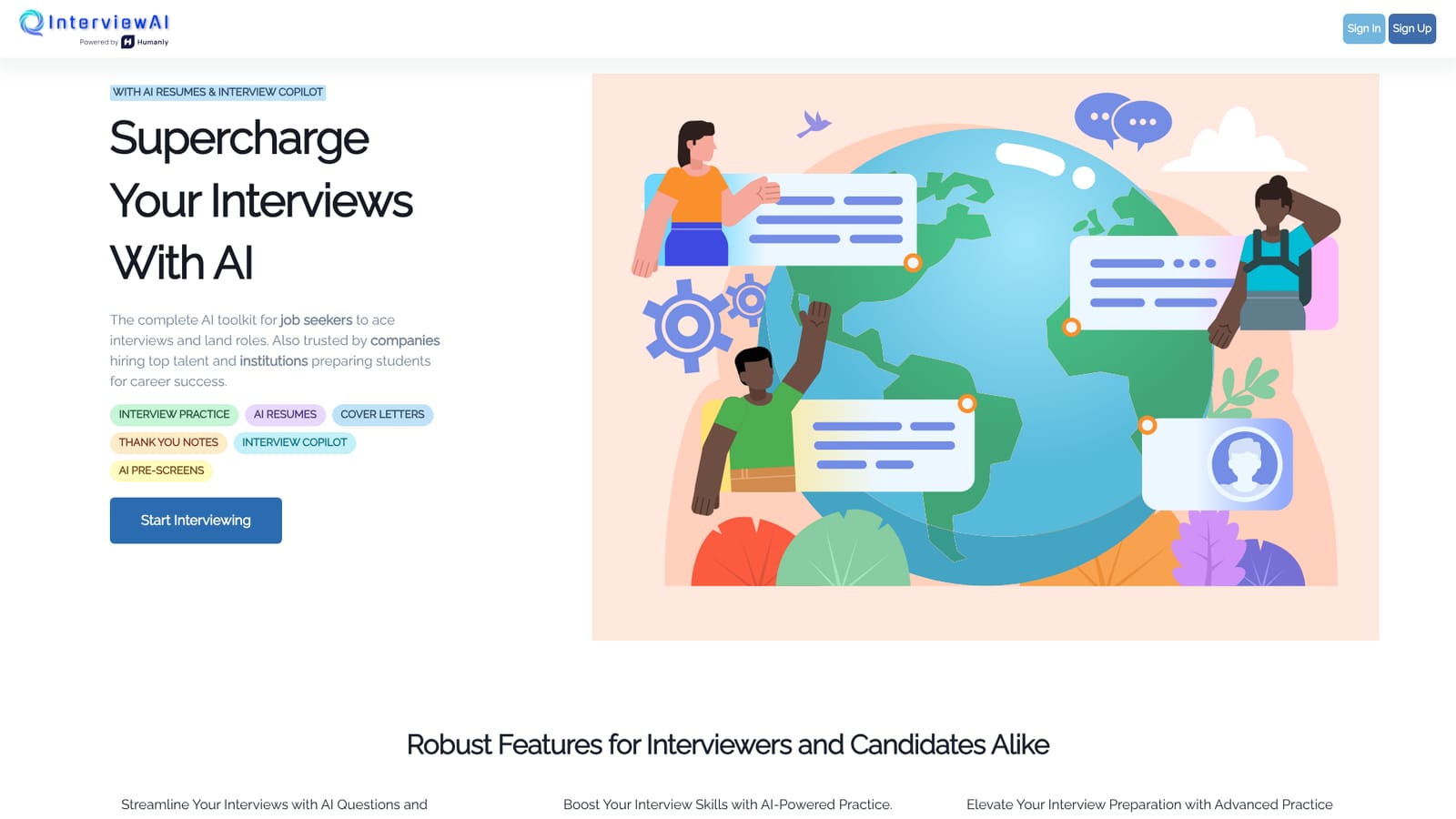
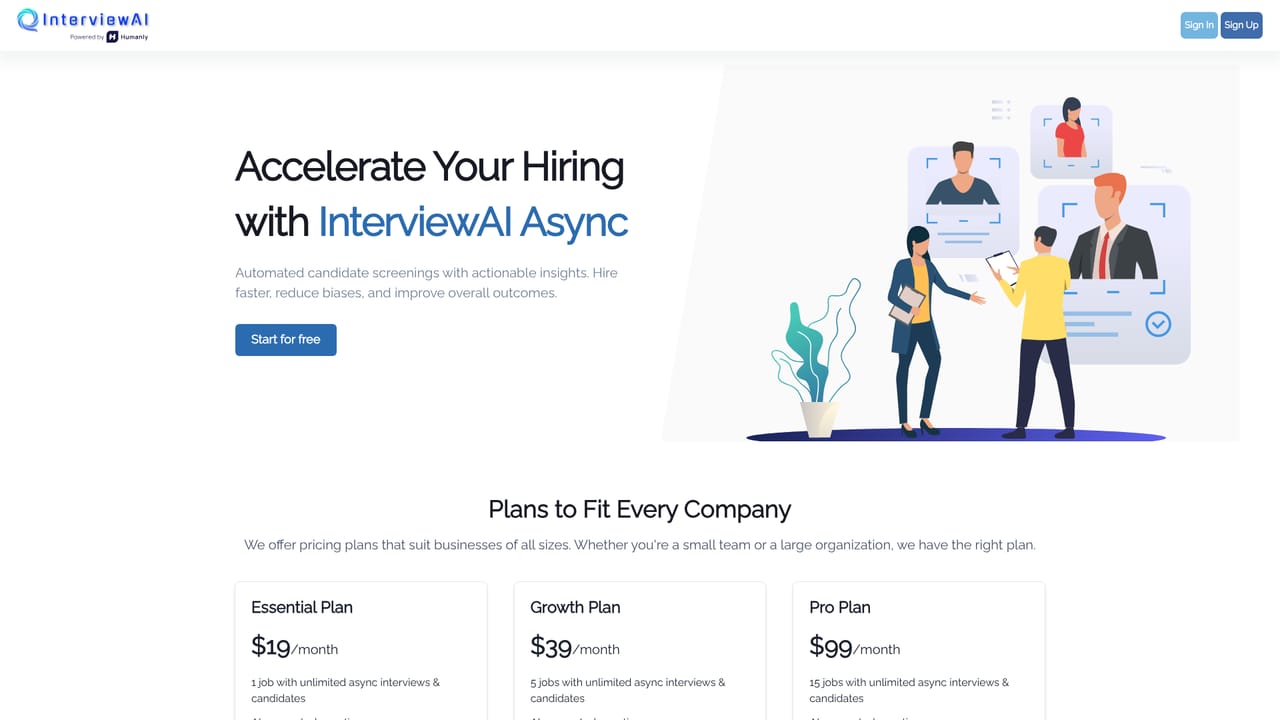
InterviewAI is a browser-based platform that covers both sides of the hiring conversation. Candidates use it to rehearse job interviews, while companies and academic institutions use it to generate questions, run screens and evaluate responses with automated scoring. The product sits in the interview preparation and recruiting workflow rather than in general content creation. For job seekers, the core loop is practice. Users pick a job category or target position, and the system produces tailored interview questions in real time. Practice sessions can run without a stated cap on the homepage, and after each answer the tool generates follow-up questions meant to push the candidate deeper, mimicking a real interviewer who probes weak spots. Each session closes with a performance summary: per-question scores plus an overall interview score, so progress can be tracked across sessions. The homepage also lists AI resumes, cover letters and thank-you notes as part of the same toolkit. On the employer side, InterviewAI generates questions relevant to a chosen role, backed by a pre-loaded library that teams can customize. Interviewers can save notes and questions against individual candidates to keep the process organized, and AI follow-up questions help surface detail a scripted list would miss. The education page targets colleges that want to prepare graduating students with practice sessions matched to their career goals. It fits alongside mock interview services and recruiting assessment tools, with the difference being that one account serves both the person preparing and the team doing the hiring. The homepage does not publish pricing tiers, integration details or a stated free plan, so those points need checking directly before committing.
A feedback form is available on the contact page, alongside FAQ, terms and privacy links in the site footer. No dedicated help center or live support channel is described on the homepage.
Learn moreReal-time AI-generated interview questions tied to the selected job category, a pre-loaded question library, AI follow-up questions based on candidate responses, candidate notes and interview management, automated practice scoring with per-question and overall results, plus AI resumes, cover letters and thank-you notes on the candidate side and AI pre-screens for employers.
 AI Angels400+ customizable AI girlfriends for NSFW chat, voice calls, and roleplay
 Candy AIExperience the future of companionship with AI friends who chat, role-play, and connect with you on a human level.
 ourdream.aiA vast AI roleplay platform with millions of characters for chat, images, video and voiceAI Angels400+ customizable AI girlfriends for NSFW chat, voice calls, and roleplayCandy AIExperience the future of companionship with AI friends who chat, role-play, and connect with you on a human level.ourdream.aiA vast AI roleplay platform with millions of characters for chat, images, video and voice


