Free trial
No trial period is described. Free access covers a preview of up to five sample questions per subject and the AI question generator, which produces 10 personalised questions with no registration required.
Learn moreAvatar-led interview questions and simulated interview rooms for job prep

InterviewBot is a career tool. A focused interview prep tool: buy a pack of 20 avatar-led questions to practise at home, run the same questions in an on-screen live simulation, or generate 10 personalised questions free from a resume and job description.
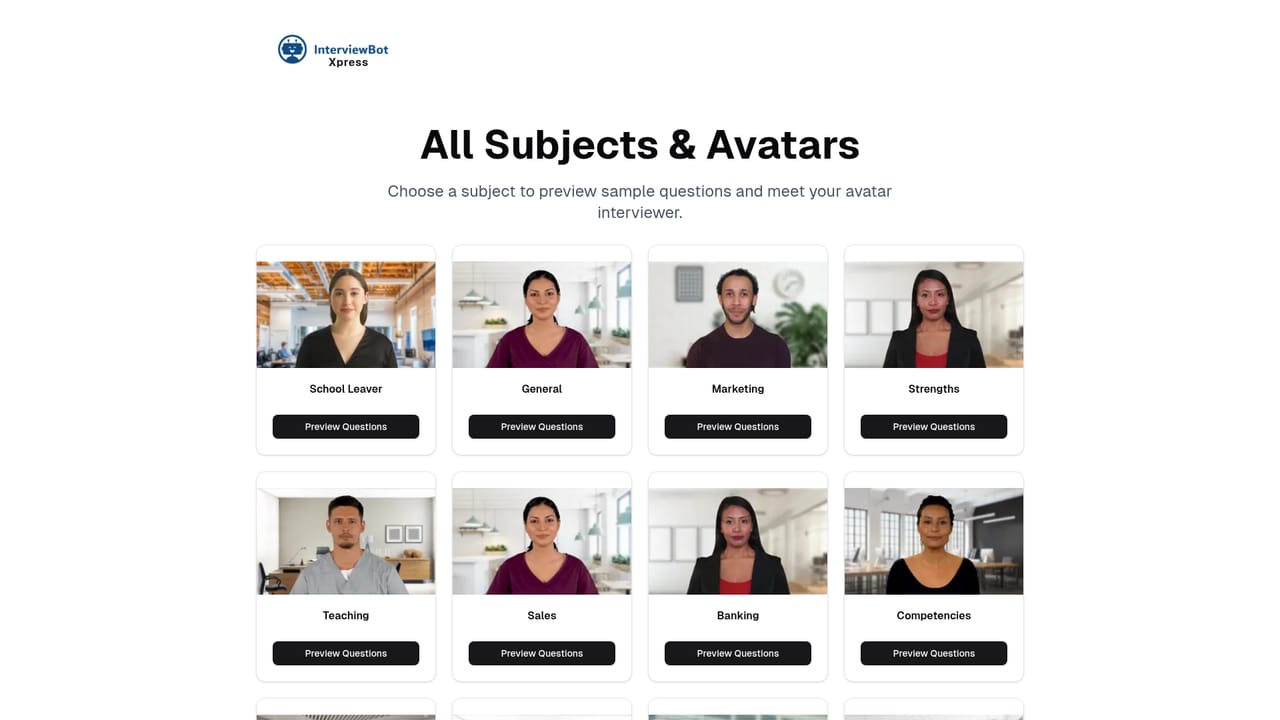
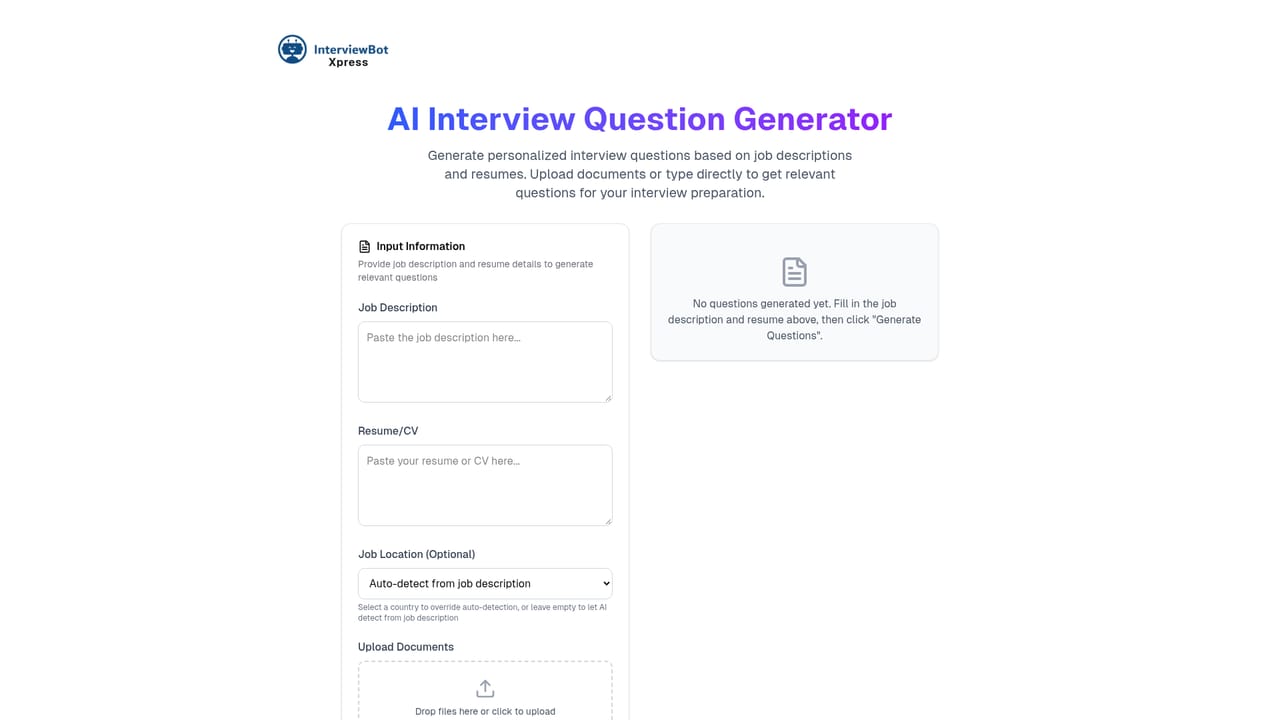
InterviewBot Xpress is a job interview preparation tool built around short video questions delivered by named avatars, each tied to a professional field such as civil service, media, sales or banking. Candidates either download a pack of questions for offline rehearsal or step into an on-screen simulation designed to mirror the rhythm of a real interview. The product is aimed at graduates, career changers and applicants in sectors like healthcare, law and software who want structured repetition rather than a one-off read-through of generic question lists. In practice, preparation works in one of two modes. The download option delivers a set of 20 questions as files for home use, including a text file of every question so users can build their own playlists or skim before a session. The live simulation costs more but puts the same 20 questions on screen, letting users watch each avatar, answer aloud and repeat the session as often as they like. The homepage states that responses are not recorded or saved, so the rehearsal stays private. Alongside the paid packs, a free question generator takes a resume and a job description in PDF, Word or text form, analyses both documents and returns 10 personalised questions for the specific role. That makes a sensible entry point: sample questions first, generated questions next, then a paid pack if the format suits. InterviewBot Xpress sits in the same space as mock interview platforms and human coaching, but it competes on price and convenience rather than feedback. There is no interviewer reacting to answers, no scoring and no transcript review. It is a practice library with a realistic wrapper, priced as a single purchase instead of a subscription, which suits candidates preparing for one focused round of interviews. Expectations matter here. The value comes from volume and repetition, so the tool rewards users who book several sessions in the week before an interview. Anyone looking for critique of their answers should treat this as a rehearsal aid to pair with a human reviewer.
No trial period is described. Free access covers a preview of up to five sample questions per subject and the AI question generator, which produces 10 personalised questions with no registration required.
Learn moreTwo one-time purchases, both stated as no subscription: a 20 question download pack for £4.99 for offline home practice, and a 20 question live interview simulation for £9.99. Both include a text file of all questions and unlimited repeat use. The AI question generator is free.
Learn moreThe site offers a feedback form for comments on offerings and functionalities, plus a contact page for other enquiries. A FAQ section on the homepage covers question sourcing, payment and technical requirements such as camera and microphone.
Learn moreQuestion packs of 20 validated video questions per subject, delivered by named avatars across fields such as civil service, media, sales and banking. A live simulation puts the same 20 questions on screen for spoken practice, with unlimited repeats and no saved responses. Every paid option includes a text file of all questions for playlists and quick recap. A free generator reads resume and job description files and returns 10 tailored questions.
 AI Angels400+ customizable AI girlfriends for NSFW chat, voice calls, and roleplay
 Candy AIExperience the future of companionship with AI friends who chat, role-play, and connect with you on a human level.
 ourdream.aiA vast AI roleplay platform with millions of characters for chat, images, video and voiceAI Angels400+ customizable AI girlfriends for NSFW chat, voice calls, and roleplayCandy AIExperience the future of companionship with AI friends who chat, role-play, and connect with you on a human level.ourdream.aiA vast AI roleplay platform with millions of characters for chat, images, video and voice


