Intuo

Geospatial skills that teach Claude and Codex to draw real maps

Beginner
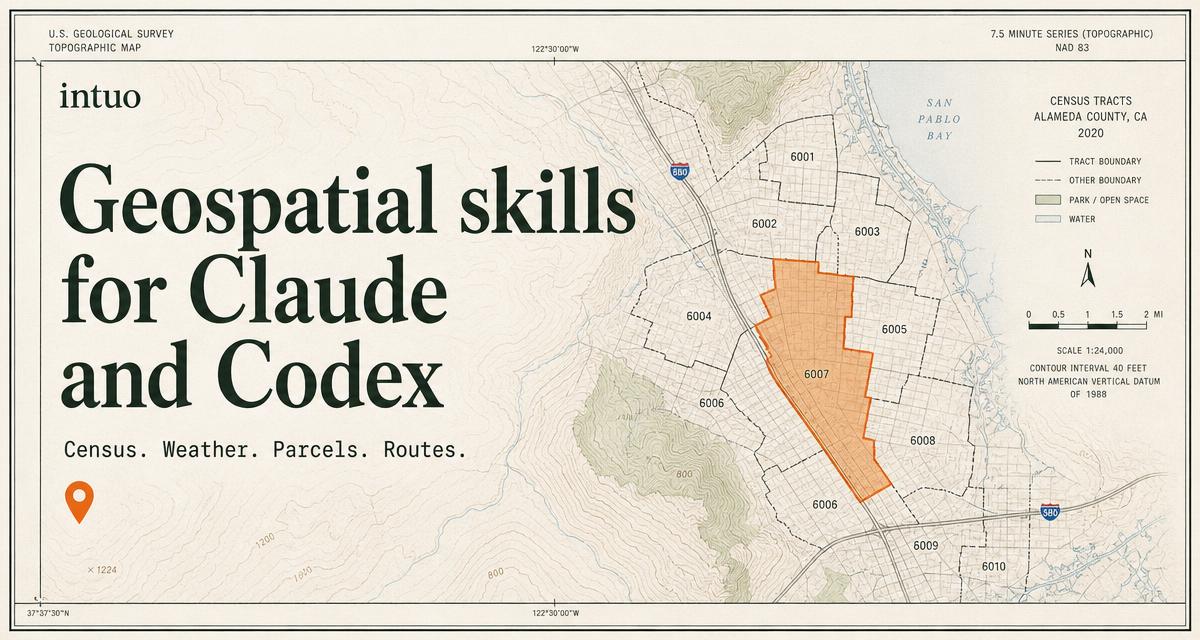
Screenshot of Intuo, Geospatial skills that teach Claude and Codex to draw real maps

What is Intuo?

Intuo is an image analysis tool. A free, open source skill pack that gives Claude, Codex and Cursor real cartography: geocode a spreadsheet, pull Census, NOAA, parcel and district data, then publish a hosted interactive map with sources cited in the margin.

Intuo is a skill pack for AI agents that turns a plain conversation into a finished, published map. Instead of asking a general assistant to sketch something vaguely map-shaped, you install a set of eight focused skills and then describe the map you need. The pack handles geocoding, joins public data to your file, and applies cartographic defaults for colors, labels, legends and citations. Output lands as a hosted, interactive map rather than a static picture. The problems it targets are concrete and repetitive: a spreadsheet of customers or members that should sit on a map, weekly delivery stops that need sensible ordering, districts shaded by headcount before an advocacy push. The skills know where Census ACS demographics, NOAA weather and hazard layers, county parcel records, political boundaries and OpenStreetMap roads actually live, so the agent fetches rather than invents. Results re-run on their own when the underlying file changes, which suits recurring board maps and territory reviews. Accuracy is handled by showing the mechanism rather than promising perfection. Geocoding reports match counts, so a run that resolves 214 of 214 addresses says so, and partial matches get flagged instead of quietly dropped. Every map prints its sources in the margin, including Census vintage and TIGER/Line year. Nothing publishes without your review, so the agent drafts and you approve before a public link exists. Output exports to GeoJSON for anyone who wants to continue in QGIS. It is built for the person who has a mapping need but no GIS background: operations staff, organizers, analysts, sales leads, small planning teams. People who already work in QGIS or ArcGIS will find the pack convenient for quick drafts rather than a replacement for their desktop tools. Command-line installs serve Claude Code and Codex users; everyone else adds the pack inside the Claude app and starts asking.

How do you use Intuo?

  1. 1Join the founding list
    Sign up on the get-started page with no card required. Founding members receive the skill pack before public release and get a vote on which skills and templates ship next.
  2. 2Add the pack to your agent
    Install the skills inside the Claude app and on the web, or use the command-line install if you work in Claude Code or Codex CLI. The pack builds tailored per harness.
  3. 3Attach your spreadsheet and describe the map
    Upload a file of addresses, members or stops with your request in plain language. State the geography you want shaded and the measure that should drive it.
  4. 4Check the geocoding report and sources
    Review the reported match count and any flagged partial matches, then confirm the data vintage printed in the map margin before you accept the draft.
  5. 5Approve and publish the hosted map
    Sign off on the map and the data behind it to generate a public link. The hosted map re-runs when your source file is updated.

Pros and cons

Pros

  • Turns a spreadsheet plus a plain-language request into a finished, hosted map without GIS softwareAI
  • Geocoding reports match counts and flags partial or failed matches rather than dropping them silentlyAI
  • Every map cites its data sources in the margin, including Census vintage and TIGER/Line yearAI
  • Works across Claude, Claude Code, Claude Cowork, Codex CLI and Cursor from one packAI
  • Exports to GeoJSON, so results stay usable in QGIS or other desktop GIS toolsAI

Cons

  • Access opens in cohorts from a founding waitlist, so the pack is not broadly available on day oneAI
  • Data coverage leans on US public sources (Census, NOAA, county portals), which limits usefulness outside the United StatesAI
  • The eight skills cover common map jobs but not specialist analysis such as raster processing or network modelingAI
  • Published maps carry no stated accuracy guarantee; the burden of verifying data and boundaries stays with youAI

How much does Intuo cost?

Pricing

The eight skills are described as free and open source permanently, with no card required to join the founding list. Hosted maps include a free tier because most users only need a few maps that stay current. No paid tiers or specific prices are published on the homepage.

Learn more

Integrations

Works with Claude in the app and on the web, Claude Code, Claude Cowork, Codex CLI and Cursor. One pack is built per harness. Map data draws on US Census Bureau, NOAA, county open-data portals and OpenStreetMap.

Features

Eight skills cover geocoding from messy address columns, Census ACS demographics by tract, ZIP or county, NOAA weather and hazard layers, congressional and school district lookups, county parcel and zoning data, multi-stop routing with drive-time areas, territory balancing, and default cartography with colors, labels, legends and source citations. Maps are hosted, interactive, re-run on data changes, and export to GeoJSON.

Frequently asked questions about Intuo

  • How much does Intuo cost?
    The eight skills are described as free and open source permanently, with no card required to join the founding list. Hosted maps include a free tier because most users only need a few maps that stay current. No paid tiers or specific prices are published on the homepage.
  • How do you use Intuo?
    The walkthrough on this page covers 5 steps: 1. Join the founding list 2. Add the pack to your agent 3. Attach your spreadsheet and describe the map 4. Check the geocoding report and sources 5. Approve and publish the hosted map.
  • What platforms does Intuo support?
    Intuo is available on Web App.
  • What does Intuo integrate with?
    Works with Claude in the app and on the web, Claude Code, Claude Cowork, Codex CLI and Cursor. One pack is built per harness. Map data draws on US Census Bureau, NOAA, county open-data portals and OpenStreetMap.
  • What are the limitations of Intuo?
    Access opens in cohorts from a founding waitlist, so the pack is not broadly available on day one. Data coverage leans on US public sources (Census, NOAA, county portals), which limits usefulness outside the United States. The eight skills cover common map jobs but not specialist analysis such as raster processing or network modeling.

Status

StatusActive
Views0
Outbound clicks0
Added10/21/2026

Platforms

Web App

Pricing

FreeFreemium