Free trial
The AI Editor is described as free to try with no sign up required, and the homepage states that no account is needed to start. No separate trial period for paid plans is stated.
Learn moreSentence level AI detection across more than 80 languages

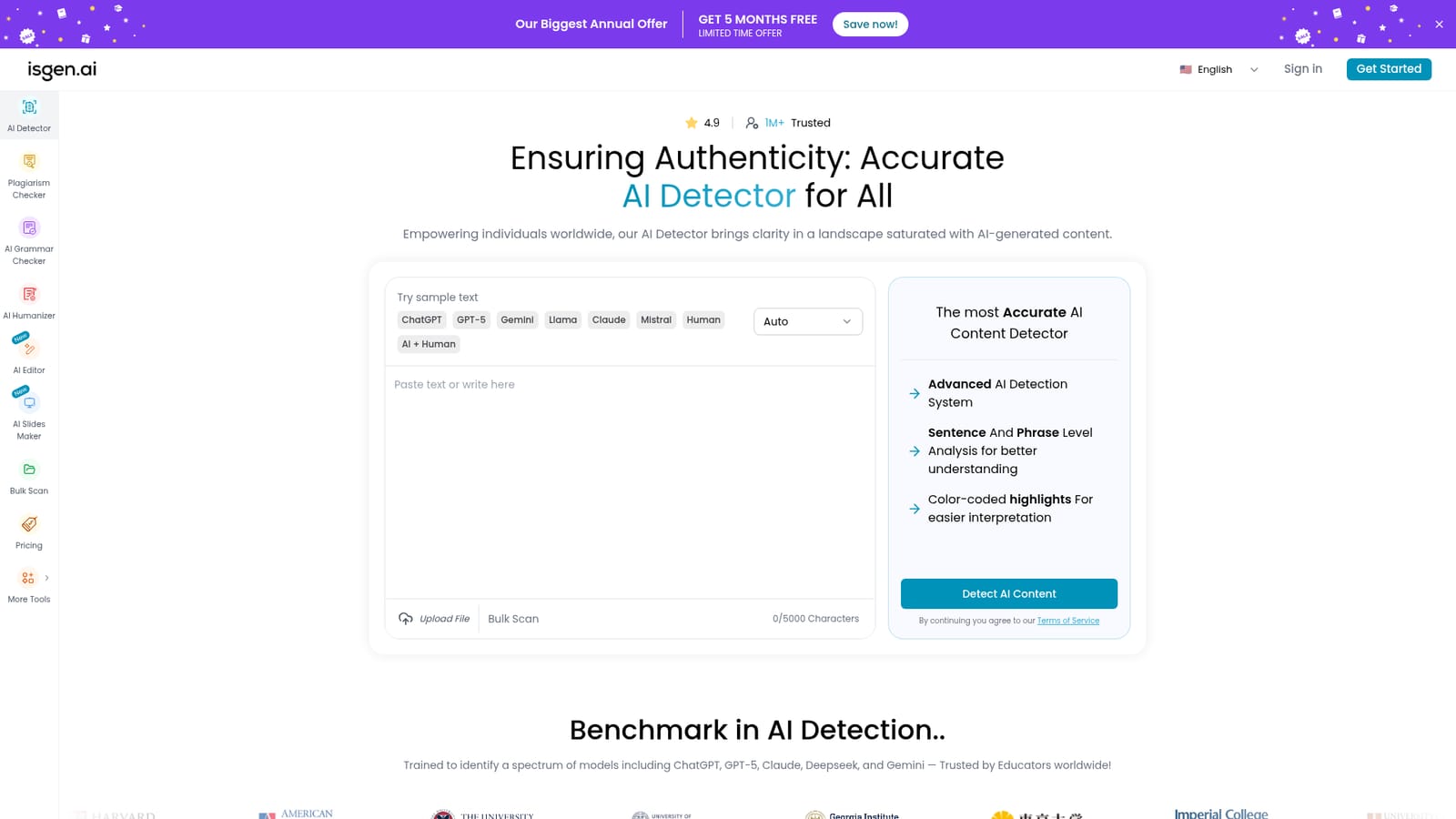
isgen.ai is an AI checker tool. An AI content detector that scores text for model written passages at sentence and phrase level, covering more than 80 languages, with a bundled plagiarism checker, grammar checker and an editor that shows a live AI score while you write.
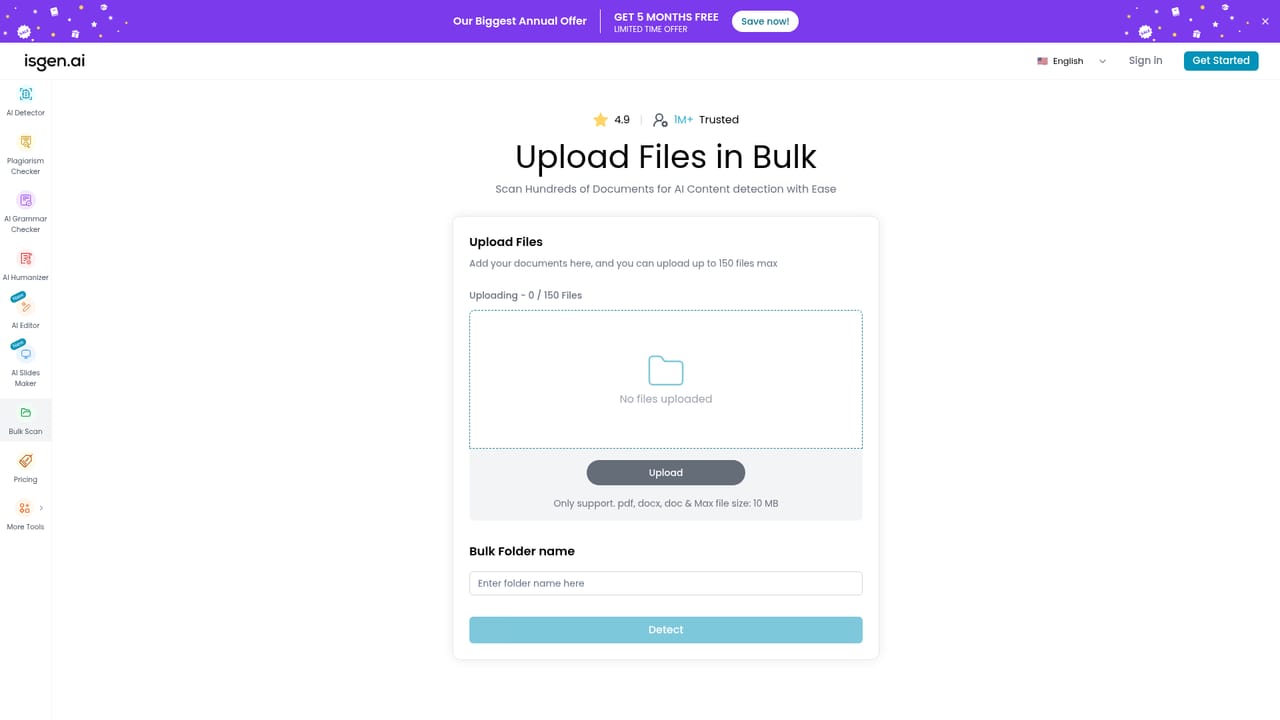
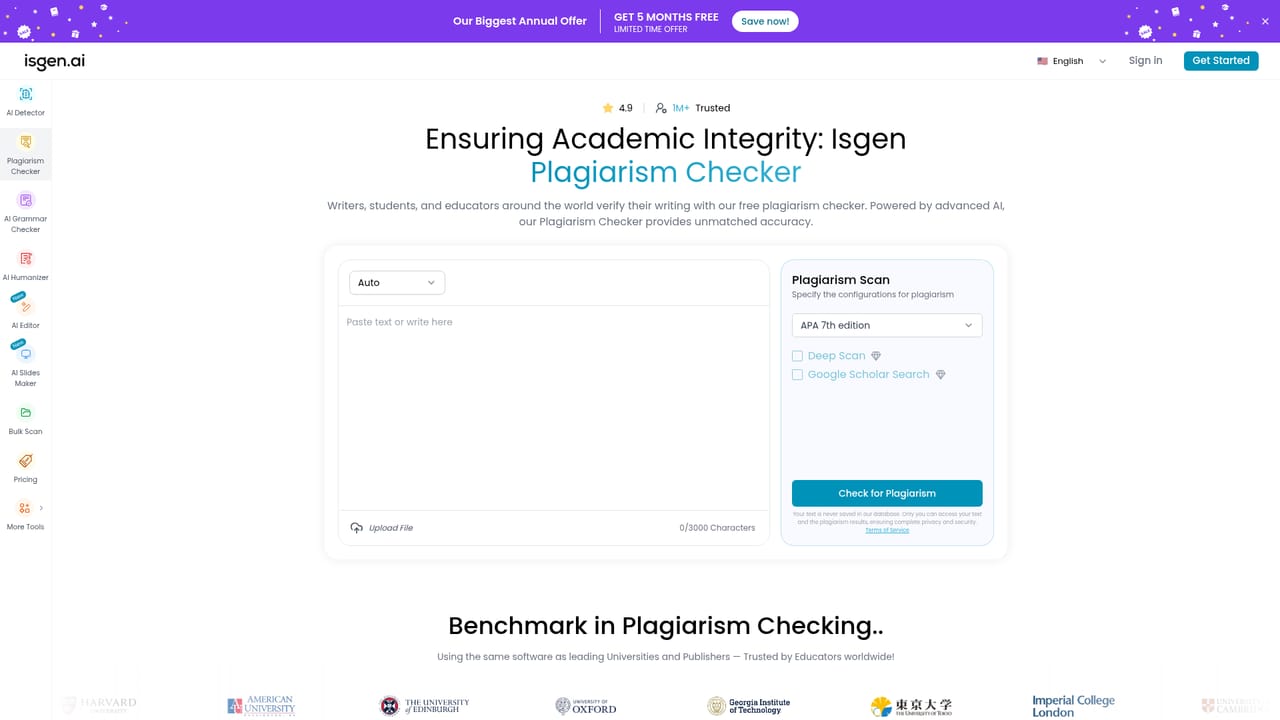
Isgen is an AI content detector built to answer a narrow question: how much of a given text was produced by a language model? The homepage positions it against models including ChatGPT, GPT-5, Claude, Gemini, Deepseek, Llama and Mistral, and the detector runs on an ensemble of large language models trained on what the company describes as millions of samples. The pitch is aimed squarely at people who have to make judgement calls about authorship, with educators named as the core audience alongside content writers. In practice the workflow is simple. Text is pasted into the field, uploaded as a file, or pushed through a bulk scan, and the language can be set manually or left on auto across more than 80 supported options. The scan happens in two passes: a whole document pass first, then a sentence and phrase level breakdown. Results separate content into Human, AI and Mixed percentages, and a detailed analysis tab toggles between sentence and phrase views. Color coded highlights and an impact score list make it possible to jump straight to the sentences pushing the overall score up, which matters when a reviewer needs to justify a decision rather than just quote a number. The same account bundles two adjacent utilities. A plagiarism checker looks for copied material, and an AI grammar checker proofreads spelling, punctuation and phrasing. There is also an AI Editor that drafts, edits and proofreads in one window while showing a live AI score, so writers can catch problems during composition instead of submitting text and reacting to the verdict afterwards. The site states that no sign up is needed to start. Where Isgen fits: it competes with mainstream detectors on language coverage rather than on integrations, and the multi language support plus bulk scanning make it more useful for admissions offices, editorial teams and multilingual content operations than single language tools. Nothing on the homepage describes an API or connections to learning management systems, so teams needing automated pipelines should confirm that before committing.
The AI Editor is described as free to try with no sign up required, and the homepage states that no account is needed to start. No separate trial period for paid plans is stated.
Learn moreThe site displays a limited time annual promotion offering five months free, and premium is presented as unlocking the detector alongside the plagiarism checker and grammar checker. Per plan prices and usage limits are shown on the pricing page rather than the homepage.
Learn moreCore detection with Human, AI and Mixed percentage scores, sentence and phrase level analysis, color coded highlights and an impact score list for prioritising flagged passages. File upload, bulk scanning, more than 80 languages with automatic detection, plus a plagiarism checker, AI grammar checker and an AI Editor with a live AI score.
 AI Angels400+ customizable AI girlfriends for NSFW chat, voice calls, and roleplay
 Candy AIExperience the future of companionship with AI friends who chat, role-play, and connect with you on a human level.
 ourdream.aiA vast AI roleplay platform with millions of characters for chat, images, video and voiceAI Angels400+ customizable AI girlfriends for NSFW chat, voice calls, and roleplayCandy AIExperience the future of companionship with AI friends who chat, role-play, and connect with you on a human level.ourdream.aiA vast AI roleplay platform with millions of characters for chat, images, video and voice


