Free trial
Signing in to the app starts a 14-day Pro trial with no credit card required. The free Personal tier remains available without any account.
Learn moreCross-platform SQL IDE with built-in AI agents and MCP
Own Jam SQL Studio? Verify ownership to get a dofollow link

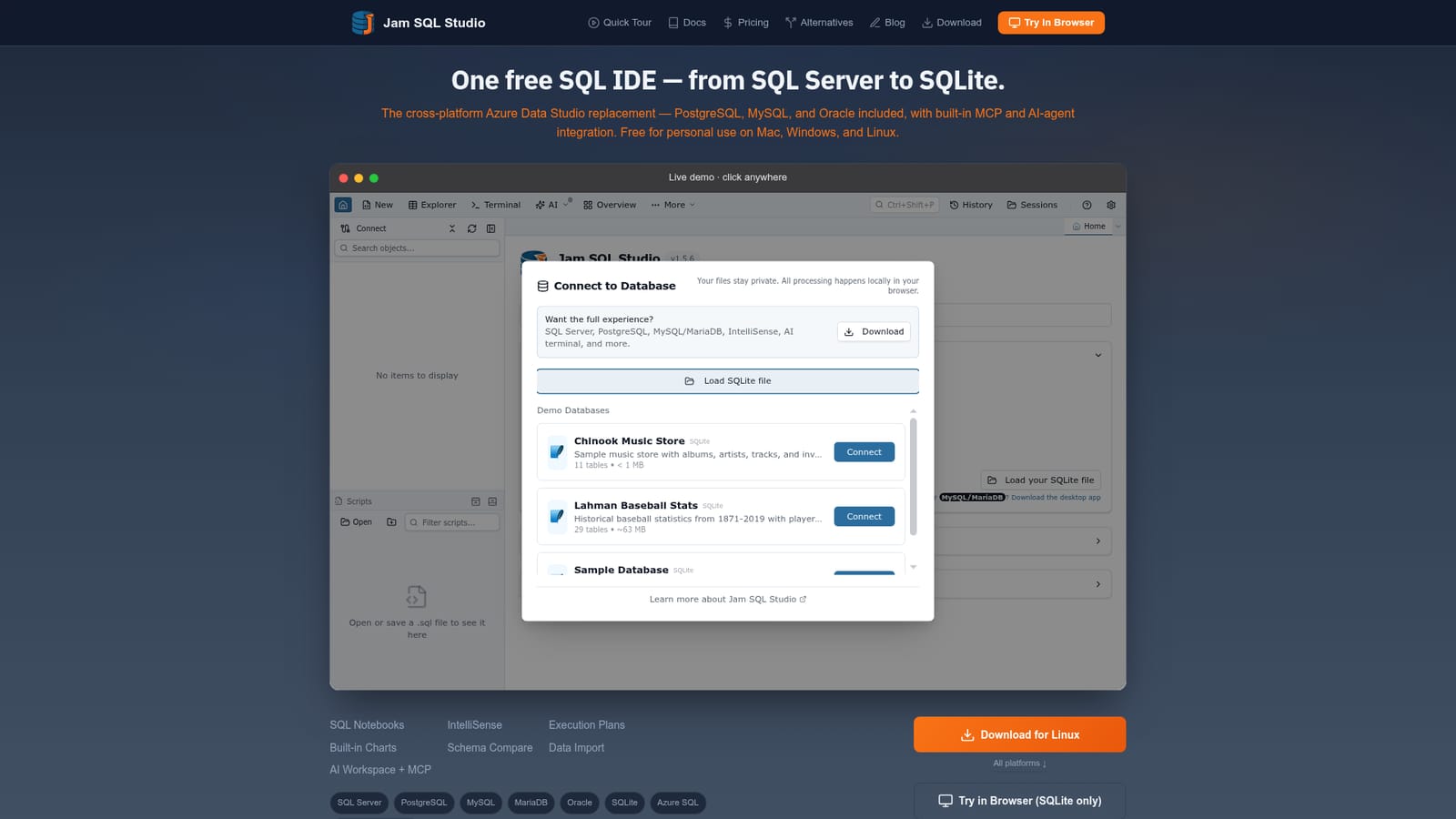
Jam SQL Studio is a free, cross-platform SQL IDE for SQL Server, PostgreSQL, MySQL, MariaDB, Oracle and SQLite, built as an Azure Data Studio replacement. It pairs a full query editor with execution plans, schema and data compare, notebooks and a local MCP server that lets AI agents inspect and query databases under explicit approval.
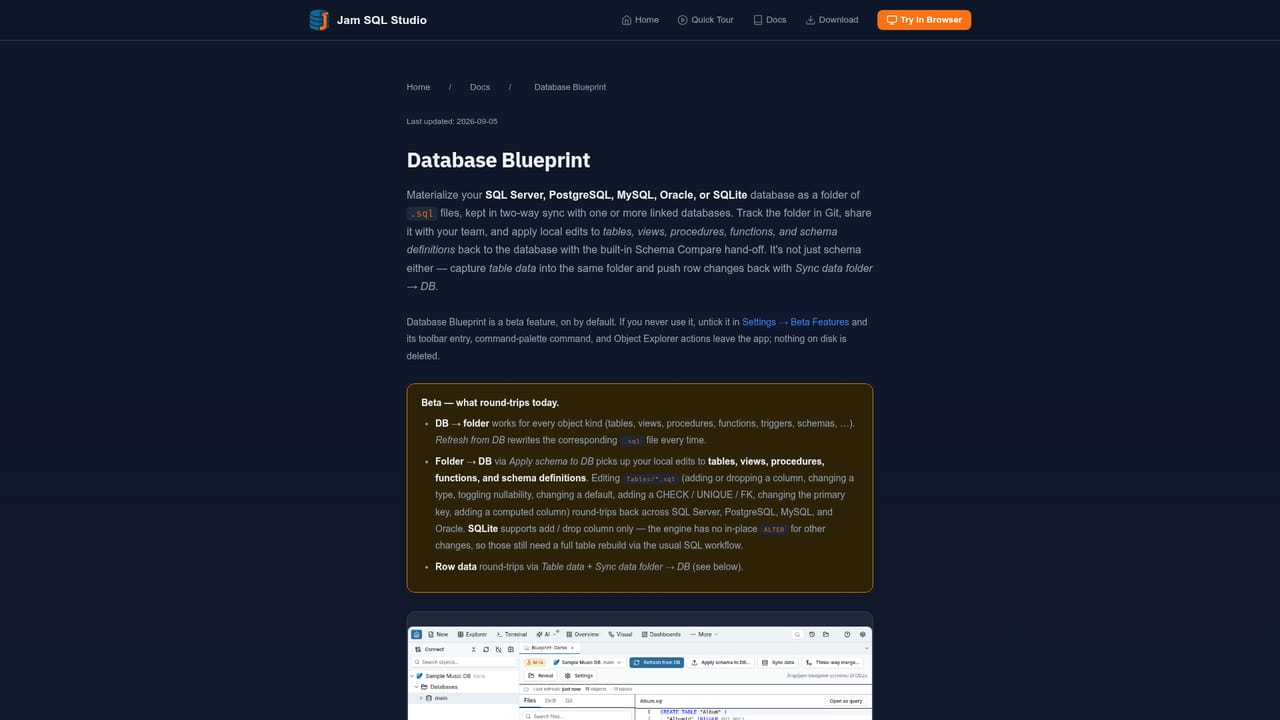
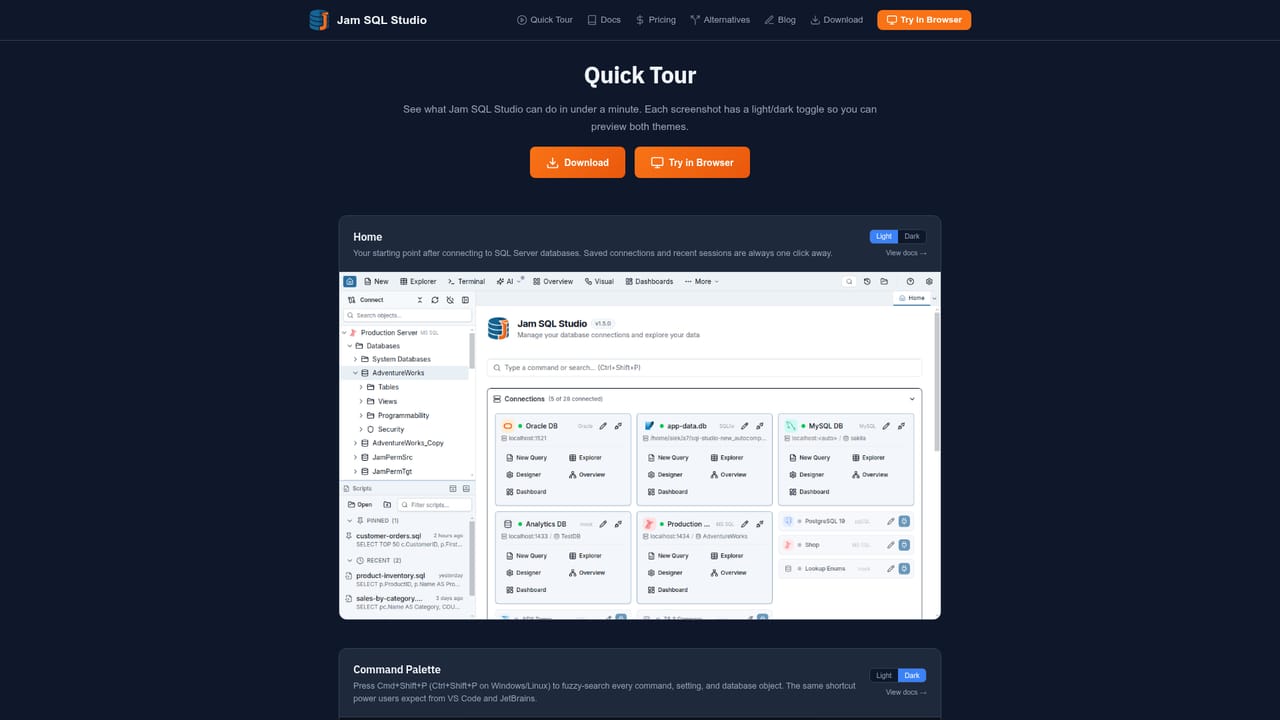
Jam SQL Studio is a desktop SQL IDE that connects to SQL Server, Azure SQL, PostgreSQL, MySQL, MariaDB, Oracle and SQLite through one editor. It is positioned as the successor to Azure Data Studio, which Microsoft retired in February 2026, and it runs on macOS, Windows and Linux with a consistent interface across all three. The pitch is straightforward: teams that lost their long-standing client get the same connection files, .sql scripts and .ipynb notebooks back without relearning a workflow. The practical work happens in the editor. Smart IntelliSense adapts to the connected engine, a Table Explorer allows inline editing with foreign key lookups, and per tab transaction control lets a developer roll back a single window without touching the rest of the session. Beyond query writing, the tool covers visual execution plans (tree and graph), schema compare with generated ALTER and CREATE sync scripts, data compare with row level diffs, built-in charts, and a Database Blueprint that stores schema as a Git versioned folder of .sql files. DBA functions such as session browsing, a performance dashboard, backup and restore, and filegroup or tablespace management are present for four engines. The AI layer is the differentiator, and it is deliberately conservative. A local MCP server on 127.0.0.1 exposes connection and UI control tools to external agents under bearer token auth, with no queries run by default and writes gated behind per statement approval. An AI Workspace generates CLAUDE.md and AGENTS.md context files plus a schema export so agents understand the database before writing anything, and an in-app sidebar connects to a locally installed Claude Code CLI using the user's own subscription. All AI features ship disabled. It suits developers, analysts and DBAs who work across several engines or who want agent tooling without handing a remote service their credentials. Compared with DBeaver, DataGrip, Navicat and TablePlus, the edge is the MCP integration and the free personal tier; the tradeoff is a younger product with a shorter track record than the incumbents.
Signing in to the app starts a 14-day Pro trial with no credit card required. The free Personal tier remains available without any account.
Learn morePersonal use is free forever with no account and no credit card. Signing in inside the app unlocks a 14-day Pro trial, also without a card. The homepage does not publish Pro tier prices, so check the pricing page for current figures.
Learn moreNo support page appears on the homepage. The site publishes documentation, a quick tour, a changelog and migration guides, and customer quotes reference responsive support without naming a channel.
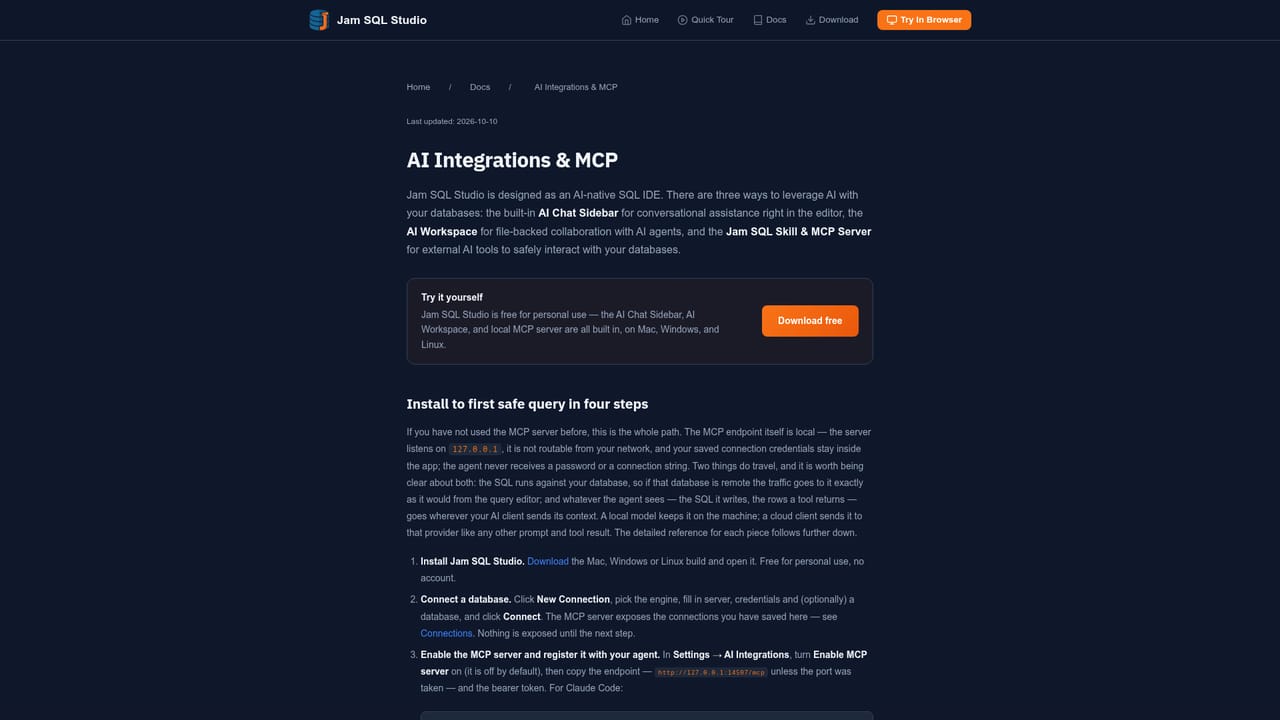
Connects to SQL Server, Azure SQL, PostgreSQL, MySQL, MariaDB, Oracle, SQLite, Azure Data Explorer and Azure Storage. A local MCP server exposes tools to external AI agents, and the AI Workspace generates CLAUDE.md and AGENTS.md context files.
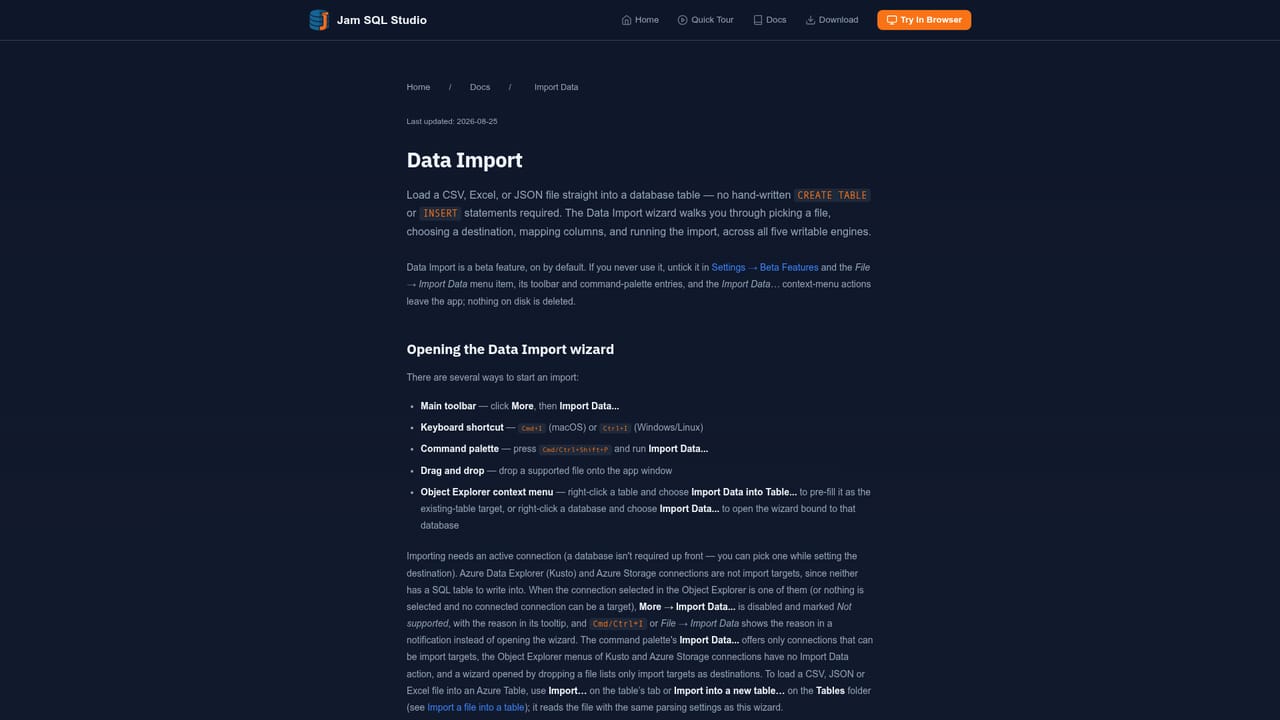
Learn moreQuery editor with context-aware IntelliSense, Table Explorer with inline editing, SQL Notebooks, visual execution plans, schema and data compare, built-in charting, Database Blueprint for Git versioned schema, data import and export, session browser and performance dashboard, backup and restore, plus a local MCP server, AI Workspace and an in-app Claude Code chat.
Learn more AI Angels400+ customizable AI girlfriends for NSFW chat, voice calls, and roleplay
 Candy AIExperience the future of companionship with AI friends who chat, role-play, and connect with you on a human level.
 ourdream.aiA vast AI roleplay platform with millions of characters for chat, images, video and voiceAI Angels400+ customizable AI girlfriends for NSFW chat, voice calls, and roleplayCandy AIExperience the future of companionship with AI friends who chat, role-play, and connect with you on a human level.ourdream.aiA vast AI roleplay platform with millions of characters for chat, images, video and voice