Free trial
No separate trial is needed: the free tier provides unlimited streaming plus 25 credits for avatar creation and video generation, and additional credits can be topped up at any time.
Learn moreTurn a webcam into a live animated character for streams and calls
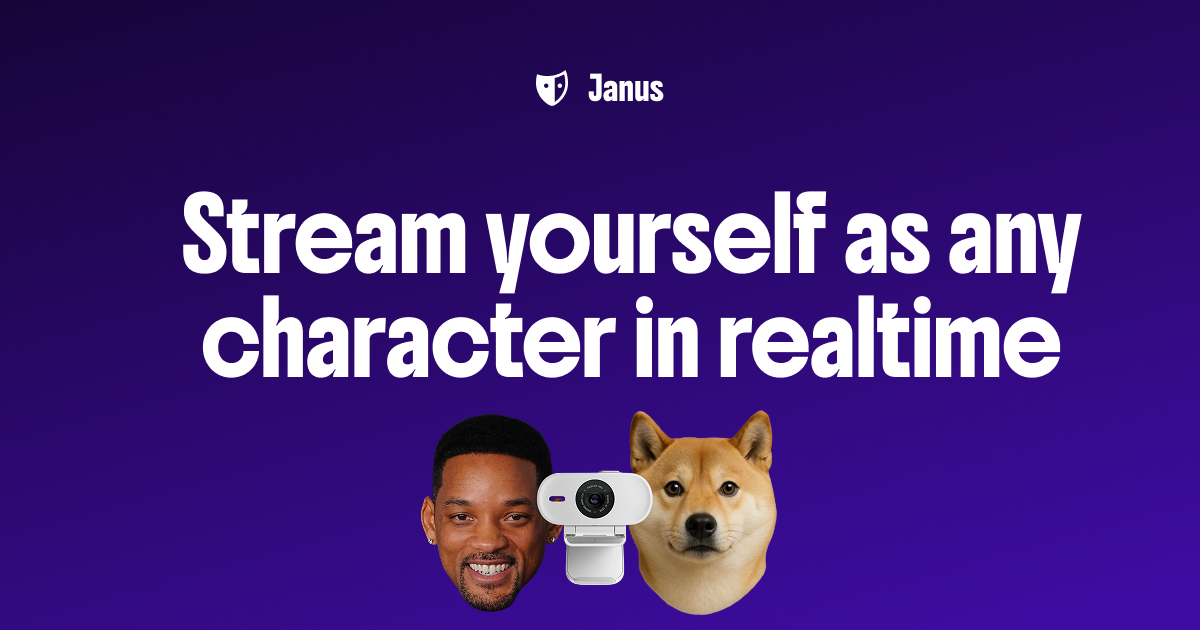
Janus is an animate face tool that turns a webcam into a live animated character for streams and calls. Janus converts a webcam into a live 3D character rendered locally in the browser as Gaussian splats, letting creators stream or join calls as an avatar on Twitch, YouTube, Discord, Zoom, Meet and OBS.
Janus is a browser based character animation tool that turns a webcam feed into a live 3D avatar. A photo or a text prompt generates the character, and from that point the avatar mirrors the user's facial expressions and head movement in real time. The rendered character can then be pushed into Twitch, YouTube, Discord, Zoom, Google Meet or OBS, either through a Chrome extension or by exposing the output as a virtual camera. The pitch is anonymity with personality: a streamer can stay fully expressive on camera without showing an actual face. The technical approach is what separates Janus from cloud rendered avatar services. Avatars are represented as Gaussian splats and rendered locally in the browser, so no cloud server sits between the webcam and the stream. Janus lists 1080p or better output, near instant loading after the first use, and no session caps or time limits on streaming. Facial tracking runs on the device and the company states that webcam footage is not stored, and that uploaded photos are only passed to image generation providers in transit rather than kept on Janus servers. A modern Chrome or Chromium browser and a 720p webcam are the stated requirements, and Mac, Windows, Linux and mobile devices are all supported. The audience is mostly live creators and remote workers: streamers who want a persona without a face reveal, VTuber style channels, content creators producing video without appearing on camera, and people in calls who would rather appear as a character than a webcam feed. Avatars stay editable after creation, so outfits, hairstyles, accessories and backgrounds can be swapped for different scenes. Janus sits in the same territory as VTuber rigging software and cloud avatar platforms, but trades deep rigging control for a fast photo to avatar path and local rendering. Pricing reflects that model: streaming is free and unlimited, while avatar creation and video generation consume credits. Pro at $4.99 per month adds 60fps or higher streaming, green screen background removal, the full style and accessory library, watermark free output, expression sensitivity controls and 120 monthly credits. Anyone expecting scripted animation timelines or studio grade rigging should look elsewhere; this is built for live, camera driven performance.
No separate trial is needed: the free tier provides unlimited streaming plus 25 credits for avatar creation and video generation, and additional credits can be topped up at any time.
Learn moreFree plan at $0 per month with unlimited streaming, 25 signup credits, optional top ups and no subscription requirement. Pro costs $4.99 per month and adds 60fps or higher streaming, green screen support, all styles and accessories, no watermarks, expression customization and 120 monthly credits.
Learn moreOutput reaches Twitch, YouTube, Discord, Zoom and Google Meet, and OBS Studio is supported, along with any application that accepts a virtual camera through the Chrome extension.
Real time facial tracking from a standard webcam, photo or prompt to 3D avatar generation, local browser rendering as Gaussian splats at 1080p or higher, near instant avatar loading, unlimited streaming sessions, editable outfits, hairstyles, accessories and backgrounds, plus Pro extras: 60fps streaming, green screen background removal, expression sensitivity tuning and watermark free output.
 AI Angels400+ customizable AI girlfriends for NSFW chat, voice calls, and roleplay
 Candy AIExperience the future of companionship with AI friends who chat, role-play, and connect with you on a human level.
 ourdream.aiA vast AI roleplay platform with millions of characters for chat, images, video and voiceAI Angels400+ customizable AI girlfriends for NSFW chat, voice calls, and roleplayCandy AIExperience the future of companionship with AI friends who chat, role-play, and connect with you on a human level.ourdream.aiA vast AI roleplay platform with millions of characters for chat, images, video and voice