What these tools do
A VRChat avatar maker covers the ground between an idea and a model that moves. You bring an image, a selfie or a character design, and the tool converts it into a rigged 3D avatar or a live animated character. That replaces the usual route of modeling and rigging by hand, which is slow and needs Blender skills most players do not have. The audience is VRChat players who want a personal avatar, VTubers building a stream persona, and casual users who want to appear as a character in calls. Some tools produce a file you import into VRChat; others drive a character live from your webcam.
How to choose one
Start with your input. If you already have character art, pick a tool that accepts an image and returns a 3D model. If you only have yourself, pick one that works from a selfie and outputs a rigged avatar ready for a platform. Check the output format: a VRM file and a VRChat-ready avatar are not the same thing, so confirm what you get before committing. Consider whether you need a static avatar to upload or a live performer driven by your face and voice; some tools only do one. Rigging quality and face tracking matter more than art style if you plan to stream. Finally, weigh pricing against how often you will use it: a subscription rarely pays off for a one-off avatar.
Notable tools
virmii turns a character image into a 3D VTuber avatar built for OBS, which suits creators who already have artwork and want a stream-ready model.
VTube Me takes a single selfie and returns a rigged, photorealistic VRM avatar, a practical route for people who want a likeness rather than a drawn character.
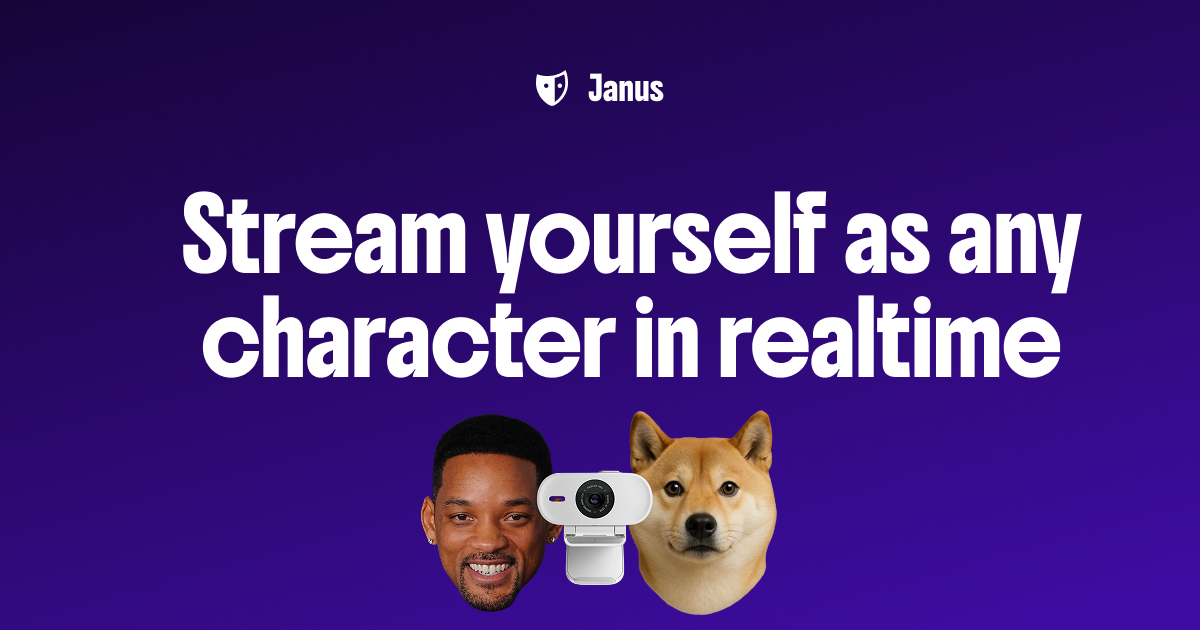
Janus turns a webcam into a live animated character for streams and calls, so it fits live performance rather than a one-time upload.
Vtuber Assistant is an AI co-host that watches, listens and reacts on stream, useful if your avatar setup includes a second on-screen personality rather than just a model.
Common questions
vrchat avatar finder by picture
Most tools here work in the opposite direction: you supply a picture and get an avatar, not the reverse. A picture gives the tool its reference for shape, colors and proportions, and the output is a new model rather than a match to an existing one. If you are hoping to identify a specific avatar someone else uses, that is a different problem and these tools do not solve it.
vr chat avatar maker
A maker in this category takes your input and produces something you can drive. Some output a rigged file for upload, others animate a character live from your camera. Decide which you need first, because a live animation tool will not give you an uploadable avatar and a model generator will not perform for you.
vrchat avi creator
Creating an avi usually means three steps: shape, rig and import. These tools compress the first two, and the better ones handle face tracking so expressions work once you are in world. Check that the export format matches what your platform accepts before you spend time refining the look.
Can I use these avatars outside VRChat?
Yes, within limits. VRM output is portable across VTuber apps and many 3D viewers, and webcam-driven tools work in calls and streams generally. Confirm platform support for the specific file you get, since not every export imports cleanly everywhere.
When to look elsewhere
If your goal is a polished character portrait or profile picture rather than a movable model, the Avatar Presentation category fits better. For character creation built around a specific fandom design, see Demon Slayer OC Creator.