What these tools do
Rigging VTuber work means building the skeleton and tracking setup that lets a 2D or 3D character mirror a performer's face, mouth and head movement. The tools here compress that job: some convert a single image or selfie into a rigged VRM avatar, some generate rigged 3D motion from video or text, and some drive an existing character live from a webcam. They are built for streamers, VTubers and small content teams who want a usable avatar on OBS without hand-authoring every bone and shape key, and they largely replace the slow parts of a manual Blender rig.
How to choose one
Start with the input you already have. A single character image points toward image-to-avatar tools, a selfie points toward photoreal VRM generators, and an existing model points toward editors that can open and refine it. If you plan to rig a model for VTuber Blender workflows, check whether the tool works inside Blender or exports files Blender can open, since a closed web pipeline leaves nothing to tweak afterward. Check the target format too: VRM is the common exchange format for VTubing, and OBS support matters if streaming is the goal. Finally, weigh automation against control. AI rigging is fast but approximate, so tools that let you adjust bones, expressions and tracking after generation save a second pass later.
Notable tools
virmii turns a character image into a 3D VTuber avatar ready for OBS, which suits creators who have artwork but no model.
Mixar is an open-source Blender-based 3D editor where AI agents handle repetitive work, useful when you want automation without leaving a Blender-style environment.
PINOC by Viggle turns video, text or a photo into rigged 3D motion and characters, covering both model creation and animation input.
VTube Me builds a rigged, photorealistic VRM avatar from a single selfie, aimed at streamers who want a realistic face rather than a stylized one.
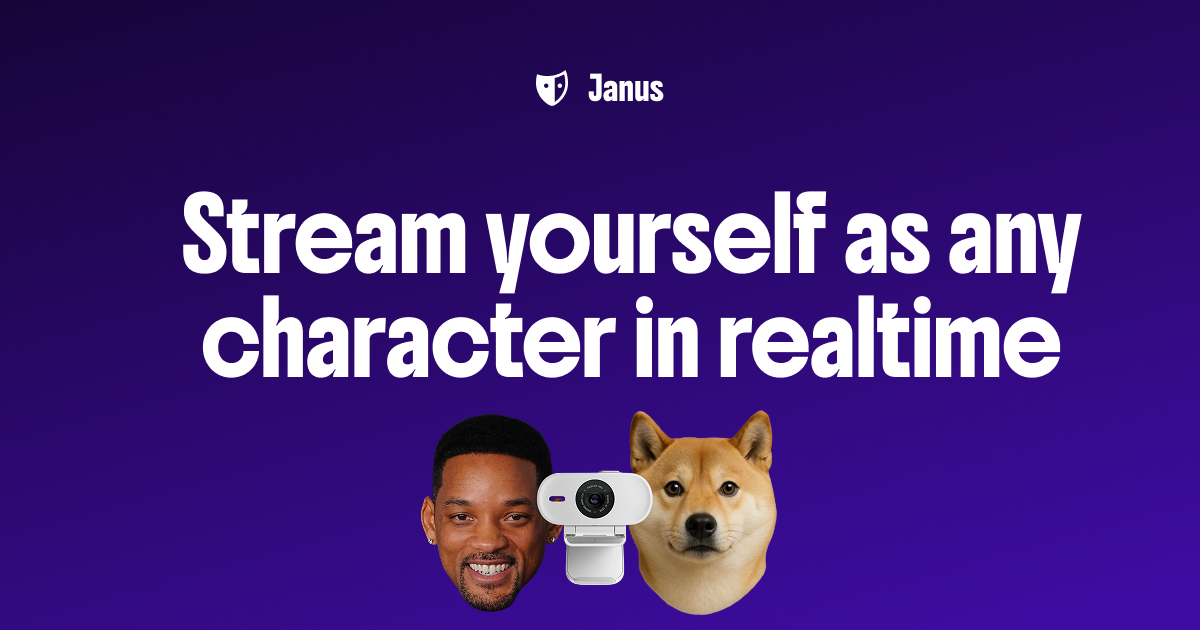
Janus turns a webcam into a live animated character for streams and calls, a lighter option when the character already exists and only tracking is missing.
Vtuber Assistant is an AI co-host that watches, listens and reacts on stream, an addition to a rigged persona rather than a rigging tool itself.
Common questions
How to AI rig a model for vtubing
The usual path is to feed a character image, selfie or model into a tool that generates a skeleton and expressions automatically, then export a VRM for OBS or a tracking app. Expect to review the result: automatic rigs often need small fixes to mouth shapes, eye movement or bone placement. Tools like virmii and VTube Me handle the whole image-to-avatar step, while Mixar keeps the work editable in a Blender-based editor.
Rigging a model for VTuber Blender work
If Blender is where you want to finish the job, pick a tool that exports cleanly or runs inside Blender. Mixar is the direct fit here because it is Blender-based and uses AI agents for the repetitive steps. Otherwise, generate the avatar elsewhere, export a VRM, and import it into Blender for weight and shape key edits.
Rigging a VTuber from scratch
Decide first whether you need a new model or only tracking. VTube Me and virmii create rigged avatars from images, PINOC generates rigged characters and motion, and Janus drives a character live from a webcam once the model exists. For a stream with personality layered on top, Vtuber Assistant adds a reacting co-host.
When to look elsewhere
Rigging is only one step in character animation. If your goal is stylized motion on drawn frames rather than a tracked avatar, the Manga Animation or Impact Frames Animation categories cover that ground better. For rebuilding or cleaning up a 3D mesh before rigging, see Retopology AI.