Free trial
A free tier includes 20 AI requests with no payment required, covering prompt-based text and image generation, tone adjustment, grammar correction, and title and summary creation. Upgrading is needed to continue past the quota.
Learn moreJetpack AI lets Claude or ChatGPT edit your live WordPress site

Jetpack is an autoblogger tool. Jetpack AI connects Claude, ChatGPT, or other MCP agents to your WordPress site so plain-language requests can fix typos, rewrite many pages, or create new content. A built-in assistant handles text, images, titles, and grammar inside the editor.
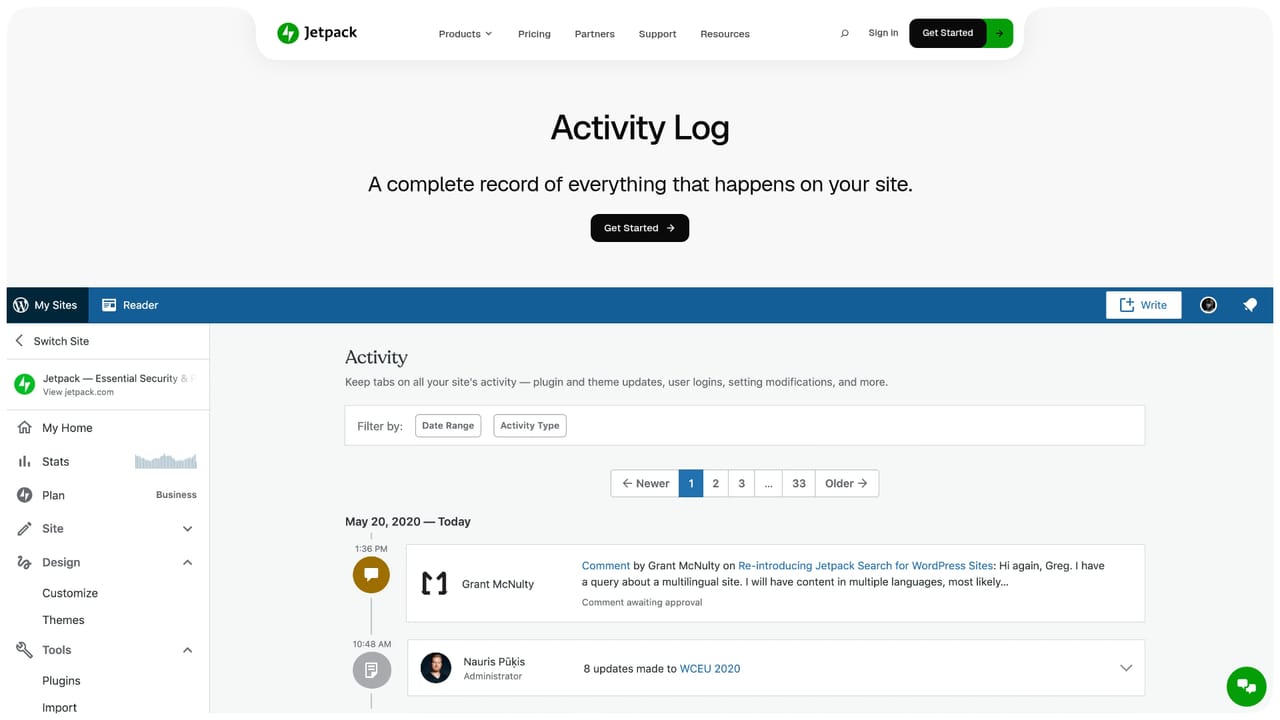
Jetpack AI is a WordPress add-on that puts an AI agent in direct contact with a real, published site. Instead of copying drafts into a chatbot and pasting results back, site owners connect Claude, ChatGPT, Claude Code, or any MCP-compatible agent and let it read and write against the actual pages. A single instruction in plain language is enough to correct a typo, replace an outdated price across dozens of posts, or start a new page from scratch. Jetpack also ships its own built-in assistant for people who would rather not wire anything up. The built-in side is aimed at day-to-day content work inside the WordPress editor. It generates blog posts, pages, lists, and tables, creates featured images, proposes titles and summaries grounded in the post and SEO practice, flags spelling and grammar problems for approval, and adjusts tone between formal and conversational registers. That covers most of what a writer or marketer needs without leaving the editor, and the free tier exists mainly to let those users test the quality of the output before committing. The agent side is where the product differs from generic writing tools. Connected models operate within your own WordPress permissions, and read and write access are separate toggles that can be set per site. Writes pause for confirmation. Every action lands in the Jetpack AI activity log, and content edits also show in the site Activity Log. Jetpack Backup, part of Jetpack Complete, provides rollback if a change turns out badly. Agent access stays off until it is enabled under Jetpack, then can extend across multiple properties, with Jetpack Stats available for traffic questions. It suits WordPress site owners, freelancers managing several client installs, and content teams that already pay for a model subscription and want that spend to touch the site directly. The main trade-off is ecosystem lock-in: the workflow assumes WordPress, the strongest safeguards assume other Jetpack modules, and the included assistant competes with standalone writing tools on request volume rather than raw model choice.
A free tier includes 20 AI requests with no payment required, covering prompt-based text and image generation, tone adjustment, grammar correction, and title and summary creation. Upgrading is needed to continue past the quota.
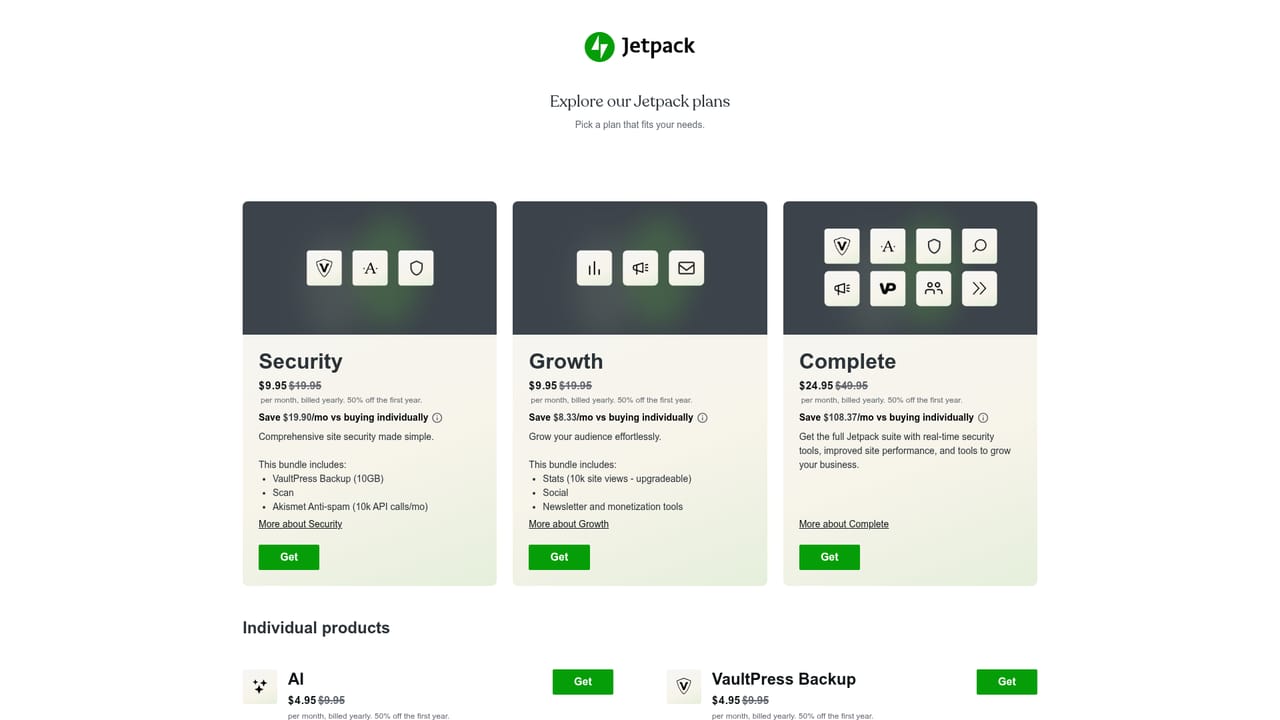
Learn moreA free tier provides 20 requests for content generation, image creation, titles, summaries, and grammar help. The paid Jetpack AI plan is $4.95 per month for the first year (regularly $9.95), billed yearly, and adds high request capacity, ChatGPT and Claude connections via MCP, and priority support. The discount applies to year one only.
Learn morePriority support is listed as a benefit of the paid Jetpack AI plan. The free tier comes with setup documentation covering the AI block and an explanation of the fair usage limits, but no stated priority channel.
Learn moreClaude and ChatGPT connect directly, Claude Code can operate on the site itself, and any MCP-compatible agent can connect the same way. Connections are off until enabled under Jetpack AI. Claude, ChatGPT, and Claude Code rely on MCP, while the built-in assistant needs no external setup.
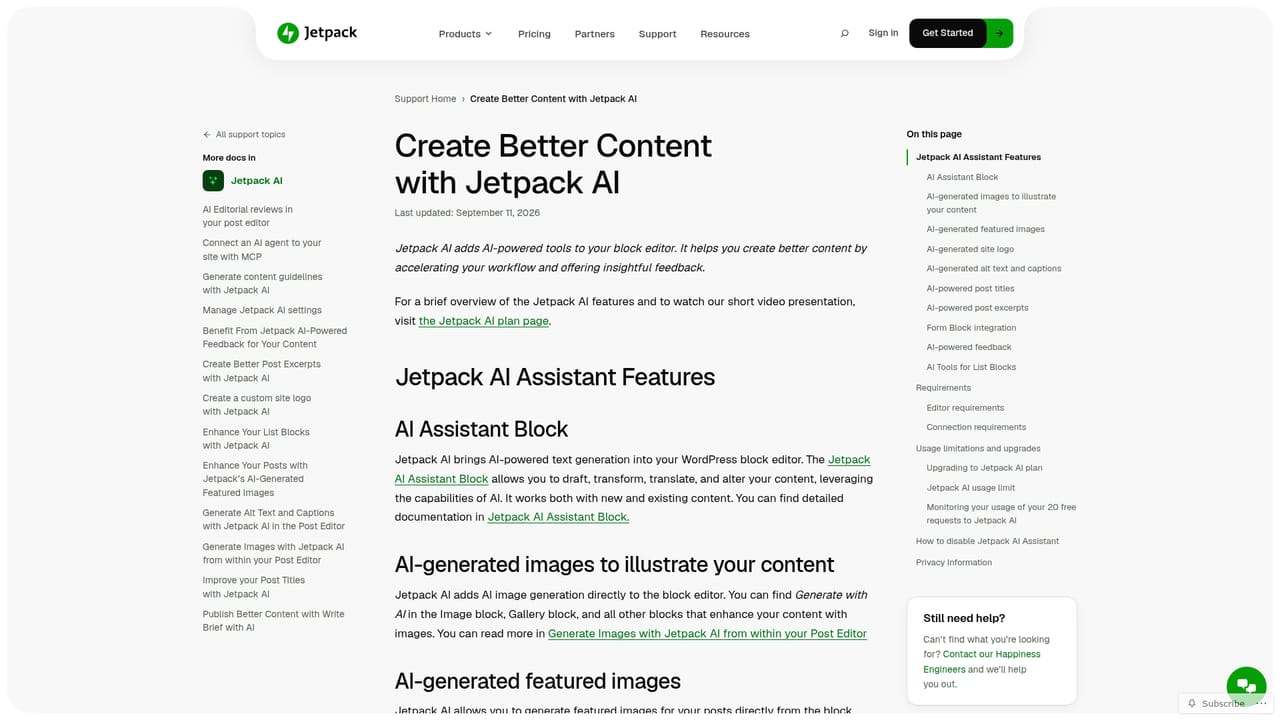
Learn moreGenerates posts, pages, lists, and tables inside the WordPress editor, plus featured images from prompts. Suggests titles and summaries based on post content and SEO practice, flags spelling and grammar issues for approval, and shifts tone between formal and conversational. The paid tier connects Claude, ChatGPT, Claude Code, and other MCP agents so they can edit live pages, with per-site read and write toggles, confirmation on writes, activity logging, and Backup rollback.
Learn more AI Angels400+ customizable AI girlfriends for NSFW chat, voice calls, and roleplay
 Candy AIExperience the future of companionship with AI friends who chat, role-play, and connect with you on a human level.
 ourdream.aiA vast AI roleplay platform with millions of characters for chat, images, video and voiceAI Angels400+ customizable AI girlfriends for NSFW chat, voice calls, and roleplayCandy AIExperience the future of companionship with AI friends who chat, role-play, and connect with you on a human level.ourdream.aiA vast AI roleplay platform with millions of characters for chat, images, video and voice


