Jobscan

Tailor your resume to the exact ATS screening it

Beginner
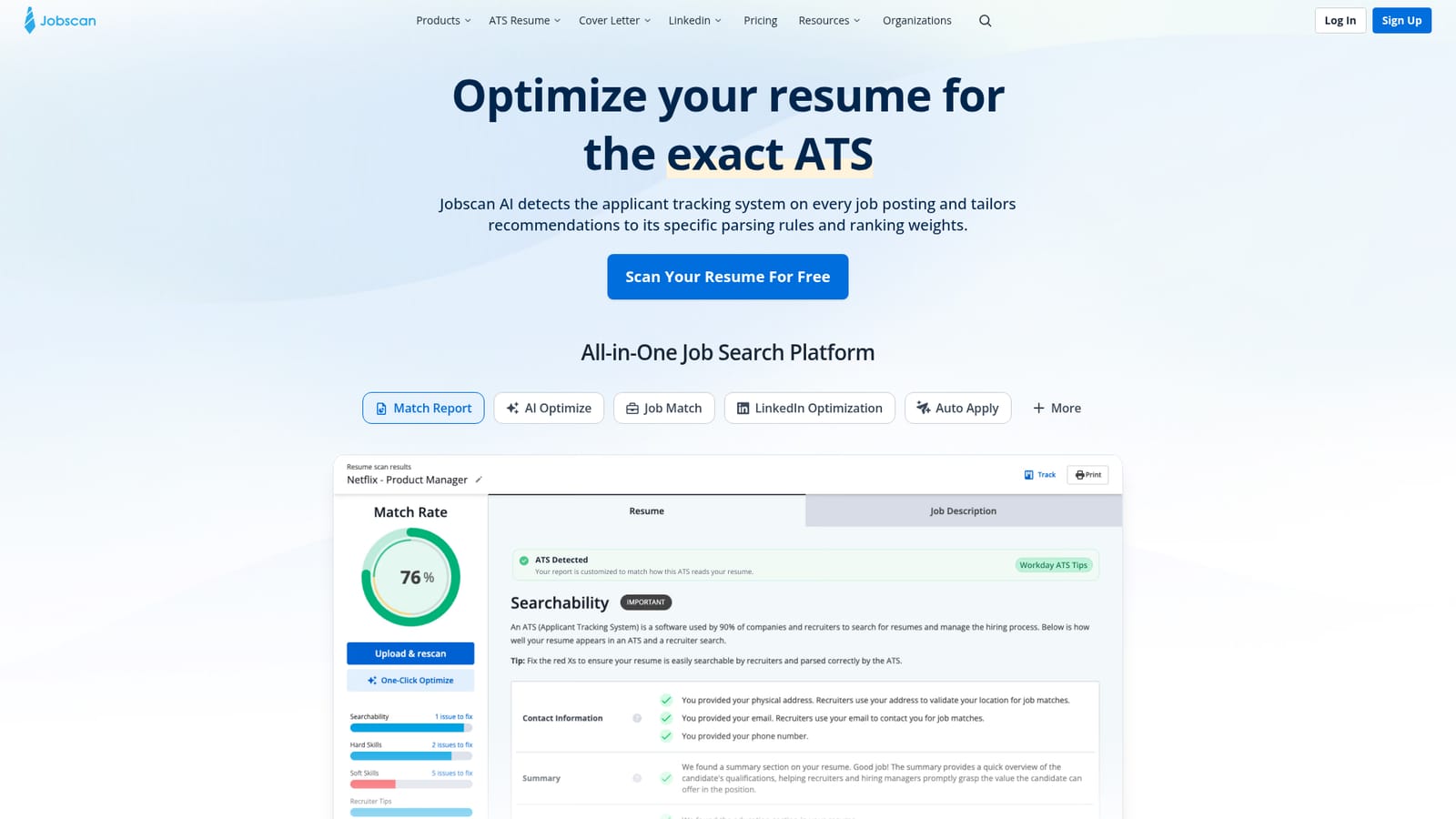
Screenshot of Jobscan, Tailor your resume to the exact ATS screening it

What is Jobscan?

Jobscan is an automatic job apply tool. An ATS focused resume checker that scores your resume against a specific job listing, names the missing skills and keywords, and then offers tailoring tools, a resume builder, LinkedIn optimization and an application tracker.

Jobscan is a job search platform built around one core idea: most applications are filtered by software before a recruiter reads them, so your resume needs to be written for that software. The centerpiece is an ATS resume checker that takes your resume and a pasted job listing, then produces a match rate report. The company says its AI identifies which applicant tracking system sits behind a given posting and adjusts its recommendations to that system's parsing rules and ranking weights. Reports break down hard skills, soft skills, job title, education and other keywords, showing what the listing asks for and what your resume leaves out. The workflow is deliberately short. You upload a .pdf or .docx file (or paste raw text), add the job description, and view results. From there you can rewrite sections and rescan to watch the match rate move. Jobscan recommends aiming for roughly 75 percent, while noting that some users report success at 65 percent and that overloading a resume with keywords can backfire. Formatting checks flag layout choices that confuse parsers, and the platform argues for .docx files unless a posting specifically asks for PDF. Beyond the scanner, the platform bundles an AI Optimizer for real time tailoring, a free ATS friendly resume builder, LinkedIn profile optimization, a cover letter generator, an application tracker and an Auto Apply feature that submits matched roles with the user reviewing each one before it goes out. Career services teams can license the same toolkit through Jobscan Organizations, aimed at universities, nonprofits and talent businesses that support clients at scale. The tool suits active job seekers in competitive markets, career changers whose titles do not line up with target roles, and coaches who run resume reviews for many people. It is a diagnostic and editing aid rather than a ghostwriter: the judgment about which skills to emphasize stays with you. Alternatives range from free keyword comparison scripts to full career coaching, but Jobscan's edge is ATS specific parsing insight and the surrounding job search workflow in one account.

How do you use Jobscan?

  1. 1Upload your resume or paste the text
    Start on the homepage uploader and add a .pdf or .docx file, or paste the resume text directly. The scanner accepts either route and begins analysis once a job listing is added.
    Jobscan — Upload your resume or paste the text
  2. 2Add the job listing you are targeting
    Paste the description from the posting you plan to apply to. Jobscan compares the listing's requirements against your resume to build the match report.
  3. 3Read a sample report first
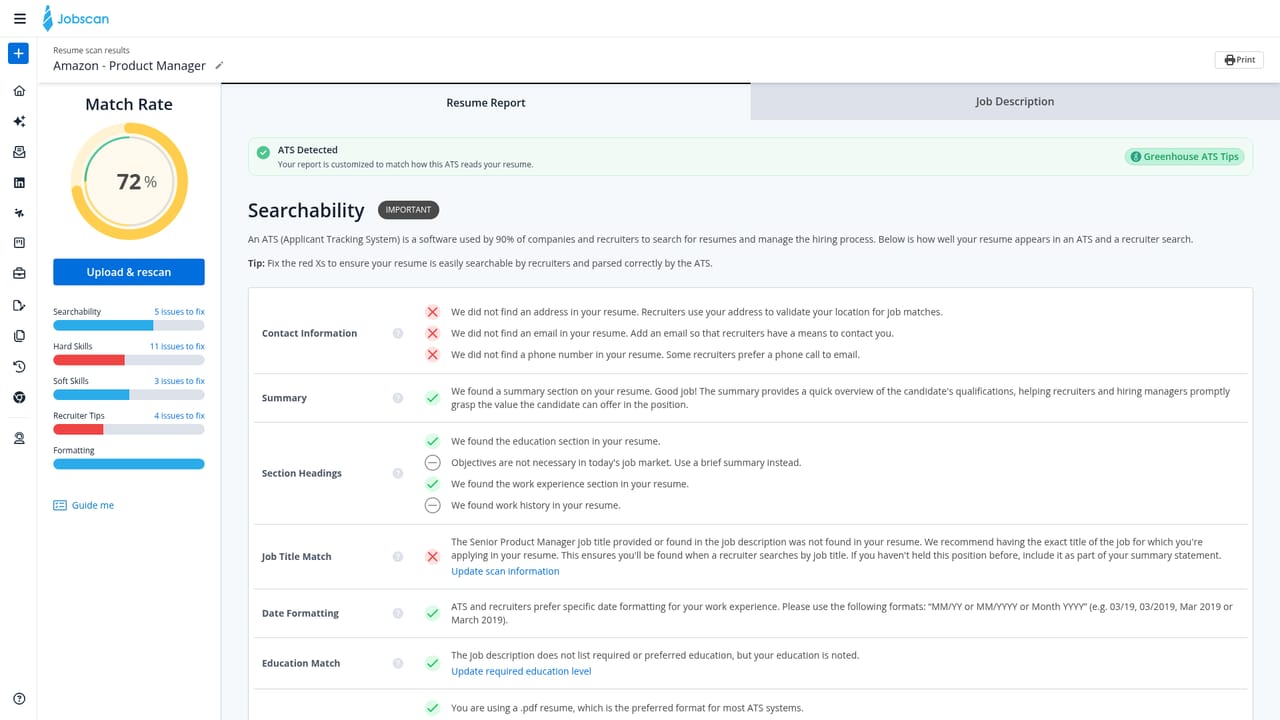
    If you want to see the output format before committing your own documents, open the sample report to understand how match rates and skill gaps are displayed.
    Jobscan — Read a sample report first
  4. 4Work through the match report
    Review your match rate along with the missing hard skills, soft skills, job title and education signals. Fix formatting issues the scan flags before editing content.
  5. 5Sign up to save scans and use the full toolkit
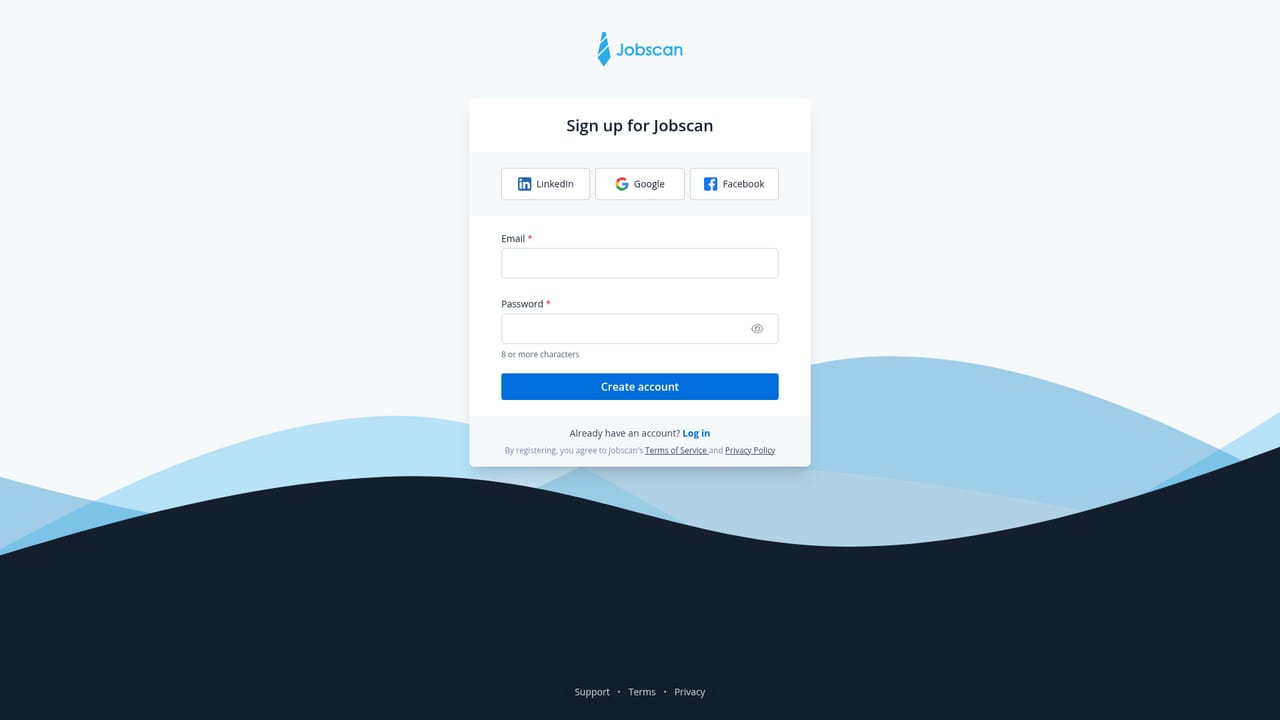
    Create an account so reports are stored in your dashboard and you can access the AI Optimizer, resume builder and tracker alongside the scanner.
    Jobscan — Sign up to save scans and use the full toolkit
  6. 6Review matched roles in Auto Apply
    If you enable Auto Apply, each matched job is presented for your approval before submission, so check listings individually rather than letting them run unattended.
    Jobscan — Review matched roles in Auto Apply

Pros and cons

Pros

  • Match rate report names the exact hard skills, soft skills and keywords missing from your resumeAI
  • Recommendations are tuned to the specific ATS detected on each job postingAI
  • Free ATS friendly resume builder and a sample report let you judge output before payingAI
  • Auto Apply keeps a human review step before anything is submittedAI
  • Bundled tracker, cover letter generator and LinkedIn optimization cover the whole searchAI

Cons

  • Match rate is a heuristic, not a guarantee of passing any real recruiter screenAI
  • Genuine value sits behind a paid tier, so the free scan shows only part of the pictureAI
  • Pushing the score higher can tempt keyword stuffing, which Jobscan itself warns againstAI
  • Suggestions are only as good as the pasted job description and your completed profileAI
  • Auto Apply and profile features raise privacy questions about stored resume dataAI

How much does Jobscan cost?

Features

Core features include an ATS resume checker that detects the posting's tracking system, a match rate report covering hard skills, soft skills, job title, education and keywords, formatting and file type validation, an AI Optimizer for live tailoring, a free ATS friendly resume builder, LinkedIn optimization, a cover letter generator, a job application tracker and Auto Apply with manual review of each submission. A sample report is available before signing up.

Frequently asked questions about Jobscan

  • How do you use Jobscan?
    The walkthrough on this page covers 6 steps: 1. Upload your resume or paste the text 2. Add the job listing you are targeting 3. Read a sample report first 4. Work through the match report 5. Sign up to save scans and use the full toolkit 6. Review matched roles in Auto Apply.
  • What platforms does Jobscan support?
    Jobscan is available on Web App.
  • What are the limitations of Jobscan?
    Match rate is a heuristic, not a guarantee of passing any real recruiter screen. Genuine value sits behind a paid tier, so the free scan shows only part of the picture. Pushing the score higher can tempt keyword stuffing, which Jobscan itself warns against.

Status

StatusActive
Views0
Outbound clicks0
Added10/21/2026

Platforms

Web App

Pricing

FreemiumSubscription