Free trial
A free starting option exists: the site invites users to get started for free and one reviewer describes trying the free version before upgrading. No trial length is stated.
Learn moreAI resume scoring, job matching and per-role application tailoring in one workspace

JobStep.io is an automatic job apply tool. JobStep scores your resume, suggests concrete rewrites, matches you to fresh job listings and tailors a resume plus cover letter for each role, all tracked in one dashboard.
JobStep is a job application workspace built around a single idea: generic resumes get ignored. It scores an uploaded resume against the signals recruiters and applicant tracking systems look for, then uses that score as the baseline for everything else. Users see a numeric rating (the site uses an 87 out of 100 example), a percentile against other resumes, and sub-scores for comprehensiveness, structure and clarity, so the feedback points at specific sections rather than offering vague encouragement. The second layer is tailoring. A user pastes a job description and the AI rewrites resume content and generates a matching cover letter, adding relevant keywords and skills to align with what the employer asked for. A separate job search surfaces new roles each week with a match score against the user's profile, and a dashboard keeps resumes, cover letters and applications in stages such as preparation, applied and interview. Section-by-section review works like a coach conversation: the tool proposes a sharper bullet, the user accepts or rejects it. It is aimed at active job seekers rather than casual browsers: career changers, international applicants applying in a second language, and anyone sending many tailored applications per week. The nine templates are all described as ATS-optimized, which matters for users who previously designed resumes in a general graphics tool. Compared with using a general chatbot for cover letters, JobStep keeps resume, letter and application record in one place; compared with a plain resume builder, it adds scoring and job matching. The site reports 120,000+ users, 689,231+ applications created and 3x more replies on average, alongside a 4.7 Trustpilot rating and 3.2K+ reviews. Data is encrypted with AES-256, stored in Europe and handled under GDPR, with a Swiss headquarters. The company states it will not sell data or train models on it without permission.
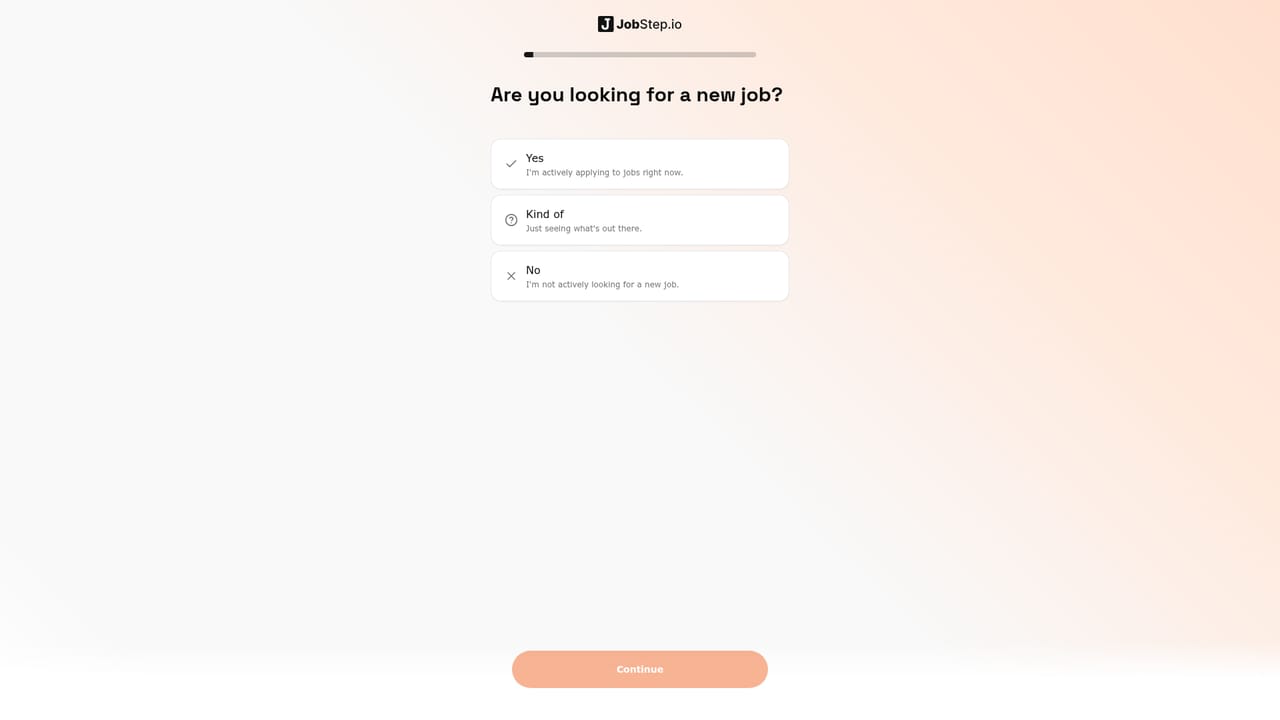
A free starting option exists: the site invites users to get started for free and one reviewer describes trying the free version before upgrading. No trial length is stated.
Learn moreThe homepage does not publish plans, prices or usage limits. It describes JobStep as a paid product with a free entry point (a reviewer mentions trying the free version), so tier details need to be confirmed inside the app.
Learn moreSupport is reachable through the help flow referenced in reviews, where a user reported the team sending a guide after a profile picture issue. No support channels or hours are listed on the homepage.
Learn moreResume scoring with percentile and sub-scores, section-by-section AI review with accept or reject, weekly job matching with fit scores, resume and cover letter tailoring from a pasted job description, cover letters matched to resume design, nine ATS-optimized templates, and an application dashboard with preparation, applied and interview stages.
 AI Angels400+ customizable AI girlfriends for NSFW chat, voice calls, and roleplay
 Candy AIExperience the future of companionship with AI friends who chat, role-play, and connect with you on a human level.
 ourdream.aiA vast AI roleplay platform with millions of characters for chat, images, video and voiceAI Angels400+ customizable AI girlfriends for NSFW chat, voice calls, and roleplayCandy AIExperience the future of companionship with AI friends who chat, role-play, and connect with you on a human level.ourdream.aiA vast AI roleplay platform with millions of characters for chat, images, video and voice


