Free trial
The homepage advertises a free start and a Start writing it's free button pointing to the web app, but no trial length or plan limits are stated.
Learn moreAI writing assistant that learns your voice and cites your sources

JotBot is an AI document assistant for drafting, editing and research. It learns your writing style, autocompletes stalled sentences, finds and cites sources inside the document, and lets you chat with PDFs and web pages to extract summaries or clarifications.
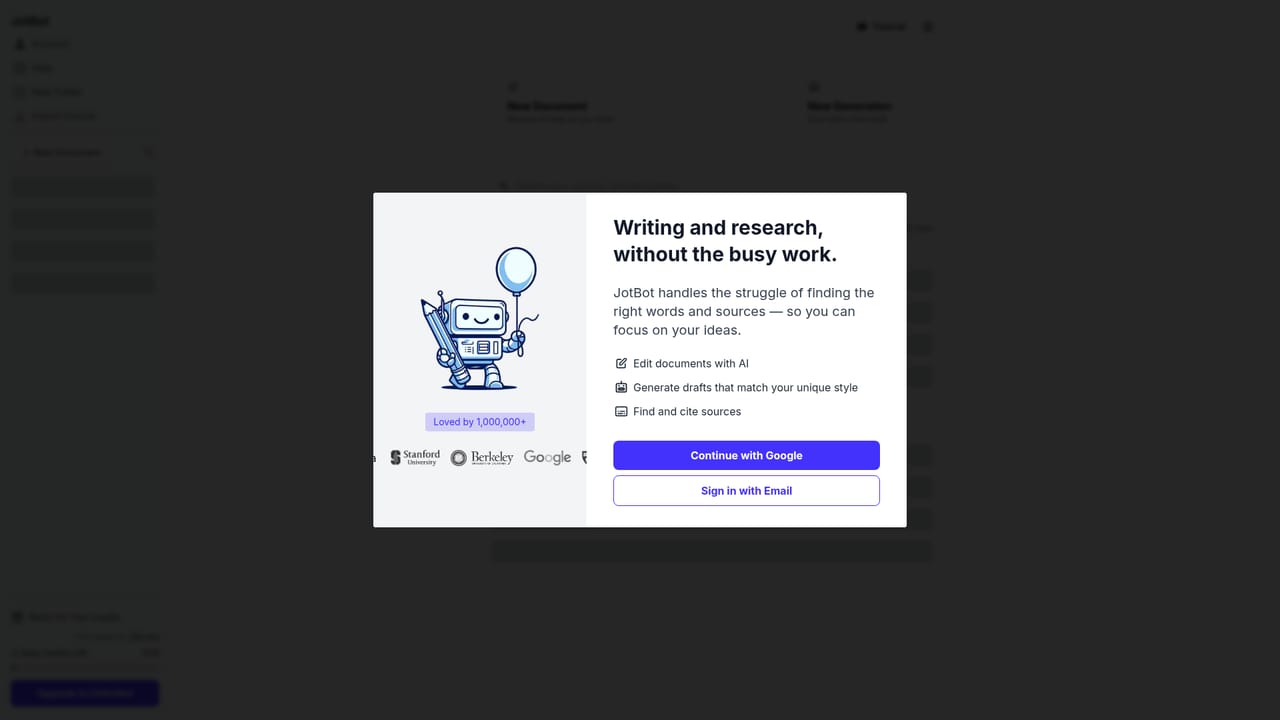
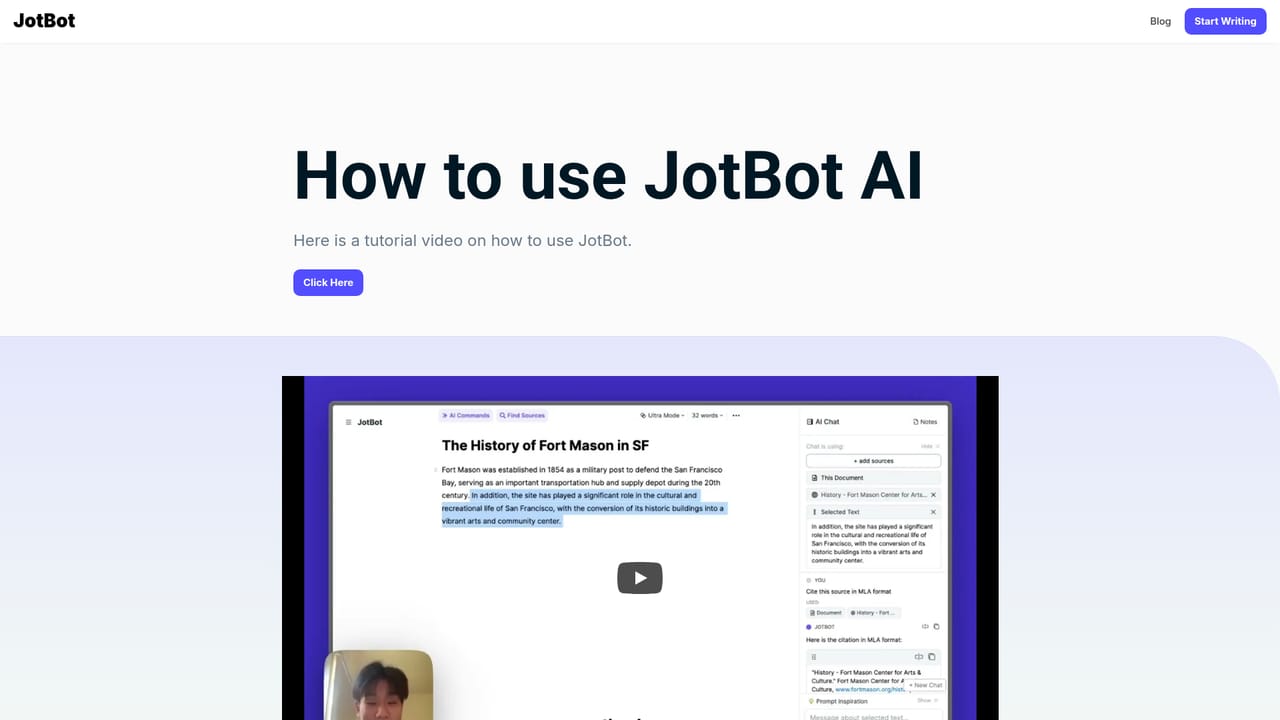
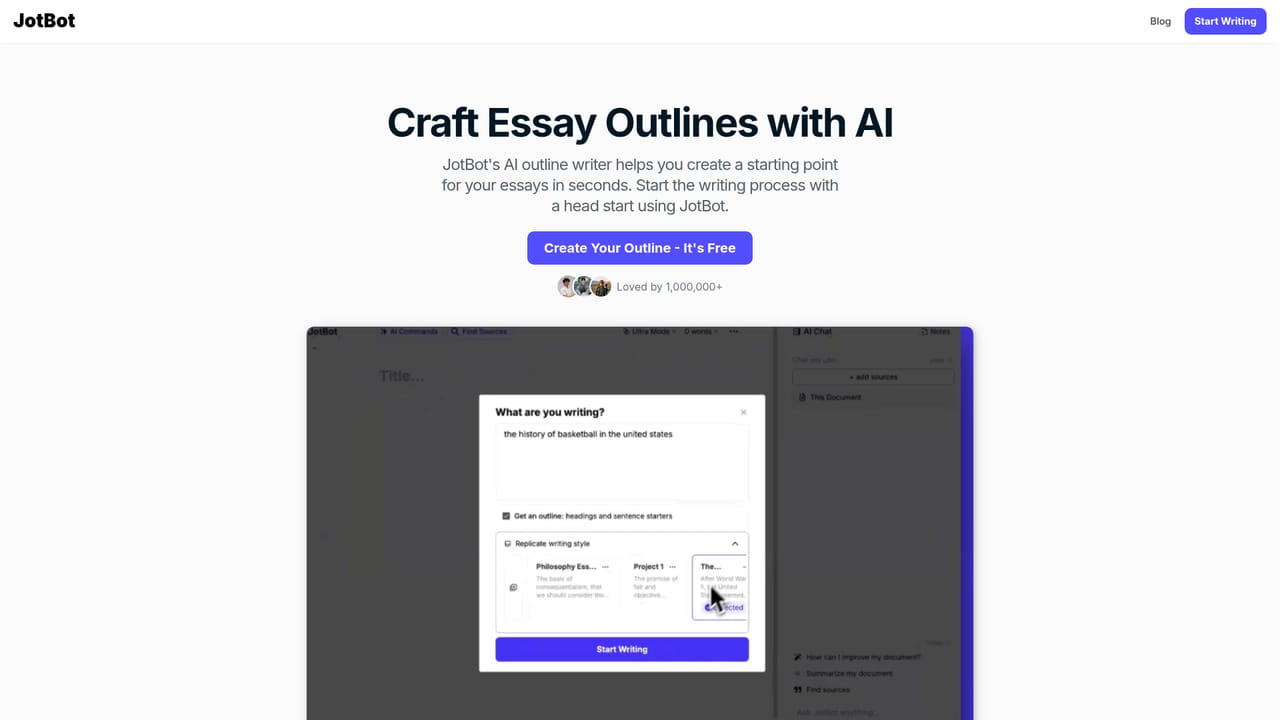
JotBot is a web based writing and research workspace built around a single idea: the slow parts of drafting, such as hunting for sources or staring at a blank page, should be handled by the tool rather than the writer. The homepage positions it for students, researchers, teams and general writers, and reports a user base of more than one million people alongside logos from universities and companies. The editor carries most of the product. AI Autocomplete continues a sentence when a draft stalls. A source finder locates references and inserts citations without leaving the document. The draft generator studies samples of your own writing and then produces new text that follows that style, which is the main differentiator against generic text generators. A chat panel inside the document answers research, writing and editing questions, and commands let you request revisions or new passages in place. A second layer sits on top of uploaded material. PDFs, websites and pasted text can be opened as sources and queried directly, so you can ask a paper to explain a point, clarify a term or produce a summary rather than rereading it in full. That makes JotBot closer to a combined notes app, reference manager and editor than to a standalone paragraph generator. The appeal is strongest for long form academic and professional writing where citations and consistent voice matter. Writers who only need short marketing copy will find simpler tools cheaper, and there is no public pricing table on the homepage, so cost has to be checked inside the app before committing. The lack of stated integrations is another gap for teams that expect their editor to plug into existing document stacks. Getting started is deliberately lightweight: the homepage offers a free entry point, and the workflow moves from onboarding to drafting to source work without a heavy setup phase.
The homepage advertises a free start and a Start writing it's free button pointing to the web app, but no trial length or plan limits are stated.
Learn moreSupport is offered by email through the support address listed in the site footer, with a separate press contact and an influencer program page. No help centre or live chat is mentioned.
AI Autocomplete continues drafts at the point where writing stalls. A source finder locates references and adds citations inside the document. The draft generator analyses your writing and reproduces your style. In document chat handles research, writing and editing questions, and commands trigger revisions or new text directly. Uploaded PDFs, websites and text can be queried for summaries and clarifications.
 AI Angels400+ customizable AI girlfriends for NSFW chat, voice calls, and roleplay
 Candy AIExperience the future of companionship with AI friends who chat, role-play, and connect with you on a human level.
 ourdream.aiA vast AI roleplay platform with millions of characters for chat, images, video and voiceAI Angels400+ customizable AI girlfriends for NSFW chat, voice calls, and roleplayCandy AIExperience the future of companionship with AI friends who chat, role-play, and connect with you on a human level.ourdream.aiA vast AI roleplay platform with millions of characters for chat, images, video and voice


