Integrations
The homepage names Google Drive for document embeds and Gong for video with transcripts, plus Google and Microsoft sign in. Other tools can be surfaced through generic link and website embeds.
One link that carries your whole story, from deck to close.

Journey is an AI chat bot tool. A block based storytelling tool for building shareable, responsive pages that mix slides, video, embeds, forms and AI drafts. Pitched at sales, onboarding and recruiting teams that want personalized links plus engagement tracking instead of static decks or PDFs.
Journey is a browser based storytelling tool that replaces the single flat document or deck with a linkable, scrollable collection of content blocks. The homepage frames it around the idea that every onboarding deserves a story, and the product follows through by letting authors assemble responsive slides, recorded video, and interactive elements into one shareable page. Sign in with a Google or Microsoft account and the workspace opens, with templates available for anyone who would rather adapt an existing structure than build from a blank page. The building unit is the block. Each block holds one piece of content: handwritten or AI generated text, AI images produced from keywords, uploaded files and documents, embedded links and websites, Google Drive documents, Gong videos with transcripts, dynamic tables of contents, recipient logos, collaborative checklists, in-app video recordings, forms, buttons and comment threads. A chatbot block that lets recipients converse with the page and a voicenote block are listed as coming soon. Because blocks can be reordered and mixed freely, the same tool covers a sales pitch, a customer onboarding sequence, a project recap or a hiring package. The tool leans on automation for the parts authors usually redo by hand. Journey writes a first draft from a prompt, generates branded themes so pages stay visually consistent, and inserts a recipient's logo on the fly so a single link can be personalized for many accounts. Pages are responsive, and the author gets tracking insights on how the shared link is actually consumed. Journey competes less with slide software than with static PDFs and plain link sharing. It suits sales, customer success, recruiting and marketing teams who send the same narrative repeatedly to different recipients and want engagement data back. Companies named on the homepage include Reddit, Gumroad, AngelList, Northbeam, Narmi and Insightly. Pricing is not published on the homepage, so plans need to be confirmed before committing a team.
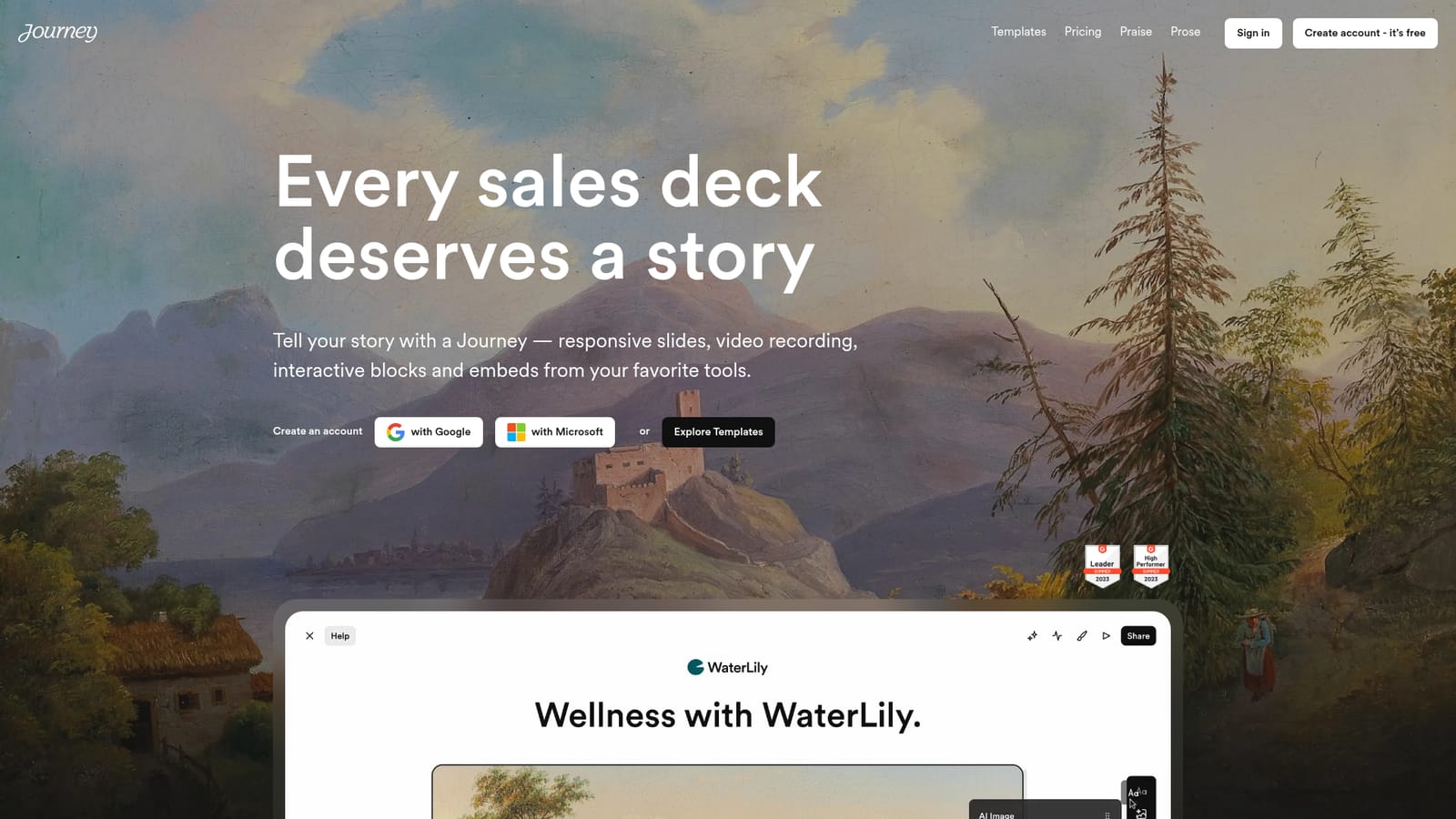
The homepage names Google Drive for document embeds and Gong for video with transcripts, plus Google and Microsoft sign in. Other tools can be surfaced through generic link and website embeds.
Content is assembled from blocks: text (handwritten or AI written), AI images from keywords, files, links and site embeds, Google Drive documents, Gong videos with transcripts, a dynamic table of contents, automatic recipient logos, collaborative checklists, in-app video recording, forms, buttons and comments. Chatbot and voicenote blocks are listed as coming soon. AI drafts, branded themes, responsive output and tracking insights are included.
 AI Angels400+ customizable AI girlfriends for NSFW chat, voice calls, and roleplay
 Candy AIExperience the future of companionship with AI friends who chat, role-play, and connect with you on a human level.
 ourdream.aiA vast AI roleplay platform with millions of characters for chat, images, video and voiceAI Angels400+ customizable AI girlfriends for NSFW chat, voice calls, and roleplayCandy AIExperience the future of companionship with AI friends who chat, role-play, and connect with you on a human level.ourdream.aiA vast AI roleplay platform with millions of characters for chat, images, video and voice


