Free trial
New accounts receive 10 credits on sign up, shown on the homepage as a starting balance. No time limited free trial plan is described.
Learn moreStructured JSON prompts for predictable AI video renders
Own Json To Video.org? Verify ownership to get a dofollow link

Json To Video.org is a generative video tool. A browser based AI video generator that swaps freeform text prompts for structured JSON fields covering shot, subject, camera, lighting and audio. Supports Veo 3.1, Seedance 2, Wan 2.6 and Kling 2.6, with templates for ads, travel, nature and more.
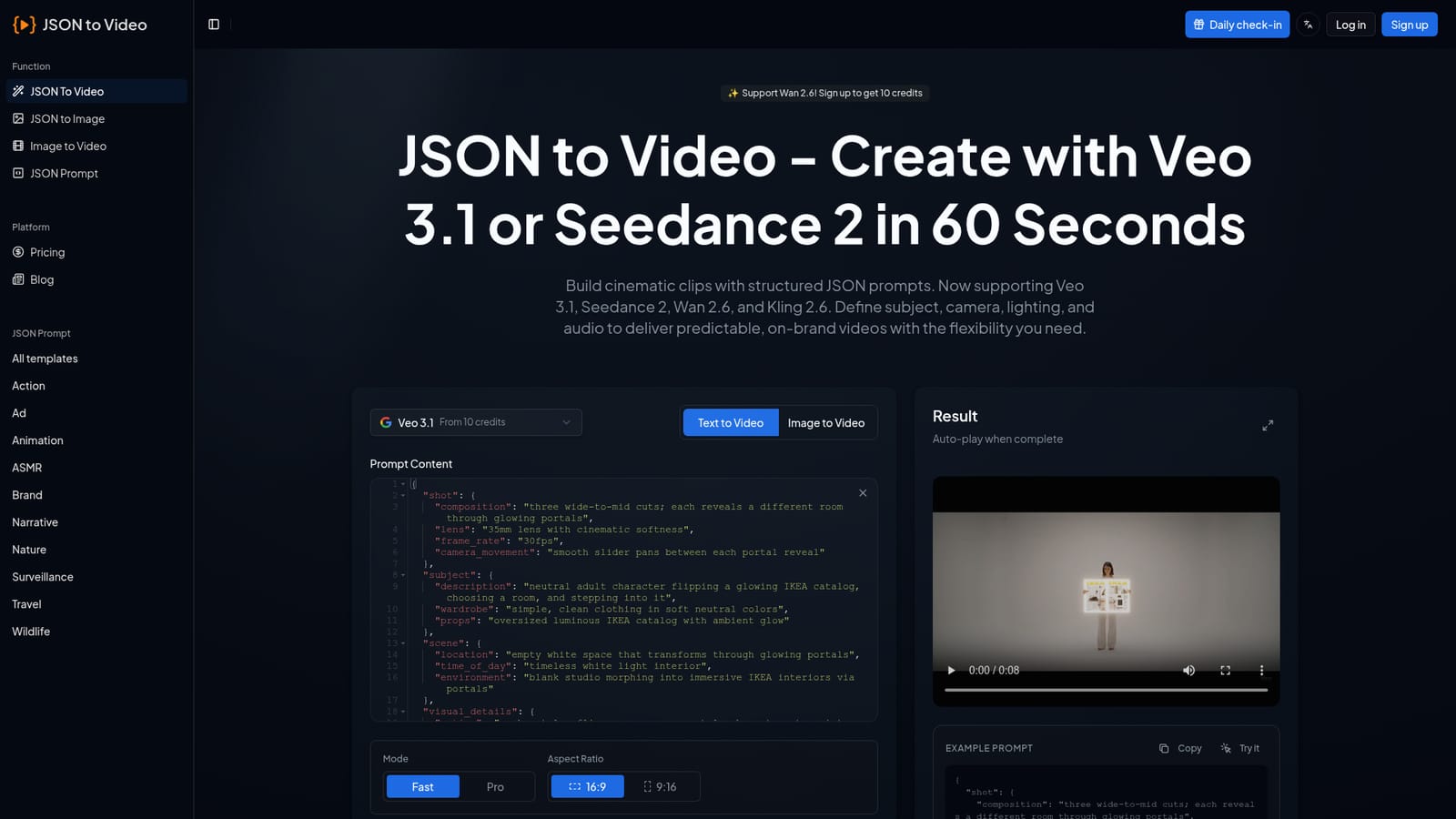
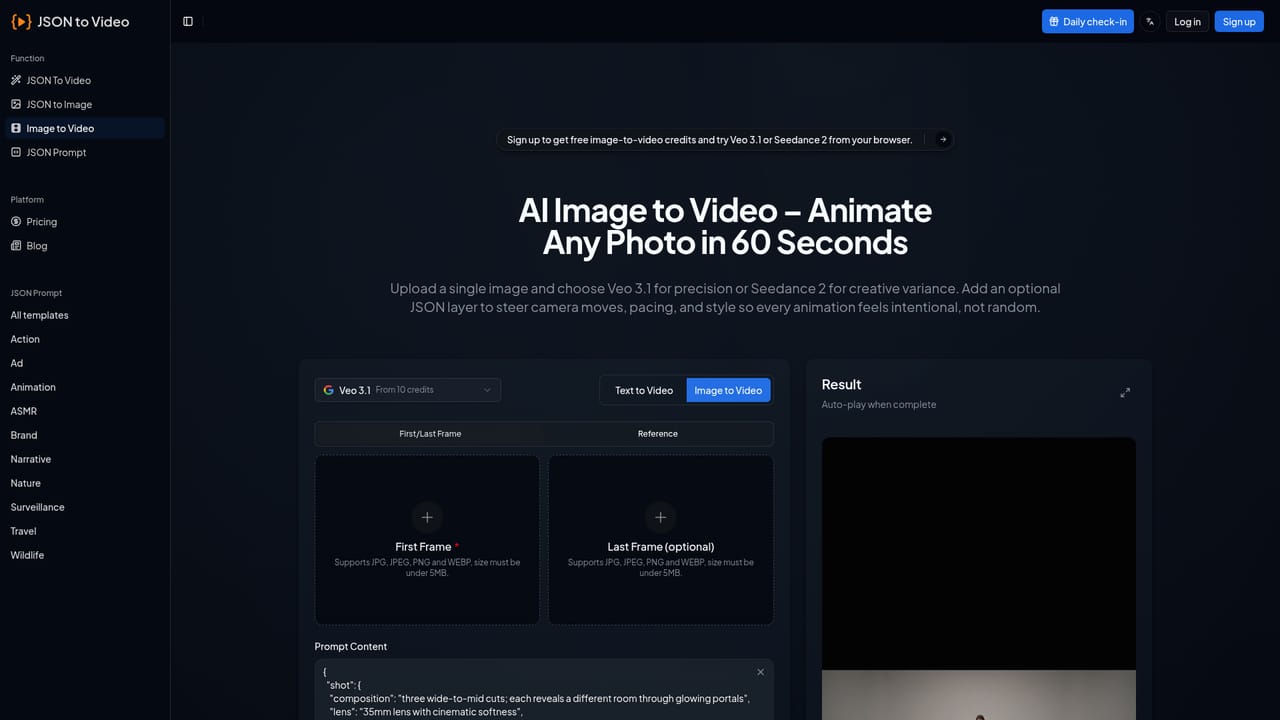
JSON to Video.org is a browser based AI video generator built around a single idea: replace freeform text prompts with organized JSON fields. Instead of describing a clip in one loose paragraph and regenerating until something usable appears, you fill in named keys such as shot, subject, scene, camera movement, lighting, audio and timing. Each field carries a specific instruction, so the model follows a brief rather than guessing at intent. The homepage pitches this as cutting a typical shot from roughly ten generation attempts down to two. The tool routes those prompts to several video models, with Veo 3.1 and Seedance 2 as the headline options and Wan 2.6 and Kling 2.6 also listed. Generation starts from text or from an uploaded image, and there is a separate JSON to Image path plus a large prompt template library organized by theme: action, ad, animation, ASMR, brand, narrative, nature, surveillance, travel and wildlife. Most templates are starting points that a user edits field by field. The pitch is aimed squarely at teams that produce video at volume: ecommerce brands, performance marketing agencies and content studios that need a consistent camera style, color grade and audio signature across many clips. One template reportedly serves a whole product catalog by swapping only a name and a color, and the same prompt can be exported at 16:9 for YouTube and 9:16 for TikTok. Output resolution and concurrency depend on the plan, topping out at 4K and ten concurrent jobs on the highest tier. Credit consumption varies by model, with Veo 3.1 starting at ten credits. Compared with general text to video tools, JSON to Video.org trades a friendlier single box interface for a more technical, form driven workflow that rewards users willing to learn its schema. A small API is implied by user testimonials but not documented on the homepage.


New accounts receive 10 credits on sign up, shown on the homepage as a starting balance. No time limited free trial plan is described.
Learn moreThree annual billed tiers: Starter at $6.90 per month ($9.9 monthly) with 300 credits, 1080p and 2 concurrent jobs; Plus at $14.90 ($24.9) with 1,000 credits, 4K and 5 jobs; Scale at $39.90 ($69.9) with 3,000 credits, 4K and 10 jobs. All plans are watermark free; history runs 30 to 90 days or unlimited.
Learn moreNo support channel is stated on the homepage. Testimonials from users reference a responsive support team and good documentation, but no help centre or contact route is listed.
No integration details are published on the homepage. User testimonials mention API access and CRM connections, but no documentation or integration list is provided.
Structured JSON prompts with named fields for shot, subject, scene, cinematography, audio, dialogue, timeline, rules and negatives. Veo 3.1 and Seedance 2 support alongside Wan 2.6 and Kling 2.6. Text to video, image to video and JSON to image modes. Themed prompt templates, aspect ratio presets for 16:9 and 9:16, Fast and Pro modes, and outputs up to 4K depending on plan.
Learn more AI Angels400+ customizable AI girlfriends for NSFW chat, voice calls, and roleplay
 Candy AIExperience the future of companionship with AI friends who chat, role-play, and connect with you on a human level.
 ourdream.aiA vast AI roleplay platform with millions of characters for chat, images, video and voiceAI Angels400+ customizable AI girlfriends for NSFW chat, voice calls, and roleplayCandy AIExperience the future of companionship with AI friends who chat, role-play, and connect with you on a human level.ourdream.aiA vast AI roleplay platform with millions of characters for chat, images, video and voice





