Free trial
A free start is advertised with 25 credits, no card. It is not described as a time-limited trial, so treat it as a freemium entry point.
Learn moreAI video studio for property reels and explainers.

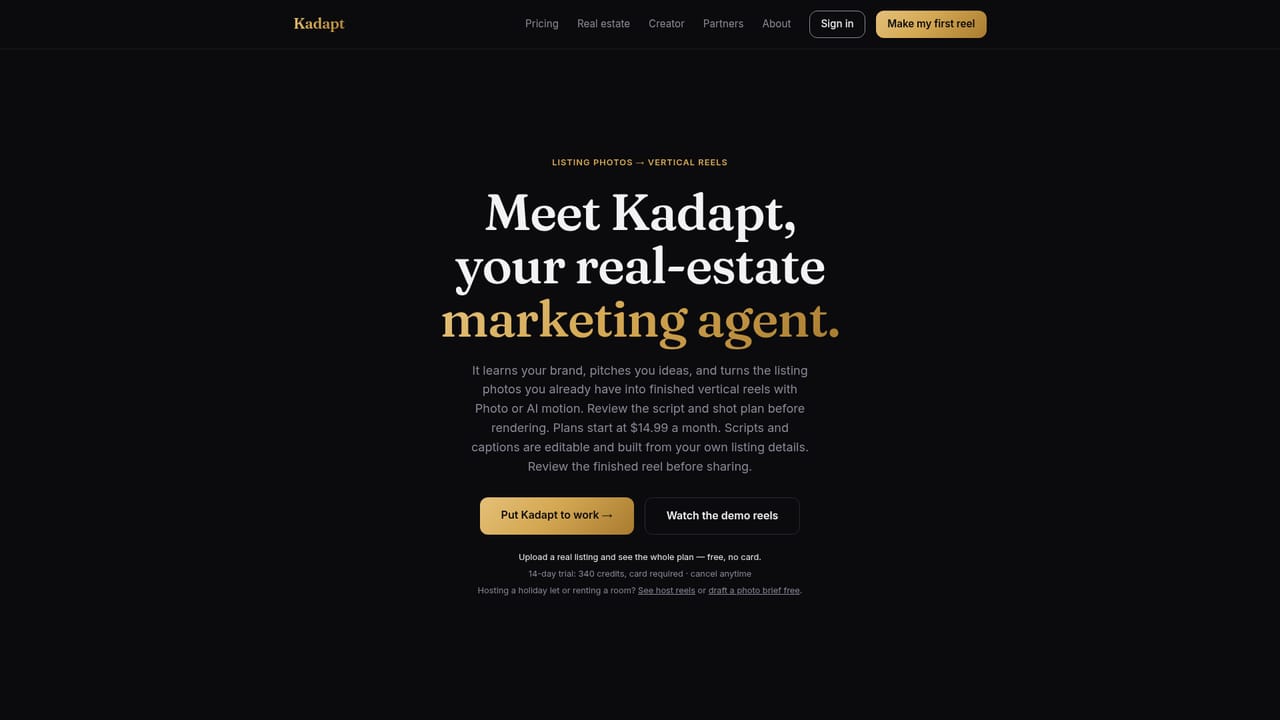
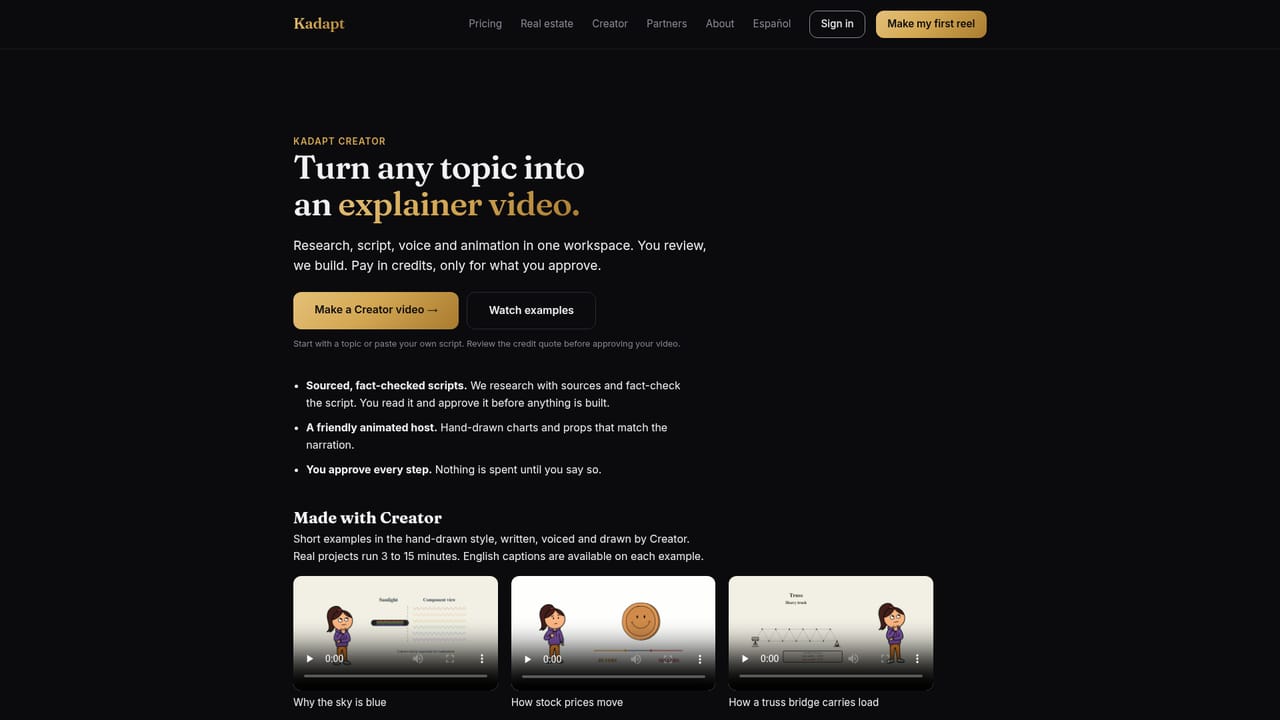
Kadapt is an AI video studio with workspaces for real estate listing reels, rental host reels and explainer videos. It drafts the script, captions and voiceover, then waits for approval before rendering. Free start, no card.
Kadapt is an AI video studio that plans, scripts, voices and renders short videos from simple inputs. Instead of asking users to learn a timeline editor, it asks them to describe what they have, approve a plan, and then receive a finished video. The product is organized around workspaces, each tailored to a specific job: real estate listing reels, rental and room host reels, and a broader Creator workspace for topic explainers. That structure means prompts, presets and voices are tuned to the audience rather than being a single generic generator. The core workflow is approval-first. Users supply photos and the facts they would mention in person, a topic to explain, or their own script. Kadapt then drafts the shot order, script, captions and voiceover, and shows a preview before rendering. Nothing goes out until the user approves it, and costs are displayed before any credits are spent. This makes the tool practical for people who want speed but still need control over what appears on screen, particularly in real estate where accuracy about a property matters. For agents and teams, the real estate workspace turns listing photos into vertical listing reels with voiceover and captions. For Airbnb, holiday-let and SpareRoom hosts, the host workspace creates a voiced vertical reel from listing photos for social sharing. The Creator workspace turns a topic into a sourced, scripted, voiced and animated explainer video. Kadapt also invites other niches to join a waitlist, suggesting the workspace model is meant to expand rather than stay limited to property. The tool sits between template-based video makers and full editing suites. It is not a timeline editor and does not claim to replace one. It is better understood as a production assistant for repeatable short-form formats. Beginners can start without filming or editing apps, while teams get a consistent structure for listing content. Kadapt is free to start with no card required, and pricing is shown on its pricing page.

A free start is advertised with 25 credits, no card. It is not described as a time-limited trial, so treat it as a freemium entry point.
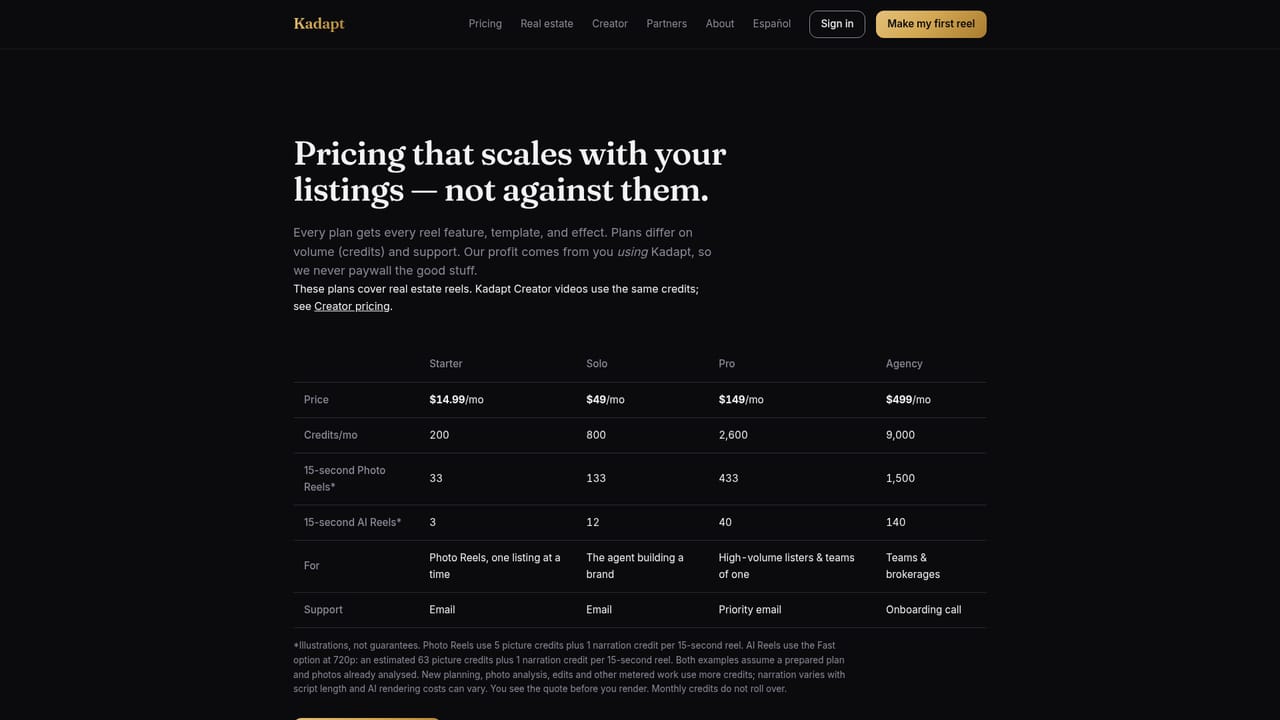
Learn moreKadapt starts free with 25 credits and no card required, according to the homepage meta description. Detailed credit costs and plans are not stated on the homepage and should be checked on the pricing page.
Learn moreA contact page exists on the site. No dedicated help centre or documentation is described on the homepage.
Learn moreKadapt plans, scripts, voices and renders video. Workspaces cover real estate listing reels, rental and room host reels, and Creator explainers. Users approve the shot order, script, captions and voiceover before rendering. Costs appear before credits are spent. Other niches can join a waitlist.
Learn more AI Angels400+ customizable AI girlfriends for NSFW chat, voice calls, and roleplay
 Candy AIExperience the future of companionship with AI friends who chat, role-play, and connect with you on a human level.
 ourdream.aiA vast AI roleplay platform with millions of characters for chat, images, video and voiceAI Angels400+ customizable AI girlfriends for NSFW chat, voice calls, and roleplayCandy AIExperience the future of companionship with AI friends who chat, role-play, and connect with you on a human level.ourdream.aiA vast AI roleplay platform with millions of characters for chat, images, video and voice


