Features
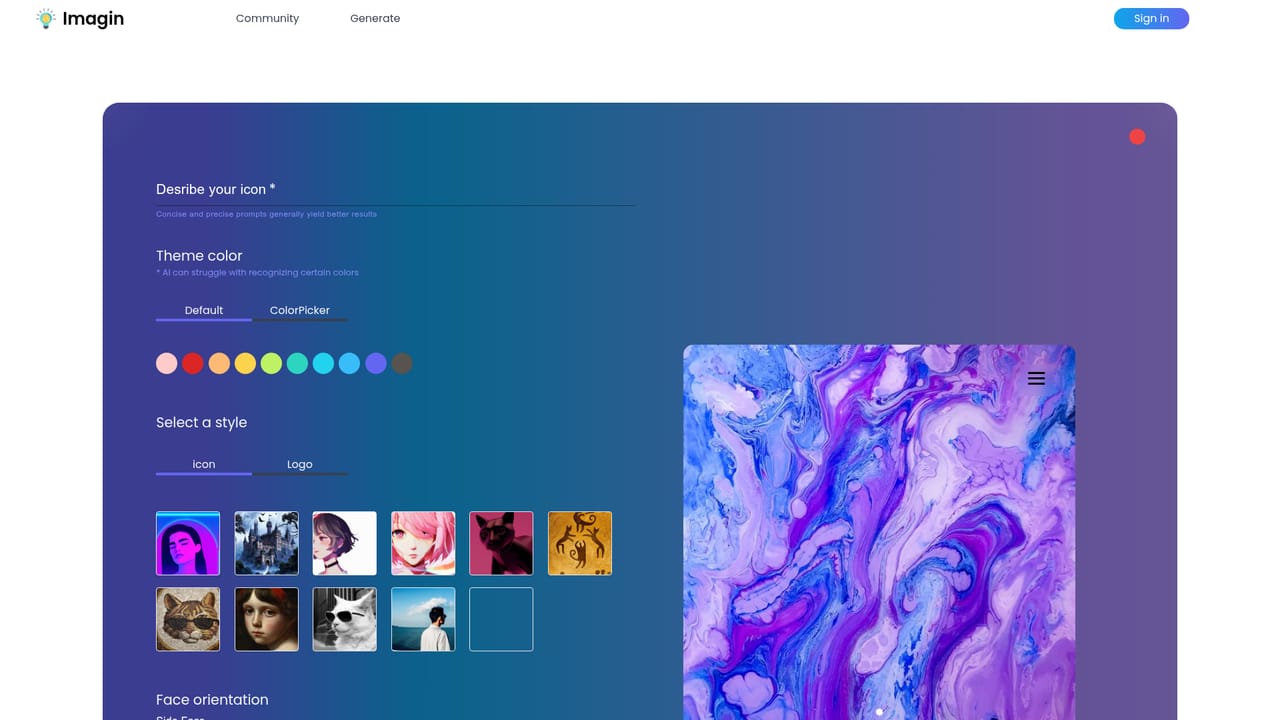
Prompt based icon generation with custom color and style controls, a prompt engineering guide, a library of reusable icon recipes, a public community gallery with more than two thousand logged creations, and a dedicated generate workspace.
AI icon generation with custom colors and a shared recipe library

Imagin World is an AI icon generator that turns written prompts into custom icons with adjustable colors and style. It adds prompt engineering guidance, reusable icon recipes, and a public gallery of user creations to a straightforward generate page.
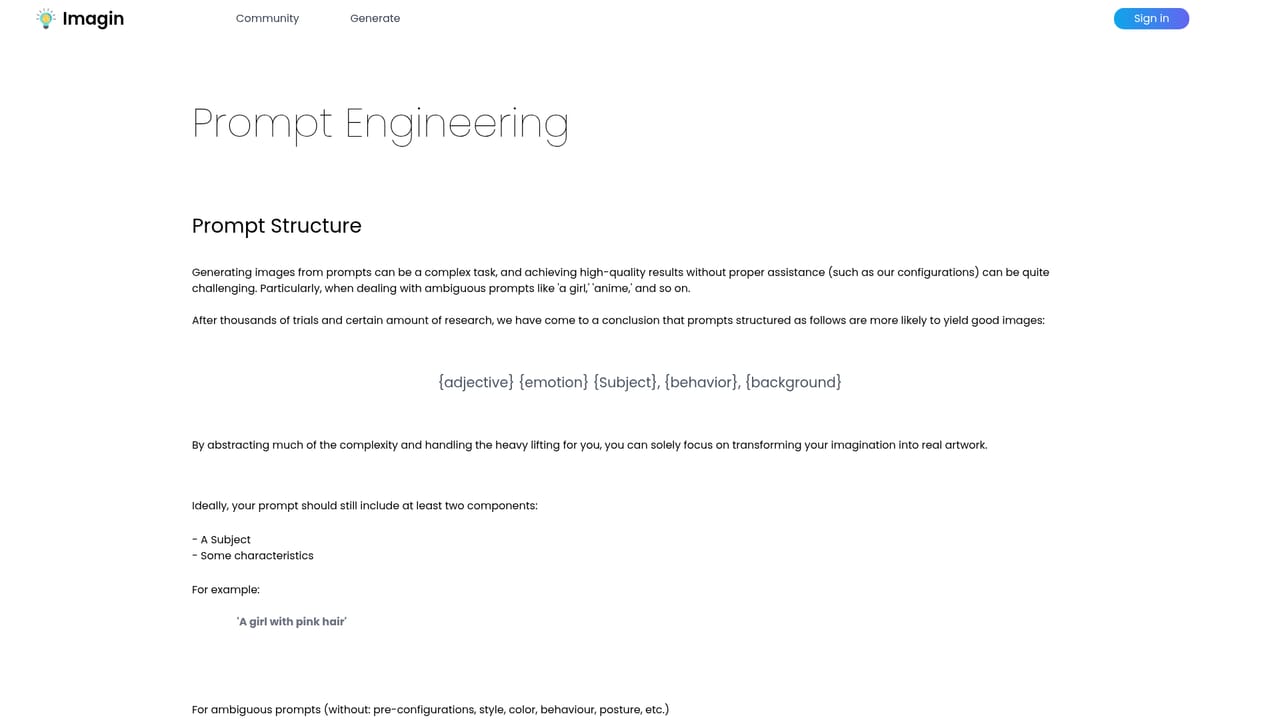
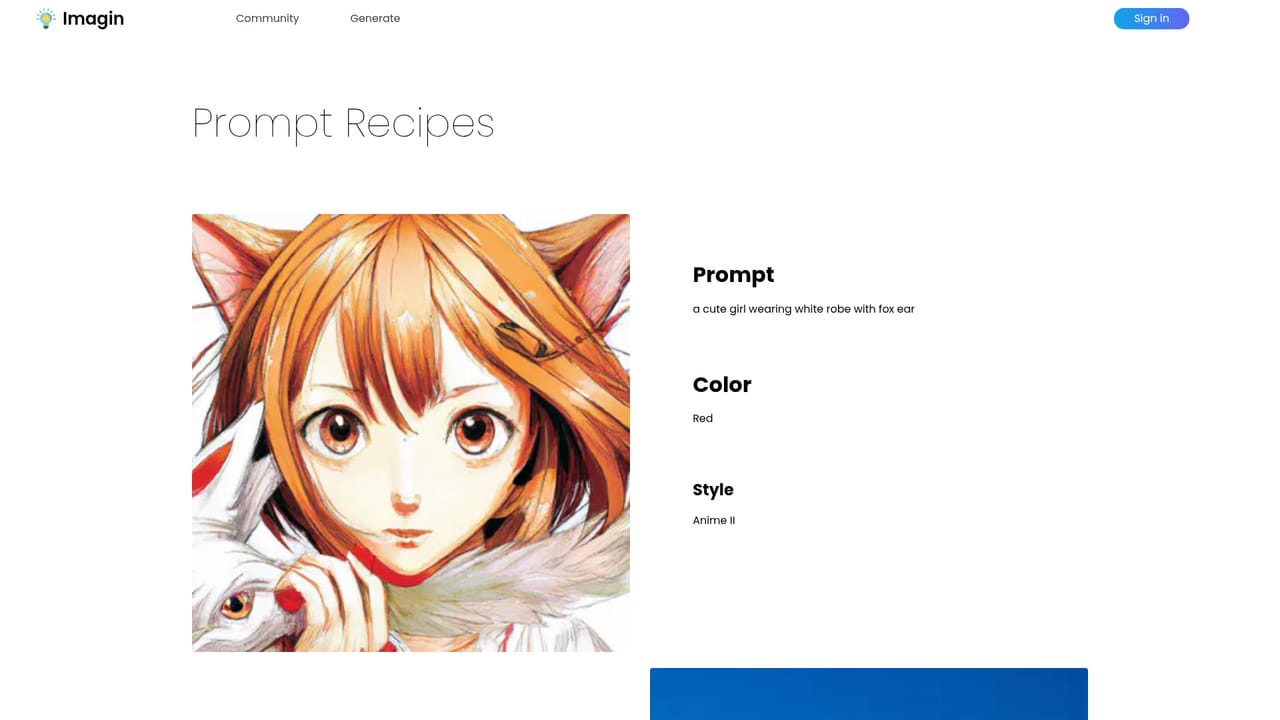
Imagin World is a browser based icon generator built around AI image generation. Instead of drawing symbols by hand or adapting stock sets, a user describes the icon they want and the service produces a finished visual in a style of their choosing. The homepage frames the appeal around three ideas: custom colors, a distinct style, and open ended variety. The stated goal is speed, with the generation algorithms doing the work that would otherwise fall to a designer. The tool is aimed at people who need small, consistent graphics rather than full illustrations. That covers product teams filling a navigation bar, indie developers shipping an app and needing a coherent icon set, and marketers assembling a pitch or landing page on a deadline. Because the output is a single icon at a time rather than a whole design system, the practical workflow is iterative: generate, look, adjust the prompt, and generate again until the result reads clearly at small sizes. What separates Imagin World from a general purpose image generator is the surrounding structure. The site offers a dedicated prompt engineering page that explains how to phrase icon requests, and an icon recipe section that packages reusable prompt patterns. There is also a public community gallery that has logged more than two thousand creations, which doubles as a place to see what other users are producing before committing to a direction. A get started page and a separate purchase page handle onboarding and payment. The positioning is narrow but sensible. A tool like Midjourney can make icons, but it is not tuned for them and its learning curve is steeper. Imagin World trades breadth for a focused path: prompt help, example recipes, and a gallery of icon work. Anyone needing logos, hero illustrations or complex scenes should look elsewhere. Anyone who needs a steady supply of small, branded symbols will find the workflow closer to what they actually do.
Prompt based icon generation with custom color and style controls, a prompt engineering guide, a library of reusable icon recipes, a public community gallery with more than two thousand logged creations, and a dedicated generate workspace.
 AI Angels400+ customizable AI girlfriends for NSFW chat, voice calls, and roleplay
 Candy AIExperience the future of companionship with AI friends who chat, role-play, and connect with you on a human level.
 ourdream.aiA vast AI roleplay platform with millions of characters for chat, images, video and voiceAI Angels400+ customizable AI girlfriends for NSFW chat, voice calls, and roleplayCandy AIExperience the future of companionship with AI friends who chat, role-play, and connect with you on a human level.ourdream.aiA vast AI roleplay platform with millions of characters for chat, images, video and voice


