Keepertax

Ask a US tax question, get an answer graded against human CPAs

Beginner
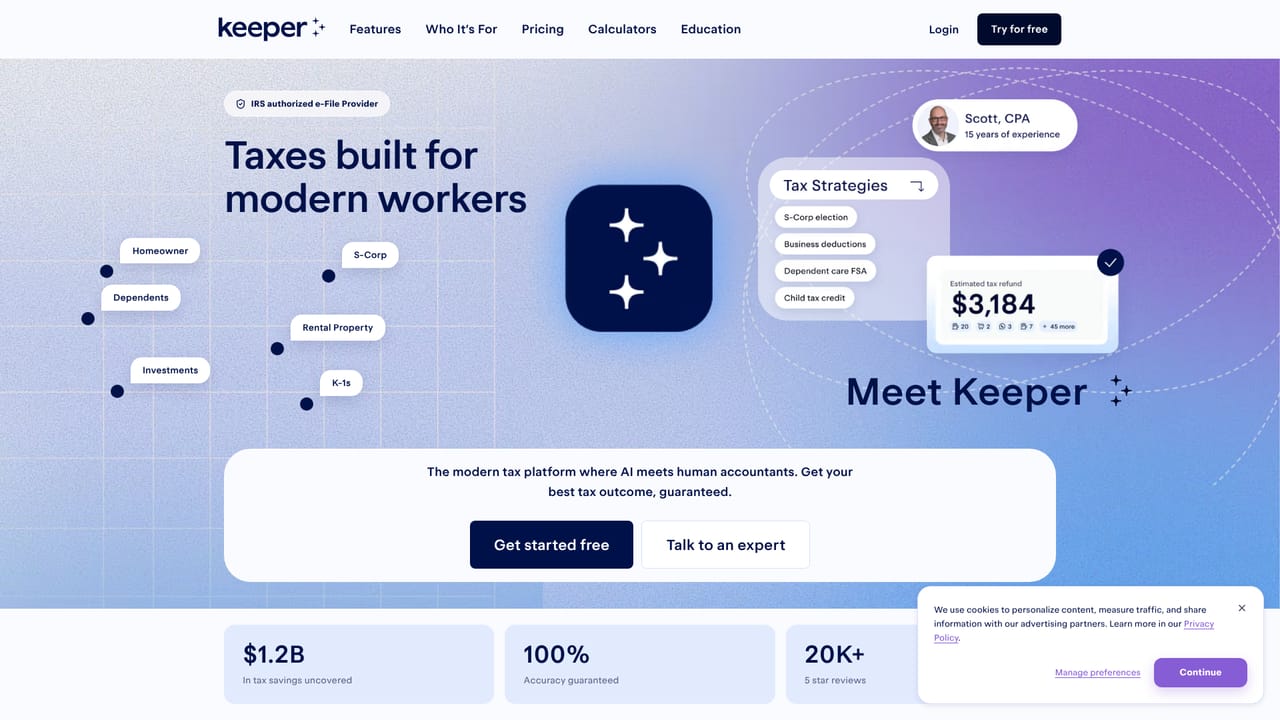
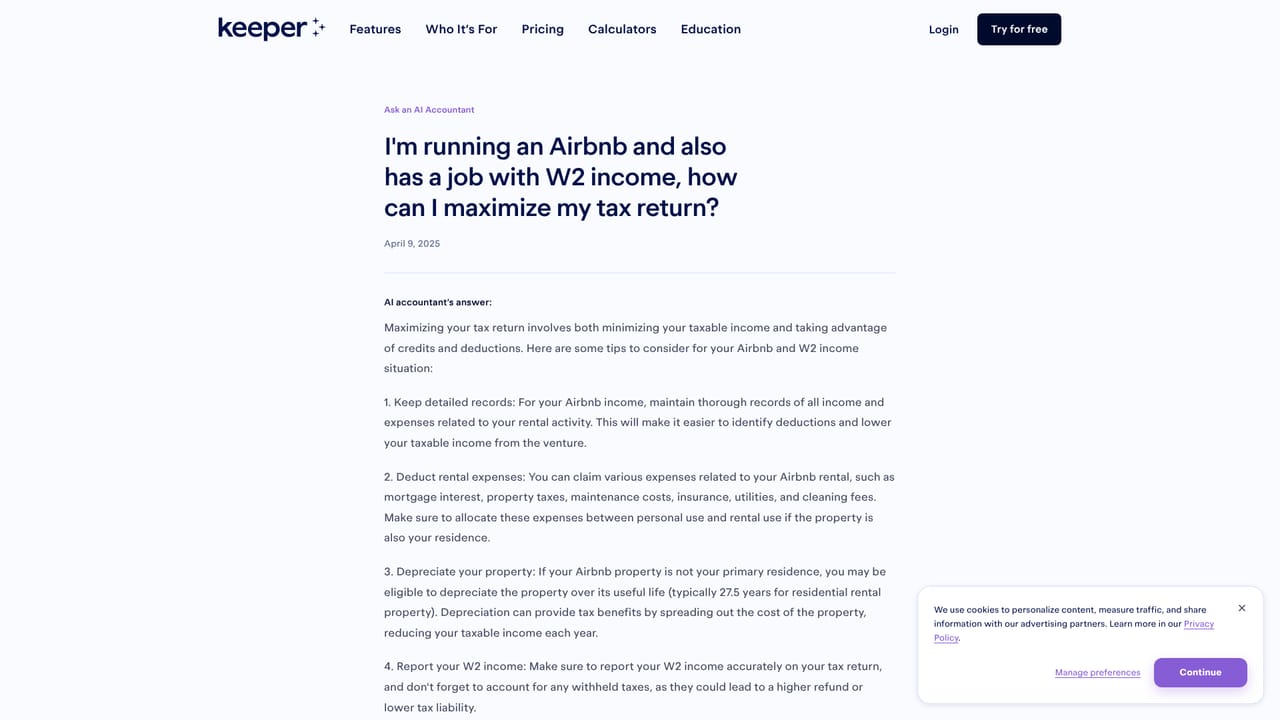
Screenshot of Keepertax, Ask a US tax question, get an answer graded against human CPAs

What is Keepertax?

Keepertax is an accounting homework help tool. Keeper's AI accountant answers US individual tax questions in seconds, with periodic grading by CPAs, EAs and JDs and a public archive of reviewed Q&A. Version 2.0 is now retired in favor of the current model inside a free Keeper account.

Keepertax's Ask an AI Accountant is a question and answer tool built by Keeper for US individual tax topics. A user types a tax question into a single input window and receives a written response in roughly 10 to 40 seconds. The underlying model was fine tuned on US tax law, with version 2.0 trained on 2024 tax updates and backed by embeddings that cover federal tax code, state tax codes and a decade of IRS announcements. A chain of reasoning retrieval layer selects the most relevant embeddings for each question before an answer is drafted. The tool is aimed at individuals working through personal filing questions: self employed filers, freelancers, Airbnb hosts with W2 jobs, people untangling tricky household situations. Answers appear under the question box and are periodically reviewed by credentialed tax professionals, including CPAs, Enrolled Agents and JDs. Reviewed questions are published on their own pages with a green check for a correct grade or a red stop icon for an incorrect one, plus the reviewer's comments. On the published sample, the AI scored 96% accuracy against 94% for the human reviewers, and version 2 scored 88% on a sample of Part 1 EA exam questions. Keeper is candid about where the system falls short. City and state tax intricacies are only partly embedded. Multi step math, such as computing individual income tax for a high bracket filer, is a known weak point tied to LLM arithmetic limits. The model can also be overly conservative because it leans on the literal tax code. Only English language questions on US individual tax get official grading, and ambiguous or contentious questions are skipped in review. The page itself notes this version is no longer updated and points users to a free Keeper account for the current model. It is an educational Q&A layer, not a filing service or a substitute for paid advice.

How do you use Keepertax?

  1. 1Check the reviewed question archive first
    Browse the previously asked questions list and filter by all, correct or incorrect to see whether your scenario has already been answered and graded by a tax professional.
    Keepertax — Check the reviewed question archive first
  2. 2Read a graded answer and the reviewer's notes
    Open any individual question page to see the full answer, the green check or red stop grade, and the comments left by the reviewing CPA, EA or JD.
    Keepertax — Read a graded answer and the reviewer's notes
  3. 3Type your own tax question
    Enter your question in the input window on the main page and submit it. The answer typically appears beneath the box within 10 to 40 seconds.
  4. 4Weigh the answer against the known limits
    Treat results on city or state rules and on multi step tax math with caution, since both are documented weak points of this version.
  5. 5Move to the current model for new questions
    Because version 2.0 is no longer updated, create a free Keeper account to ask the latest AI, which is fine tuned on US tax law and tailored to your situation.

Pros and cons

Pros

  • Answers arrive in roughly 10 to 40 seconds, fast enough for quick filing questionsAI
  • The model was fine tuned on US tax law including federal and state codes plus ten years of IRS announcementsAI
  • Reviewed answers carry a visible correct or incorrect grade plus the tax professional's commentsAI
  • Reported 96% accuracy on the published sample, alongside 88% on a sample of Part 1 EA exam questionsAI
  • Reviewed question pages are public, so common scenarios can be researched without asking againAI

Cons

  • The page states this version is no longer updated, so new questions need a separate Keeper accountAI
  • City and state tax intricacies are only partly embedded and deferred to a later versionAI
  • Multi step math is unreliable, which undermines questions that ask for an actual tax calculationAI
  • Answers can be overly conservative because the model follows the literal code rather than common practiceAI
  • Grading covers only English language US individual tax questions; corporate and advisory questions are excludedAI

How much does Keepertax cost?

Features

Version 2.0 was trained on 2024 tax updates with embeddings spanning federal tax code, every state tax code and ten years of IRS announcements. A chain of reasoning retrieval system picks the most relevant embeddings per question. Answers are graded periodically by CPAs, Enrolled Agents and JDs, and reviewed questions are published with a pass or fail mark and reviewer comments.

Frequently asked questions about Keepertax

  • How do you use Keepertax?
    The walkthrough on this page covers 5 steps: 1. Check the reviewed question archive first 2. Read a graded answer and the reviewer's notes 3. Type your own tax question 4. Weigh the answer against the known limits 5. Move to the current model for new questions.
  • What platforms does Keepertax support?
    Keepertax is available on Web App.
  • What are the limitations of Keepertax?
    The page states this version is no longer updated, so new questions need a separate Keeper account. City and state tax intricacies are only partly embedded and deferred to a later version. Multi step math is unreliable, which undermines questions that ask for an actual tax calculation.

Status

StatusActive
Views0
Outbound clicks0
Added10/21/2026

Platforms

Web App

Pricing

Freemium