Support
Onboarding runs through a dedicated team and a 15 minute intro call, with experts taking over when automation cannot resolve a case. A FAQ covers compatibility, security and setup times; no separate help centre is listed.
Automated financial back office for small businesses

Sanso is a managed financial back-office service for small businesses that automates invoice collection, bank reconciliation and overdue payment reminders, layering on top of tools like Pennylane, QuickBooks and Xero, with human experts filling gaps when automation is not enough.
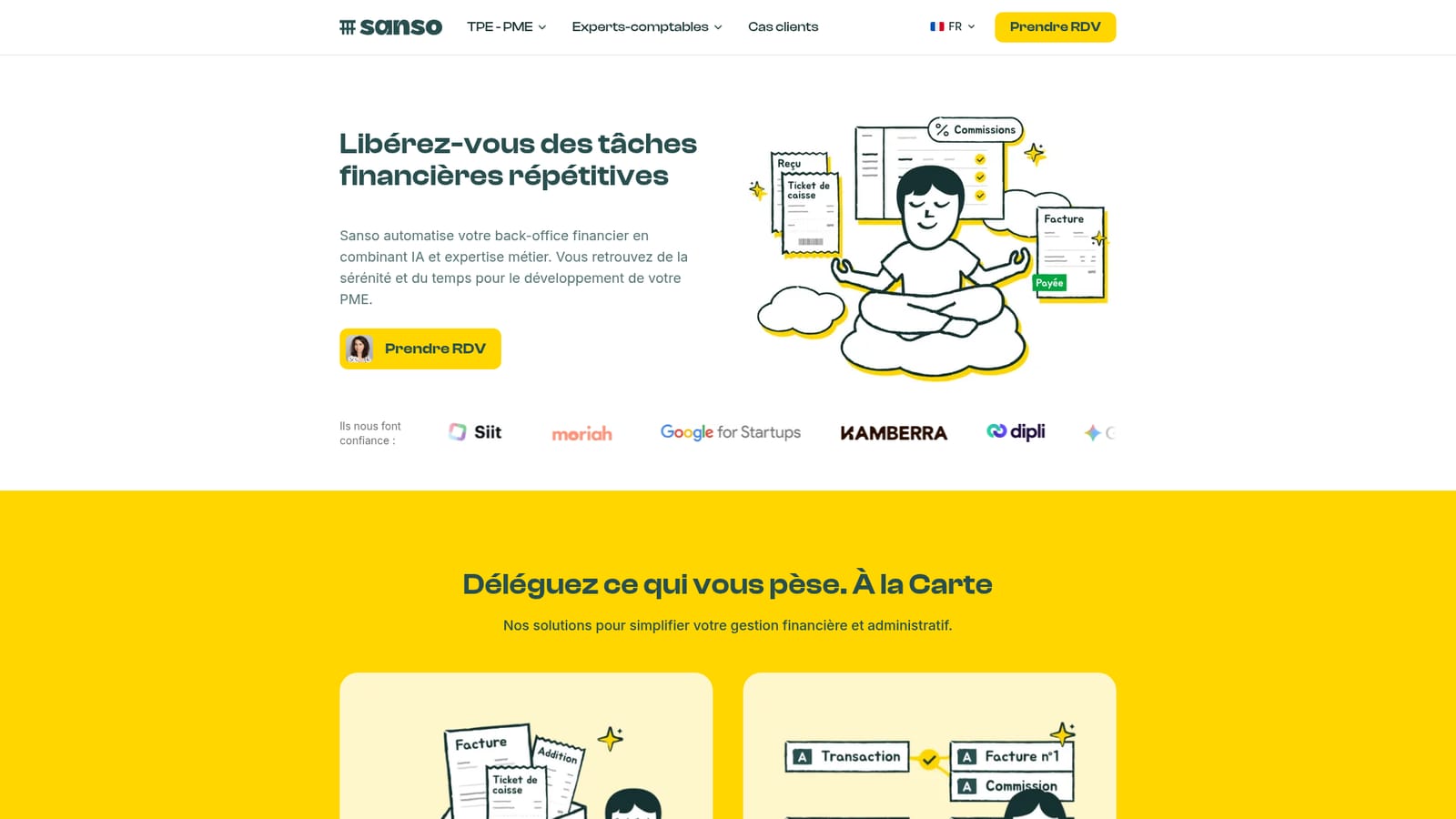
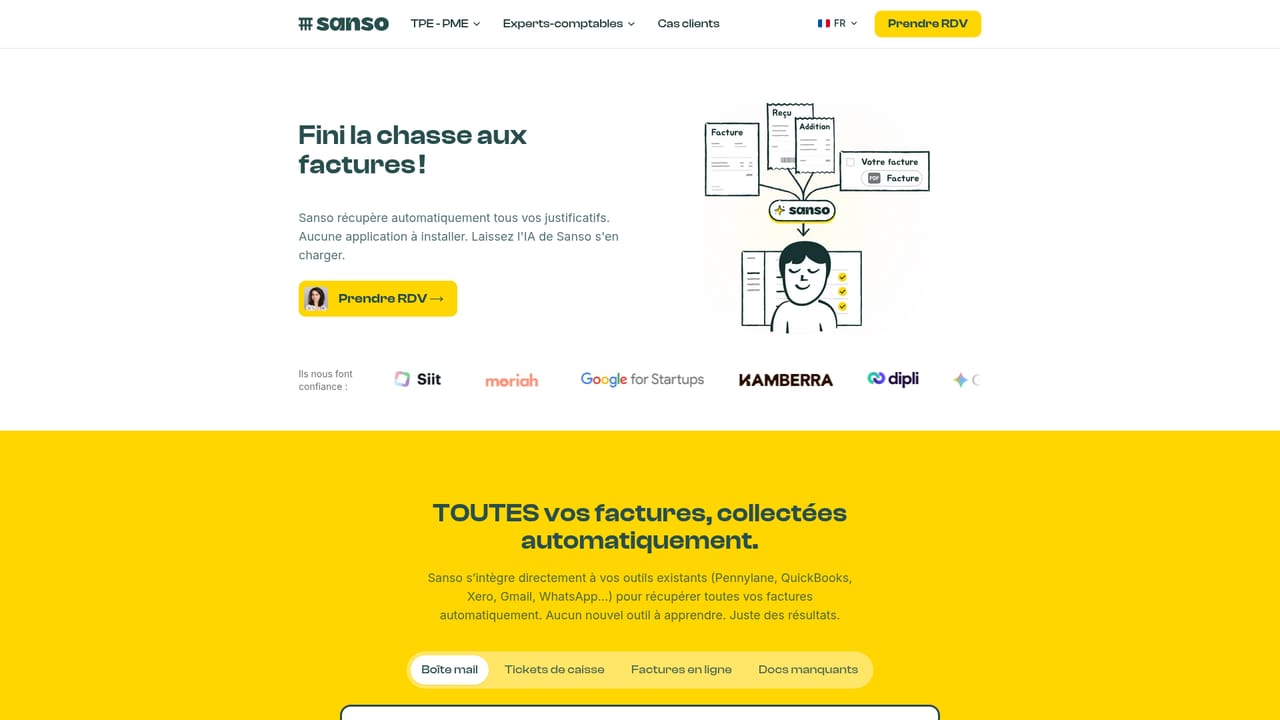
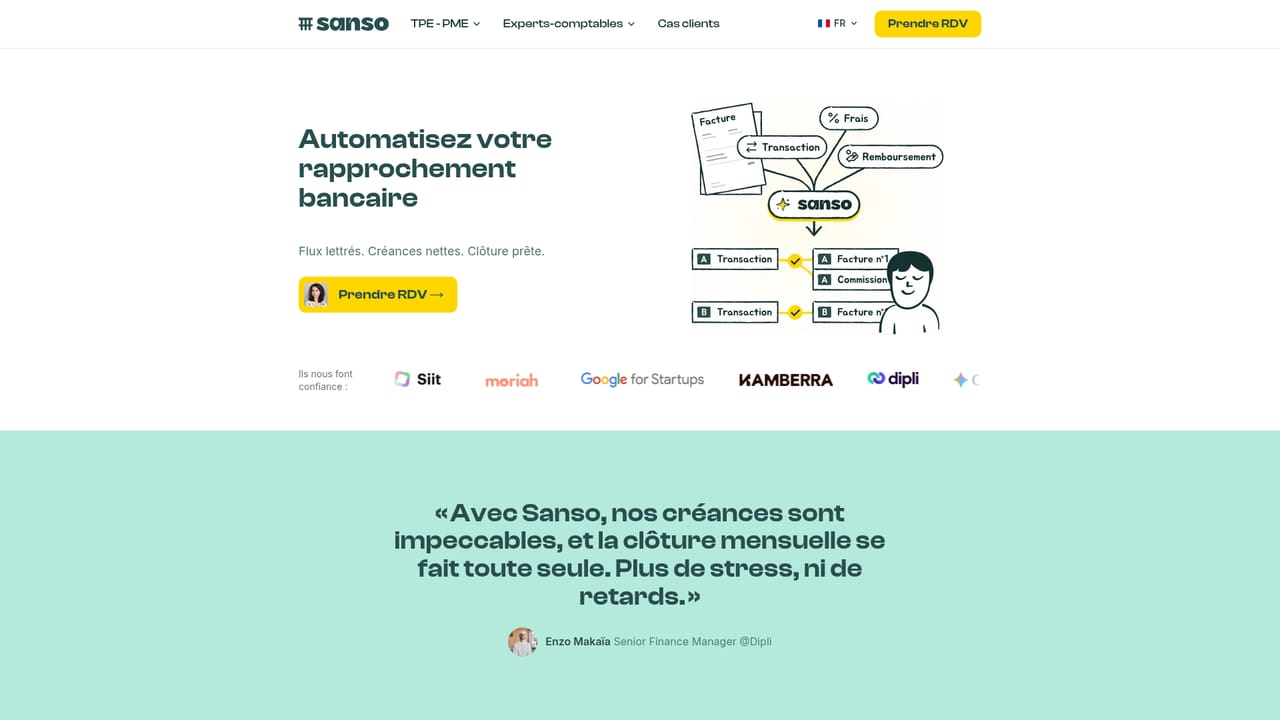
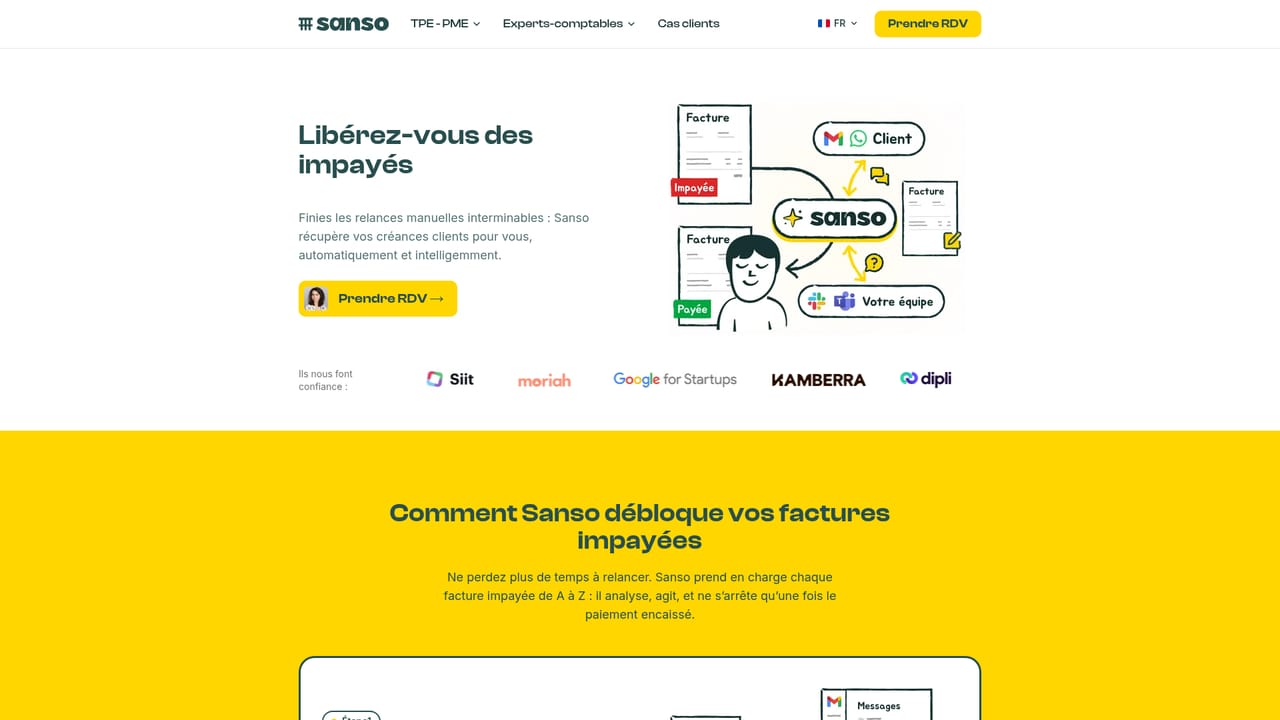
Sanso is a French financial operations service that combines automation with human experts to take repetitive accounting chores off the plate of small business owners. Rather than replacing bookkeeping software, it sits on top of the tools a company already uses and executes the daily work: pulling in supplier invoices, matching bank transactions to the right documents, and chasing overdue payments. The pitch is aimed squarely at managing directors and lean finance teams who lose days each month to paperwork instead of growth. The product is organized into four offers. Invoice collection gathers invoices and supporting documents from email and supplier portals into one place, so nothing is missed when the accountant asks. Bank reconciliation links transactions to invoices, fees and credit notes in real time, removing manual ticking. Collections follows unpaid invoices and sends personalized reminders by email or WhatsApp, and can hunt for a different contact when the usual one goes quiet. The fourth option, an outsourced finance assistant, bundles the whole back office under one arrangement with no new hire and no new tool. In practice Sanso connects to existing accounts and software in minutes and runs quietly in the background. It works alongside platforms such as Pennylane, QuickBooks, Xero and Sage, and hooks into payment and communication services including Stripe, PayPal, Gmail, Slack and Teams. When automation reaches its limit, the company says its specialists step in, which is the main distinction from pure self-serve accounting add-ons. Onboarding follows a short audit call, account connection, then ongoing delivery of ready-to-use results, with first outcomes reported inside the first week. The positioning is clear: accounting software records what happened, Sanso does the work. Vendors and accountants keep their usual environment, and staff need no installation or training because everything flows through email, WhatsApp and the connected platforms. Data access is described as encrypted and limited, handled to GDPR standards. For a small firm weighing a part-time bookkeeper against software plus automation, Sanso sits in between as a managed service.
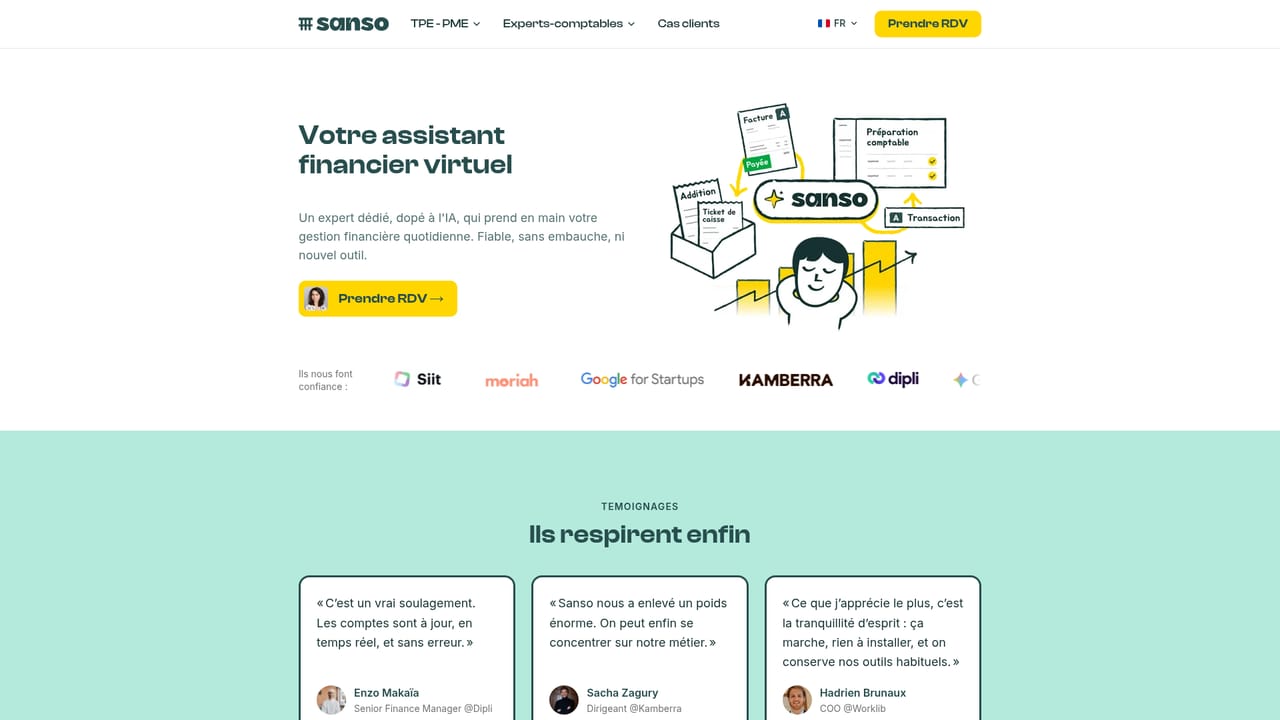
Onboarding runs through a dedicated team and a 15 minute intro call, with experts taking over when automation cannot resolve a case. A FAQ covers compatibility, security and setup times; no separate help centre is listed.
Connects to accounting platforms (Pennylane, QuickBooks, Xero, Sage) and to Gmail, WhatsApp, Slack, Teams, Stripe, PayPal, Apollo, LinkedIn and websites, so updates land in the tools already in use.
Four modular offers: supplier invoice and document collection, automatic bank reconciliation of transactions with invoices, fees and credit notes, automated overdue payment collection over email and WhatsApp with contact discovery, and a fully outsourced finance assistant covering the whole back office. Sanso integrates with existing tools and hands exceptions to human experts.
Learn more AI Angels400+ customizable AI girlfriends for NSFW chat, voice calls, and roleplay
 Candy AIExperience the future of companionship with AI friends who chat, role-play, and connect with you on a human level.
 ourdream.aiA vast AI roleplay platform with millions of characters for chat, images, video and voiceAI Angels400+ customizable AI girlfriends for NSFW chat, voice calls, and roleplayCandy AIExperience the future of companionship with AI friends who chat, role-play, and connect with you on a human level.ourdream.aiA vast AI roleplay platform with millions of characters for chat, images, video and voice