Free trial
A 3 day trial with 10 credits is offered, and the homepage states no credit card is required to start.
Learn moreTurn one dataset into hundreds of SEO landing pages

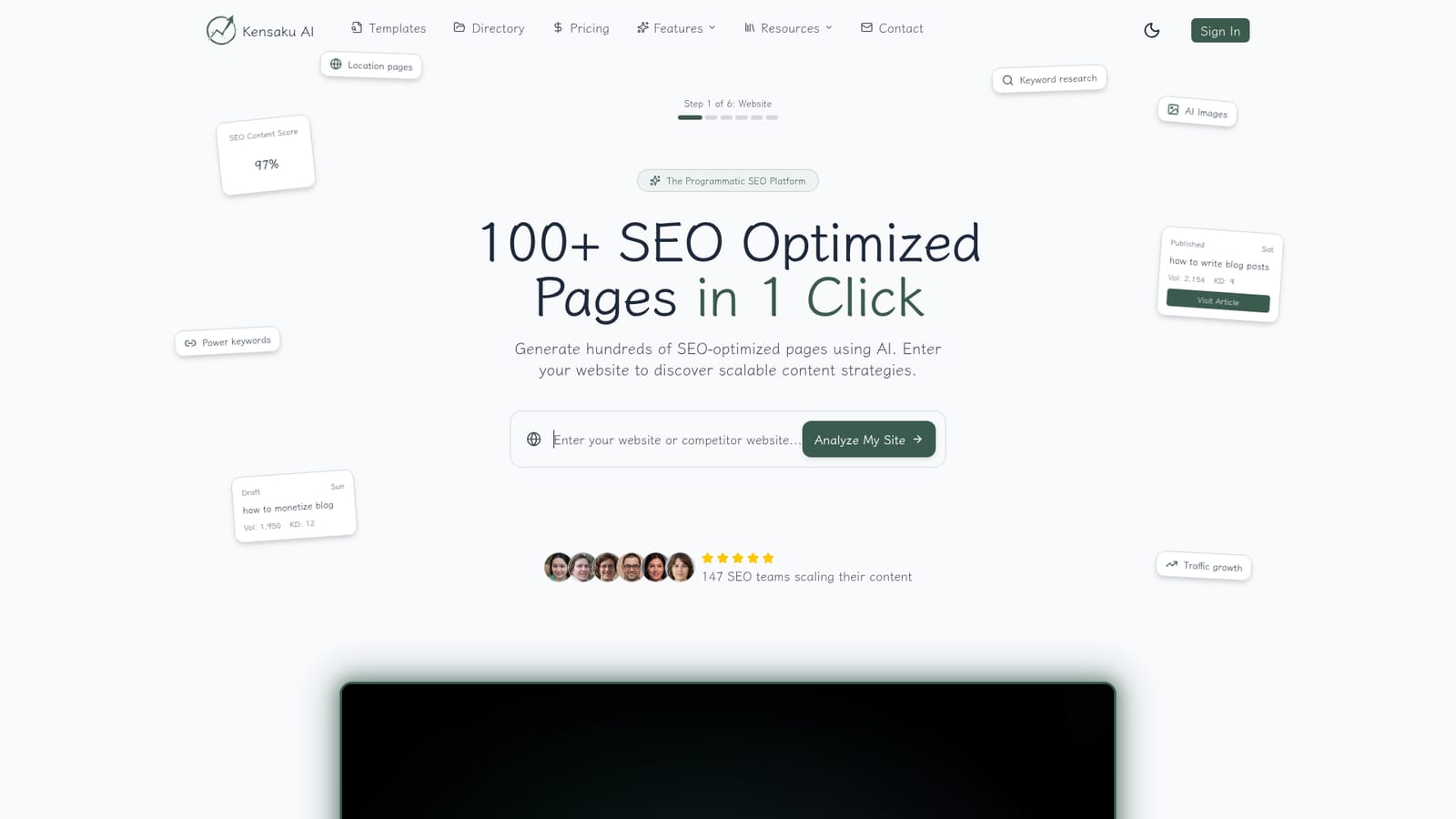
Kensaku AI is an autoblogger tool that turns one dataset into hundreds of SEO landing pages. Kensaku AI is a programmatic SEO platform that analyzes your site, helps you build structured datasets, and generates up to 100 templated, SEO-optimized articles per batch with enrichment, humanness scoring, and WordPress or API publishing.
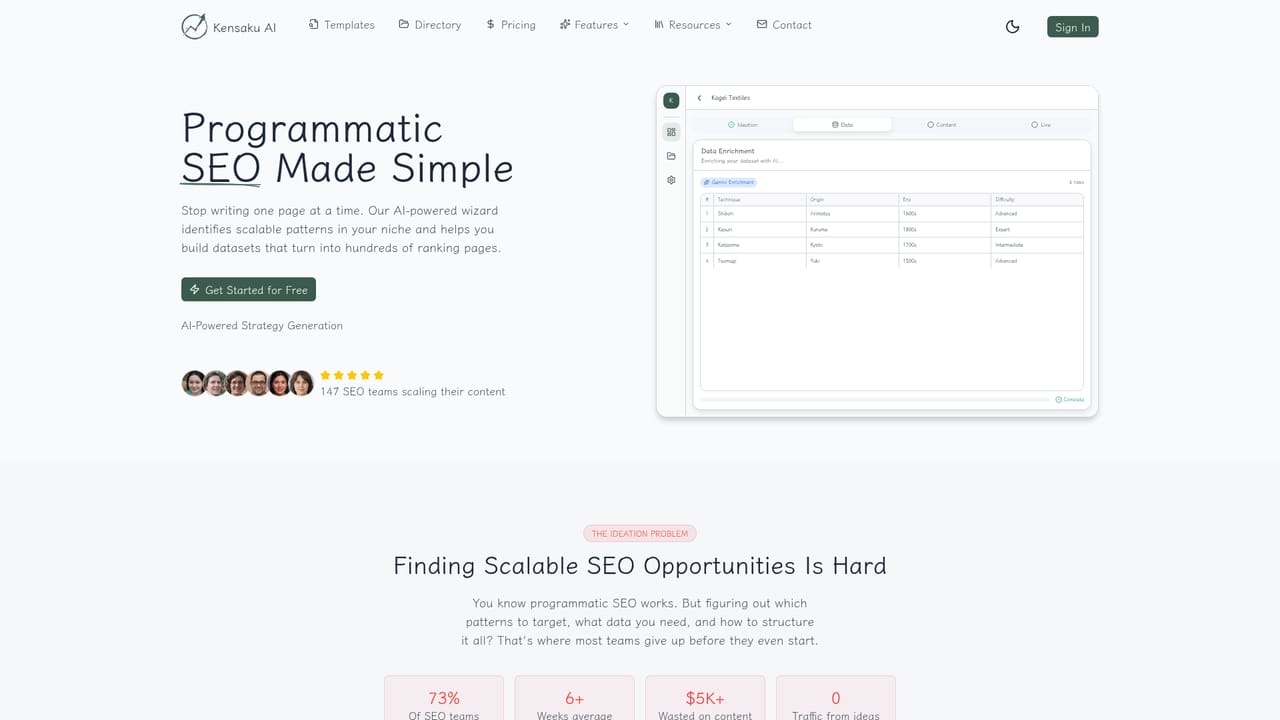
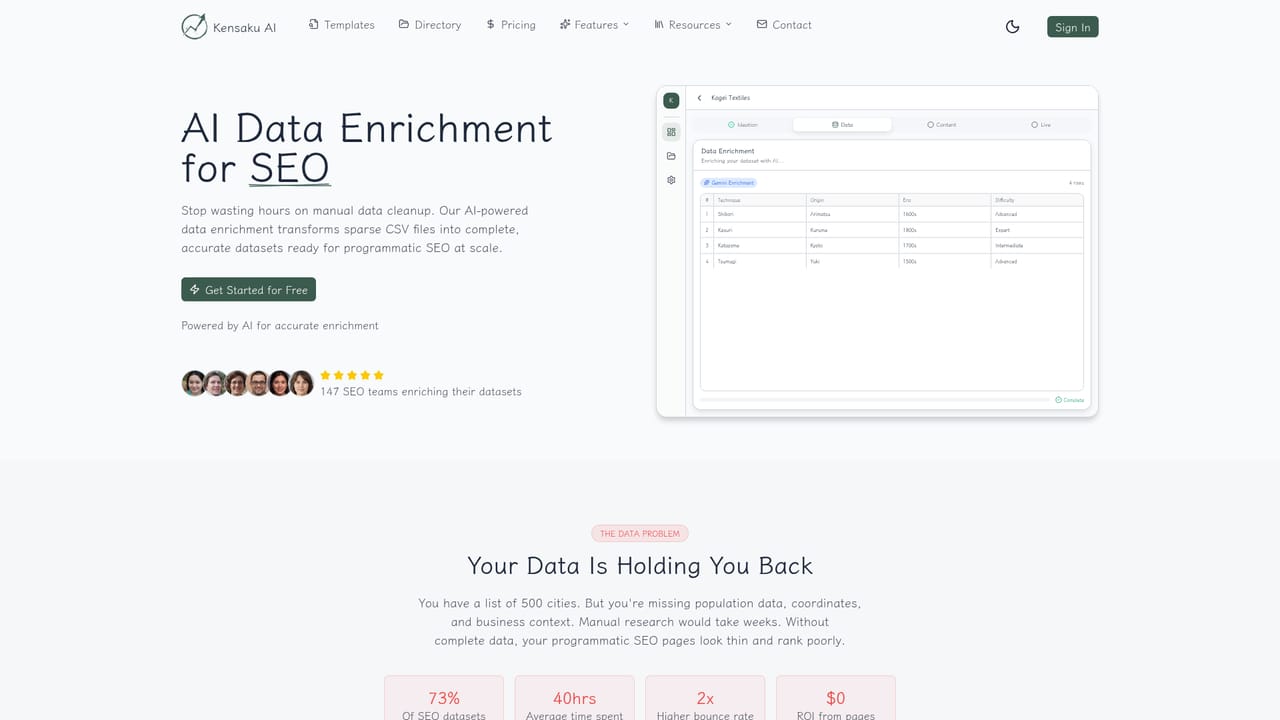
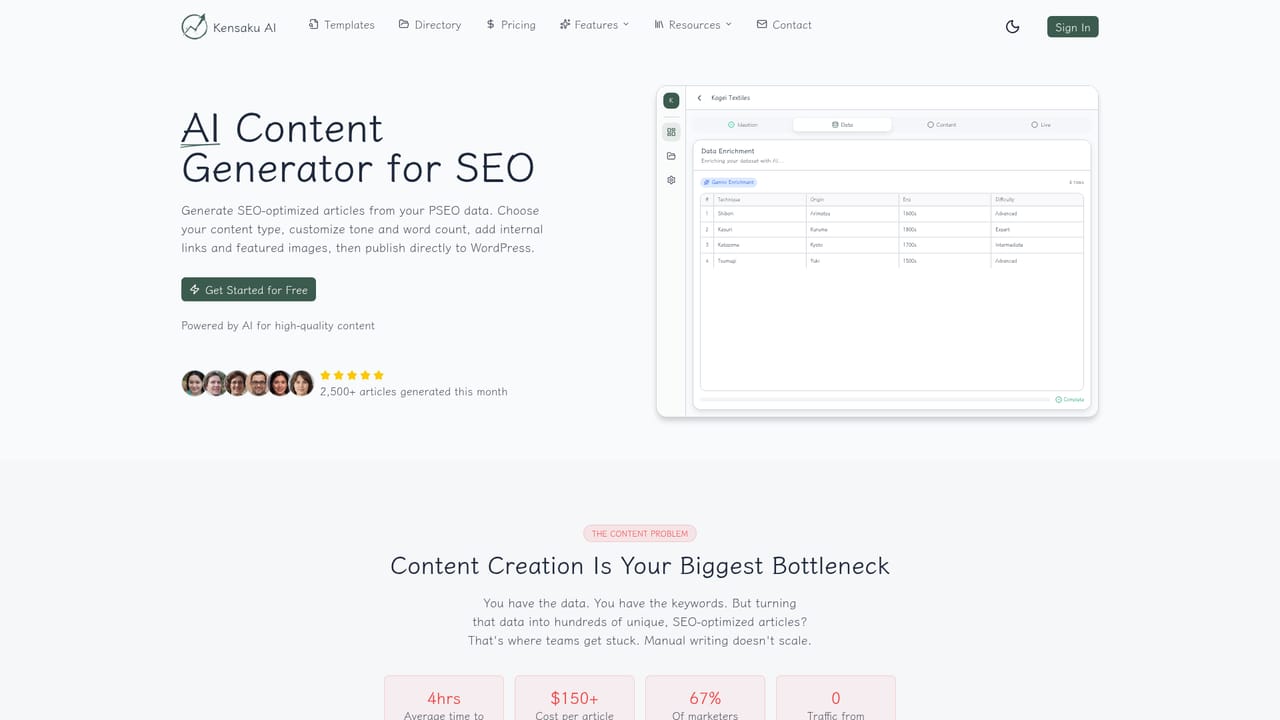
Kensaku AI is a programmatic SEO platform built around a straightforward premise: instead of writing one article at a time, you model a repeatable page pattern once and then produce that page at scale. The workflow starts with a site analyzer. You supply your own URL or a competitor's, the crawler reviews the structure and niche, and the tool proposes four to six scalable content patterns with traffic estimates attached. From there you assemble a dataset, either by importing a CSV, pasting rows, or entering them by hand. Generation is template driven. You choose one of ten content types (listicles, comparisons, how-tos and similar formats), write a template using {{variables}} that map to dataset columns, and run a batch of up to 100 articles at roughly 1,500 words each. Enrichment is where the product stands apart from plain text spinners: AI can fill empty cells with prose, images, Google Maps embeds, and charts, and it can ground those cells in live web search results. A humanness score flags banned vocabulary, low sentence variance, and other robotic patterns before content leaves the system, and internal linking is applied across the batch automatically. Output is flexible. Pages can be pushed to WordPress with scheduled publishing and a calendar view, exported as CSV or JSON, or served through JSON:API endpoints with pagination and filtering. The intended user is an SEO lead, content marketer, or affiliate operator who already understands keyword research and wants to multiply output without a freelance budget. It is less suited to teams producing a handful of deeply researched editorial pieces, where the templated structure and credit-based volume model add overhead without payoff. Compared with general AI writers, Kensaku AI is narrower and more opinionated: it assumes you have structured data worth templating. Compared with custom in-house scripts, it trades engineering effort for a subscription and a fixed set of content types, which makes it faster to launch but less flexible at the edges.
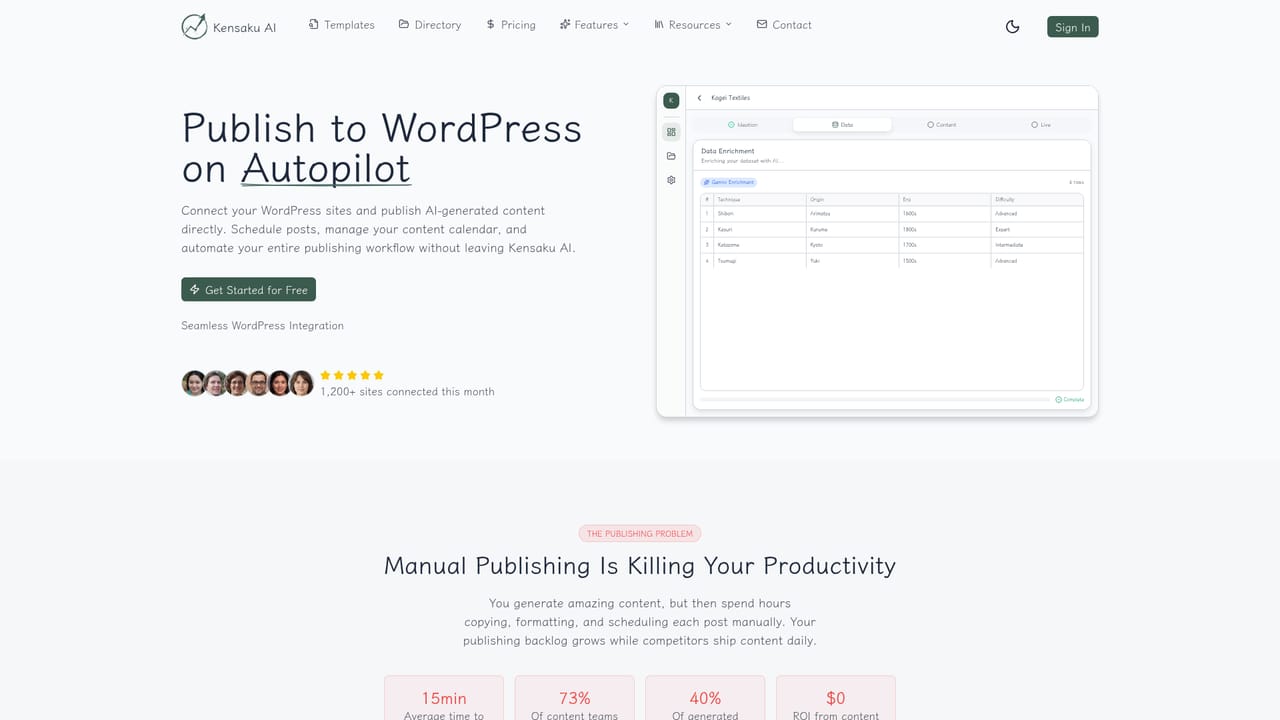
A 3 day trial with 10 credits is offered, and the homepage states no credit card is required to start.
Learn moreThree tiers, all including the same core feature set. Starter is $49 per month for 500 credits (about 250 articles), Pro is $99 per month for 5,000 credits (about 2,500 articles) with priority support, and Agency is custom priced with unlimited credits and a dedicated account manager. Credits do not roll over.
Learn moreEmail support on Starter, priority support on Pro, and dedicated account management, custom integrations, SLA support and onboarding on Agency. A contact page is available for help.
Learn moreWordPress publishing with an auto-sync plugin and scheduling calendar, plus public and private JSON:API endpoints for custom sites. CSV and JSON export cover other workflows.
Learn moreIncludes a website analyzer that suggests content patterns, a bulk generator with ten content types and variable templates, AI data enrichment for text, images, maps and charts, humanness scoring, automatic internal linking, WordPress publishing with a calendar, and JSON:API access.
Learn more AI Angels400+ customizable AI girlfriends for NSFW chat, voice calls, and roleplay
 Candy AIExperience the future of companionship with AI friends who chat, role-play, and connect with you on a human level.
 ourdream.aiA vast AI roleplay platform with millions of characters for chat, images, video and voiceAI Angels400+ customizable AI girlfriends for NSFW chat, voice calls, and roleplayCandy AIExperience the future of companionship with AI friends who chat, role-play, and connect with you on a human level.ourdream.aiA vast AI roleplay platform with millions of characters for chat, images, video and voice


